Open house RSVP template
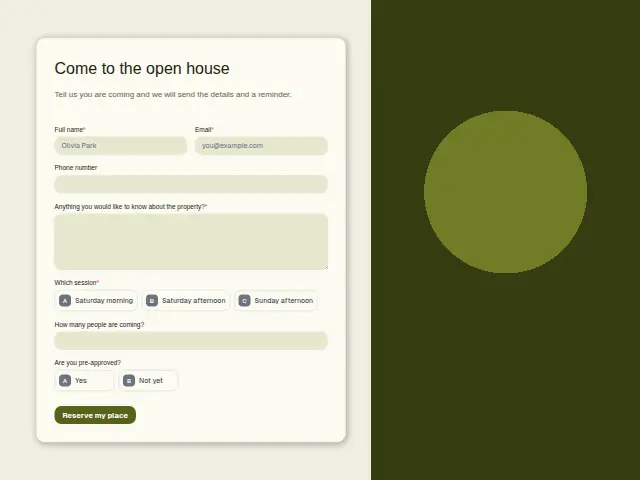
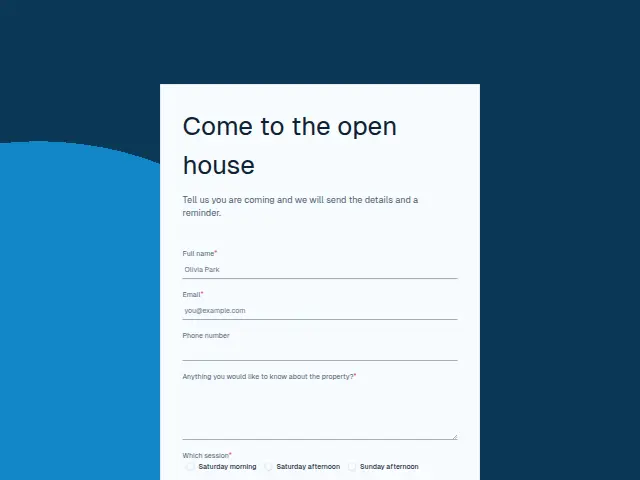
Tell us you are coming and we will send the details and a reminder.
- Trade
- Real estate
- Kind of form
- Event RSVP
- Questions
- 7
- Required
- 4
Start the 14-day trial, then choose Open house RSVP under Form templates. Each field, word and colour can be changed.
Who uses it
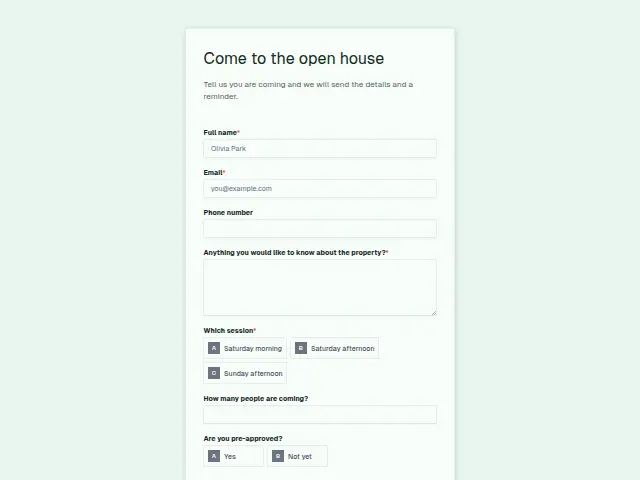
An open house brings in buyers the agent has never met, and an RSVP turns them into names before the door opens. Which session is required, with Saturday morning, Saturday afternoon and Sunday afternoon, so the agent knows how busy each slot will be. “How many people are coming?” is a number, useful for a small flat or a building with a front desk.
“Are you pre-approved?” (Yes, Not yet) is the question that matters after the visit. The open box asks what they would like to know about the property, which tells the agent what to have ready, whether that is the service charge, the school catchment or the age of the roof.
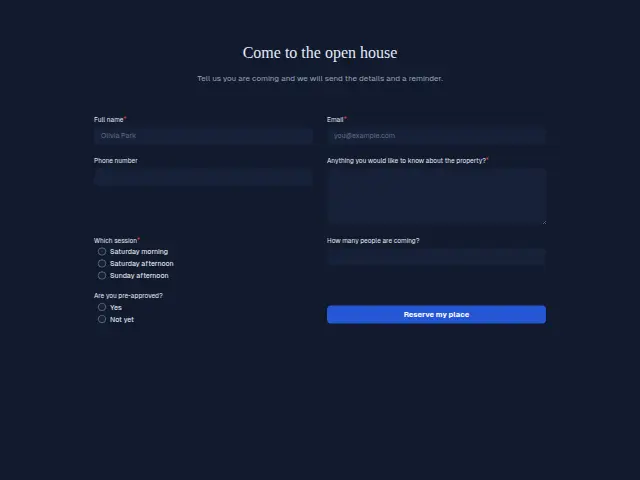
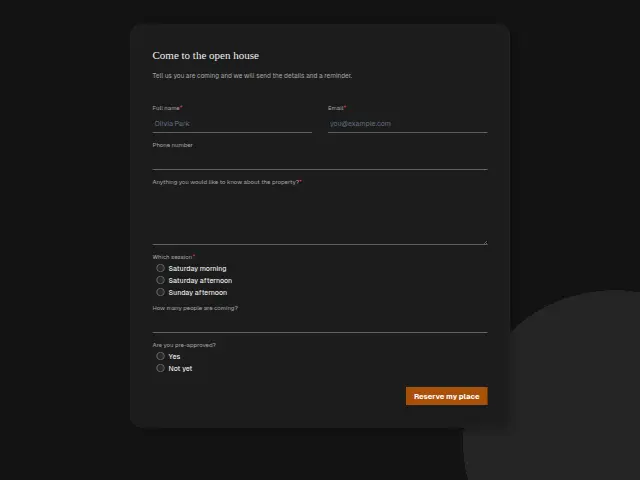
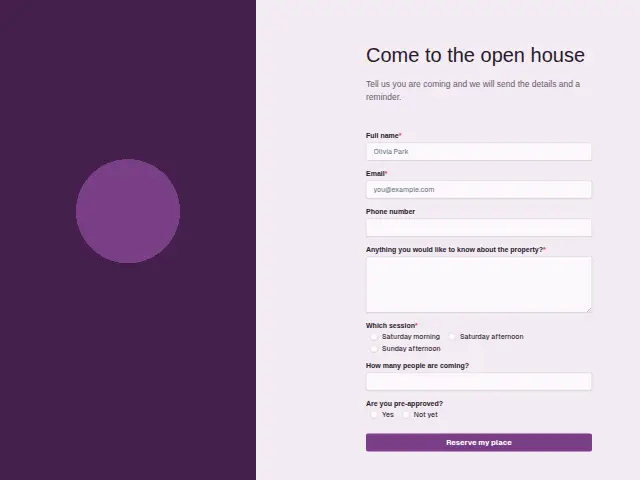
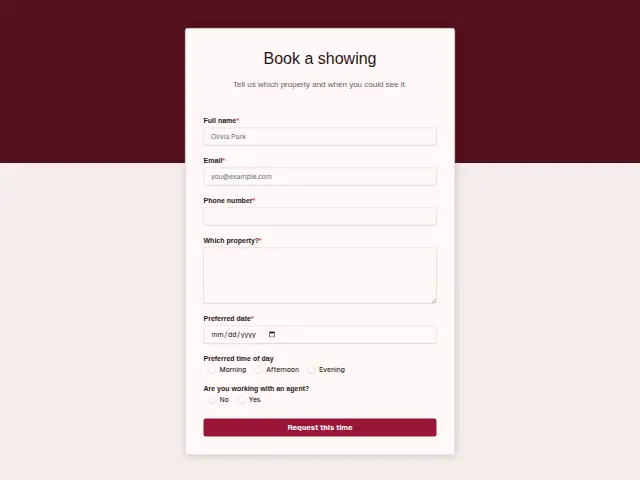
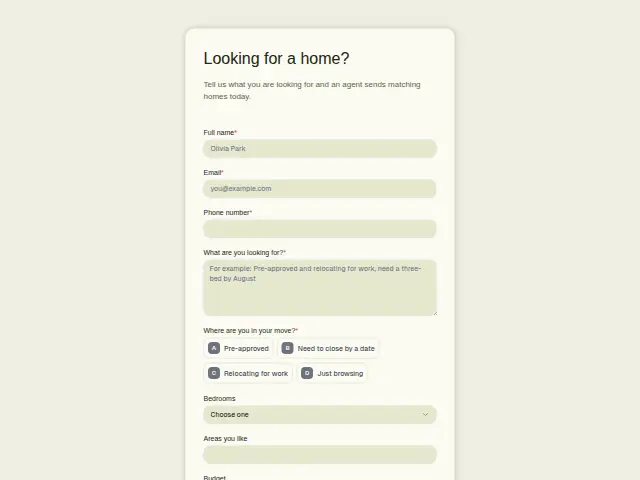
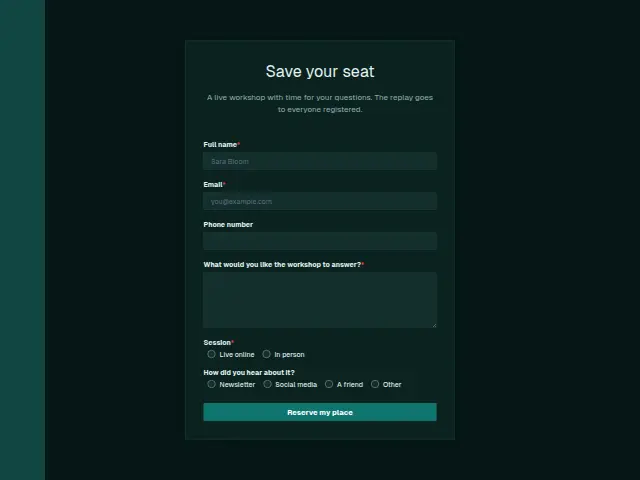
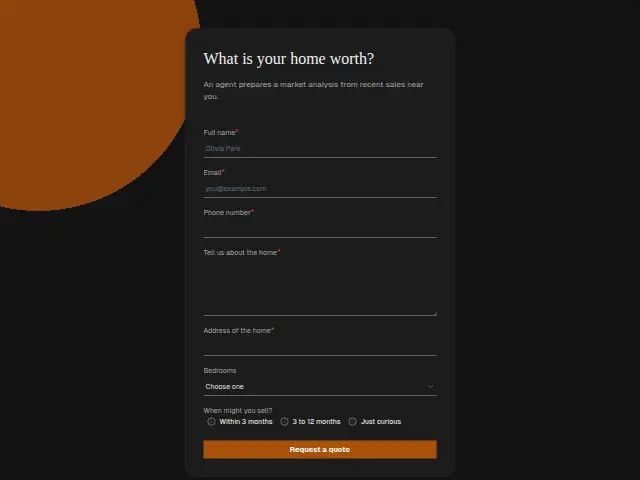
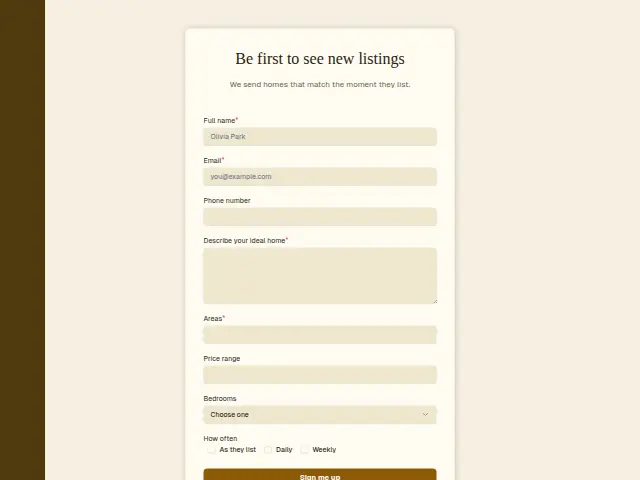
The same form, in 6 layouts
Same questions, same words. Pick the arrangement that suits the page it sits on; the layout can be changed later too.
Field guide
7 questions, each with what the business does with the answer.
| Question | Type | Required |
|---|---|---|
| Full nameGives the agent a guest list before the door opens, with each visitor already in the CRM. | Short text | Yes |
| EmailWhere the open house details and the reminder go, as the description promises every guest. | Yes | |
| Phone numberOptional for an RSVP, and when given a workflow can text the reminder on the morning of the session. | Phone | No |
| Anything you would like to know about the property?Required, so the agent arrives with the service charge, catchment or roof age ready for the people who asked. | Long text | Yes |
| Which sessionSaturday morning · Saturday afternoon · Sunday afternoonA workflow can add each RSVP to a Google Sheets row by session, giving a head count for every slot. | Multiple choice | Yes |
| How many people are coming?A number, so the sheet can add up how many visitors each session expects in a small flat. | Number | No |
| Are you pre-approved?Yes · Not yetYes puts a guest on the next morning’s call list, and Not yet can get an email about mortgage approval. | Multiple choice | No |
What happens after someone sends it
A workflow can add each RSVP to a Google Sheets row with the session and party size, so the agent sees the numbers per slot, and send every guest the details the description promises. Pre-approved guests are the ones to ring the next morning, and a branch on that answer can put them on the agent’s call list while Not yet guests get an email about getting a mortgage agreed.
Each response adds the person to the client’s CRM, shows in their portal’s Leads and sends you a new-lead alert; if nobody has answered after 15 minutes, you hear again. Any workflow you start from the form runs the moment it arrives.
Library workflows that start from a form like this: Meeting follow-up.
Its answers can also go straight to another app with a starter: ActiveCampaign, Airtable, Asana, Attio, Brevo, ClickUp, Close and Discord, among others.
Trades that use it
The trade page that lists this form, with the trade’s other forms and workflows.
Thrum is cooking.
Get early access and you’ll be among the first in. Early members get a launch perk.