Coaching workshop registration template
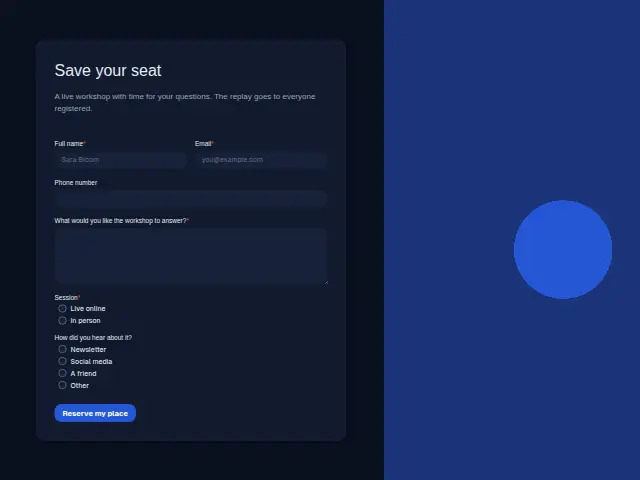
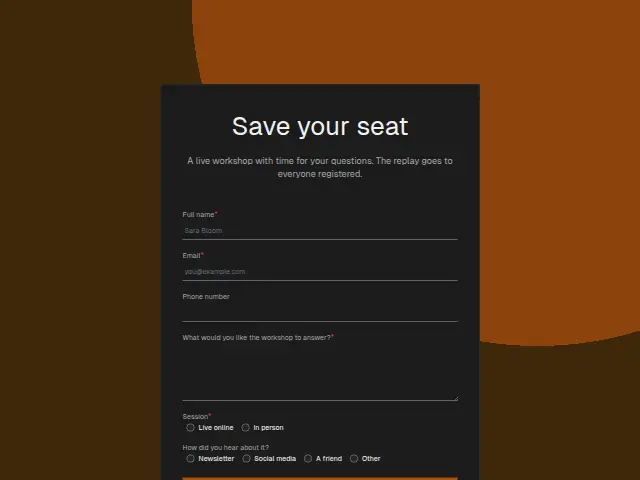
A live workshop with time for your questions. The replay goes to everyone registered.
- Trade
- Coaching
- Kind of form
- Event RSVP
- Questions
- 6
- Required
- 4
Start the 14-day trial, then choose Coaching workshop registration under Form templates. Each field, word and colour can be changed.
Who uses it
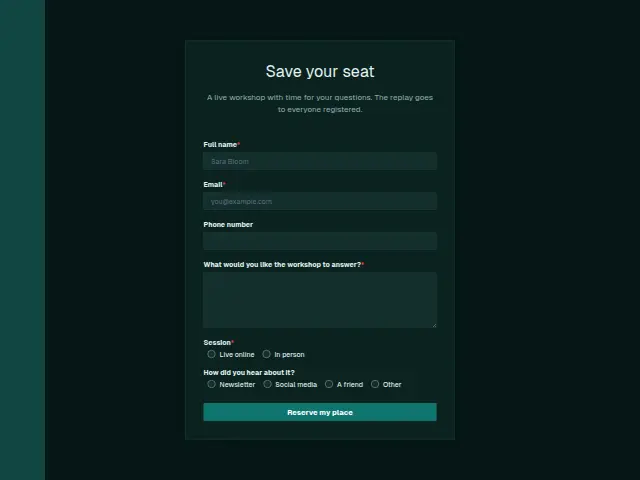
A workshop registration has to know where to send each person. Session (Live online, In person) is required, and the description promises the replay to everyone who registers, so both kinds of guest end up with something to watch. Phone number is optional, since joining details for either session go by email.
“What would you like the workshop to answer?” is required, which turns the guest list into a list of questions the coach can plan around. “How did you hear about it?” (Newsletter, Social media, A friend, Other) shows which channel filled the seats.
The same form, in 6 layouts
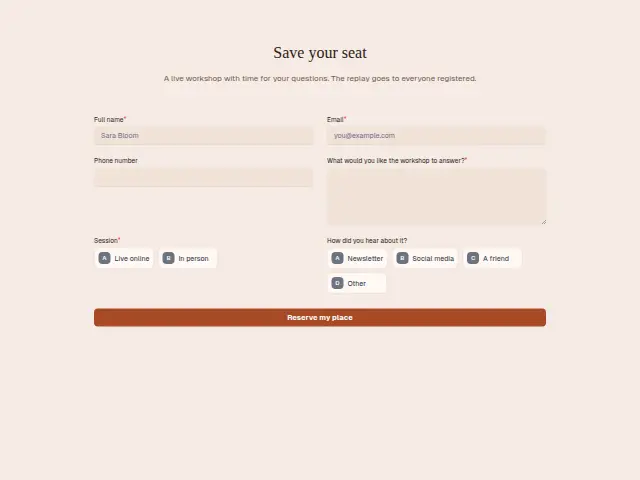
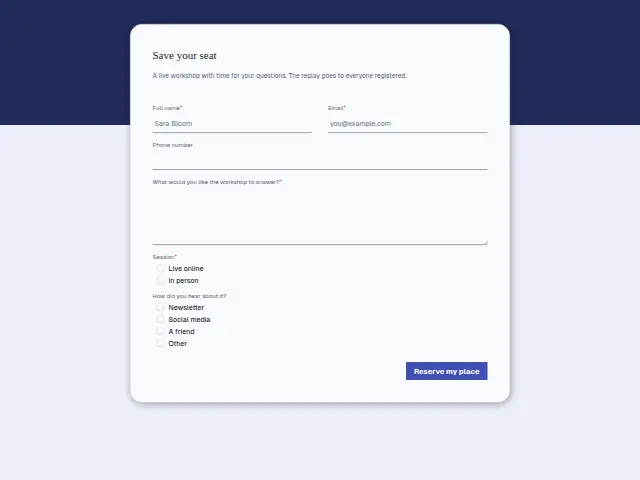
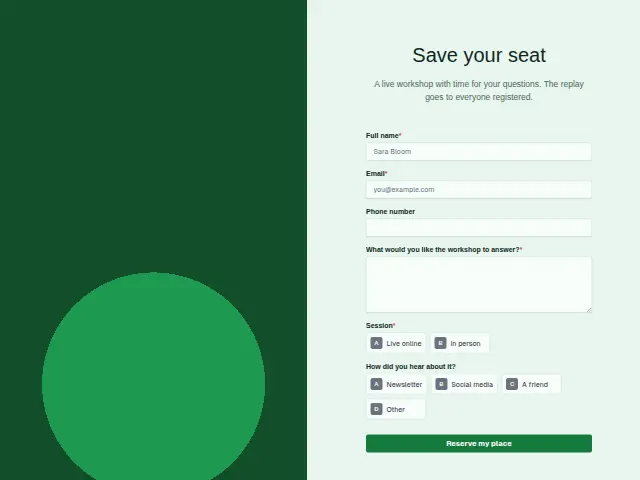
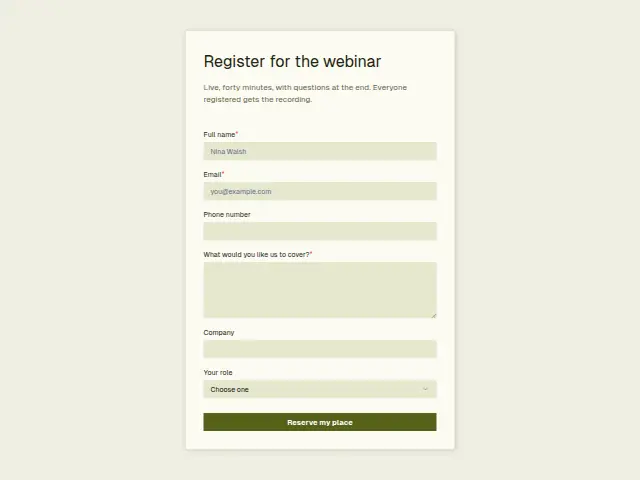
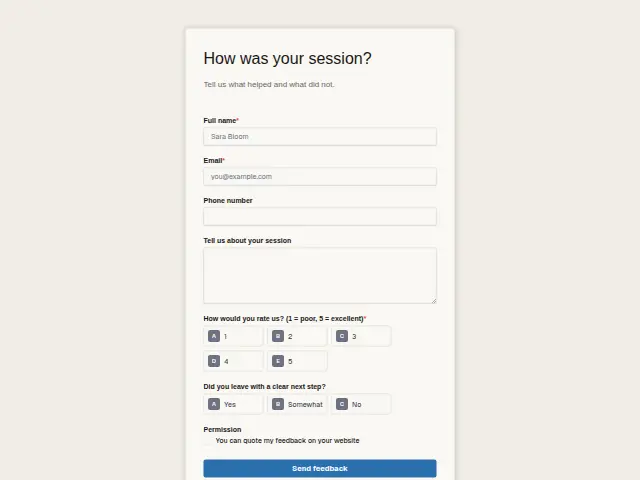
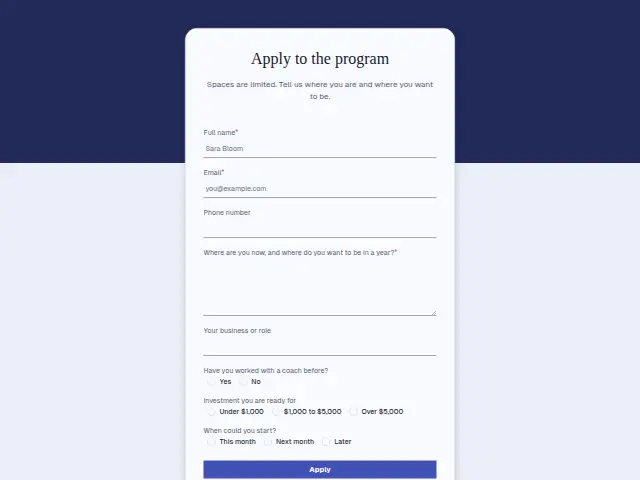
Same questions, same words. Pick the arrangement that suits the page it sits on; the layout can be changed later too.
Field guide
6 questions, each with what the business does with the answer.
| Question | Type | Required |
|---|---|---|
| Full nameGoes on the workshop guest list and into the CRM, where it stays for the replay and any later offer. | Short text | Yes |
| EmailWhere the joining link or venue details go, and later the replay promised to everyone registered. | Yes | |
| Phone numberOptional, since joining details go by email, though in-person guests may welcome a text on the day. | Phone | No |
| What would you like the workshop to answer?Required, so the guest list doubles as a list of questions the coach plans the workshop around. | Long text | Yes |
| SessionLive online · In personLive online gets a joining link and In person a venue, through a workflow branch on this answer. | Multiple choice | Yes |
| How did you hear about it?Newsletter · Social media · A friend · OtherShows whether Newsletter, Social media or A friend filled the seats, added up across workshops in a sheet. | Multiple choice | No |
What happens after someone sends it
Live online and In person need different details, a joining link for one and a venue for the other, and a workflow can branch on Session to send each. The question box can go into a sheet the coach reads before the day, and the replay link can go to the whole list afterwards.
Over several workshops the hear-about answers show whether the newsletter or social posts are doing the work, which is worth knowing before the next one is announced.
Each response adds the person to the client’s CRM, shows in their portal’s Leads and sends you a new-lead alert; if nobody has answered after 15 minutes, you hear again. Any workflow you start from the form runs the moment it arrives.
Library workflows that start from a form like this: Meeting follow-up.
Its answers can also go straight to another app with a starter: ActiveCampaign, Airtable, Asana, Attio, Brevo, ClickUp, Close and Discord, among others.
Trades that use it
The trade page that lists this form, with the trade’s other forms and workflows.
Workflows for coaching
What runs when this form is sent: playbooks and packs written for the same trade.
- PackCoachingExecutive coach packBriefs you before each session, follows up after it, and starts new engagements.

 Calendly



 3 workflows · 8 steps · 6 apps
- PackCoachingGroup-program coach packRecovers failed payments, thanks each payer, and sends you weekly enquiry numbers.


 3 workflows · 10 steps · 5 apps
- PackCoachingSmall-business coach packConfirms bookings, briefs you before each session, and thanks clients when they pay.Calendly3 workflows · 8 steps · 7 apps
Related forms
See them all
Thrum is cooking.
Get early access and you’ll be among the first in. Early members get a launch perk.