Home buyer enquiry template
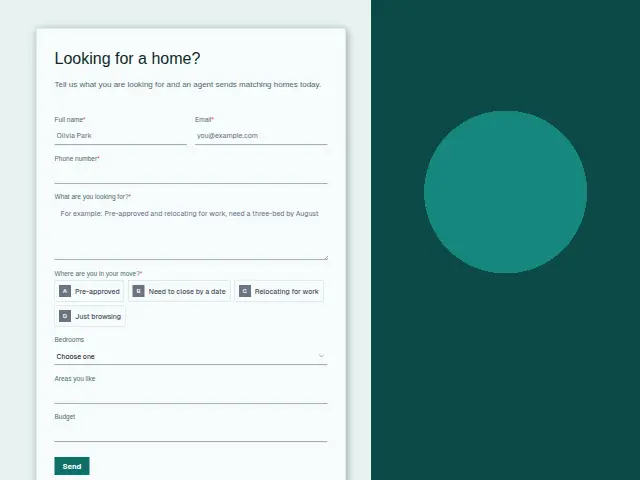
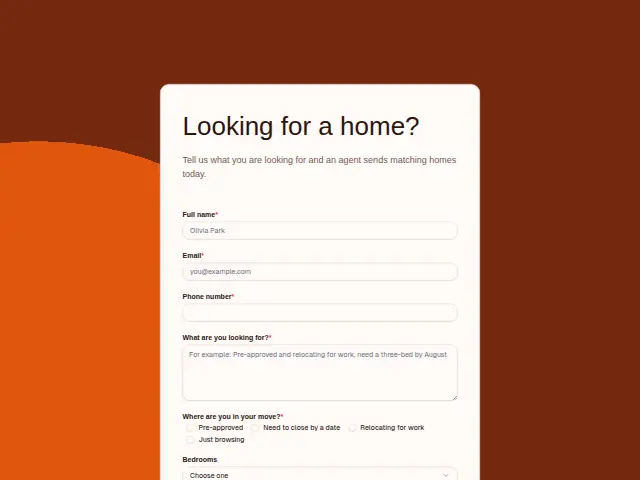
Tell us what you are looking for and an agent sends matching homes today.
- Trade
- Real estate
- Kind of form
- Enquiry
- Questions
- 8
- Required
- 5
Start the 14-day trial, then choose Home buyer enquiry under Form templates. Each field, word and colour can be changed.
Who uses it
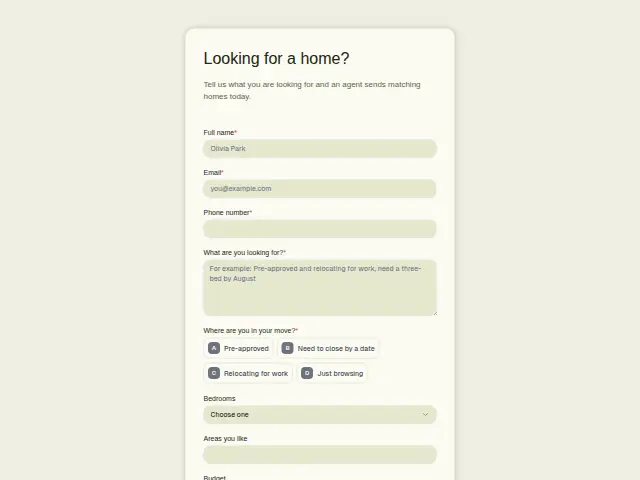
Buyers contact an agent at every stage, from idle scrolling to a hard closing date, and treating them all alike costs an agent the mornings that matter. “Where are you in your move?” is required for that reason. Pre-approved, Need to close by a date and Relocating for work are buyers with a clock running, and the fourth option is for people looking with no plan yet.
The rest of the form builds the search. “What are you looking for?” is open and required, Bedrooms runs from 1 to 5 or more, and Areas you like and Budget are free text, because buyers describe neighbourhoods and price ranges in their own words. The description promises matching homes today, so the phone number is required to make that call.
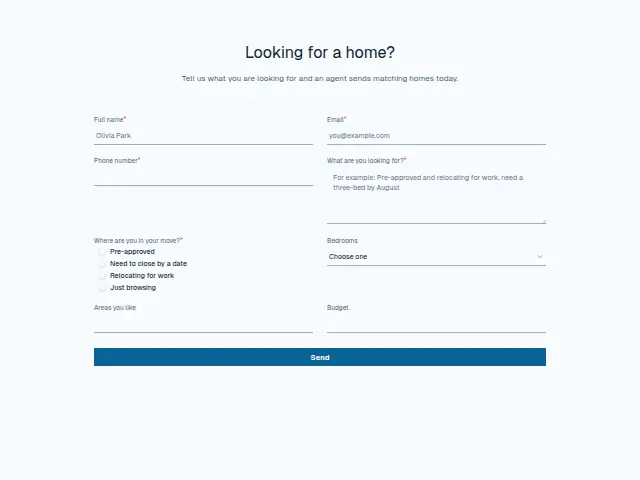
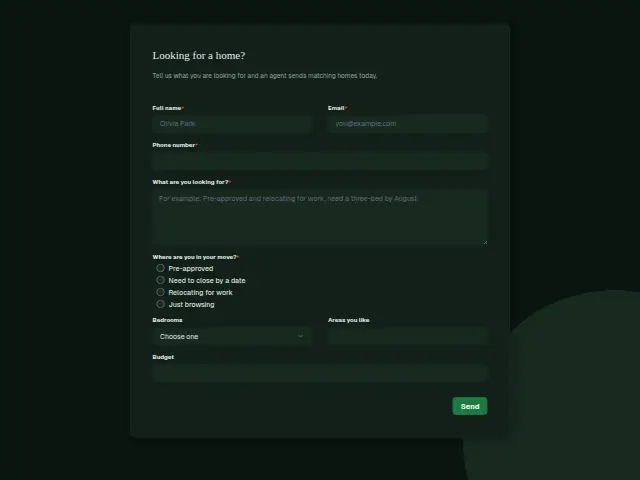
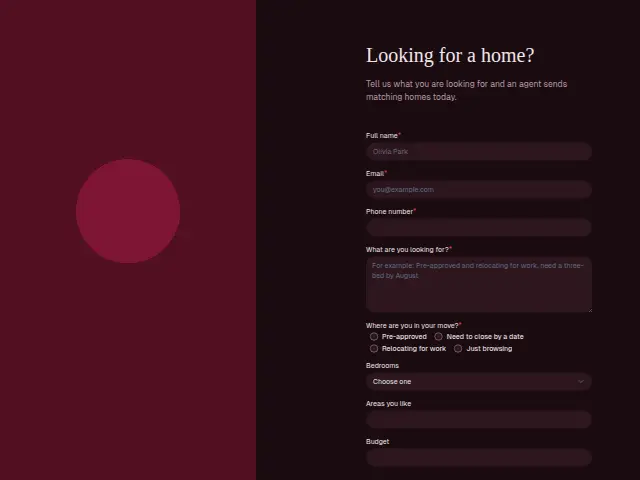
The same form, in 6 layouts
Same questions, same words. Pick the arrangement that suits the page it sits on; the layout can be changed later too.
Field guide
8 questions, each with what the business does with the answer.
| Question | Type | Required |
|---|---|---|
| Full nameStarts the buyer’s CRM record, which keeps the search brief for whichever agent rings back today. | Short text | Yes |
| EmailWhere today’s matching homes are sent, as the description promises, and how later showing requests join the same buyer. | Yes | |
| Phone numberRequired for the call that comes with today’s matches, and a workflow can text it to the agent on duty. | Phone | Yes |
| What are you looking for?Open text in the buyer’s words, which a workflow can add to the agent’s Slack message alongside bedrooms and budget. | Long text | Yes |
| Where are you in your move?Pre-approved · Need to close by a date · Relocating for work · Just browsingA workflow can text an agent for Pre-approved and closing-date buyers, and email browsers a list of homes instead. | Multiple choice | Yes |
| Bedrooms1 · 2 · 3 · 4 · 5 or moreFive choices, kept on the buyer’s record so a new listing with the right count can be matched to them by hand. | Dropdown | No |
| Areas you likeFree text because buyers name streets and school districts, and it travels to the agent with the rest of the brief. | Short text | No |
| BudgetOptional free text, so a workflow can check whether it was filled in before handing the lead to a senior agent. | Short text | No |
What happens after someone sends it
The move answer is the one to branch on. Pre-approved and Need to close by a date can ring an agent’s phone the moment they arrive, while someone with no timeline gets an email with listings and a later check-in. Lead rescue matters most for the buyers with a date, since it replies to every new lead within a minute and chases anyone still waiting for a call after an hour.
Bedrooms, areas and budget land on the buyer’s CRM record, so whichever agent calls has the brief in front of them.
Each response adds the person to the client’s CRM, shows in their portal’s Leads and sends you a new-lead alert; if nobody has answered after 15 minutes, you hear again. Any workflow you start from the form runs the moment it arrives.
Library workflows that start from a form like this: Enquiry triage, Lead rescue and Quiet lead follow-up.
Its answers can also go straight to another app with a starter: ActiveCampaign, Airtable, Asana, Attio, Brevo, ClickUp, Close and Discord, among others.
Trades that use it
The trade page that lists this form, with the trade’s other forms and workflows.
Thrum is cooking.
Get early access and you’ll be among the first in. Early members get a launch perk.