Property showing request template
Tell us which property and when you could see it.
- Trade
- Real estate
- Kind of form
- Booking
- Questions
- 7
- Required
- 5
Start the 14-day trial, then choose Property showing request under Form templates. Each field, word and colour can be changed.
Who uses it
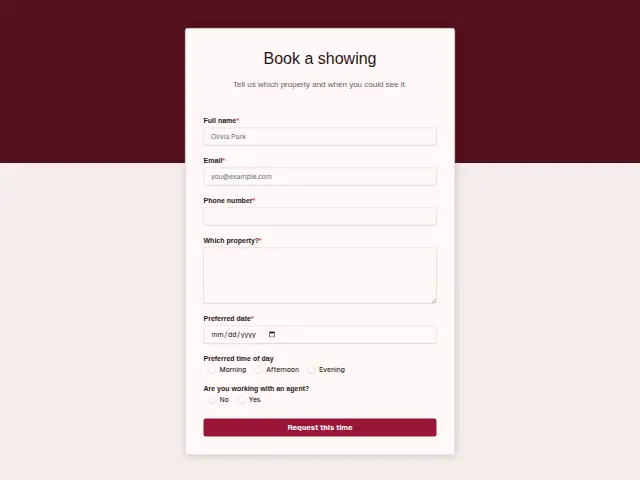
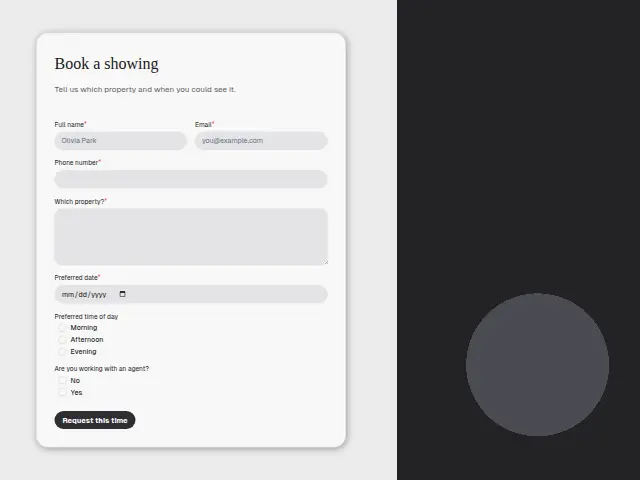
A showing request is about one property, so the form starts there. “Which property?” is a required box where people paste an address or a listing reference, and Preferred date is required as well, since nothing can be arranged without one. Preferred time of day narrows it to Morning, Afternoon or Evening. Phone number is required because showings move at short notice and a seller may need the time changed the same morning.
“Are you working with an agent?” (No, Yes) carries more weight in property than in most trades. A buyer who has an agent may need the showing arranged through that agent, and a buyer without one is a new client for whoever replies first.
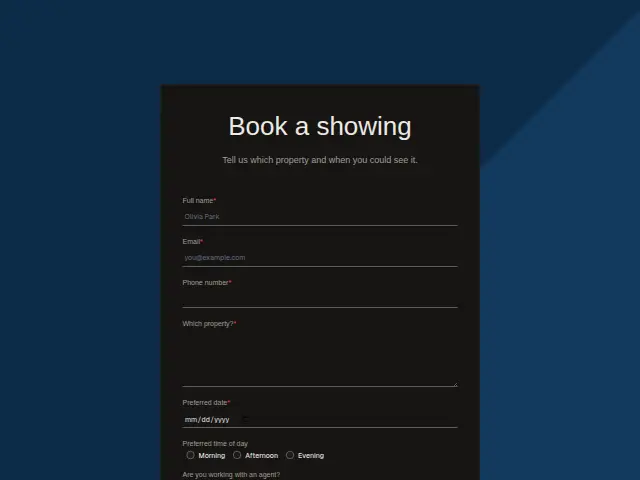
The same form, in 6 layouts
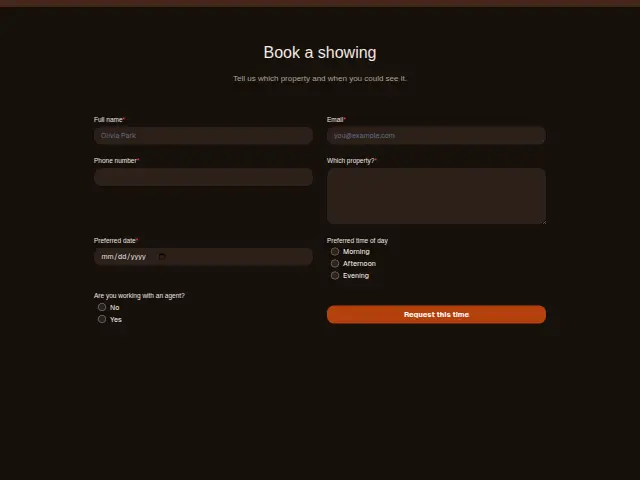
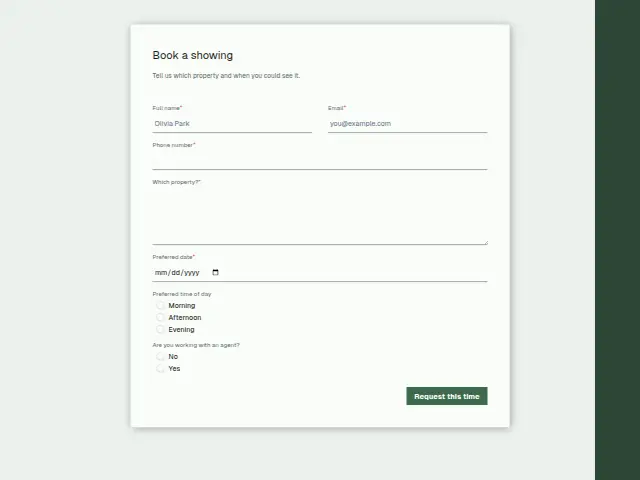
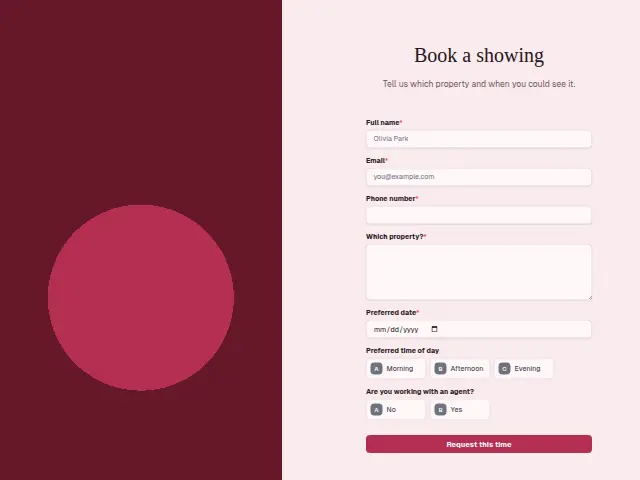
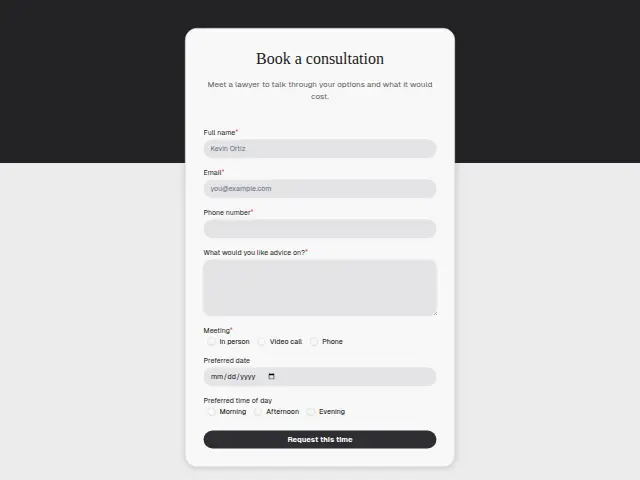
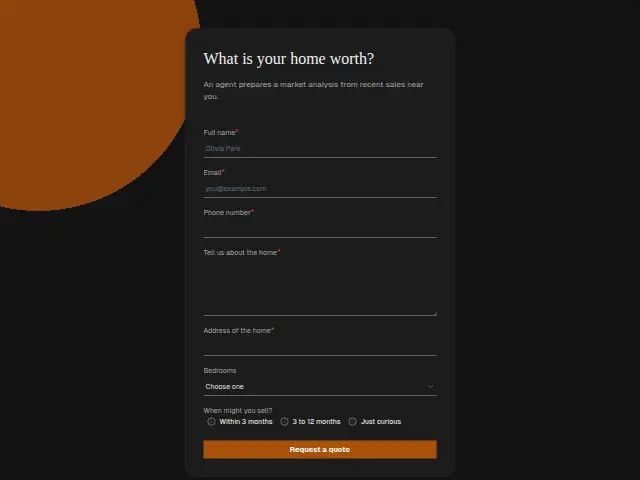
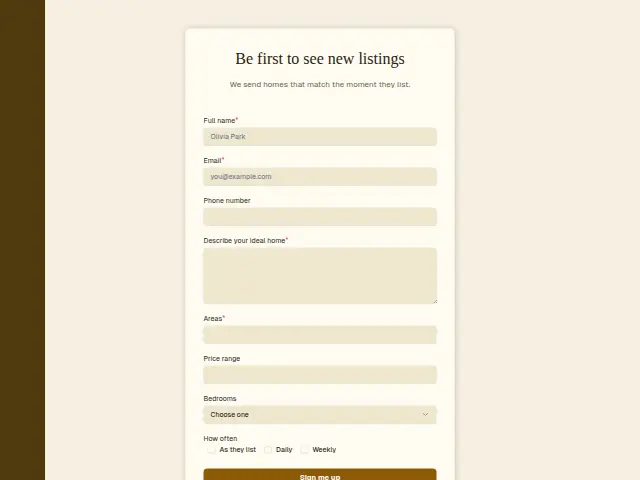
Same questions, same words. Pick the arrangement that suits the page it sits on; the layout can be changed later too.
Field guide
7 questions, each with what the business does with the answer.
| Question | Type | Required |
|---|---|---|
| Full nameThe name the seller is given for the viewing, and the CRM person the listing agent can look up later. | Short text | Yes |
| EmailGets the showing confirmation with the address, and links this viewing to any enquiry the buyer sent before. | Yes | |
| Phone numberRequired because sellers move times at short notice, and a workflow can text the buyer a change that morning. | Phone | Yes |
| Which property?The address or listing reference, which a workflow can put at the top of the message to the listing agent. | Long text | Yes |
| Preferred dateRequired, since no showing is arranged without a day, and it goes into the agent’s note to the seller. | Date | Yes |
| Preferred time of dayMorning · Afternoon · EveningNarrows the slot to Morning, Afternoon or Evening, so the agent can ask the seller about one window. | Multiple choice | No |
| Are you working with an agent?No · YesNo means a buyer with nobody else to call, so a workflow can send these straight to the listing agent. | Multiple choice | No |
What happens after someone sends it
No on the agent question is the answer to act on fast, because that buyer has nobody else to ring. A workflow can send those requests to the listing agent at once, and reply to Yes answers asking for the buyer’s agent’s details. The date and time go into the note the agent uses to confirm the slot with the seller.
Everyone who books a viewing joins the CRM, which lets the listing agent see later who came to look at which home.
Each response adds the person to the client’s CRM, shows in their portal’s Leads and sends you a new-lead alert; if nobody has answered after 15 minutes, you hear again. Any workflow you start from the form runs the moment it arrives.
Library workflows that start from a form like this: Meeting follow-up and Quiet lead follow-up.
Its answers can also go straight to another app with a starter: ActiveCampaign, Airtable, Asana, Attio, Brevo, ClickUp, Close and Discord, among others.
Trades that use it
The trade page that lists this form, with the trade’s other forms and workflows.
Thrum is cooking.
Get early access and you’ll be among the first in. Early members get a launch perk.