New listing alerts template
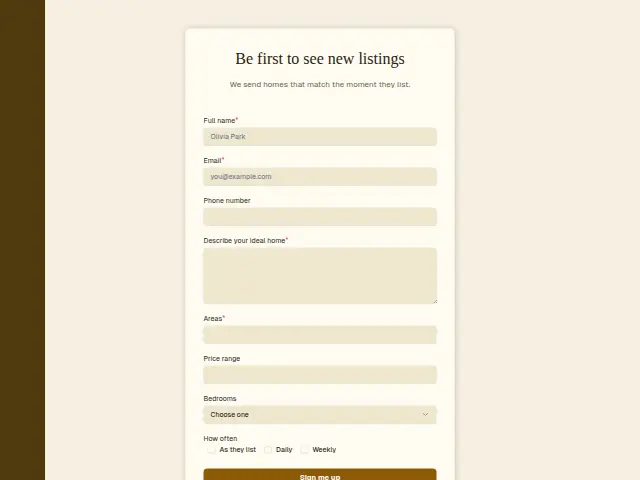
We send homes that match the moment they list.
- Trade
- Real estate
- Kind of form
- Subscription
- Questions
- 8
- Required
- 4
Start the 14-day trial, then choose New listing alerts under Form templates. Each field, word and colour can be changed.
Who uses it
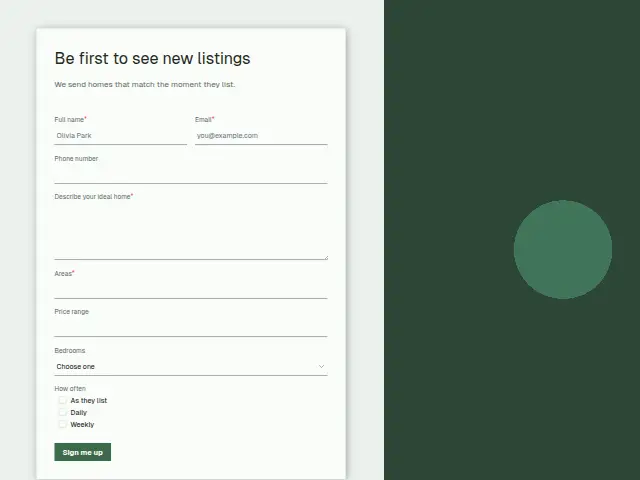
Some buyers would sooner wait for the right home than talk to an agent today, and this form signs them up for listings that match. How often (As they list, Daily, Weekly) sets the pace. Areas is required, because an alert with no area is no use, and “Describe your ideal home” is required text alongside the optional Price range and Bedrooms.
Phone number is optional here. The description promises new homes the moment they list, an email promise, and asking a browsing buyer for a number too early would put many of them off.
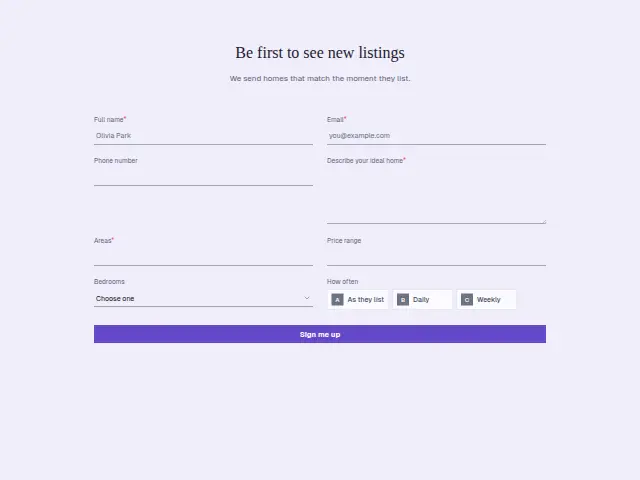
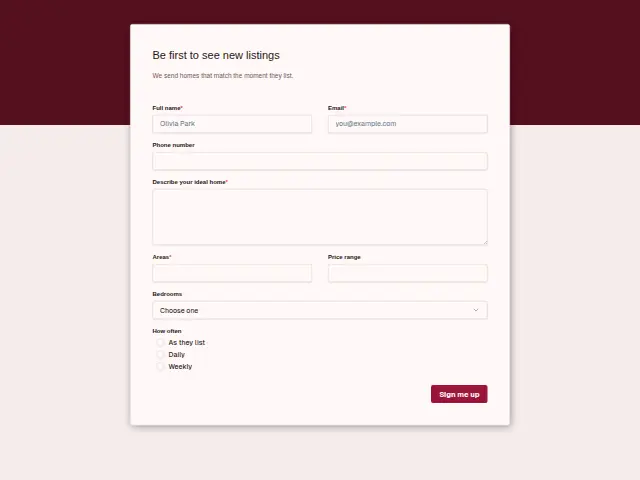
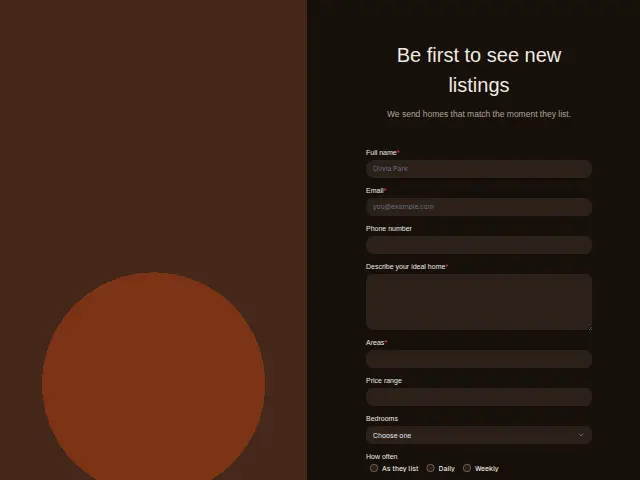
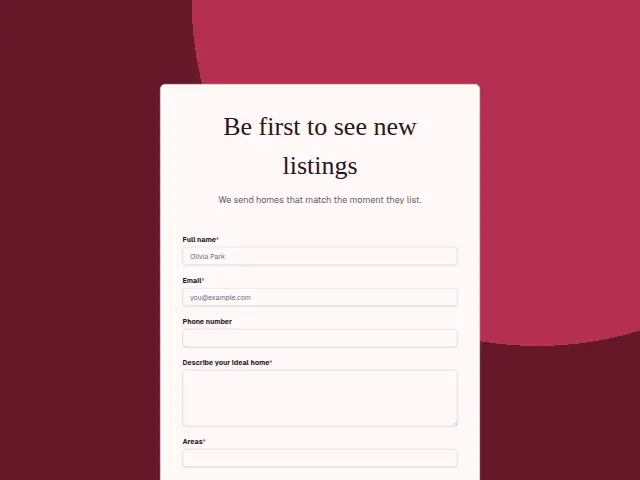
The same form, in 6 layouts
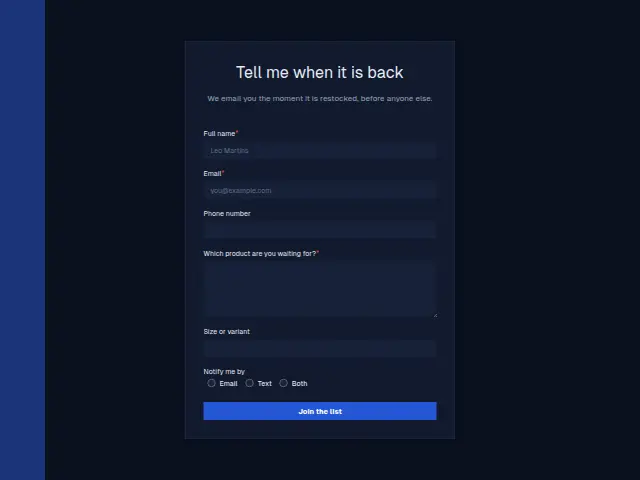
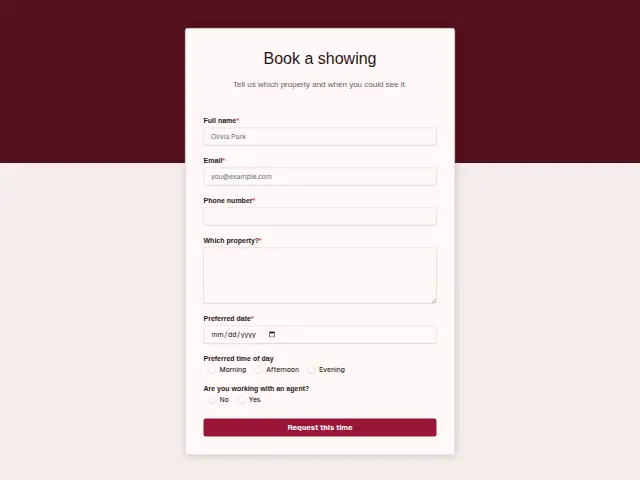
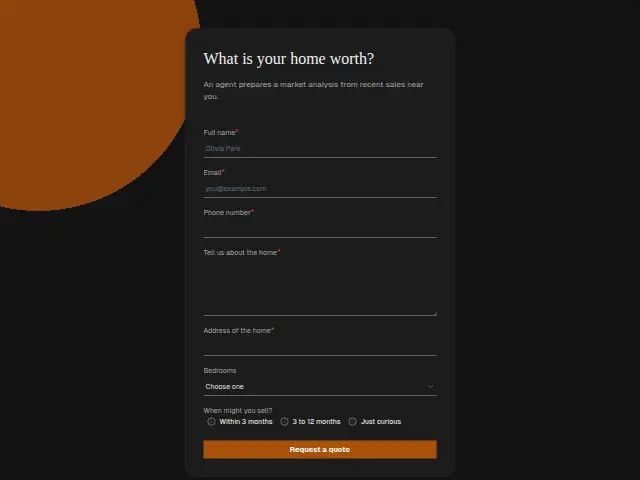
Same questions, same words. Pick the arrangement that suits the page it sits on; the layout can be changed later too.
Field guide
8 questions, each with what the business does with the answer.
| Question | Type | Required |
|---|---|---|
| Full nameLets the listing emails greet each buyer by name, and identifies them if they later book a showing. | Short text | Yes |
| EmailRequired, because the alerts go by email, and a workflow adds it to a Mailchimp audience along with the filters. | Yes | |
| Phone numberA workflow can check whether one was left, and pass the buyers who did to an agent as warmer leads. | Phone | No |
| Describe your ideal homeRequired text the agent can read when a home comes up that the area and price filters would miss. | Long text | Yes |
| AreasRequired, as an alert with no area sends every listing, and a workflow passes it to the Brevo contact as a field. | Short text | Yes |
| Price rangeOptional text kept with the subscriber, so the alerts can leave out homes far outside what they can pay. | Short text | No |
| Bedrooms1 · 2 · 3 · 4 · 5 or moreStored with the sign-up, so a three-bedroom buyer can stop hearing about studios. | Dropdown | No |
| How oftenAs they list · Daily · WeeklyAs they list, Daily or Weekly, which a workflow passes to the email list so each buyer gets the pace they chose. | Multiple choice | No |
What happens after someone sends it
Each answer is a filter for the listing emails. A workflow can add the person to a Mailchimp audience or a Brevo contact list with their areas, price range, bedroom count and frequency. A sign-up who leaves a phone number anyway is a warmer buyer, and a workflow can spot one by checking that the field is filled in, then pass the name to an agent.
Every sign-up counts as a lead while “Add responses to leads” is on. An agency that wants lead alerts only for the buyers who left a number can switch it off on this form and let that workflow pick them out.
Each response adds the person to the client’s CRM, shows in their portal’s Leads and sends you a new-lead alert; if nobody has answered after 15 minutes, you hear again. Any workflow you start from the form runs the moment it arrives.
Library workflows that start from a form like this: Quiet lead follow-up.
Its answers can also go straight to another app with a starter: ActiveCampaign, Airtable, Asana, Attio, Brevo, ClickUp, Close and Discord, among others.
Trades that use it
The trade page that lists this form, with the trade’s other forms and workflows.
Thrum is cooking.
Get early access and you’ll be among the first in. Early members get a launch perk.