Legal consultation booking template
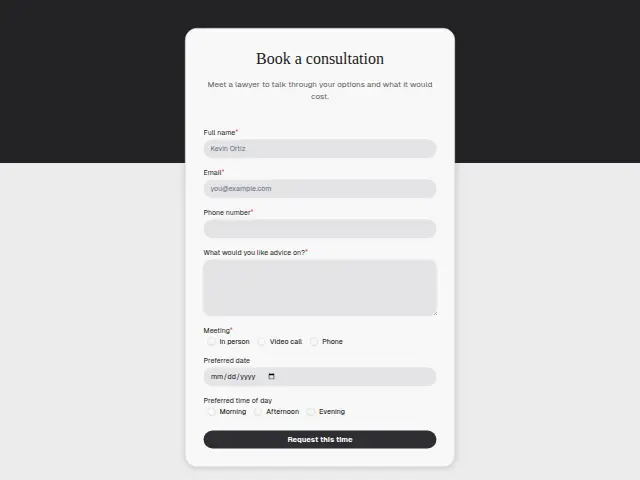
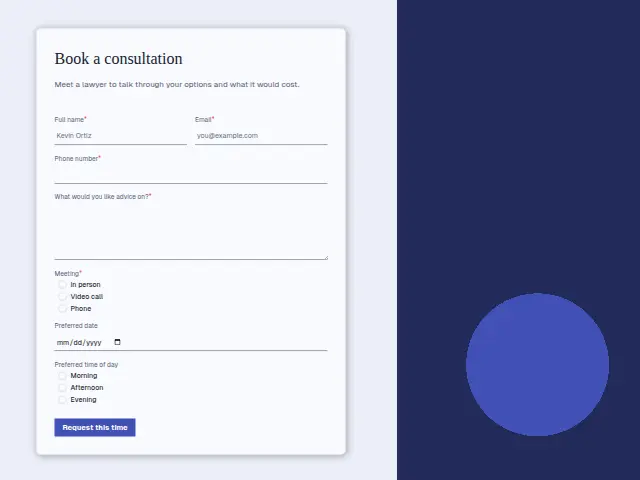
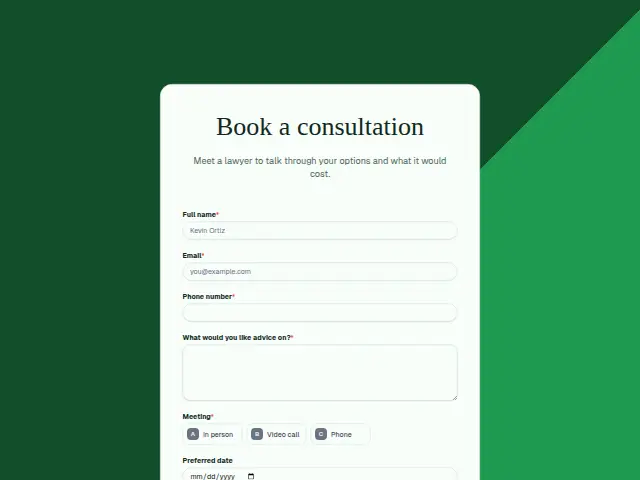
Meet a lawyer to talk through your options and what it would cost.
Start the 14-day trial, then choose Legal consultation booking under Form templates. Each field, word and colour can be changed.
Who uses it
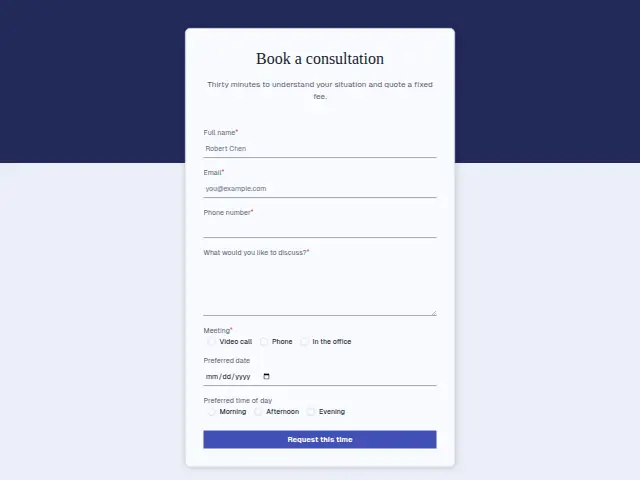
By the time someone books a consultation they generally know they need a lawyer and want to hear their options and the likely cost, which is what the description offers. “What would you like advice on?” is the required text, and Meeting (In person, Video call, Phone) is required so the firm can hold a room or send a link.
Preferred date and Preferred time of day are optional hints. The area of law and the other parties live on the firm’s enquiry form, so this one suits people who have already been through an enquiry or arrived by referral and are ready to sit down with someone.
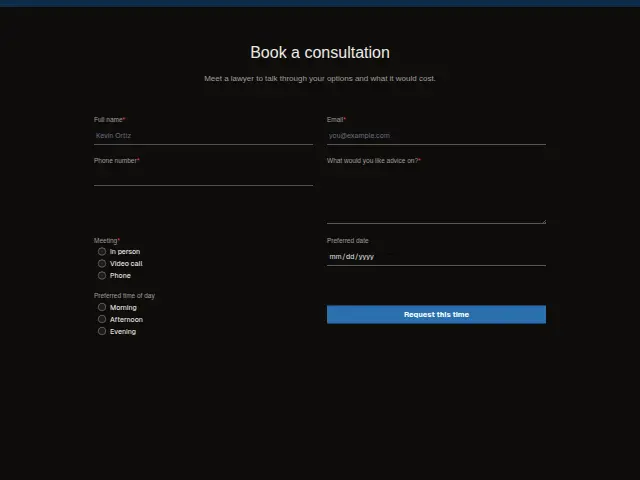
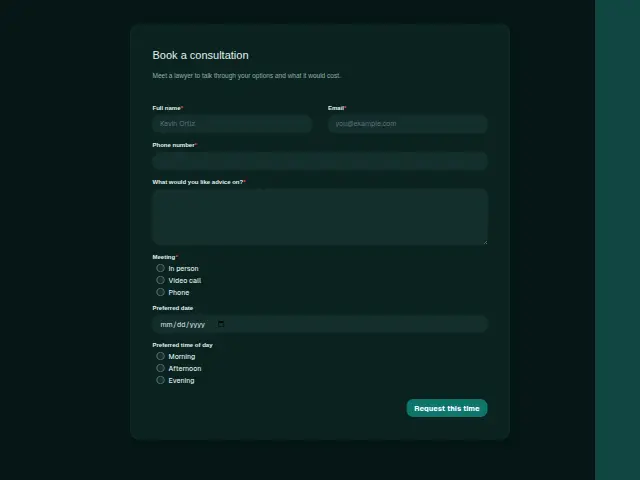
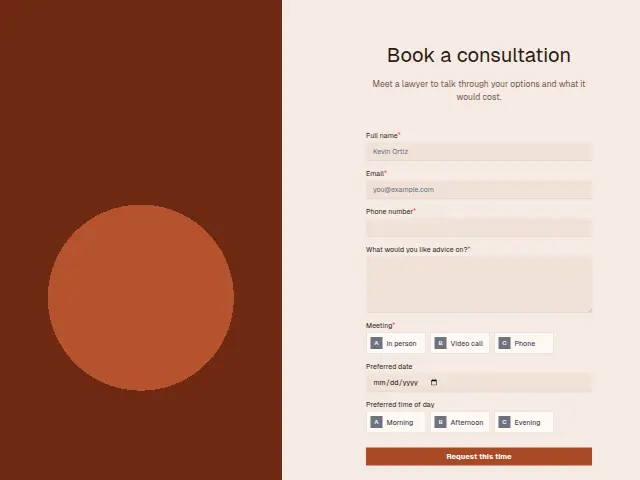
The same form, in 6 layouts
Same questions, same words. Pick the arrangement that suits the page it sits on; the layout can be changed later too.
Field guide
7 questions, each with what the business does with the answer.
| Question | Type | Required |
|---|---|---|
| Full nameHeads the morning note the lawyer reads, and is matched against earlier enquiries so the history comes with it. | Short text | Yes |
| EmailA workflow can use it to ask for the other side’s names, which this booking form does not collect. | Yes | |
| Phone numberRequired, and the fastest way to tell the client if the room or the lawyer’s day changes before the consultation. | Phone | Yes |
| What would you like advice on?Required, because the lawyer needs it to say what the matter would cost by the end of the consultation. | Long text | Yes |
| MeetingIn person · Video call · PhoneIn person needs a room held, so a workflow can branch on it and message reception, while Video call gets a link. | Multiple choice | Yes |
| Preferred dateA starting point for the reply, and a workflow can make a one-time Calendly link if that day is taken. | Date | No |
| Preferred time of dayMorning · Afternoon · EveningShown with the date in Results, so the person arranging the consultation sees both answers together. | Multiple choice | No |
What happens after someone sends it
Before the meeting the firm still needs the other side’s names for a conflict check, and this form does not collect them. A workflow can answer each booking with a short email asking for those names, so the check is done before a lawyer’s hour is committed. The advice box goes into the note the lawyer reads that morning.
Once the consultation is over, Meeting follow-up takes the lawyer’s notes, pasted into a form, and turns them into a recap the client receives, with the agreed actions set as a task.
Each response adds the person to the client’s CRM, shows in their portal’s Leads and sends you a new-lead alert; if nobody has answered after 15 minutes, you hear again. Any workflow you start from the form runs the moment it arrives.
Library workflows that start from a form like this: Meeting follow-up and Quiet lead follow-up.
Its answers can also go straight to another app with a starter: ActiveCampaign, Airtable, Asana, Attio, Brevo, ClickUp, Close and Discord, among others.
Trades that use it
The trade page that lists this form, with the trade’s other forms and workflows.
Thrum is cooking.
Get early access and you’ll be among the first in. Early members get a launch perk.