Marketing client onboarding template
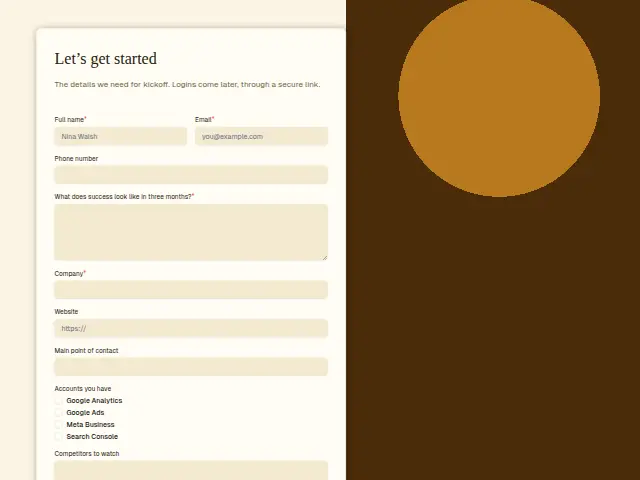
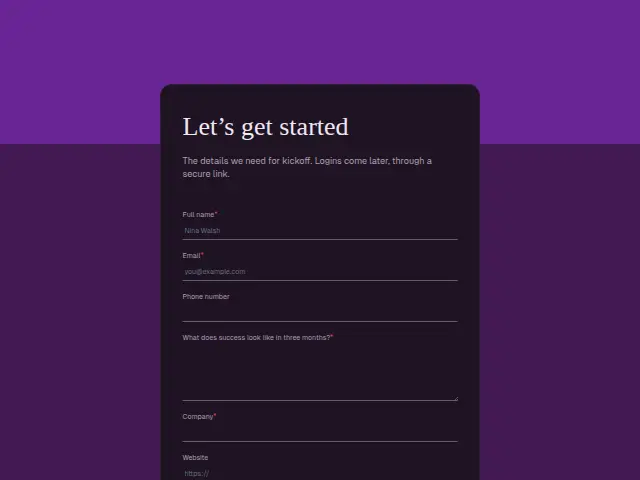
The details we need for kickoff. Logins come later, through a secure link.
- Trade
- Marketing agency
- Kind of form
- Registration
- Questions
- 9
- Required
- 4
Start the 14-day trial, then choose Marketing client onboarding under Form templates. Each field, word and colour can be changed.
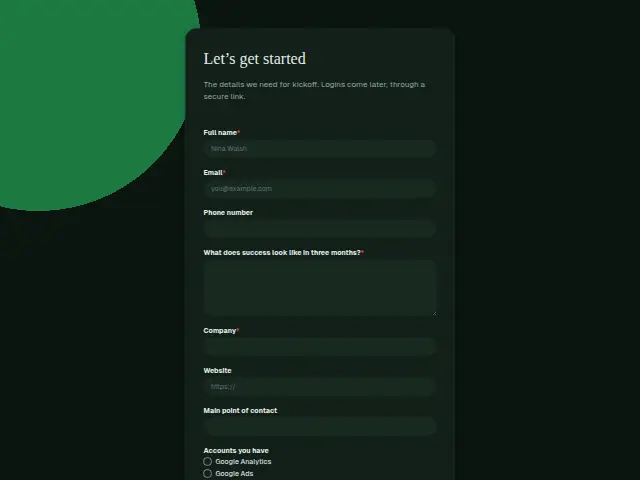
Who uses it
After the contract is signed, kickoff needs a few facts in one place. The required question, “What does success look like in three months?”, puts the client’s own target on record before any work starts, which helps when the first report goes out. Company is required, and Website and Main point of contact are optional.
“Accounts you have” is a checklist of the analytics, ads and search accounts the agency will need access to, and “Competitors to watch” is open text. The description says logins come later through a secure link, so nothing sensitive goes in the form.
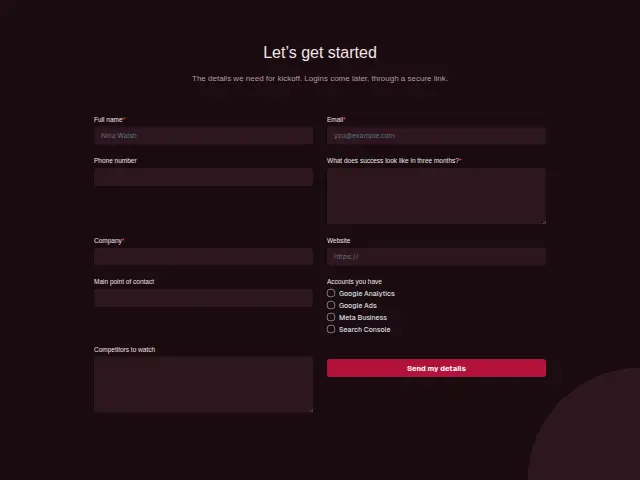
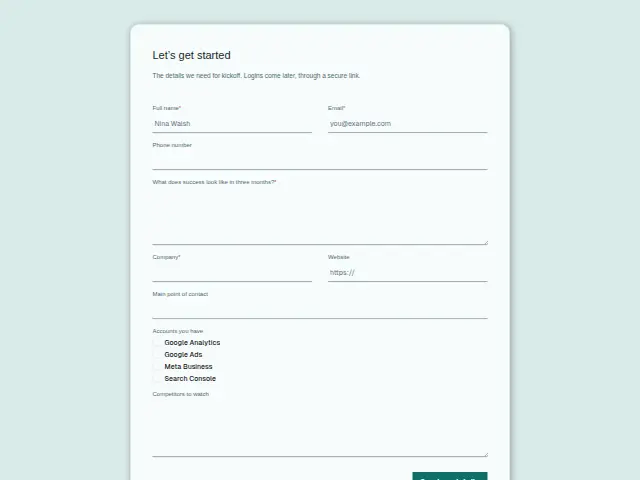
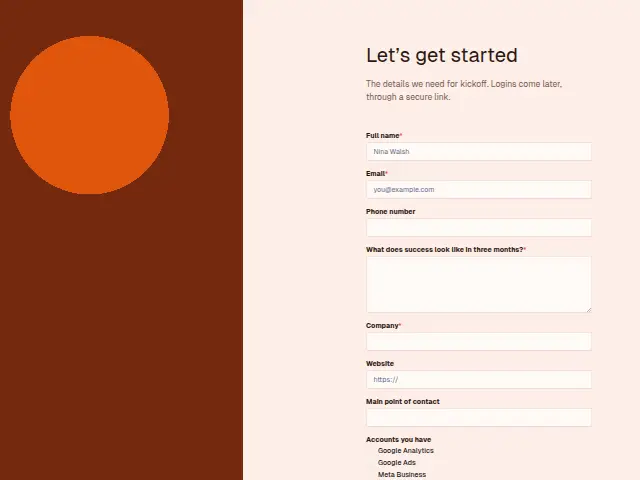
The same form, in 6 layouts
Same questions, same words. Pick the arrangement that suits the page it sits on; the layout can be changed later too.
Field guide
9 questions, each with what the business does with the answer.
| Question | Type | Required |
|---|---|---|
| Full nameNames the person filling in kickoff, who may differ from the main point of contact listed further down. | Short text | Yes |
| EmailKept as the kickoff contact on the company’s record, and later the route for the secure login link. | Yes | |
| Phone numberOptional, as kickoff calls are arranged by email, and kept on the client’s CRM record when given. | Phone | No |
| What does success look like in three months?Required, putting the client’s own target on record so the first report can be measured against it. | Long text | Yes |
| CompanyRequired, and links kickoff to the company record opened when the proposal was requested. | Short text | Yes |
| WebsiteThe site the first audit starts from, opened from the link on the response in Results. | Website | No |
| Main point of contactOptional text naming who approves work day to day, and a blank one is worth asking about at kickoff. | Short text | No |
| Accounts you haveGoogle Analytics · Google Ads · Meta Business · Search ConsoleEvery unticked account is a setup job, which a workflow can add as a monday.com item for kickoff week. | Checkboxes | No |
| Competitors to watchOpen text the strategist uses to plan the first report, listing whom to benchmark the client against. | Long text | No |
What happens after someone sends it
Each unticked account is a setup job, because the agency will have to create it or find out who owns it. A workflow can turn those gaps into items on a monday.com board or tasks in Asana for the kickoff week. The success answer belongs in the client file, where the account lead sees it before every report.
If the kickoff plan needs sign-off, Approval chase sends it to the approver, goes to a deputy when a day passes without an answer, and tells the requester what was decided.
Each response adds the person to the client’s CRM, shows in their portal’s Leads and sends you a new-lead alert; if nobody has answered after 15 minutes, you hear again. Any workflow you start from the form runs the moment it arrives.
Library workflows that start from a form like this: Enquiry triage.
Its answers can also go straight to another app with a starter: ActiveCampaign, Airtable, Asana, Attio, Brevo, ClickUp, Close and Discord, among others.
Trades that use it
The trade page that lists this form, with the trade’s other forms and workflows.
Workflows for marketing agency
What runs when this form is sent: playbooks and packs written for the same trade.
- PackMarketing agencyPaid-ads agency packKicks off won clients, follows up after meetings, and chases overdue invoices.
 Airtable




 3 workflows · 18 steps · 6 apps
- PackMarketing agencySEO agency packKicks off won clients, recovers failed payments, and turns client requests into tasks.

 3 workflows · 10 steps · 7 apps
- PackMarketing agencyWeb design agency packFollows up quotes, kicks off won projects, and chases approvals that stall.Airtable3 workflows · 20 steps · 6 apps
Related forms
See them all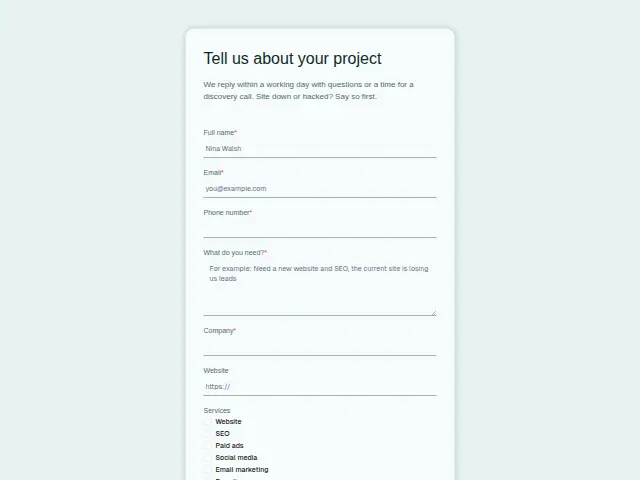 Marketing project enquiryMarketing agency8 fields · Enquiry
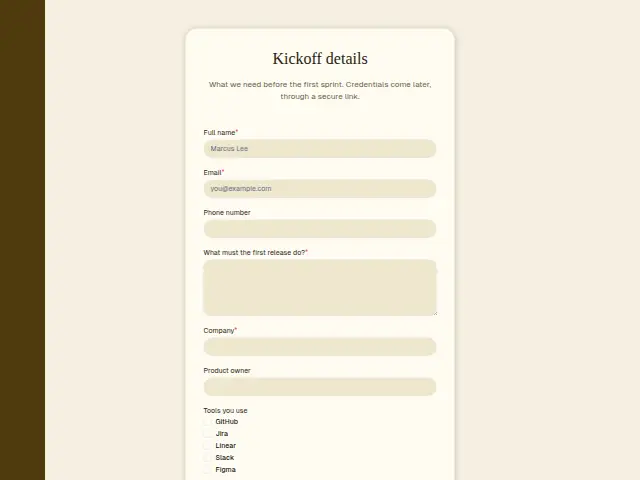 Software client onboardingSoftware development agency8 fields · Registration
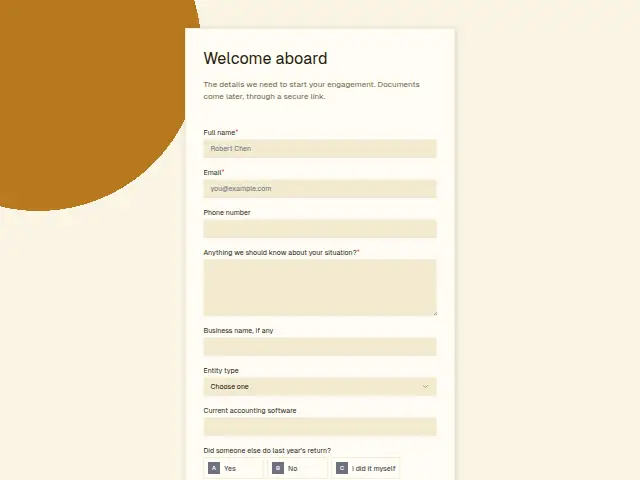 Accounting client onboardingAccounting8 fields · Registration
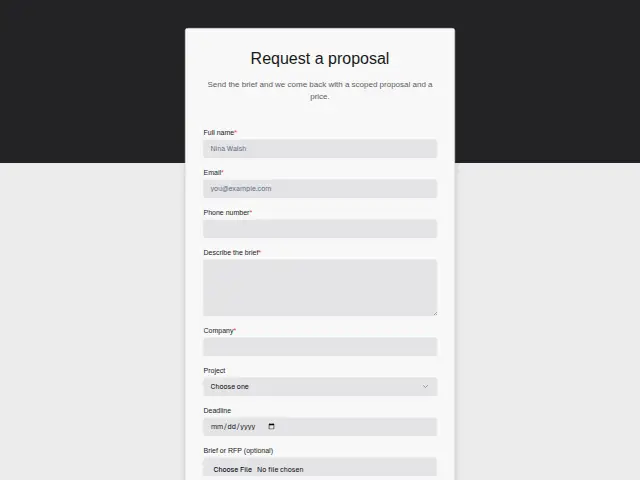 Marketing proposal requestMarketing agency8 fields · Quote request
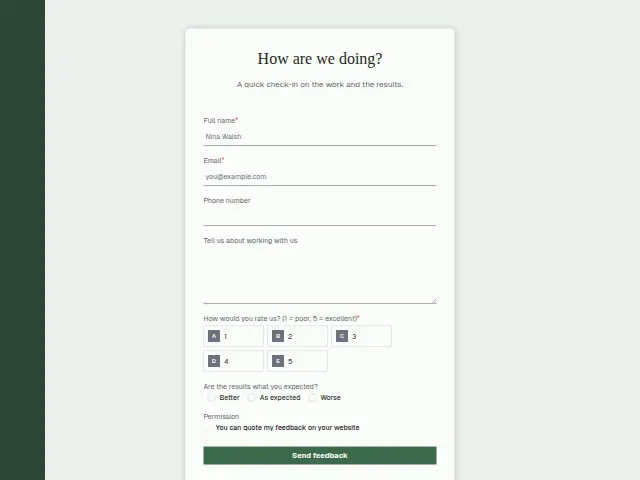 Marketing client feedbackMarketing agency7 fields · Feedback
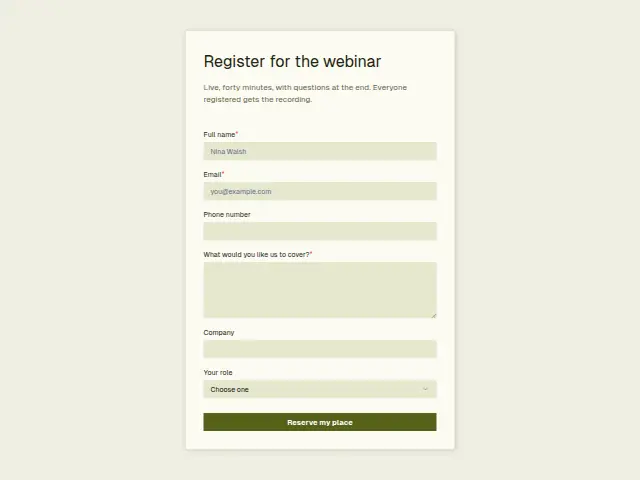 Marketing webinar registrationMarketing agency6 fields · Event RSVP
Thrum is cooking.
Get early access and you’ll be among the first in. Early members get a launch perk.