Marketing webinar registration template
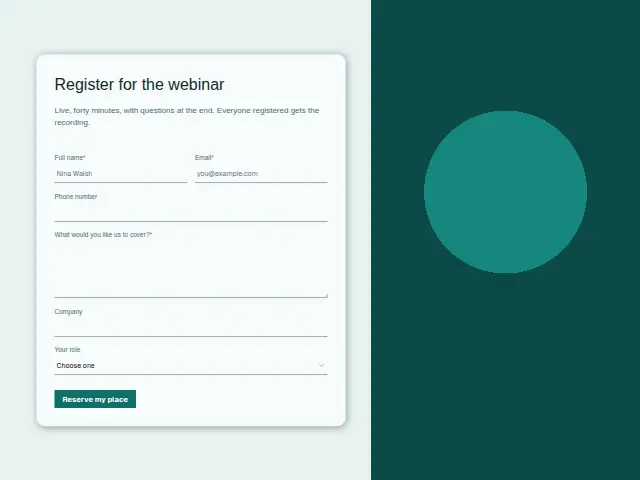
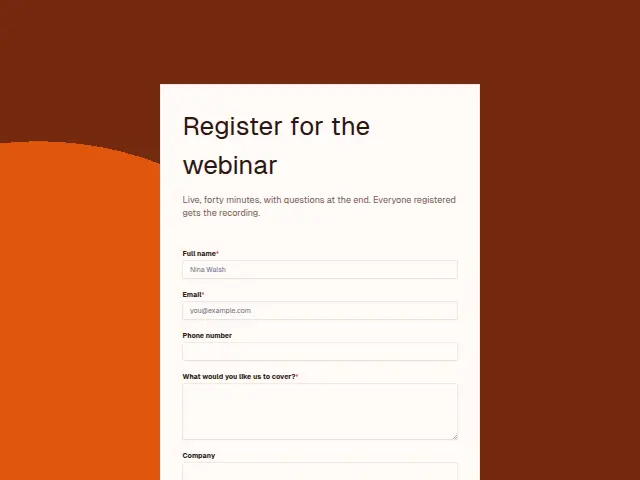
Live, forty minutes, with questions at the end. Everyone registered gets the recording.
- Trade
- Marketing agency
- Kind of form
- Event RSVP
- Questions
- 6
- Required
- 3
Start the 14-day trial, then choose Marketing webinar registration under Form templates. Each field, word and colour can be changed.
Who uses it
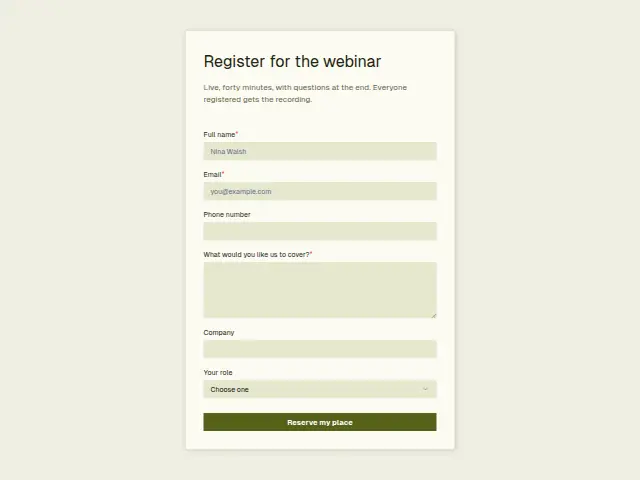
A webinar run by an agency doubles as a list of prospects. The description sets the format, live for forty minutes with questions at the end and the recording sent to everyone registered. “What would you like us to cover?” is required, Company is optional, and “Your role” offers Owner, Marketing lead, Agency and Other.
The role question sorts the audience. An Owner or Marketing lead could become a client, and an Agency answer is a peer or a possible source of referrals.
The same form, in 6 layouts
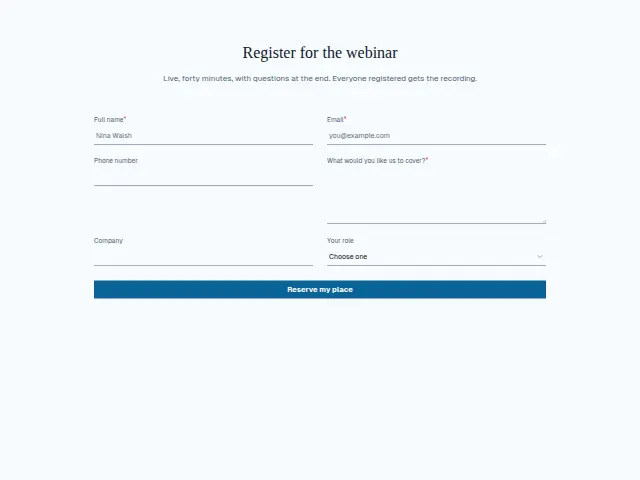
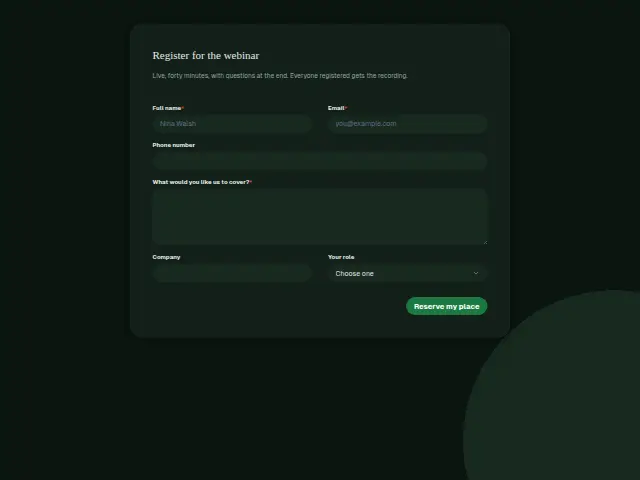
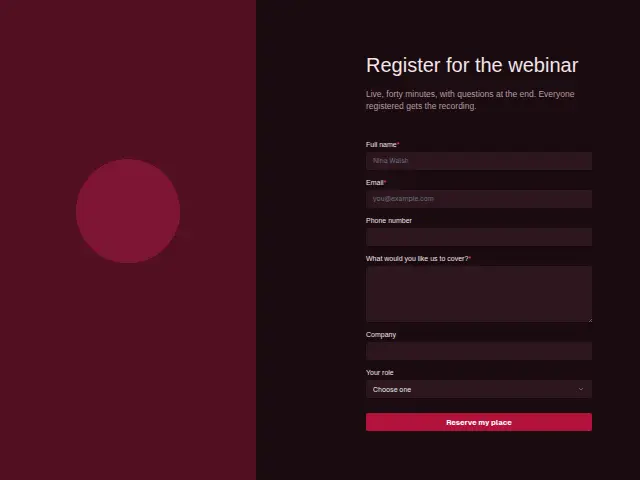
Same questions, same words. Pick the arrangement that suits the page it sits on; the layout can be changed later too.
Field guide
6 questions, each with what the business does with the answer.
| Question | Type | Required |
|---|---|---|
| Full nameAdds each registrant to the CRM with their role, the start of a prospect list from the webinar. | Short text | Yes |
| EmailWhere the joining link goes before the forty minutes, and the recording after. | Yes | |
| Phone numberOptional for a webinar, and owners who leave one can get a call offer in place of an email. | Phone | No |
| What would you like us to cover?Required, and a workflow can collect each answer in a sheet the presenter reads the day before. | Long text | Yes |
| CompanyOptional, and shows when several people from one business registered, which is worth knowing before follow-ups. | Short text | No |
| Your roleOwner · Marketing lead · Agency · OtherOwner and Marketing lead can get a follow-up offering a call, while Agency gets the recording on its own. | Dropdown | No |
What happens after someone sends it
The cover answers shape the slides, and a workflow can collect them in a Google Sheets row each for the presenter to read the day before. Role is the branch for afterwards. Owners and marketing leads can get a follow-up offering a call, while other agencies get the recording on its own.
Registrations are leads by default, so each one arrives in the CRM with the company and role attached. The company answer also shows when several people from one business signed up, which is worth noticing before the follow-ups go out.
Each response adds the person to the client’s CRM, shows in their portal’s Leads and sends you a new-lead alert; if nobody has answered after 15 minutes, you hear again. Any workflow you start from the form runs the moment it arrives.
Library workflows that start from a form like this: Meeting follow-up.
Its answers can also go straight to another app with a starter: ActiveCampaign, Airtable, Asana, Attio, Brevo, ClickUp, Close and Discord, among others.
Trades that use it
The trade page that lists this form, with the trade’s other forms and workflows.
Workflows for marketing agency
What runs when this form is sent: playbooks and packs written for the same trade.
- PackMarketing agencyPaid-ads agency packKicks off won clients, follows up after meetings, and chases overdue invoices.
 Airtable




 3 workflows · 18 steps · 6 apps
- PackMarketing agencySEO agency packKicks off won clients, recovers failed payments, and turns client requests into tasks.

 3 workflows · 10 steps · 7 apps
- PackMarketing agencyWeb design agency packFollows up quotes, kicks off won projects, and chases approvals that stall.Airtable3 workflows · 20 steps · 6 apps
Related forms
See them all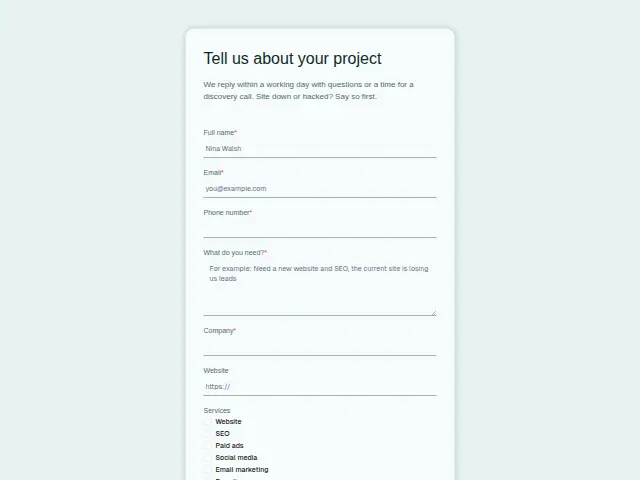 Marketing project enquiryMarketing agency8 fields · Enquiry
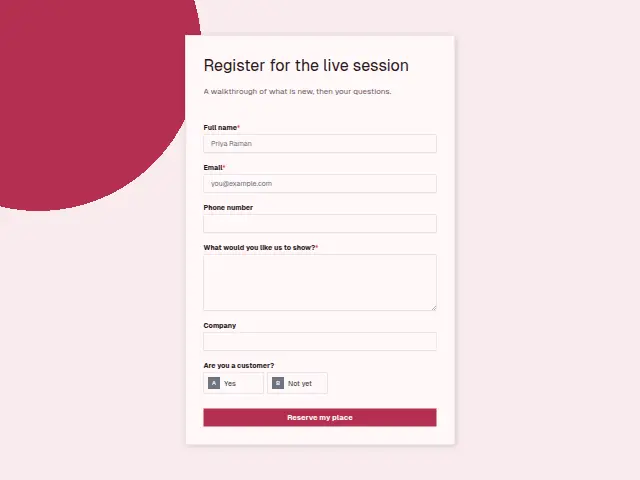 SaaS webinar registrationB2B software (SaaS)6 fields · Event RSVP
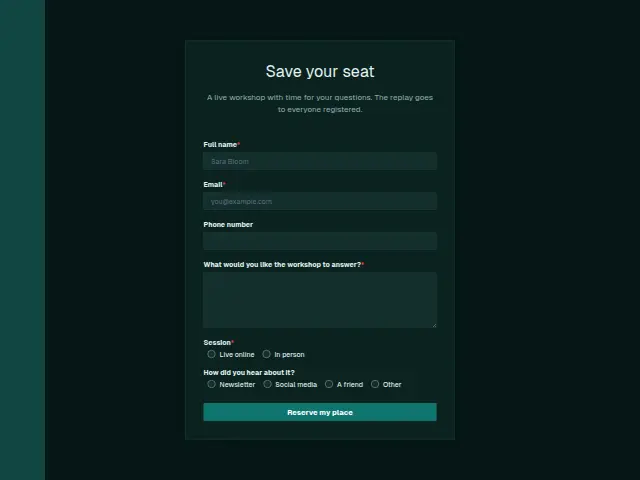 Coaching workshop registrationCoaching6 fields · Event RSVP
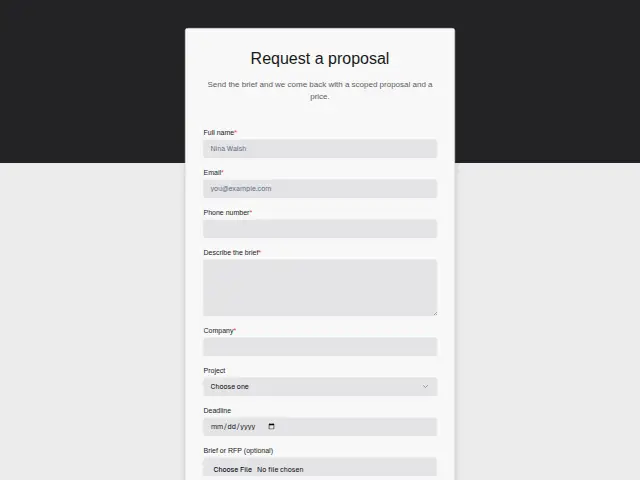 Marketing proposal requestMarketing agency8 fields · Quote request
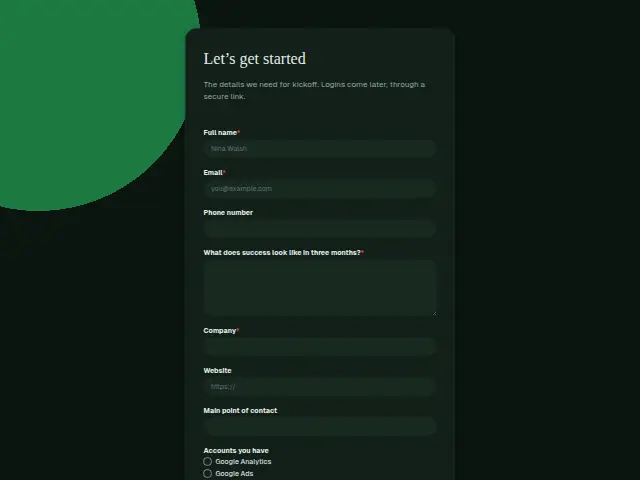 Marketing client onboardingMarketing agency9 fields · Registration
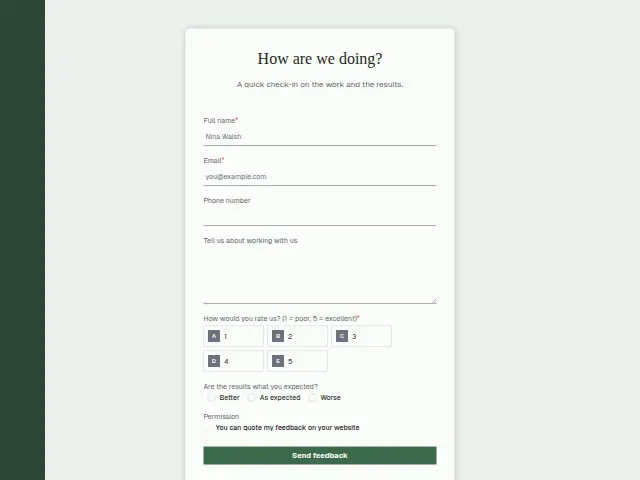 Marketing client feedbackMarketing agency7 fields · Feedback
Thrum is cooking.
Get early access and you’ll be among the first in. Early members get a launch perk.