Accounting client onboarding template
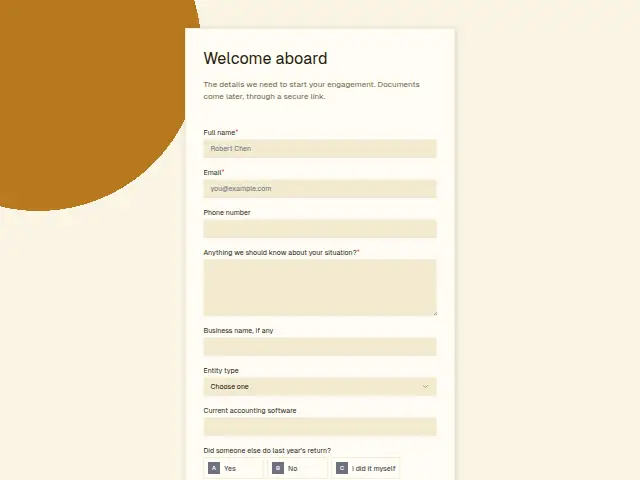
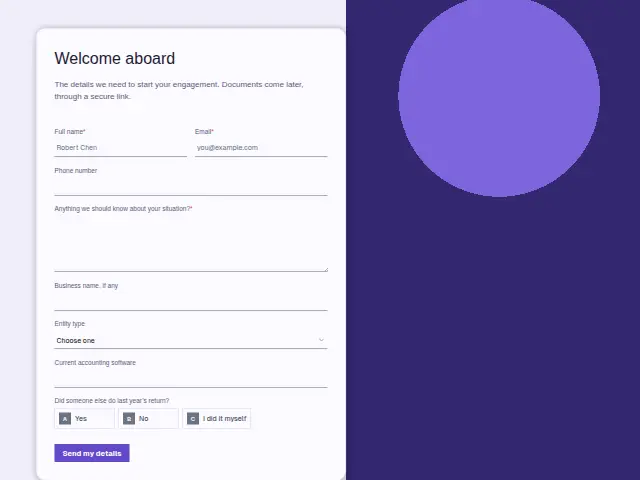
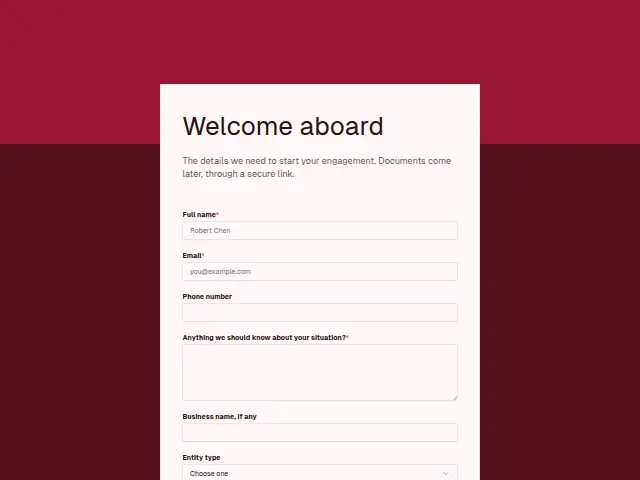
The details we need to start your engagement. Documents come later, through a secure link.
- Trade
- Accounting
- Kind of form
- Registration
- Questions
- 8
- Required
- 3
Start the 14-day trial, then choose Accounting client onboarding under Form templates. Each field, word and colour can be changed.
Who uses it
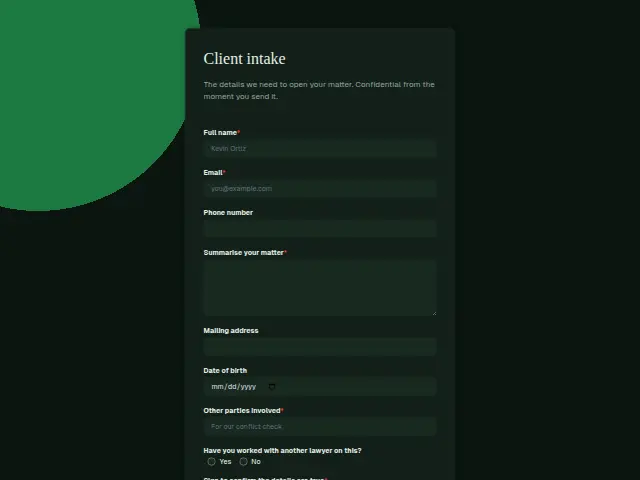
Once an engagement is agreed, the practice needs the basics on file before any paperwork changes hands. The description says documents follow later through a secure link, so this form keeps to identity and context. Its required box, “Anything we should know about your situation?”, is where a new client mentions a divorce, a move between states or a business that closed halfway through the year.
Entity type runs from Individual and Sole proprietor through LLC and the two kinds of corporation, which tells the accountant which return the year needs. Business name and Current accounting software are plain text. “Did someone else do last year’s return?” has three answers, Yes, No and I did it myself, and flags whether prior-year figures have to be requested from another firm.
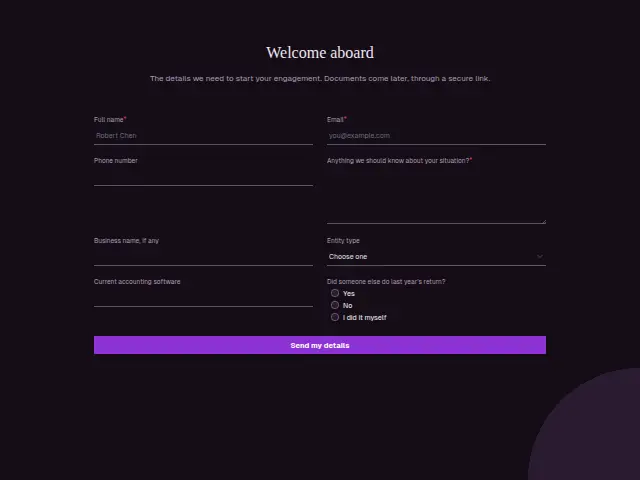
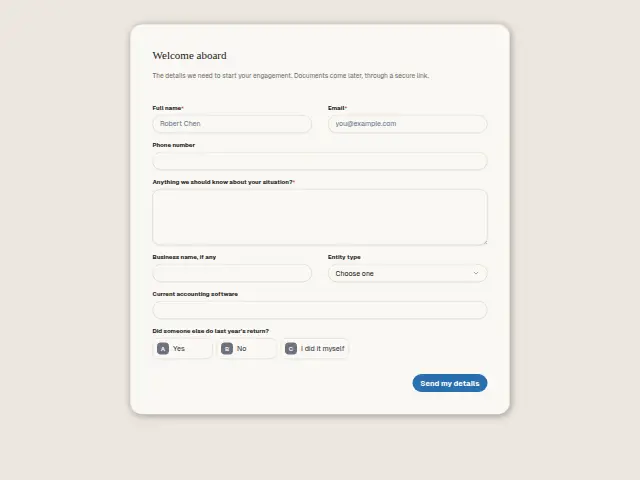
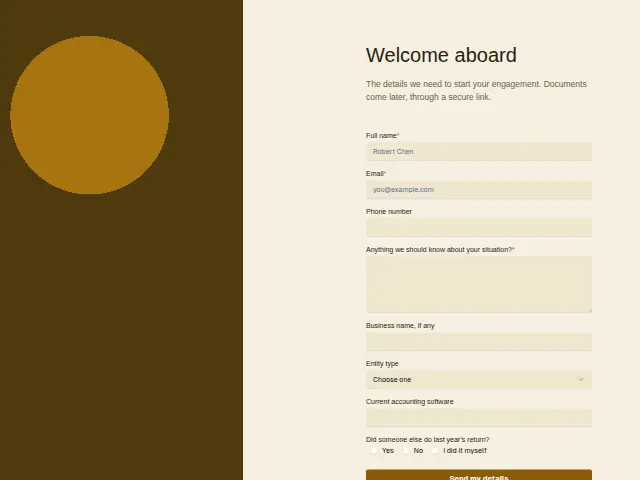
The same form, in 6 layouts
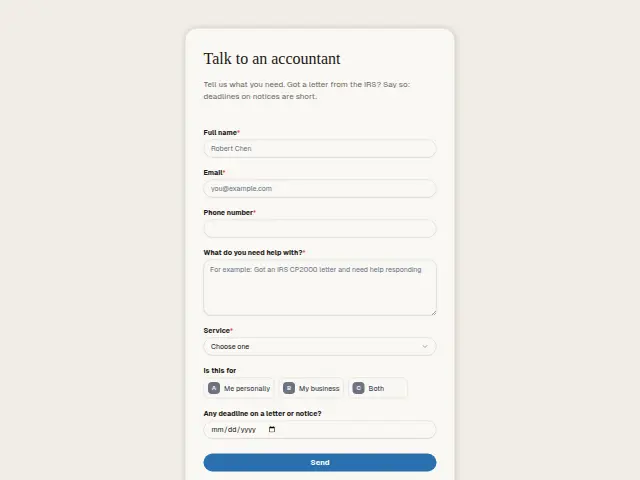
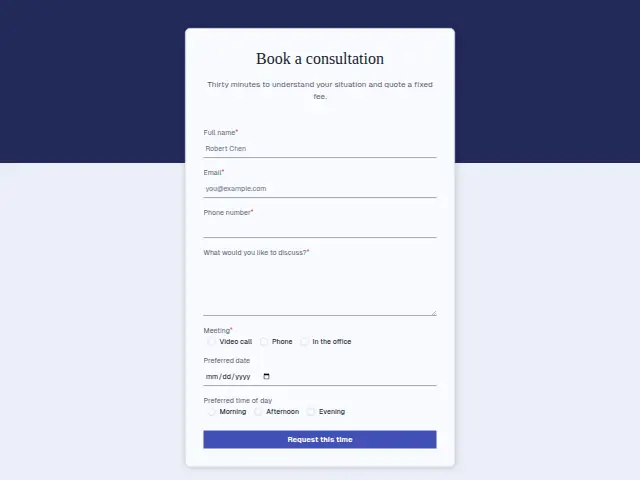
Same questions, same words. Pick the arrangement that suits the page it sits on; the layout can be changed later too.
Field guide
8 questions, each with what the business does with the answer.
| Question | Type | Required |
|---|---|---|
| Full nameBecomes the name on the engagement, and fills in the CRM person an earlier enquiry or booking may already have opened. | Short text | Yes |
| EmailThe address a workflow emails the secure document link to later, so it should be one the client reads. | Yes | |
| Phone numberOptional at this stage, and when given it sits on the client’s record for questions during the year. | Phone | No |
| Anything we should know about your situation?Required, because a divorce or a mid-year move changes the return, and a workflow can put it in an Asana task. | Long text | Yes |
| Business name, if anyLeft blank by individuals, so a workflow can check it is filled in before opening a company folder task in ClickUp. | Short text | No |
| Entity typeIndividual · Sole proprietor · LLC · S corporation · C corporation · PartnershipA workflow can branch on the six entity types to send the matching document checklist, since an S corporation files differently. | Dropdown | No |
| Current accounting softwareFree text the bookkeeper reads before asking for exports, since every package produces its files differently. | Short text | No |
| Did someone else do last year’s return?Yes · No · I did it myselfA workflow can send No to the standard welcome, while Yes and I did it myself each start their own first-week task. | Multiple choice | No |
What happens after someone sends it
Yes on last year’s return is the answer that creates work in the first week. A workflow can turn it into a task in Asana or ClickUp to ask the previous preparer for copies, and route I did it myself to a review of the client’s own filing. Entity type can set the document checklist that follows, since an S corporation and an individual need different paperwork.
The new client’s CRM record carries the business name and entity type from day one, so anyone in the practice can see what kind of client this is without opening the form.
Each response adds the person to the client’s CRM, shows in their portal’s Leads and sends you a new-lead alert; if nobody has answered after 15 minutes, you hear again. Any workflow you start from the form runs the moment it arrives.
Library workflows that start from a form like this: Enquiry triage.
Its answers can also go straight to another app with a starter: ActiveCampaign, Airtable, Asana, Attio, Brevo, ClickUp, Close and Discord, among others.
Trades that use it
The trade page that lists this form, with the trade’s other forms and workflows.
Thrum is cooking.
Get early access and you’ll be among the first in. Early members get a launch perk.