Marketing proposal request template
Send the brief and we come back with a scoped proposal and a price.
- Trade
- Marketing agency
- Kind of form
- Quote request
- Questions
- 8
- Required
- 5
Start the 14-day trial, then choose Marketing proposal request under Form templates. Each field, word and colour can be changed.
Who uses it
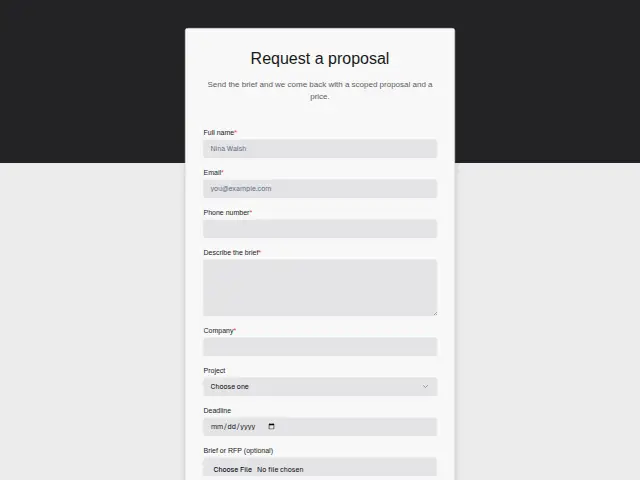
A proposal request comes from someone who already has a brief, sometimes a formal RFP. “Describe the brief” is required and the optional file upload takes the document itself. Project (New website, Campaign, Retainer, Audit) names the kind of work, and Deadline is a date.
Company and phone number are both required, because a proposal usually needs a scoping call before a price goes out, and the description promises a scoped proposal with a price at the end.
The four Project types differ in shape. An Audit is a fixed piece of work with an end date, a Campaign has a launch, and a Retainer runs month after month, so the answer tells the agency what sort of document to write before the brief is even opened.
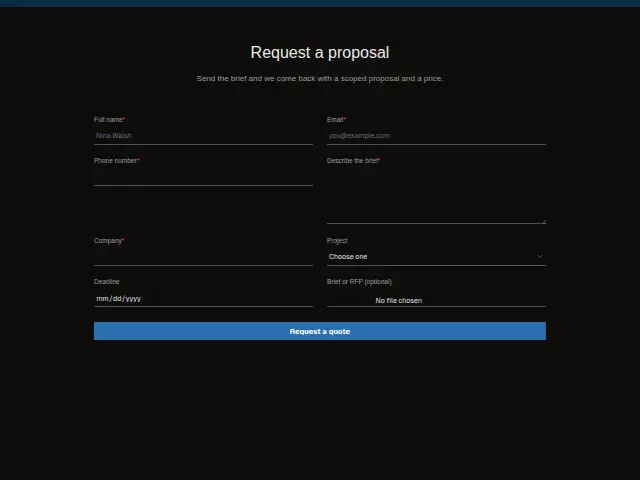
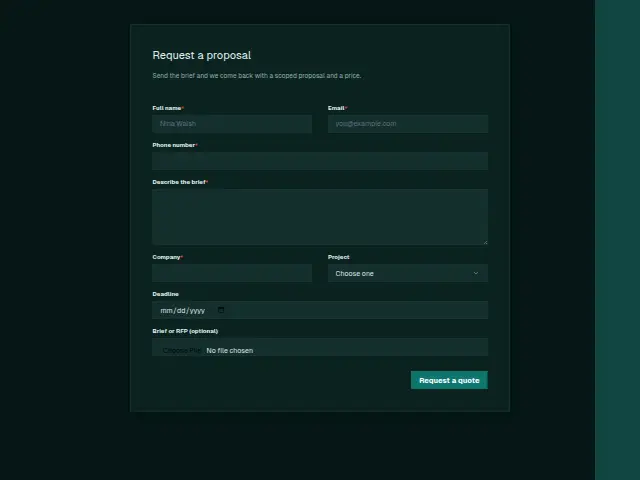
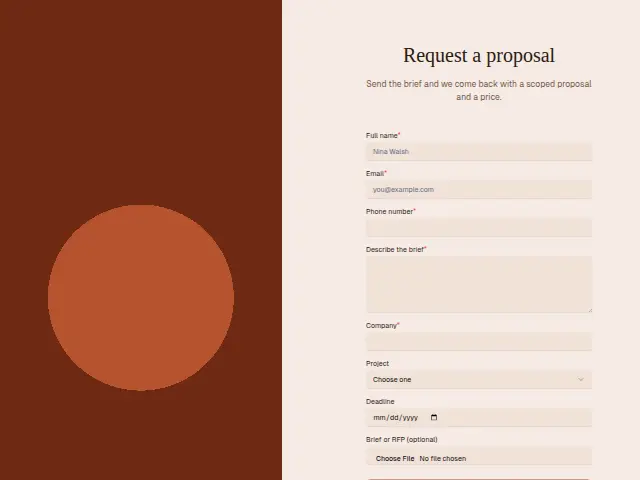
The same form, in 6 layouts
Same questions, same words. Pick the arrangement that suits the page it sits on; the layout can be changed later too.
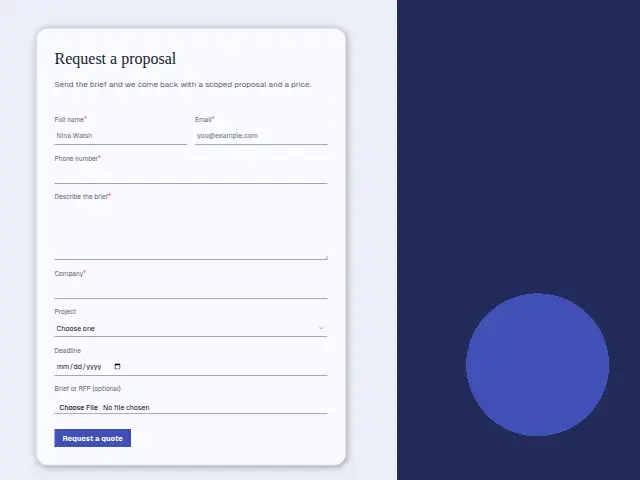
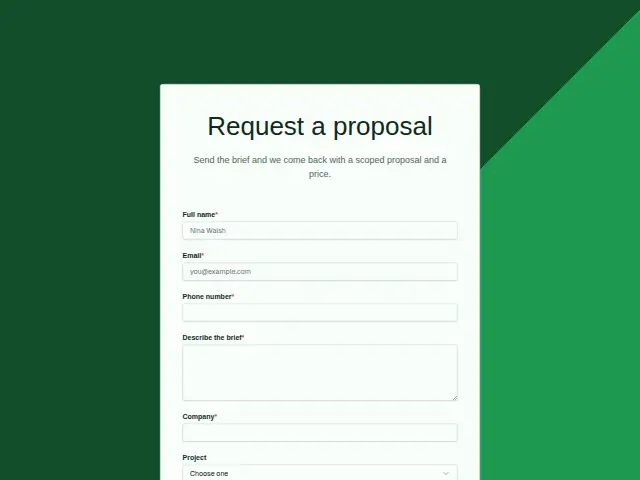
Field guide
8 questions, each with what the business does with the answer.
| Question | Type | Required |
|---|---|---|
| Full nameThe person the scoping call is held with before the proposal and price are written. | Short text | Yes |
| EmailWhere the scoped proposal is sent once it is written, with an acknowledgement from a workflow right away. | Yes | |
| Phone numberRequired because most proposals need a scoping call first, and a workflow passes the number to the proposal writer. | Phone | Yes |
| Describe the briefRequired, read alongside any uploaded file so the proposal answers what the client asked for. | Long text | Yes |
| CompanyOpens the company’s CRM record, so the proposal, the scoping call and later work sit under one name. | Short text | Yes |
| ProjectNew website · Campaign · Retainer · AuditRetainer can go to the owner as the longest commitment, and Audit to whoever writes fixed-scope proposals. | Dropdown | No |
| DeadlineA date the proposal writer reads first, and a workflow can put it in the title of a ClickUp task. | Date | No |
| Brief or RFP (optional)An optional upload that stays with the response, so the proposal writer opens the original document. | File upload | No |
What happens after someone sends it
Deadline is the answer to read first. A workflow can put the date, company and project type in front of whoever writes proposals, and send a Retainer request to the owner as the longest commitment of the four. The uploaded brief stays with the response, where the proposal writer opens it.
Each request also opens a CRM record for the company, so the proposal, the call and any later work sit against one name.
Each response adds the person to the client’s CRM, shows in their portal’s Leads and sends you a new-lead alert; if nobody has answered after 15 minutes, you hear again. Any workflow you start from the form runs the moment it arrives.
Library workflows that start from a form like this: Lead rescue and Quiet lead follow-up.
Its answers can also go straight to another app with a starter: ActiveCampaign, Airtable, Asana, Attio, Brevo, ClickUp, Close and Discord, among others.
Trades that use it
The trade page that lists this form, with the trade’s other forms and workflows.
Workflows for marketing agency
What runs when this form is sent: playbooks and packs written for the same trade.
- PackMarketing agencyPaid-ads agency packKicks off won clients, follows up after meetings, and chases overdue invoices.
 Airtable




 3 workflows · 18 steps · 6 apps
- PackMarketing agencySEO agency packKicks off won clients, recovers failed payments, and turns client requests into tasks.

 3 workflows · 10 steps · 7 apps
- PackMarketing agencyWeb design agency packFollows up quotes, kicks off won projects, and chases approvals that stall.Airtable3 workflows · 20 steps · 6 apps
Related forms
See them all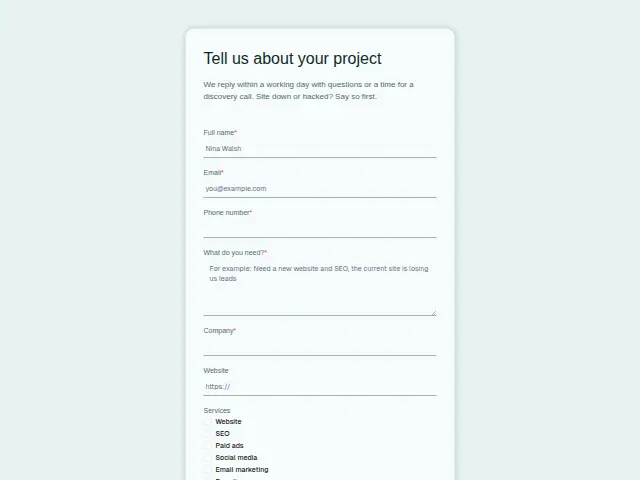 Marketing project enquiryMarketing agency8 fields · Enquiry
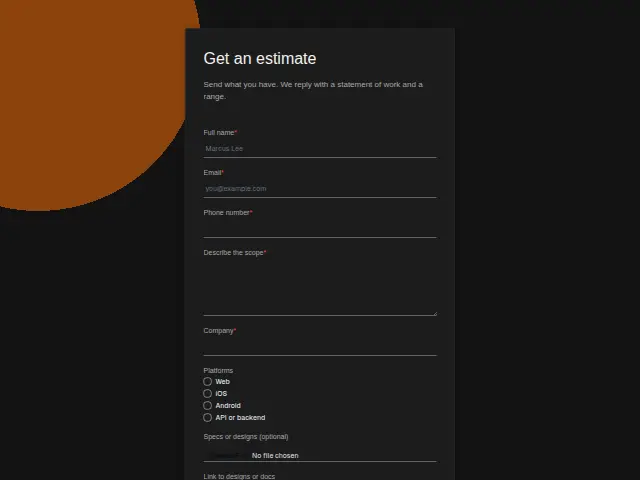 Software project estimate requestSoftware development agency8 fields · Quote request
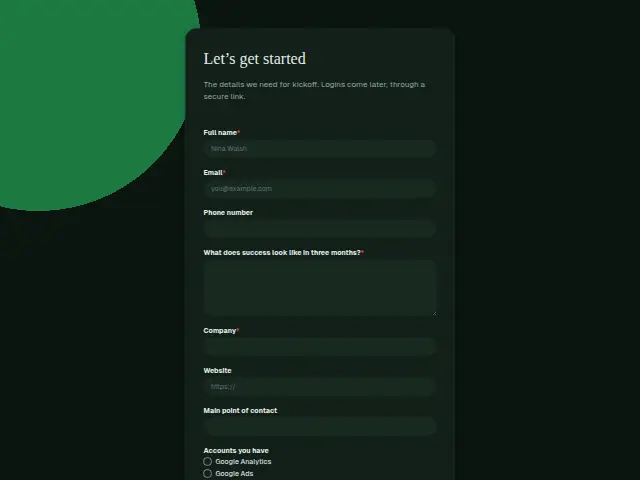 Marketing client onboardingMarketing agency9 fields · Registration
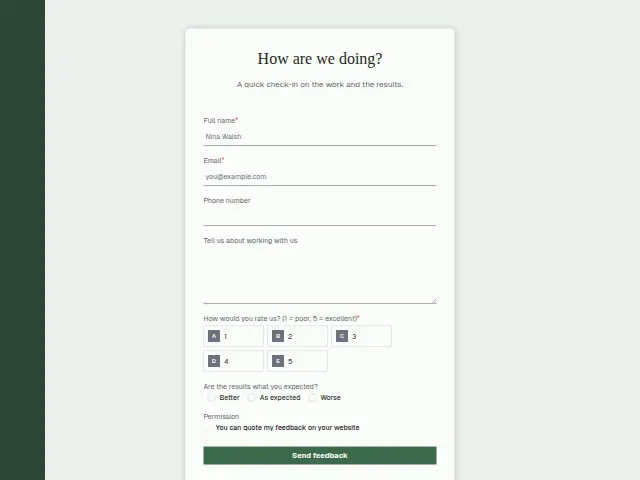 Marketing client feedbackMarketing agency7 fields · Feedback
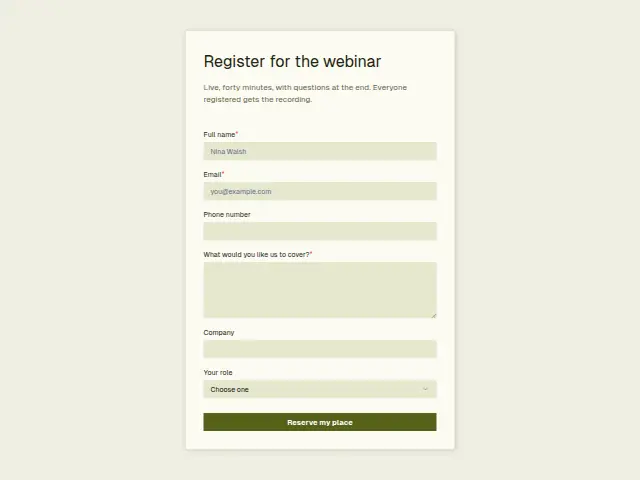 Marketing webinar registrationMarketing agency6 fields · Event RSVP
Thrum is cooking.
Get early access and you’ll be among the first in. Early members get a launch perk.