Marketing client feedback template
A quick check-in on the work and the results.
- Trade
- Marketing agency
- Kind of form
- Feedback
- Questions
- 7
- Required
- 3
Start the 14-day trial, then choose Marketing client feedback under Form templates. Each field, word and colour can be changed.
Who uses it
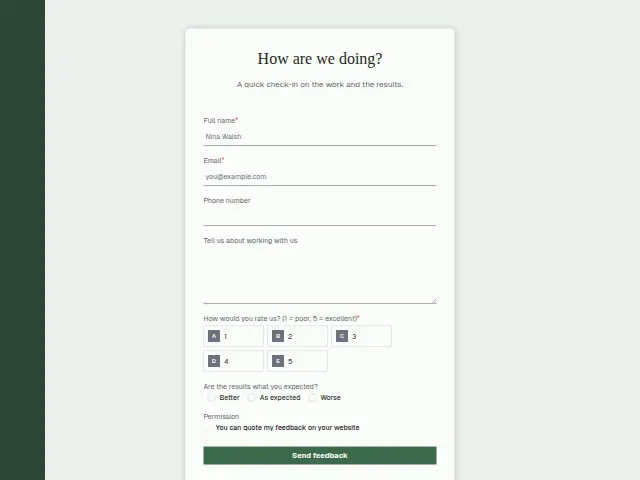
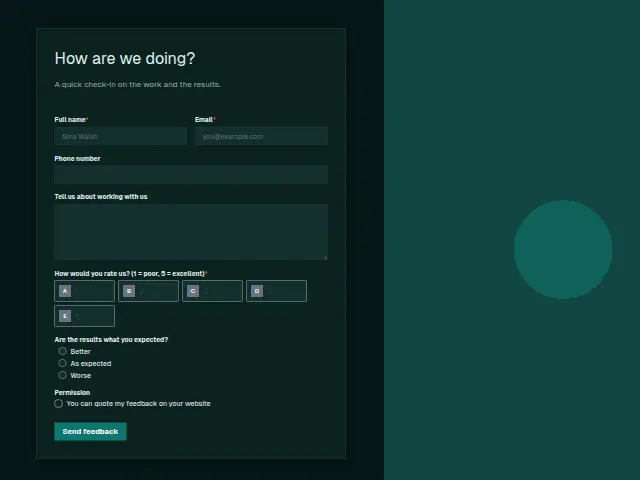
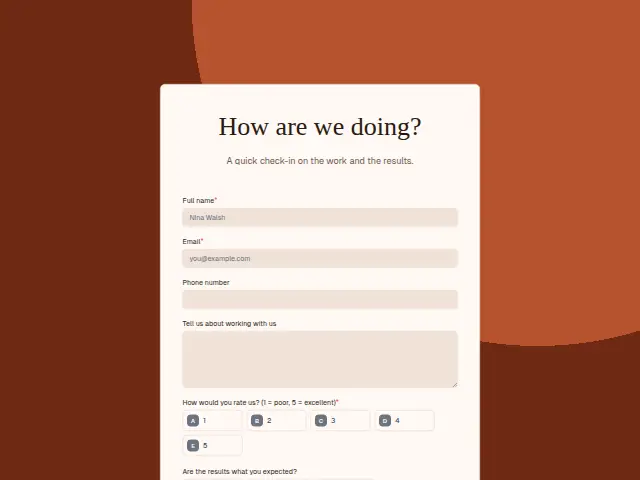
An agency check-in asks about results as well as service. “Are the results what you expected?” has Better, As expected and Worse, alongside the required 1 to 5 rating and an optional comment.
A client can rate the team a 5 and still say Worse, and that pairing is the one an account lead most needs to see. Permission asks before a comment goes on the agency’s website.
The same form, in 6 layouts
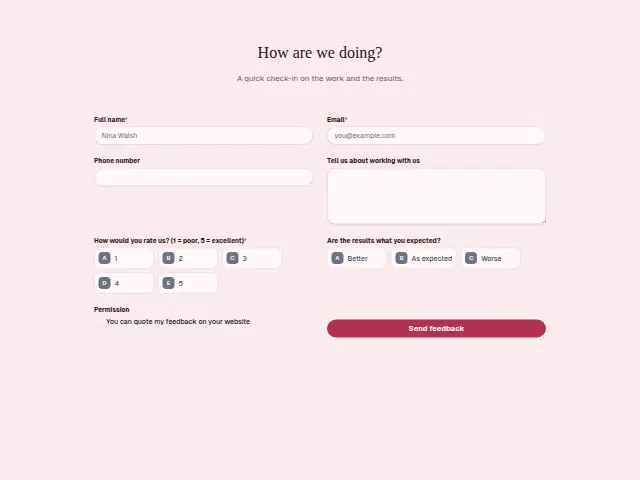
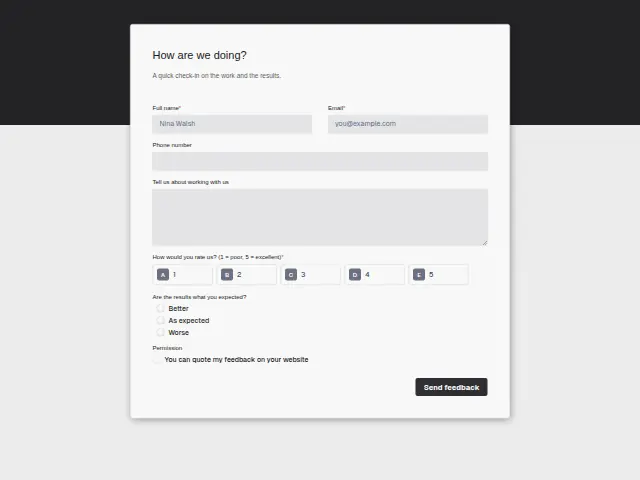
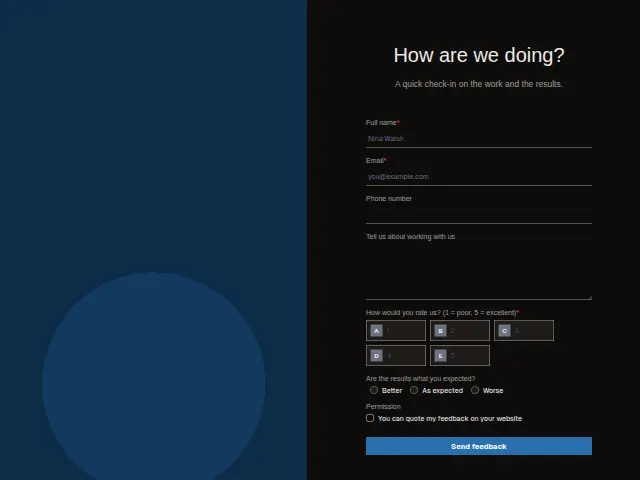
Same questions, same words. Pick the arrangement that suits the page it sits on; the layout can be changed later too.
Field guide
7 questions, each with what the business does with the answer.
| Question | Type | Required |
|---|---|---|
| Full nameTells the account lead which client the check-in came from, so the reply comes from someone who knows the work. | Short text | Yes |
| EmailGets the thank-you that Feedback routing sends every client, whatever they scored. | Yes | |
| Phone numberOptional, and a client who scores the agency low can be rung before the next monthly report is due. | Phone | No |
| Tell us about working with usAn optional comment the account lead reads before the next monthly report goes out. | Long text | No |
| How would you rate us? (1 = poor, 5 = excellent)1 · 2 · 3 · 4 · 5A workflow can log it with the results answer in a Google Sheets row, tracking service and results side by side. | Multiple choice | Yes |
| Are the results what you expected?Better · As expected · WorseWorse can open an Asana task for the account lead to go through the numbers, even beside a 5. | Multiple choice | No |
| PermissionYou can quote my feedback on your websiteOnly ticked comments are cleared for the agency’s website or a pitch, and a workflow can check the box first. | Checkboxes | No |
What happens after someone sends it
Feedback routing puts every score at or under the agency’s low mark on the owner’s phone the same day, lets the client know someone will call, and thanks and logs each score. A Worse answer is worth its own branch whatever the rating, opening a task for the account lead to go through the numbers before the next report.
Made from this template, the form keeps its answers in Results: no person is added to the client’s CRM and no lead alert goes out, unless you switch “Add responses to leads” on. Any workflow you start from it still runs.
Library workflows that start from a form like this: Feedback routing and Review request.
Its answers can also go straight to another app with a starter: ActiveCampaign, Airtable, Asana, Attio, Brevo, ClickUp, Close and Discord, among others.
Trades that use it
The trade page that lists this form, with the trade’s other forms and workflows.
Workflows for marketing agency
What runs when this form is sent: playbooks and packs written for the same trade.
- PackMarketing agencyPaid-ads agency packKicks off won clients, follows up after meetings, and chases overdue invoices.
 Airtable




 3 workflows · 18 steps · 6 apps
- PackMarketing agencySEO agency packKicks off won clients, recovers failed payments, and turns client requests into tasks.

 3 workflows · 10 steps · 7 apps
- PackMarketing agencyWeb design agency packFollows up quotes, kicks off won projects, and chases approvals that stall.Airtable3 workflows · 20 steps · 6 apps
Related forms
See them all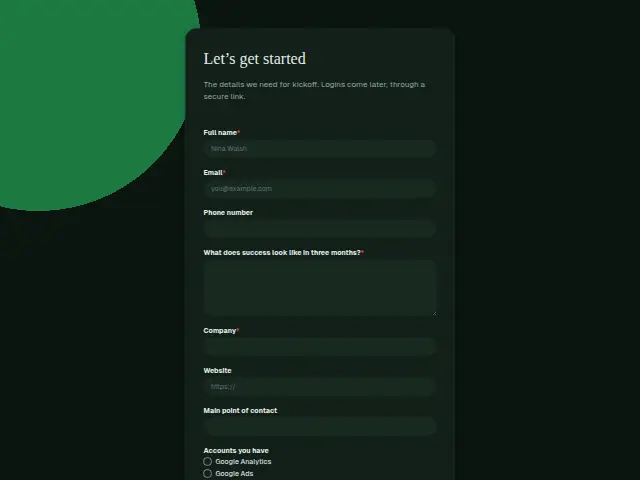 Marketing client onboardingMarketing agency9 fields · Registration
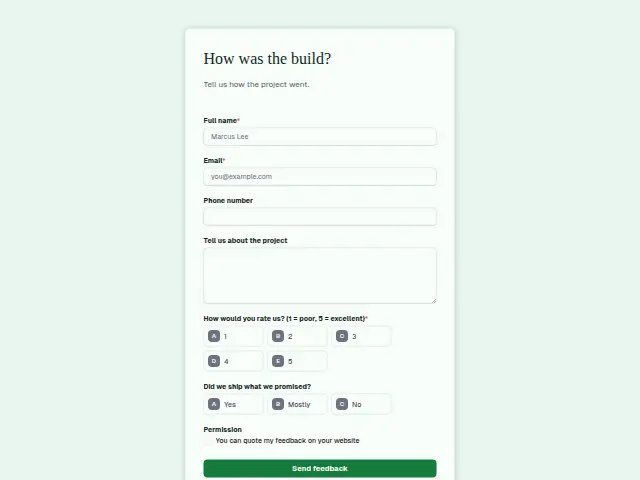 Software project feedbackSoftware development agency7 fields · Feedback
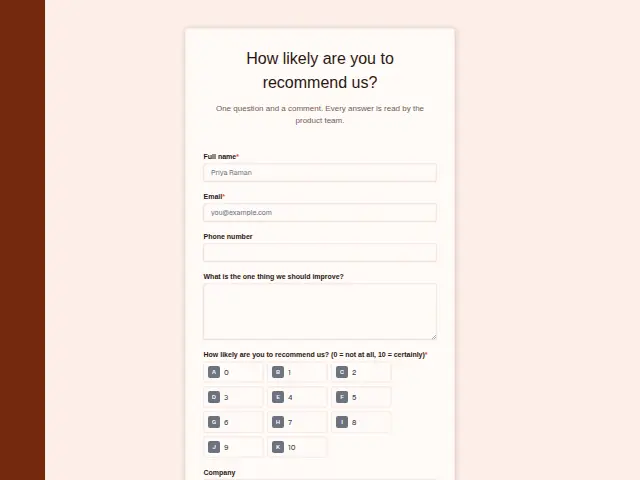 SaaS customer feedback (NPS)B2B software (SaaS)6 fields · Feedback
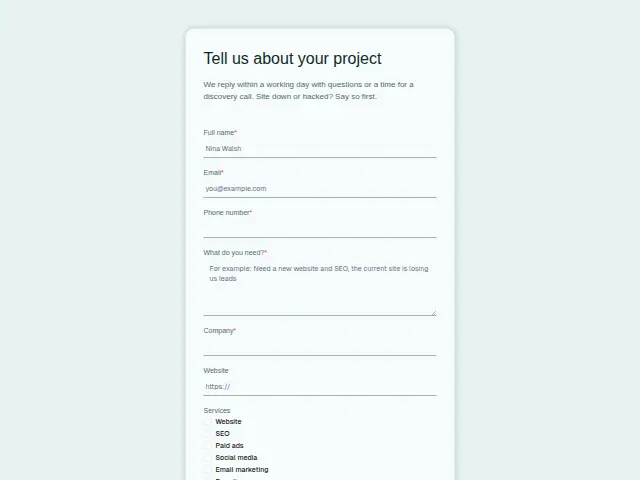 Marketing project enquiryMarketing agency8 fields · Enquiry
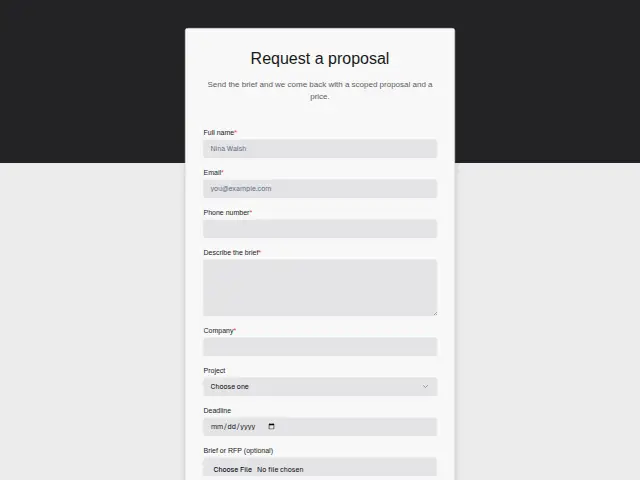 Marketing proposal requestMarketing agency8 fields · Quote request
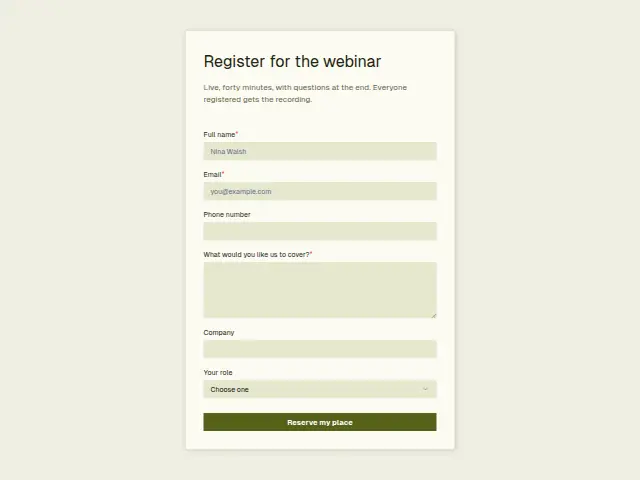 Marketing webinar registrationMarketing agency6 fields · Event RSVP
Thrum is cooking.
Get early access and you’ll be among the first in. Early members get a launch perk.