Software project estimate request template
Send what you have. We reply with a statement of work and a range.
- Kind of form
- Quote request
- Questions
- 8
- Required
- 5
Start the 14-day trial, then choose Software project estimate request under Form templates. Each field, word and colour can be changed.
Who uses it
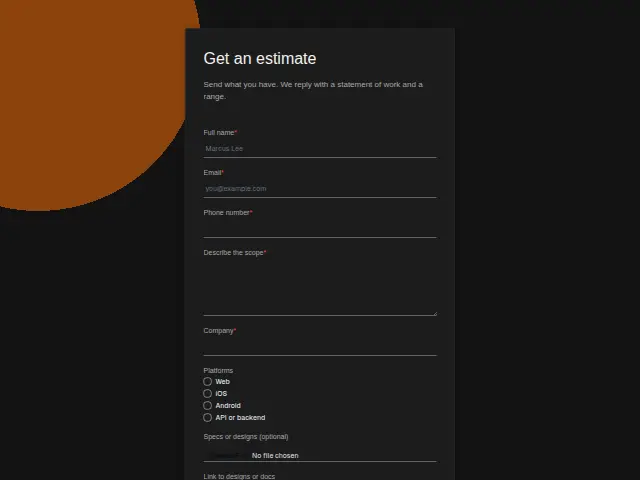
An estimate request comes from someone who already has scope written down, so the form asks for it. “Describe the scope” is required, Platforms is a checkbox list (Web, iOS, Android, API or backend), and specs can arrive as a file upload or as a link to designs or docs. Because Platforms takes several ticks, a prospect can ask for Web and iOS together, and each extra tick moves the range.
Company and phone number are required. The description promises a statement of work and a range in return, and that takes a conversation with whoever owns the project on the client’s side.
The same form, in 6 layouts
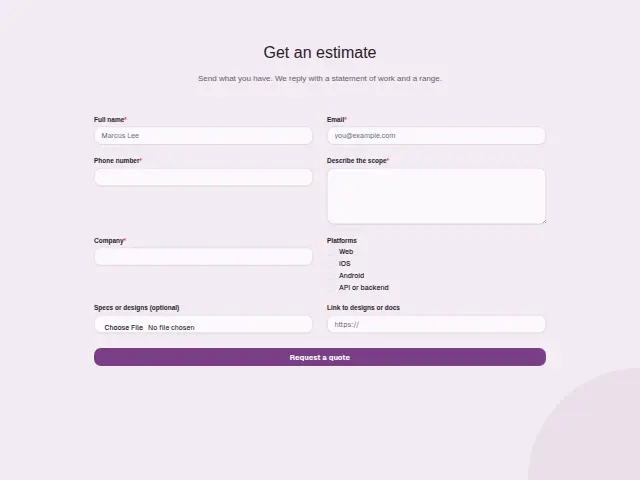
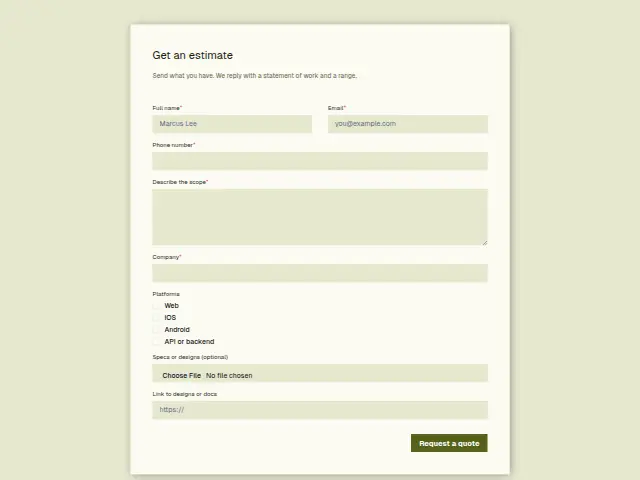
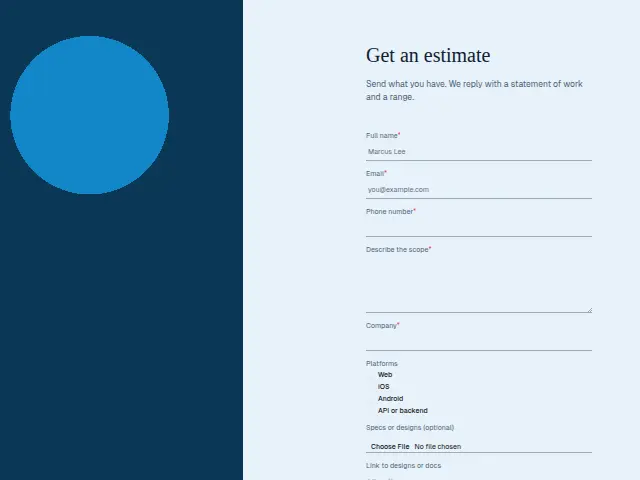
Same questions, same words. Pick the arrangement that suits the page it sits on; the layout can be changed later too.
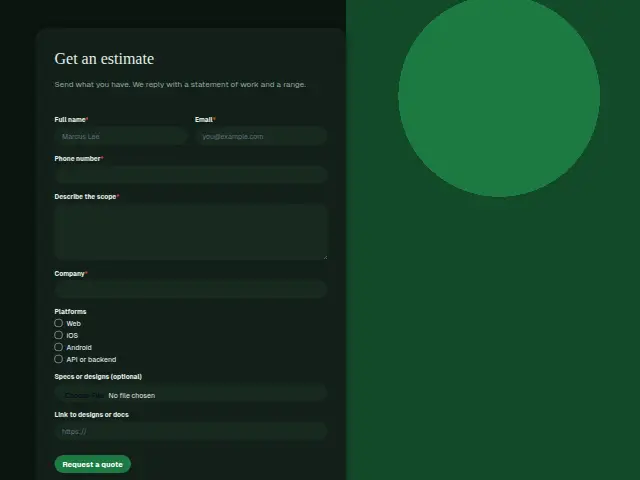
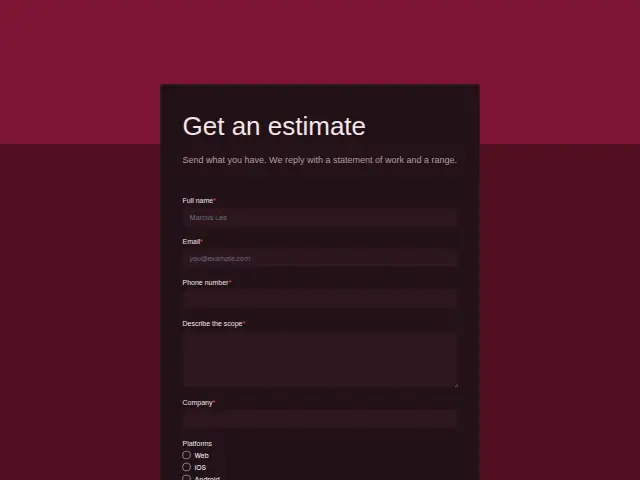
Field guide
8 questions, each with what the business does with the answer.
| Question | Type | Required |
|---|---|---|
| Full nameThe client-side owner the statement of work is addressed to, after the scoping conversation. | Short text | Yes |
| EmailWhere the statement of work and range are sent, and where a workflow asks for specs if none came. | Yes | |
| Phone numberRequired because a range needs a conversation with whoever owns the project on the client’s side. | Phone | Yes |
| Describe the scopeRequired, and a workflow can copy it into a Linear issue description so the estimate has one home. | Long text | Yes |
| CompanyRequired, kept on the CRM record so the estimate and any later kickoff sit under one company. | Short text | Yes |
| PlatformsWeb · iOS · Android · API or backendA check for iOS or Android can bring in the mobile lead, and API or backend goes to the API team. | Checkboxes | No |
| Specs or designs (optional)An optional file kept with the response, so estimators open the spec without asking twice. | File upload | No |
| Link to designs or docsA URL field for a design file or doc, and a workflow can check whether both this and the file are empty. | Website | No |
What happens after someone sends it
Platforms sets who estimates. A workflow can check whether iOS or Android is ticked and bring in the mobile lead, and send backend-only work to whoever handles APIs. The file and the link travel with the response, so nobody has to ask for the specs twice.
Requests with neither a file nor a link are the ones to ask about first, and a workflow can check that both are empty and reply asking for whatever exists, even a rough sketch. A Linear issue or a ClickUp task per request gives the estimate a home, with the scope text and the platforms in its description.
Each response adds the person to the client’s CRM, shows in their portal’s Leads and sends you a new-lead alert; if nobody has answered after 15 minutes, you hear again. Any workflow you start from the form runs the moment it arrives.
Library workflows that start from a form like this: Lead rescue and Quiet lead follow-up.
Its answers can also go straight to another app with a starter: ActiveCampaign, Airtable, Asana, Attio, Brevo, ClickUp, Close and Discord, among others.
Trades that use it
The trade page that lists this form, with the trade’s other forms and workflows.
Workflows for software development agency
What runs when this form is sent: playbooks and packs written for the same trade.
- PackSoftware development agencyRetainer dev agency packSorts support tickets, turns requests into tasks, and recovers failed payments.






 3 workflows · 12 steps · 7 apps
- PackSoftware development agencyProject-based dev agency packAnswers leads fast, briefs each call, follows up quotes and kicks off won projects.
 Airtable
 Calendly
 4 workflows · 27 steps · 8 apps
- PlaybookSoftware development agencyAfter-hours answeringAnswer customer messages at any hour from the business’s own facts, and hand anything else to a person with a holding reply.
 Telegram5 steps · 3 apps
Related forms
See them all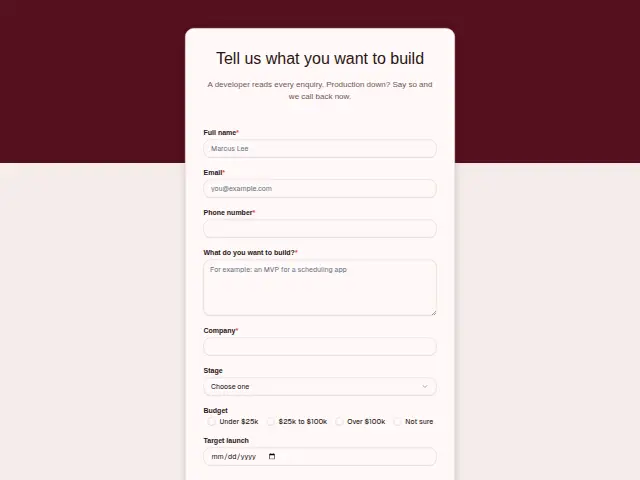 Software project enquirySoftware development agency8 fields · Enquiry
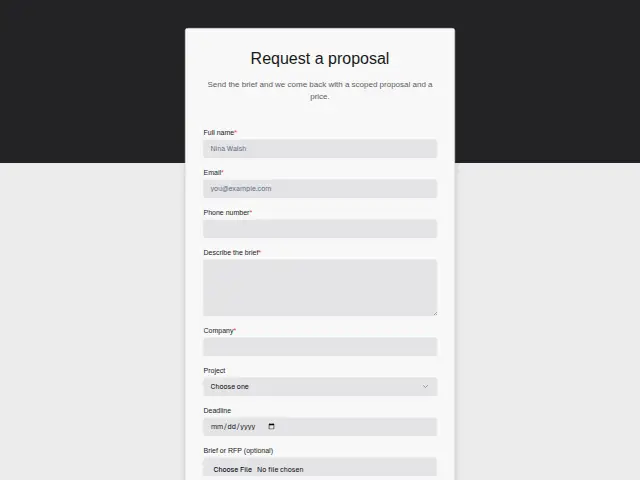 Marketing proposal requestMarketing agency8 fields · Quote request
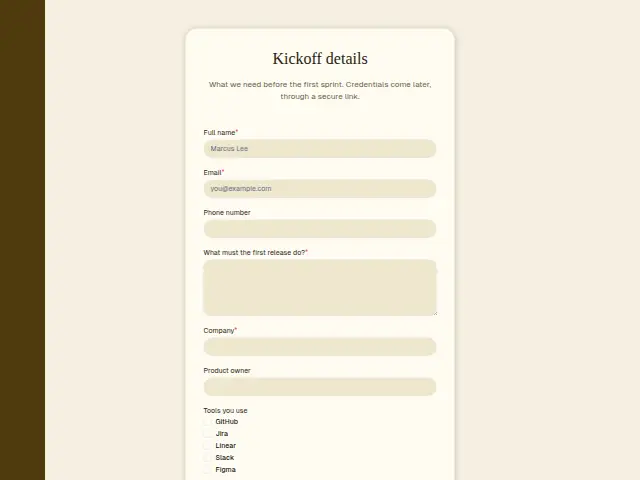 Software client onboardingSoftware development agency8 fields · Registration
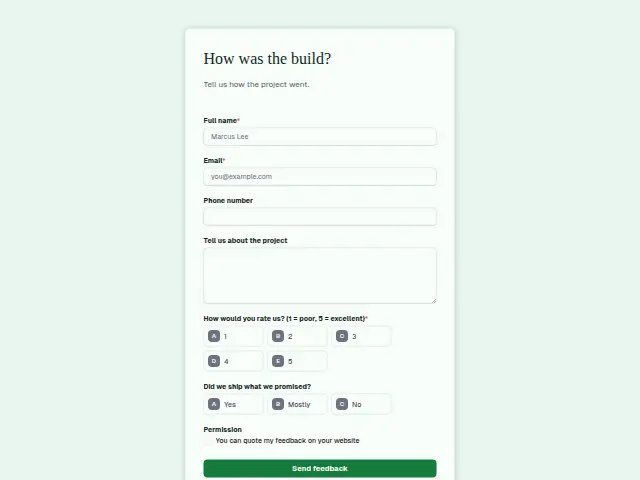 Software project feedbackSoftware development agency7 fields · Feedback
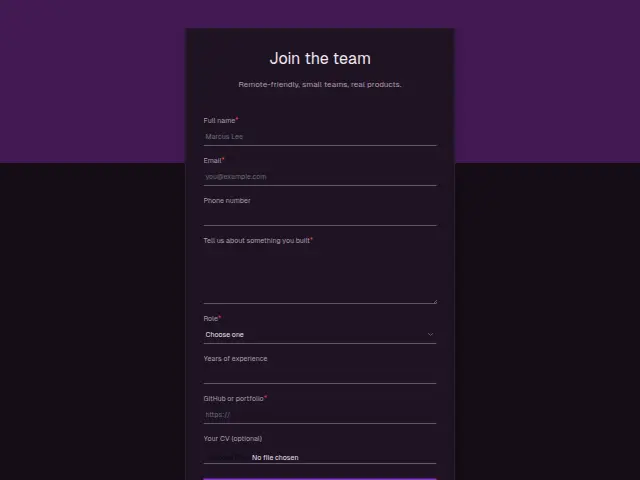 Developer job applicationSoftware development agency8 fields · Application
Thrum is cooking.
Get early access and you’ll be among the first in. Early members get a launch perk.