SaaS customer feedback (NPS) template
One question and a comment. Every answer is read by the product team.
- Trade
- B2B software (SaaS)
- Kind of form
- Feedback
- Questions
- 6
- Required
- 3
Start the 14-day trial, then choose SaaS customer feedback (NPS) under Form templates. Each field, word and colour can be changed.
Who uses it
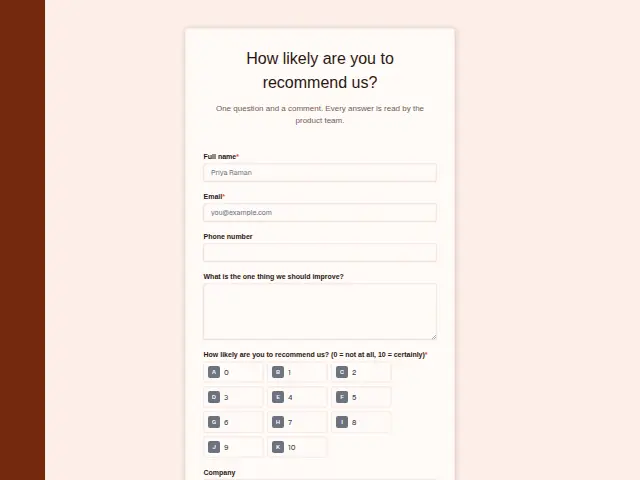
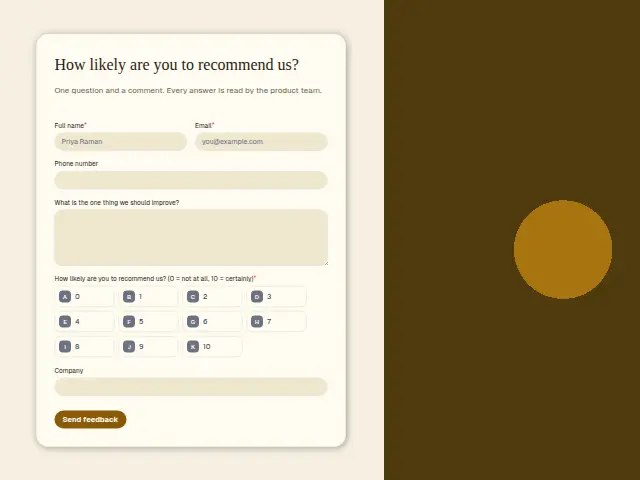
This is a Net Promoter survey, one required question on a 0 to 10 scale, “How likely are you to recommend us?”, and one optional box asking for the one thing to improve. Company is optional, which lets the team tie an answer to an account.
The description says the product team reads every answer, a promise that holds only if the answers are routed somewhere people look.
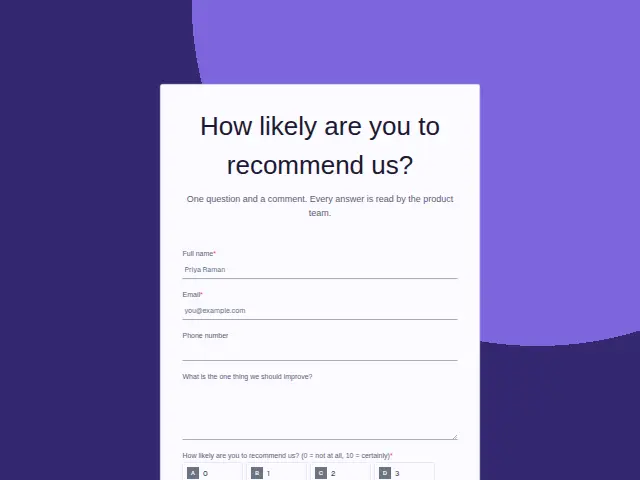
The same form, in 6 layouts
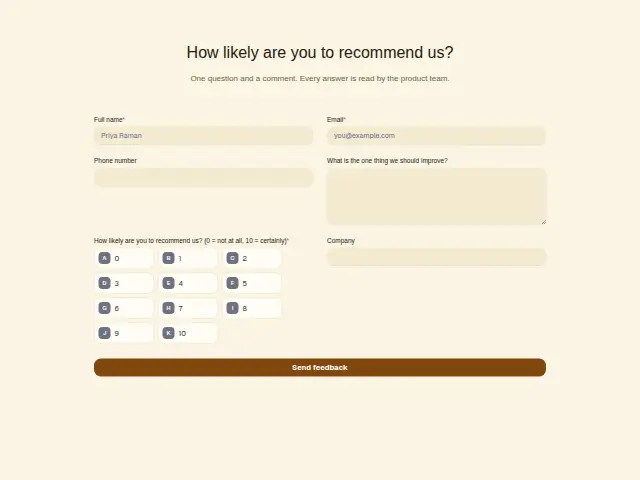
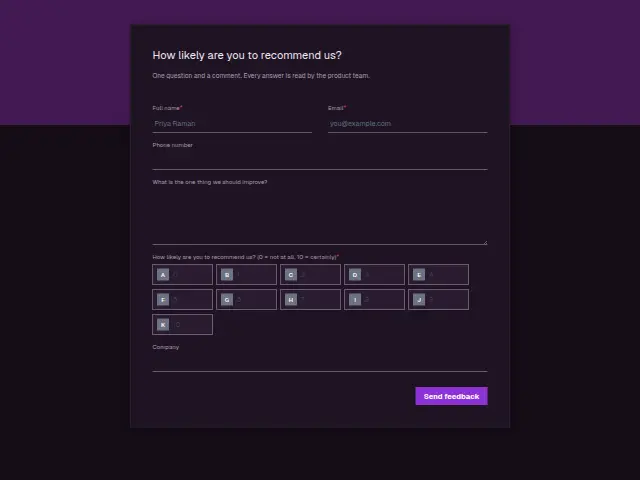
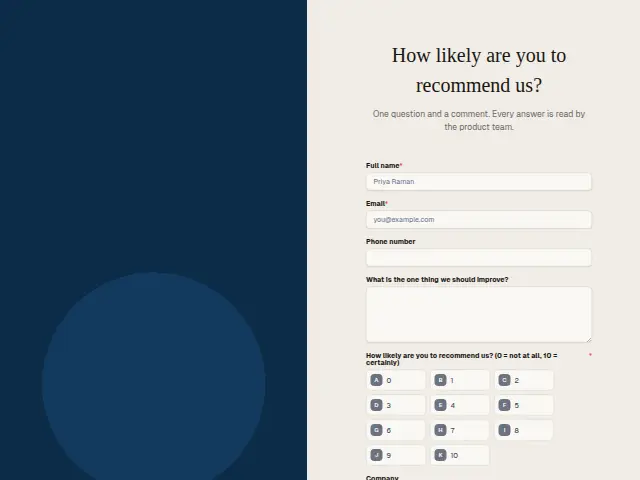
Same questions, same words. Pick the arrangement that suits the page it sits on; the layout can be changed later too.
Field guide
6 questions, each with what the business does with the answer.
| Question | Type | Required |
|---|---|---|
| Full nameTies the score to a person, so the account owner knows who to contact about a 0 to 6. | Short text | Yes |
| EmailWhere promoters get a thank-you and low scorers hear that a person will be in touch. | Yes | |
| Phone numberOptional, and worth having when a low score comes from a large account that deserves a call. | Phone | No |
| What is the one thing we should improve?A workflow can add each answer to a Notion database or a Linear issue the product team reads. | Long text | No |
| How likely are you to recommend us? (0 = not at all, 10 = certainly)0 · 1 · 2 · 3 · 4 · 5 · 6 · 7 · 8 · 9 · 10A number, so a workflow can send scores of 0 to 6 to the account owner and 9s and 10s a thank-you. | Multiple choice | Yes |
| CompanyOptional, letting the team group scores by account and see when one customer’s users all score low. | Short text | No |
What happens after someone sends it
The score is a number, so a workflow can branch on it directly. Scores of 0 to 6 can go to the account’s owner the same day, 9s and 10s can get a thank-you, and the improve answers can collect in a sheet the product team reads. Feedback routing does the first part, with the low scores on the owner’s phone, a note that a person will call and a thank-you for everyone.
Made from this template, the form keeps its answers in Results: no person is added to the client’s CRM and no lead alert goes out, unless you switch “Add responses to leads” on. Any workflow you start from it still runs.
Library workflows that start from a form like this: Feedback routing and Review request.
Its answers can also go straight to another app with a starter: ActiveCampaign, Airtable, Asana, Attio, Brevo, ClickUp, Close and Discord, among others.
Trades that use it
The trade page that lists this form, with the trade’s other forms and workflows.
Workflows for b2B software (SaaS)
What runs when this form is sent: playbooks and packs written for the same trade.
- PackB2B software (SaaS)Product-led software company packRecovers failed payments, thanks paying customers, and sorts support conversations and tickets.






 4 workflows · 16 steps · 8 apps
- PackB2B software (SaaS)Sales-led software company packAnswers leads fast, briefs and follows up each demo, and kicks off won deals.
 Calendly

 4 workflows · 20 steps · 7 apps
- PlaybookB2B software (SaaS)After-hours answeringAnswer customer messages at any hour from the business’s own facts, and hand anything else to a person with a holding reply.
 Telegram5 steps · 3 apps
Related forms
See them all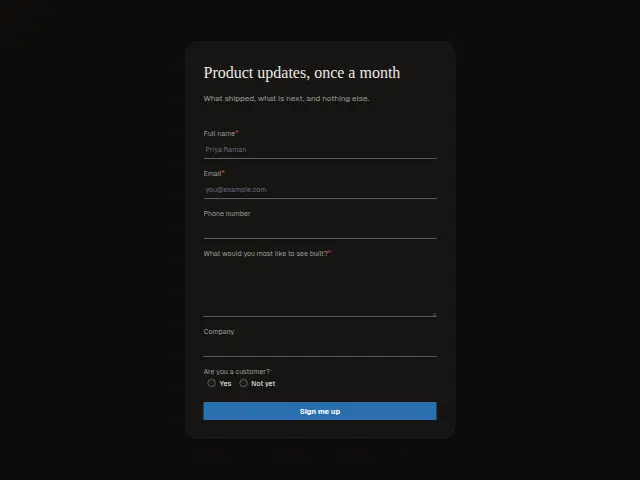 SaaS product updatesB2B software (SaaS)6 fields · Subscription
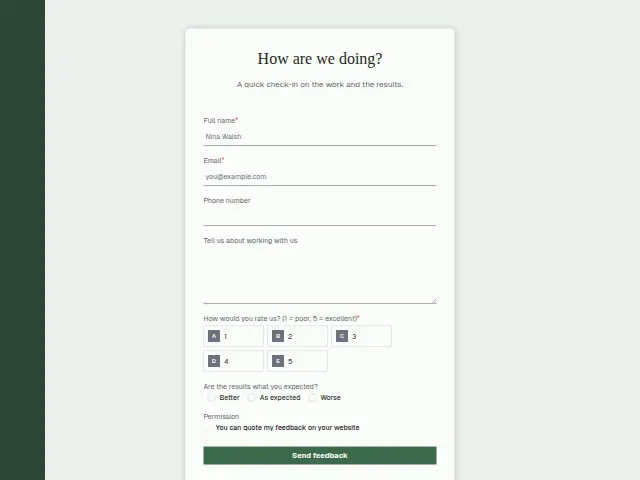 Marketing client feedbackMarketing agency7 fields · Feedback
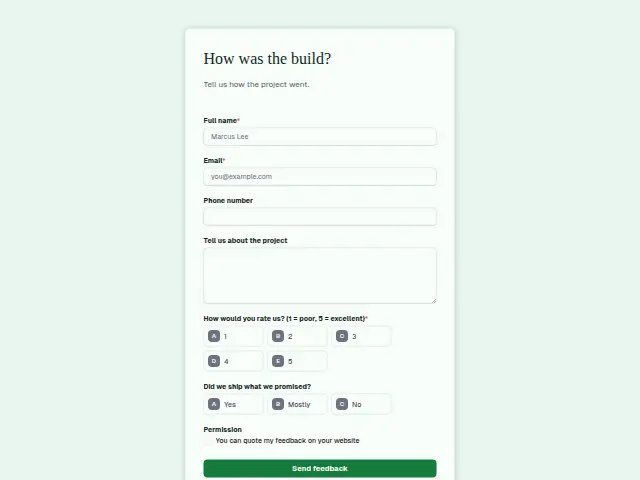 Software project feedbackSoftware development agency7 fields · Feedback
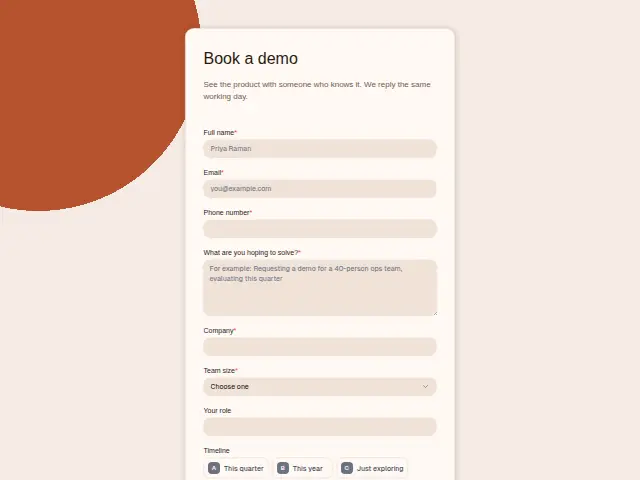 SaaS demo requestB2B software (SaaS)8 fields · Enquiry
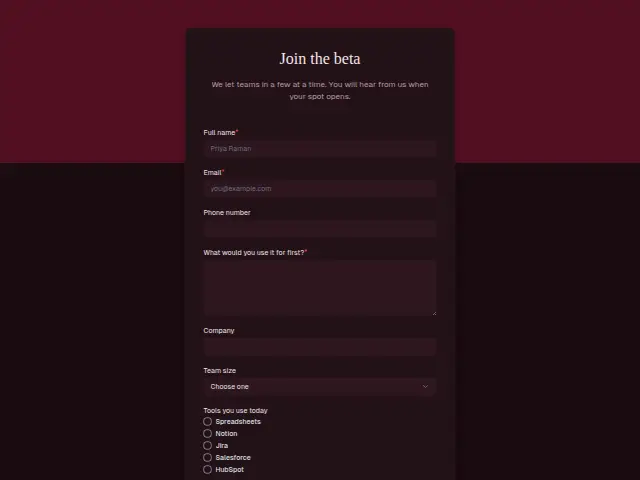 SaaS beta waitlistB2B software (SaaS)7 fields · Waitlist
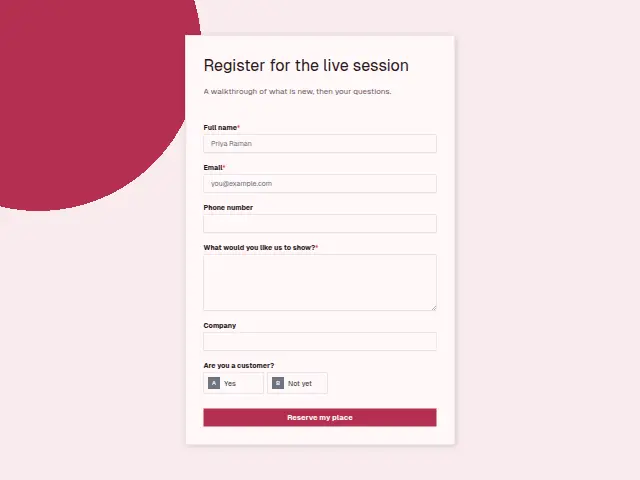 SaaS webinar registrationB2B software (SaaS)6 fields · Event RSVP
Thrum is cooking.
Get early access and you’ll be among the first in. Early members get a launch perk.