Legal client intake template
The details we need to open your matter. Confidential from the moment you send it.
- Trade
- Law
- Kind of form
- Registration
- Questions
- 9
- Required
- 5
Start the 14-day trial, then choose Legal client intake under Form templates. Each field, word and colour can be changed.
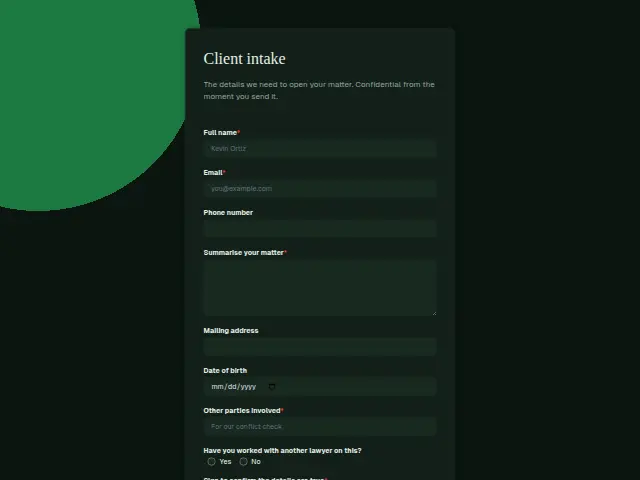
Who uses it
A firm sends this once it has agreed to act, to open the matter properly, and the description promises confidentiality from the moment it is sent. “Summarise your matter” is required, and so is “Other parties involved”, because no file opens without knowing who is on the other side.
Mailing address and Date of birth confirm identity for the file. “Have you worked with another lawyer on this?” (Yes, No) tells the firm whether there is an earlier file to request or a handover to manage. The form closes with a required e-signature confirming the details are true, which leaves the firm a signed record of what the client said at intake.
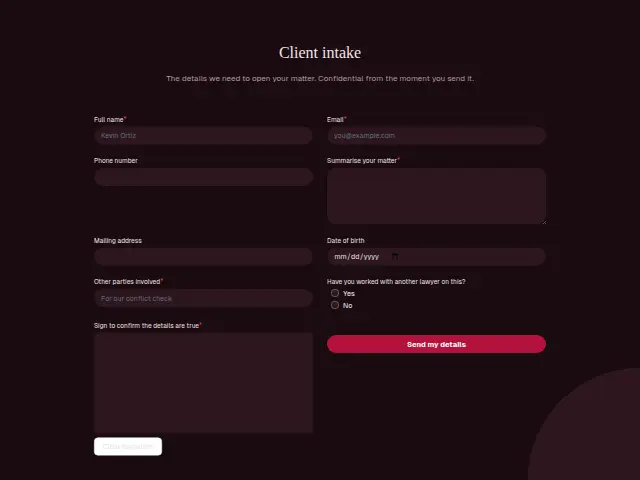
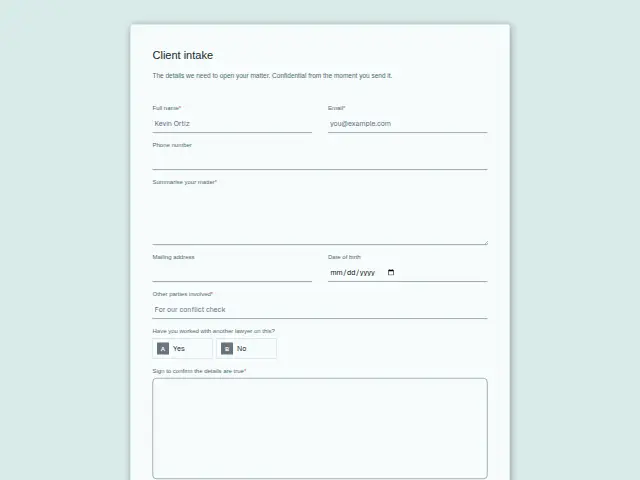
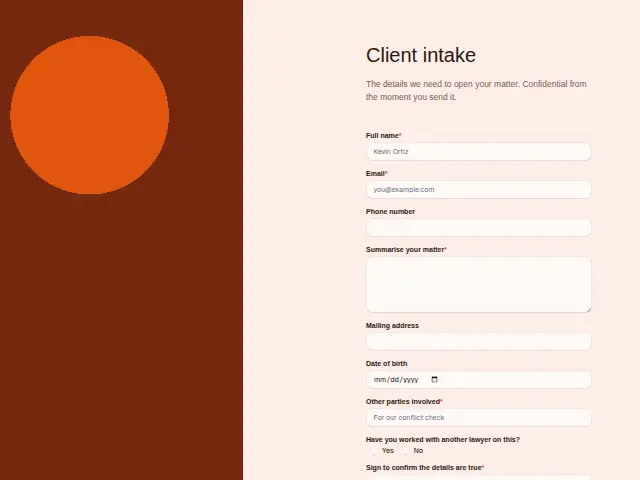
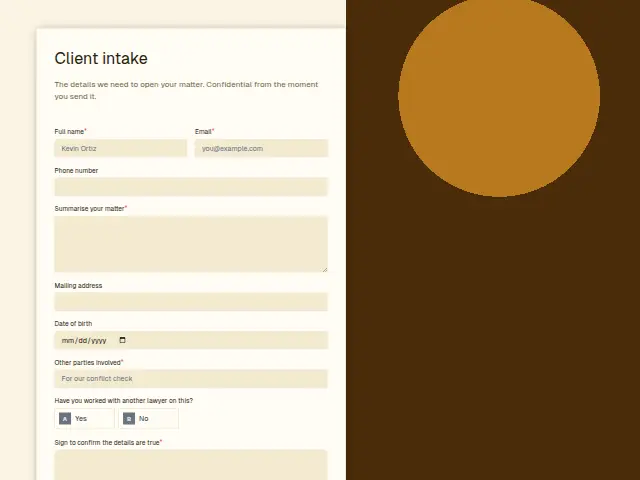
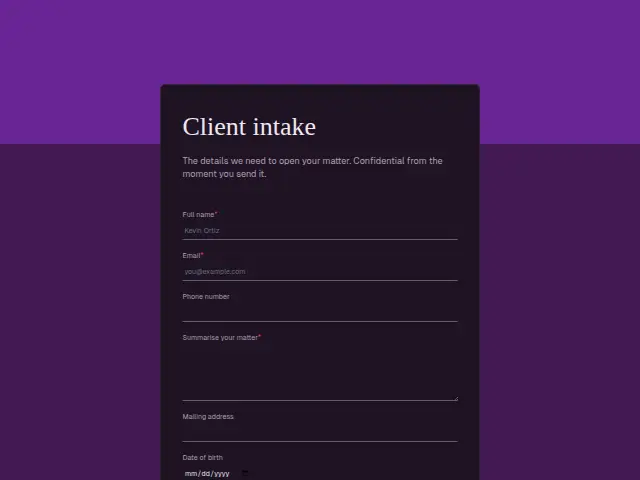
The same form, in 6 layouts
Same questions, same words. Pick the arrangement that suits the page it sits on; the layout can be changed later too.
Field guide
9 questions, each with what the business does with the answer.
| Question | Type | Required |
|---|---|---|
| Full nameThe client’s legal name for the matter file, and the name the conflict check is run against. | Short text | Yes |
| EmailThe address the firm writes to about the matter, and a workflow can send a confirmation that intake arrived. | Yes | |
| Phone numberOptional, since a number given at enquiry stays on the CRM person even when this one is left blank. | Phone | No |
| Summarise your matterThe summary the reviewing lawyer reads first when Approval chase sends the intake to them for sign-off. | Long text | Yes |
| Mailing addressWhere letters about the matter are posted, and a workflow can add it to a Google Sheets row of open matters. | Short text | No |
| Date of birthHelps confirm identity for the file and tells apart two clients who share the same name. | Date | No |
| Other parties involvedRequired for the conflict check, and a workflow can create a ClickUp task with these names for whoever runs it. | Short text | Yes |
| Have you worked with another lawyer on this?Yes · NoYes can start a task to request the earlier file, so the handover begins in the first week. | Multiple choice | No |
| Sign to confirm the details are trueKept with the response as the client’s signature, a record of what they confirmed at intake. | Signature | Yes |
What happens after someone sends it
Yes on the earlier lawyer usually means action that same week, such as a letter asking for the file or a check that the previous retainer has ended. A workflow can raise it as a task for whoever opens matters, and the Other parties answer can go to the person running conflict checks.
Where a senior lawyer signs off every new matter before work begins, Approval chase sends the intake to that lawyer, moves to a deputy if a day goes by with no decision, and tells the client the outcome.
Each response adds the person to the client’s CRM, shows in their portal’s Leads and sends you a new-lead alert; if nobody has answered after 15 minutes, you hear again. Any workflow you start from the form runs the moment it arrives.
Library workflows that start from a form like this: Enquiry triage.
Its answers can also go straight to another app with a starter: ActiveCampaign, Airtable, Asana, Attio, Brevo, ClickUp, Close and Discord, among others.
Trades that use it
The trade page that lists this form, with the trade’s other forms and workflows.
Thrum is cooking.
Get early access and you’ll be among the first in. Early members get a launch perk.