Legal client feedback template
Tell us how we handled your matter.
Start the 14-day trial, then choose Legal client feedback under Form templates. Each field, word and colour can be changed.
Who uses it
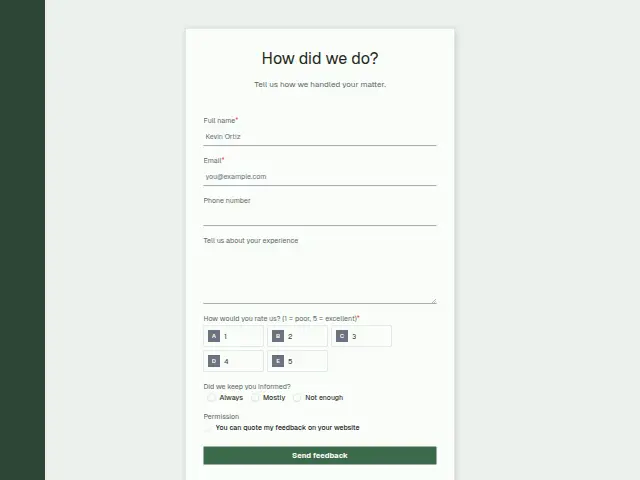
Sent when a matter closes, this asks a client how the firm handled it. The 1 to 5 rating is required and the comment is optional, which keeps it light for someone coming out of a difficult few months.
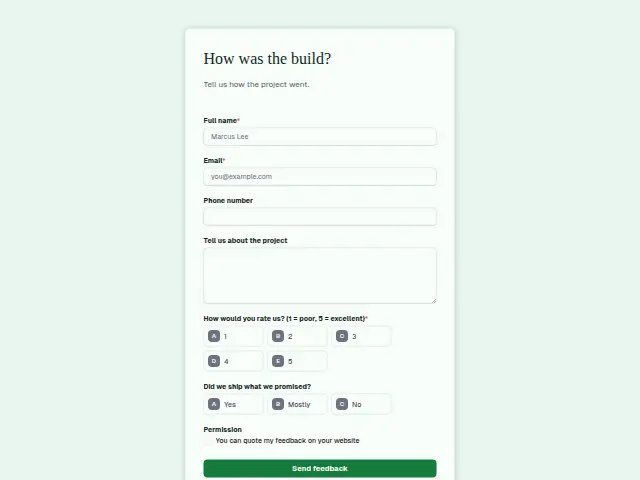
“Did we keep you informed?” (Always, Mostly, Not enough) is the question that belongs to legal work, aimed at the long gaps between steps that a client sees from outside the file. The Permission box asks before any comment is quoted on the firm’s website.
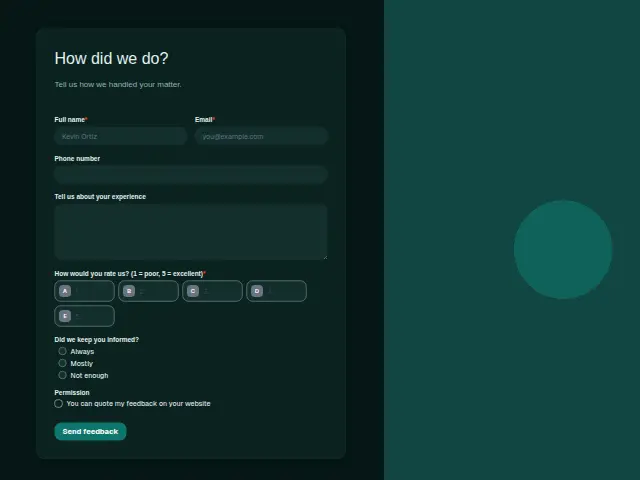
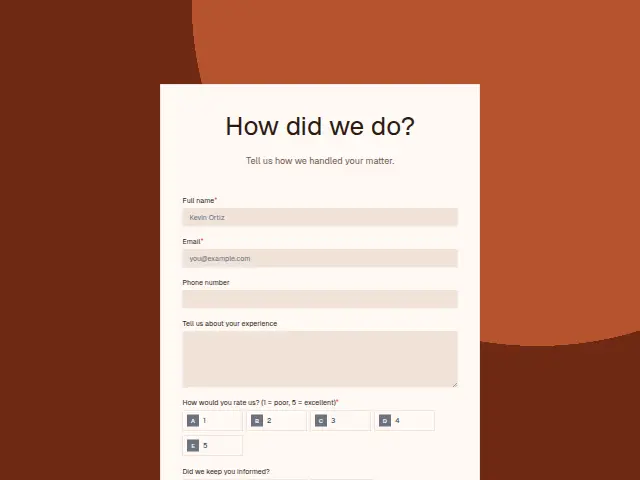
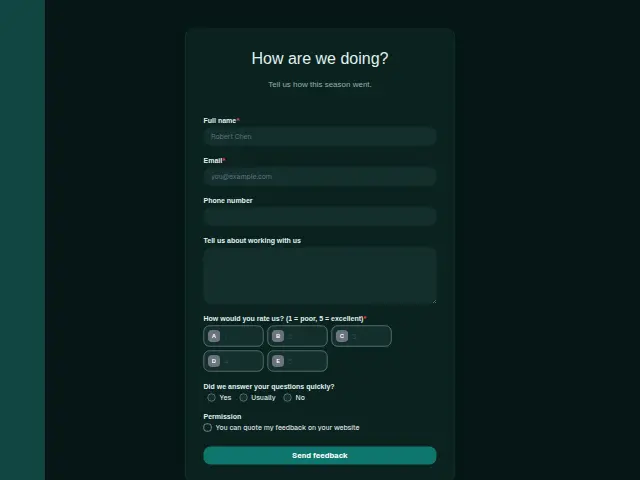
The same form, in 6 layouts
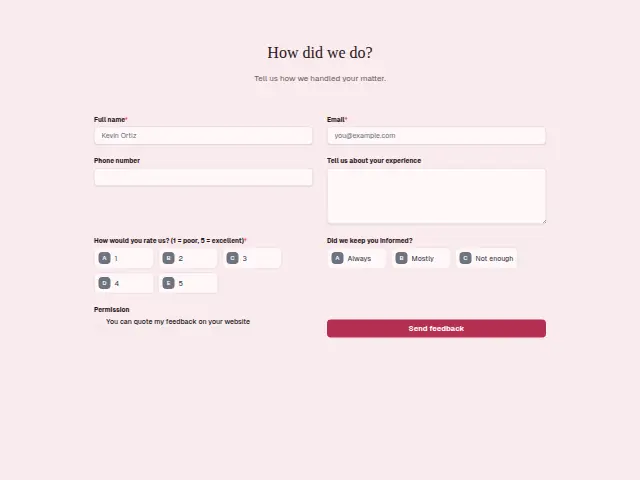
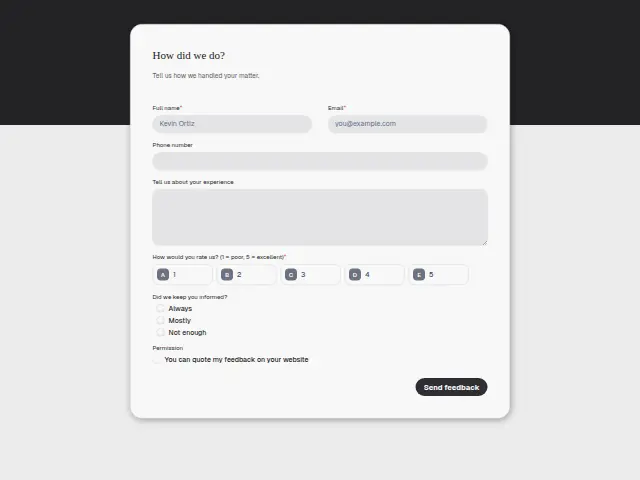
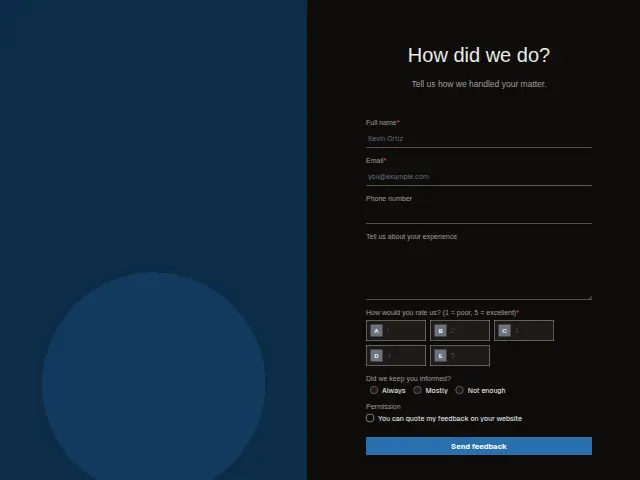
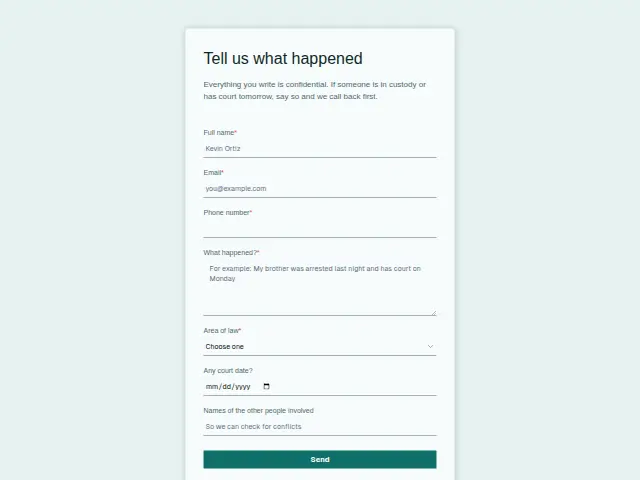
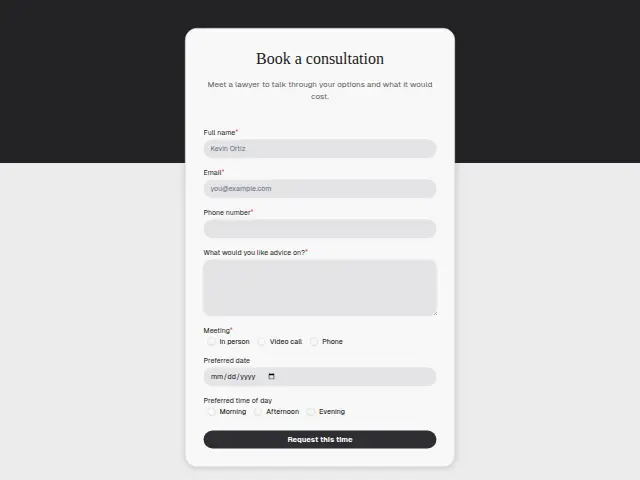
Same questions, same words. Pick the arrangement that suits the page it sits on; the layout can be changed later too.
Field guide
7 questions, each with what the business does with the answer.
| Question | Type | Required |
|---|---|---|
| Full nameLets the senior lawyer see whose matter the score is about before returning a Feedback routing call. | Short text | Yes |
| EmailWhere the thank-you is sent once the matter has closed, or the message that a named person will call. | Yes | |
| Phone numberWith it, the person named as who calls back in Feedback routing has a number to ring. | Phone | No |
| Tell us about your experienceAn optional comment on how the matter went, read in Results beside the rating and the informed answer. | Long text | No |
| How would you rate us? (1 = poor, 5 = excellent)1 · 2 · 3 · 4 · 5Feedback routing thanks and logs every score to the firm’s sheet, and texts the owner about low ones that day. | Multiple choice | Yes |
| Did we keep you informed?Always · Mostly · Not enoughNot enough can open a task for the lawyer who ran the matter, even when the rating is a 4. | Multiple choice | No |
| PermissionYou can quote my feedback on your websiteUnticked comments stay private in Results, and a workflow can copy only the ticked ones to the website list. | Checkboxes | No |
What happens after someone sends it
Feedback routing sends any rating at or under the firm’s chosen low score to the owner’s phone the same day, tells the client a person will call, and thanks and logs every score. Not enough on keeping informed is worth a second branch, because it can arrive beside a 4 and still tell the senior lawyers something they need to hear about how matters are run.
Made from this template, the form keeps its answers in Results: no person is added to the client’s CRM and no lead alert goes out, unless you switch “Add responses to leads” on. Any workflow you start from it still runs.
Library workflows that start from a form like this: Feedback routing and Review request.
Its answers can also go straight to another app with a starter: ActiveCampaign, Airtable, Asana, Attio, Brevo, ClickUp, Close and Discord, among others.
Trades that use it
The trade page that lists this form, with the trade’s other forms and workflows.
Thrum is cooking.
Get early access and you’ll be among the first in. Early members get a launch perk.