Legal case enquiry template
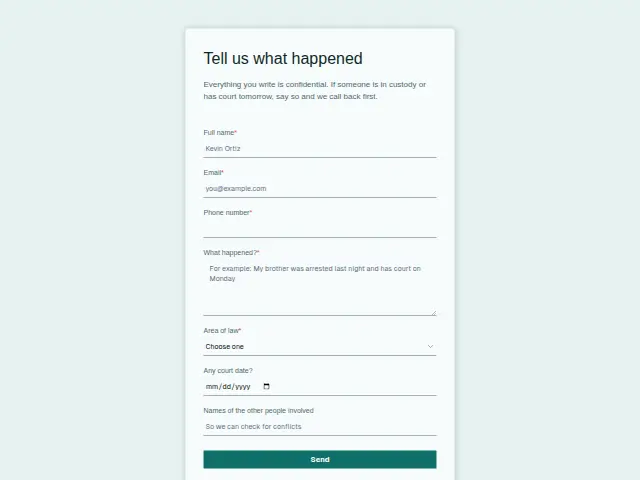
Everything you write is confidential. If someone is in custody or has court tomorrow, say so and we call back first.
Start the 14-day trial, then choose Legal case enquiry under Form templates. Each field, word and colour can be changed.
Who uses it
Someone filling this in is often in the middle of something hard, an arrest, a separation, an injury or a dismissal. The firm’s description promises confidentiality and a first call-back for anyone in custody or due in court tomorrow, and the questions follow from that. “What happened?” is required and left open, so the person can tell it in their own order.
Area of law is required too, with Criminal defence, Family, Personal injury, Employment, Wills and estates, Business and Other, which lets a firm with several practice groups put the matter in front of the right lawyer. “Any court date?” stays optional because many matters have none yet. The box for the names of the other people involved is there so a conflict check can happen before anyone at the firm hears more.
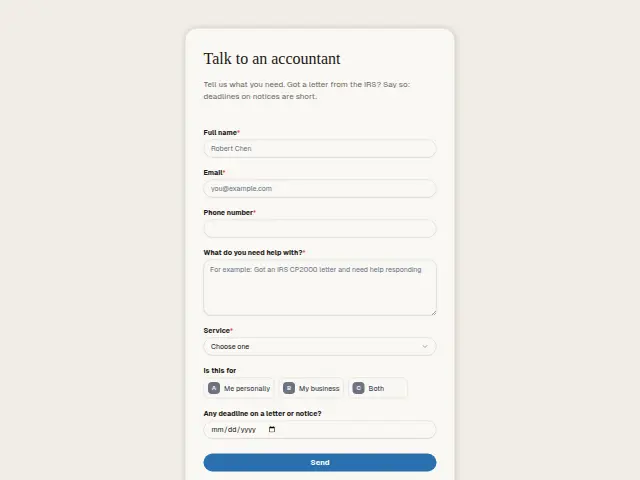
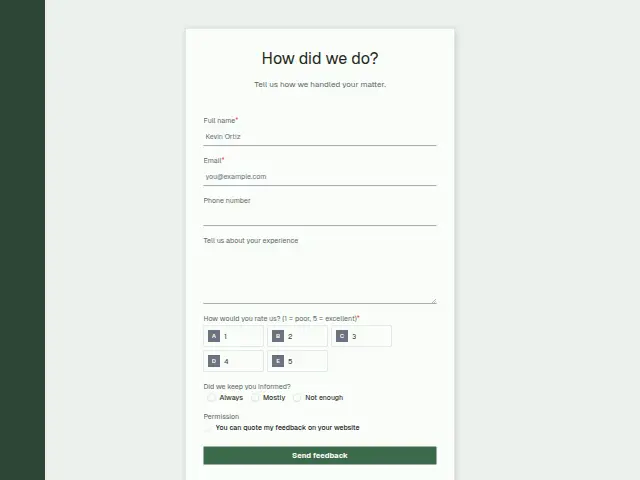
The same form, in 6 layouts
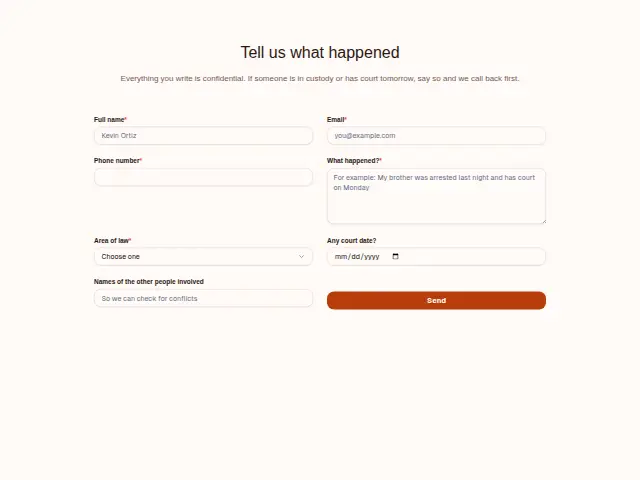
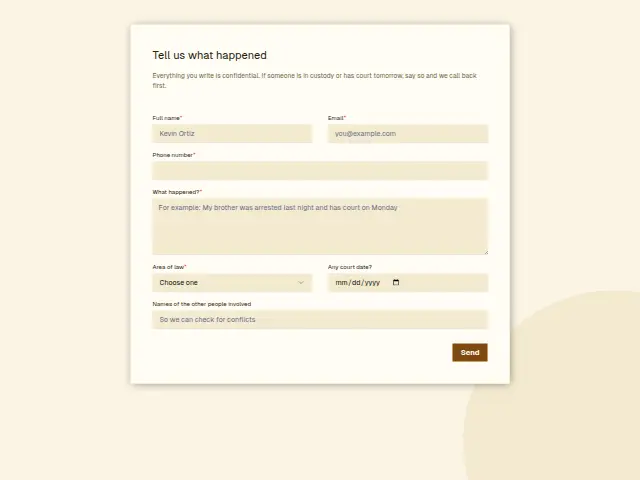
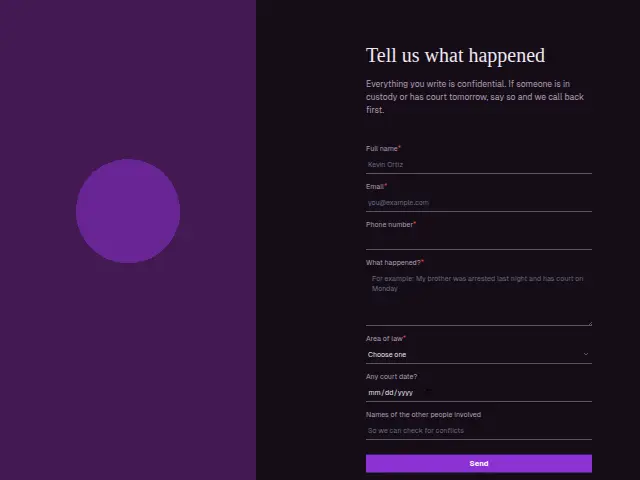
Same questions, same words. Pick the arrangement that suits the page it sits on; the layout can be changed later too.
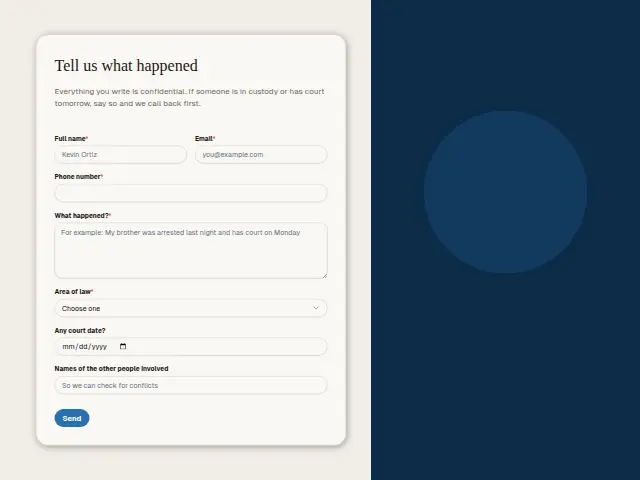
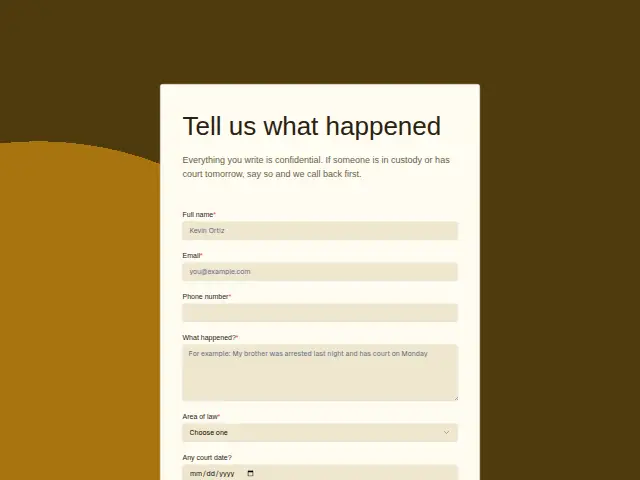
Field guide
7 questions, each with what the business does with the answer.
| Question | Type | Required |
|---|---|---|
| Full nameNeeded for the conflict check, which runs on this name as well as on the other people listed below. | Short text | Yes |
| EmailA workflow sends the confidential acknowledgement here, so it should be an address only the client reads. | Yes | |
| Phone numberRequired so a lawyer can call back first when someone is in custody or due in court tomorrow. | Phone | Yes |
| What happened?Told in the person’s own order and kept in Results, where the firm also reads it in its portal’s Leads. | Long text | Yes |
| Area of lawCriminal defence · Family · Personal injury · Employment · Wills and estates · Business · OtherSeven practice areas, so a workflow can send Family to the family team and Personal injury to its own intake person. | Dropdown | Yes |
| Any court date?A workflow can check whether a date was given and, when it was, text the duty lawyer before anything else happens. | Date | No |
| Names of the other people involvedOptional names for the conflict check, which a workflow can post to whoever runs checks in Slack or Microsoft Teams. | Short text | No |
What happens after someone sends it
A court date together with Criminal defence is the response to put in front of a lawyer straight away. Lead rescue is shaped for cases like that. It answers each new lead within a minute, gets the owner on the emergencies and chases any enquiry nobody has called back within the hour.
The names box can go to whoever runs conflict checks the moment the form arrives, and a workflow can send it there without anyone forwarding an email. The new contact keeps the area of law they chose, so a Family enquiry and a Wills and estates one stay easy to tell apart in the CRM later.
Each response adds the person to the client’s CRM, shows in their portal’s Leads and sends you a new-lead alert; if nobody has answered after 15 minutes, you hear again. Any workflow you start from the form runs the moment it arrives.
Library workflows that start from a form like this: Enquiry triage, Lead rescue and Quiet lead follow-up.
Its answers can also go straight to another app with a starter: ActiveCampaign, Airtable, Asana, Attio, Brevo, ClickUp, Close and Discord, among others.
Trades that use it
The trade page that lists this form, with the trade’s other forms and workflows.
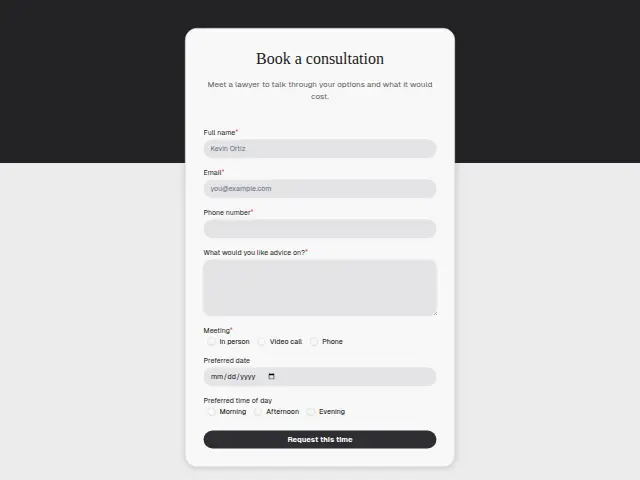
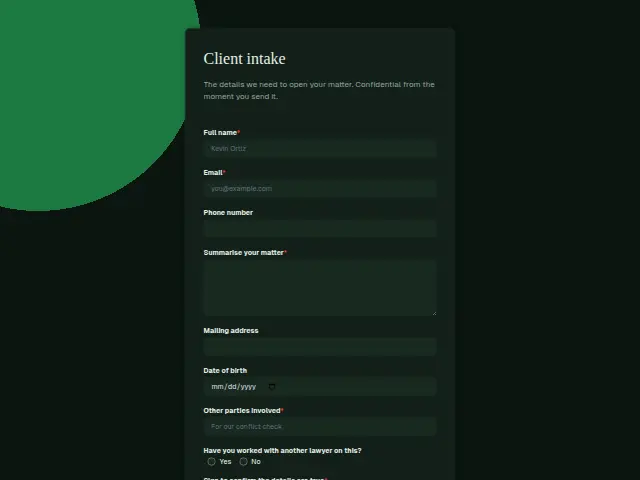
Thrum is cooking.
Get early access and you’ll be among the first in. Early members get a launch perk.