Accounting consultation booking template
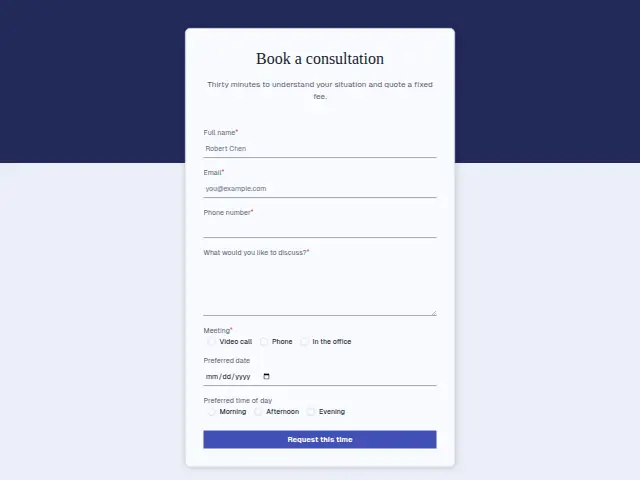
Thirty minutes to understand your situation and quote a fixed fee.
- Trade
- Accounting
- Kind of form
- Booking
- Questions
- 7
- Required
- 5
Start the 14-day trial, then choose Accounting consultation booking under Form templates. Each field, word and colour can be changed.
Who uses it
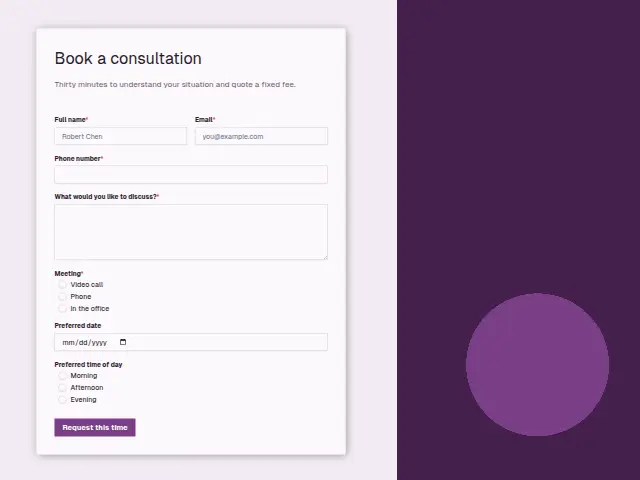
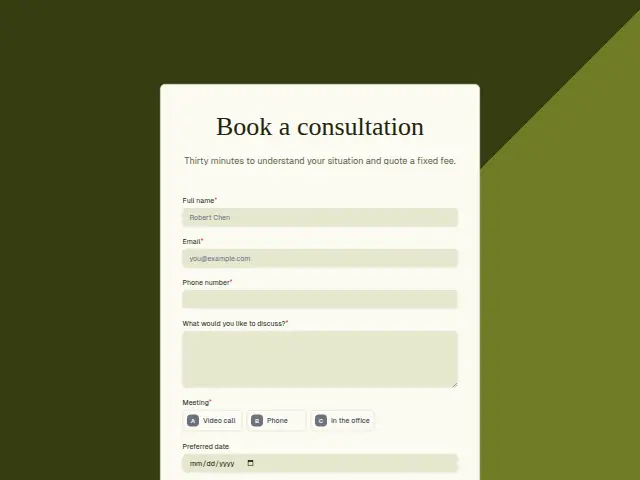
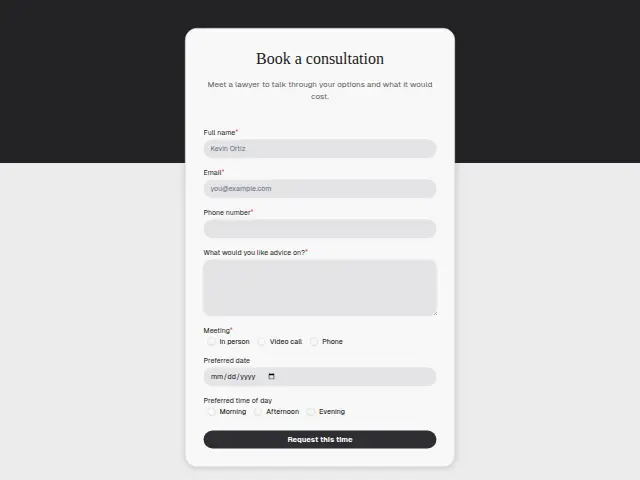
This comes after the first contact, once someone wants thirty minutes with an accountant and a fixed-fee quote at the end, which is what the description offers. The form stays short on purpose. “What would you like to discuss?” is the only required text, and the Meeting choice (Video call, Phone, In the office) is required because a practice with one meeting room cannot leave the format to guesswork.
Preferred date and Preferred time of day (Morning, Afternoon, Evening) are both optional. They give whoever answers a starting point for proposing a slot, which suits a firm whose diary bends around filing deadlines. Evening is on the list for owners of small businesses who can only talk once their own working day is over.
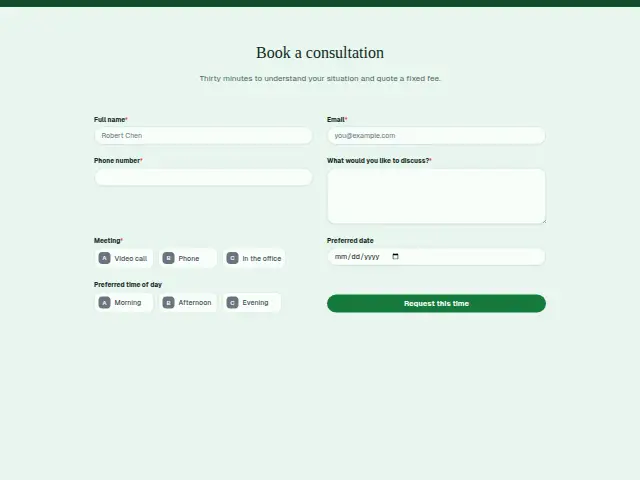
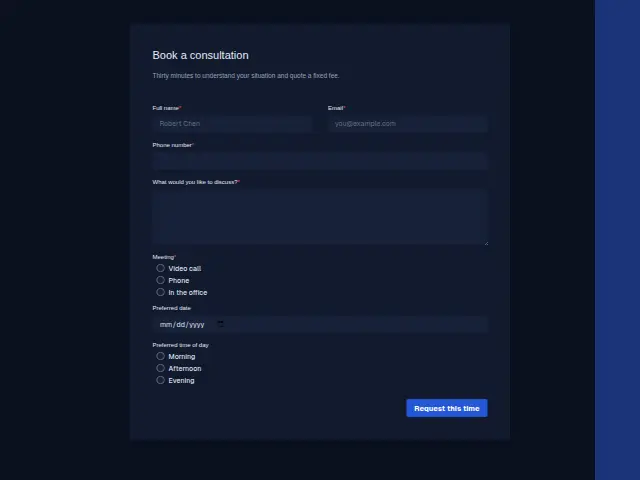
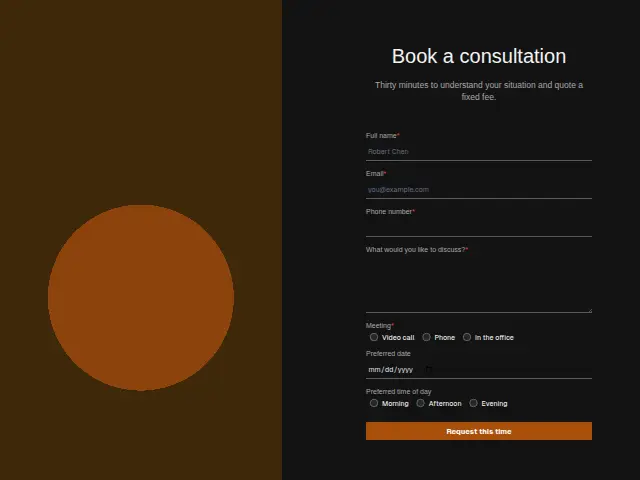
The same form, in 6 layouts
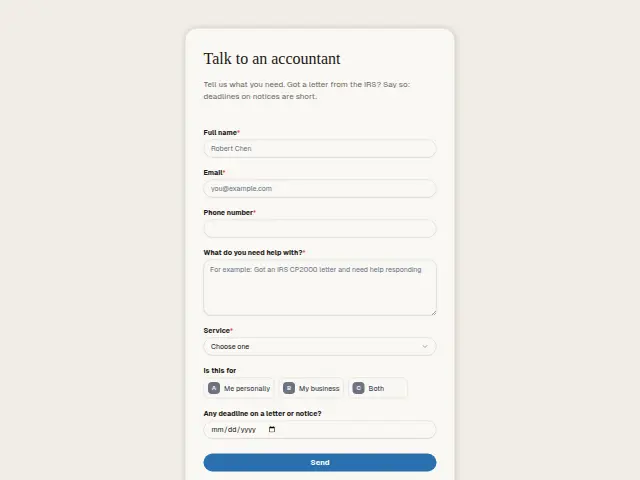
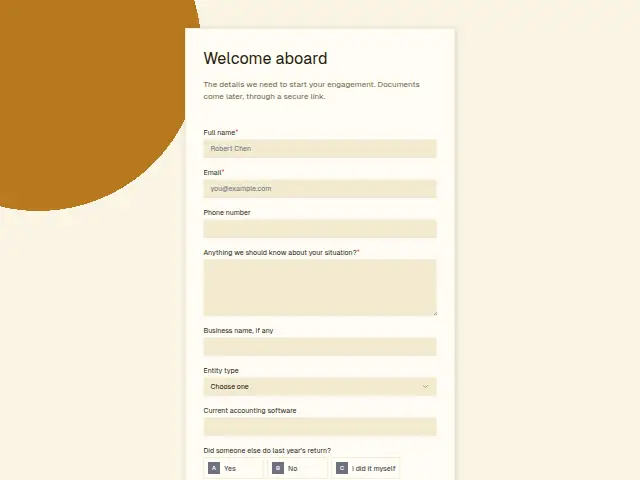
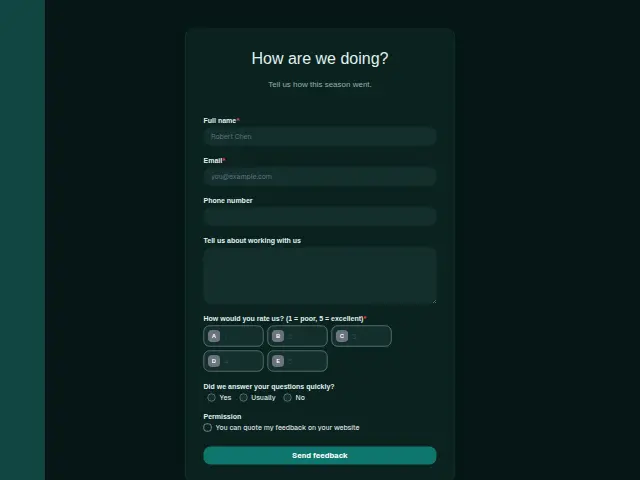
Same questions, same words. Pick the arrangement that suits the page it sits on; the layout can be changed later too.
Field guide
7 questions, each with what the business does with the answer.
| Question | Type | Required |
|---|---|---|
| Full nameNames the person on the consultation note and on the CRM record the fixed-fee quote is later written against. | Short text | Yes |
| EmailCarries the confirmation, and for a Video call it is where the meeting link travels. | Yes | |
| Phone numberThe number the accountant dials when Phone is the meeting chosen, and where a workflow can text the agreed time. | Phone | Yes |
| What would you like to discuss?Read before the thirty minutes start, since the figures people mention here are what shape the fixed fee. | Long text | Yes |
| MeetingVideo call · Phone · In the officeA workflow can branch three ways on it, sending the office address, a video link or the number the accountant rings from. | Multiple choice | Yes |
| Preferred dateOptional and shown on the response in Results, so the reply can propose a slot close to that day. | Date | No |
| Preferred time of dayMorning · Afternoon · EveningEvening requests can go to the accountant who takes late calls, since a workflow can branch on any of the three. | Multiple choice | No |
What happens after someone sends it
The Meeting answer decides what the confirmation has to carry. In the office needs the address and where to park, Video call needs a link, and Phone needs the number the accountant will ring from, so a workflow can branch three ways and send the right one. The discussion box belongs in the note the accountant reads before the call, since it is where people mention the figures and dates that shape the fee.
A request that nobody picks up during a busy week is the one Quiet lead follow-up exists for. It follows up on day one, day three and day seven, then stops and hands the person back to the owner.
Each response adds the person to the client’s CRM, shows in their portal’s Leads and sends you a new-lead alert; if nobody has answered after 15 minutes, you hear again. Any workflow you start from the form runs the moment it arrives.
Library workflows that start from a form like this: Meeting follow-up and Quiet lead follow-up.
Its answers can also go straight to another app with a starter: ActiveCampaign, Airtable, Asana, Attio, Brevo, ClickUp, Close and Discord, among others.
Trades that use it
The trade page that lists this form, with the trade’s other forms and workflows.
Thrum is cooking.
Get early access and you’ll be among the first in. Early members get a launch perk.