HVAC maintenance plan sign-up template
Two tune-ups a year, priority when it breaks, and members’ pricing on repairs.
- Trade
- HVAC
- Kind of form
- Subscription
- Questions
- 8
- Required
- 4
Start the 14-day trial, then choose HVAC maintenance plan sign-up under Form templates. Each field, word and colour can be changed.
Who uses it
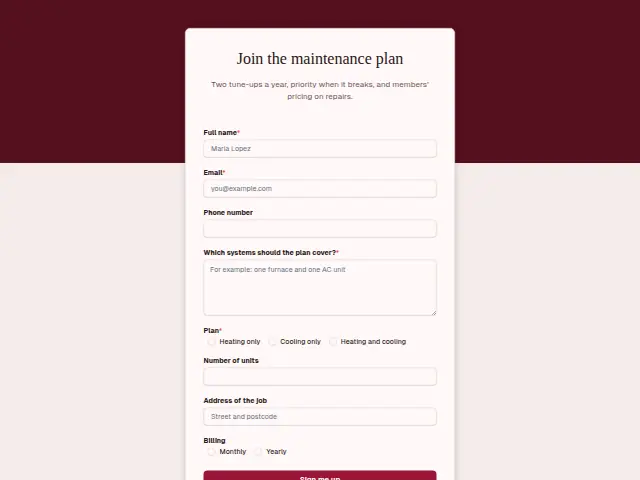
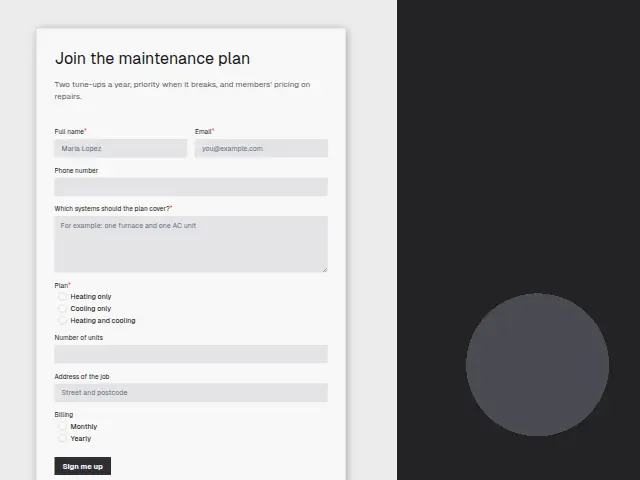
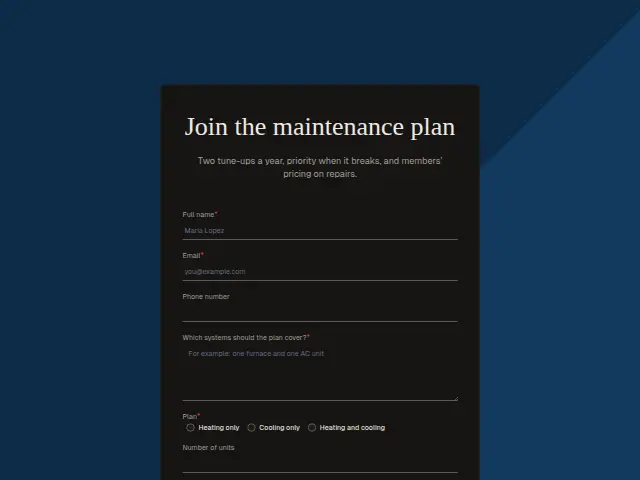
A maintenance plan gives an HVAC company work it can schedule and gives its customers what this form’s description lists, two tune-ups a year, priority when something breaks and members’ pricing on repairs. The sign-up asks which “Plan”, heating only, cooling only or heating and cooling, and that choice is required.
“Which systems should the plan cover?” is a required text answer, and “Number of units” counts them, so a house with a furnace in the basement and a mini-split in the garage is priced as two. “Billing” offers monthly or yearly. The form records that preference and takes no card details, so the office sets up payment with the member afterwards.
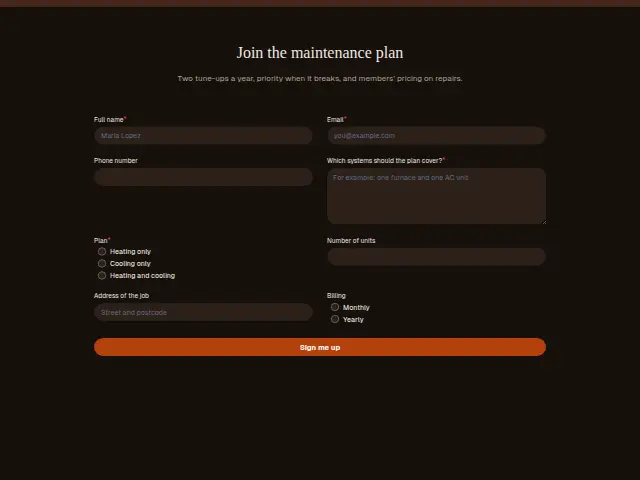
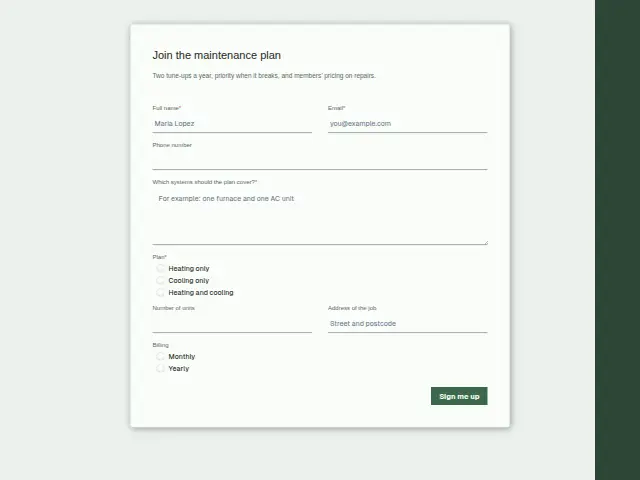
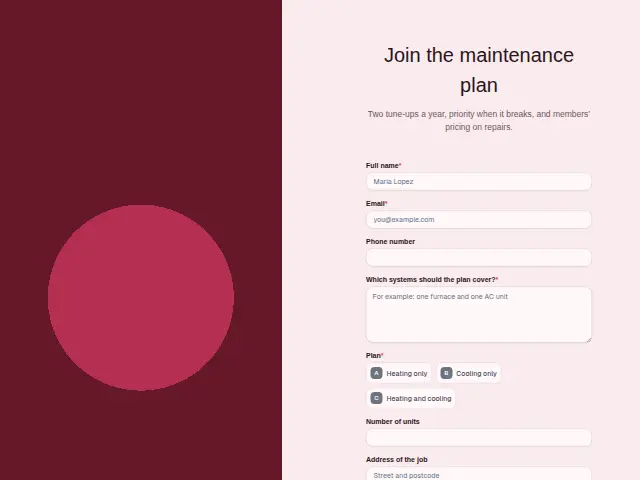
The same form, in 6 layouts
Same questions, same words. Pick the arrangement that suits the page it sits on; the layout can be changed later too.
Field guide
8 questions, each with what the business does with the answer.
| Question | Type | Required |
|---|---|---|
| Full nameThe maintenance agreement is drawn up for this person, and the member appears as a new person in the CRM. | Short text | Yes |
| EmailWhoever raises invoices needs this for the monthly or yearly bill, since the form takes no card details. | Yes | |
| Phone numberMembers get priority when something breaks, and this number is how the office reaches them to book that visit. | Phone | No |
| Which systems should the plan cover?This written list sits on the member’s CRM record, so the office knows what the plan covers when they call. | Long text | Yes |
| PlanHeating only · Cooling only · Heating and coolingA branch on the plan can put heating members on the autumn tune-up list and cooling members on the spring one. | Multiple choice | Yes |
| Number of unitsThe office prices the agreement from this count, and a workflow can then make the member a Stripe payment link. | Number | No |
| Address of the jobThe address places the member on a tune-up route, and it goes with them into the CRM. | Short text | No |
| BillingMonthly · YearlyMonthly or yearly goes to whoever sets up payment, for example as a line in the message a workflow posts to Slack. | Multiple choice | No |
What happens after someone sends it
The plan and the unit count are what the office needs to set up the agreement and the first visit, and both sit on the CRM person the sign-up creates. Heating-only members can be put on the autumn list and cooling-only members on the spring one by a branch on “Plan”, and the billing choice can go to whoever raises invoices.
When a member later calls with no heat, the office can look them up in the CRM and see the plan they chose before promising a time.
Each response adds the person to the client’s CRM, shows in their portal’s Leads and sends you a new-lead alert; if nobody has answered after 15 minutes, you hear again. Any workflow you start from the form runs the moment it arrives.
Library workflows that start from a form like this: Quiet lead follow-up.
Its answers can also go straight to another app with a starter: ActiveCampaign, Airtable, Asana, Attio, Brevo, ClickUp, Close and Discord, among others.
Trades that use it
The trade page that lists this form, with the trade’s other forms and workflows.
Related forms
See them all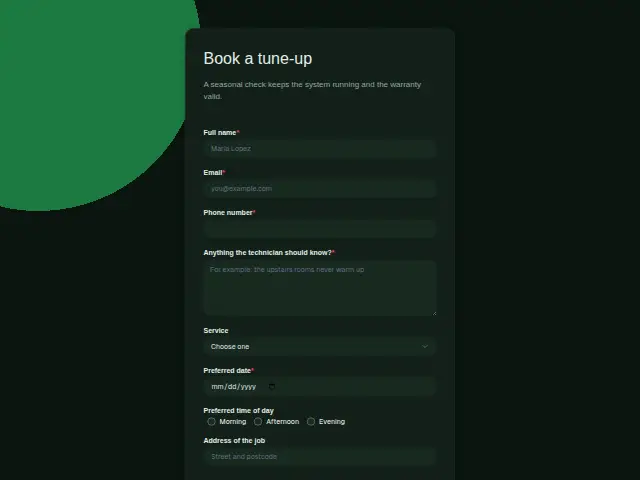 HVAC tune-up bookingHVAC8 fields · Booking
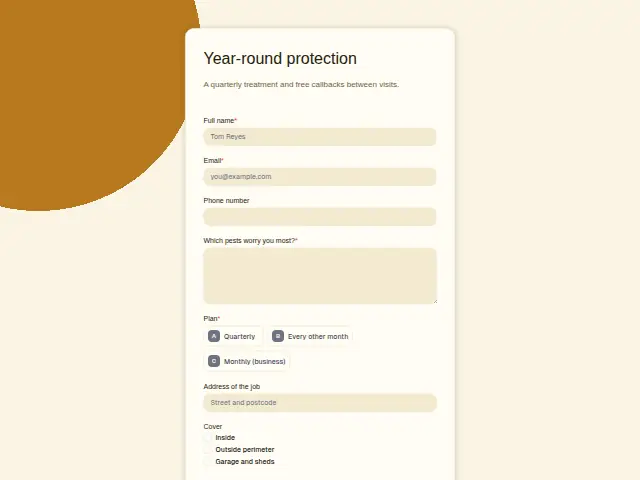 Pest service agreementPest control7 fields · Subscription
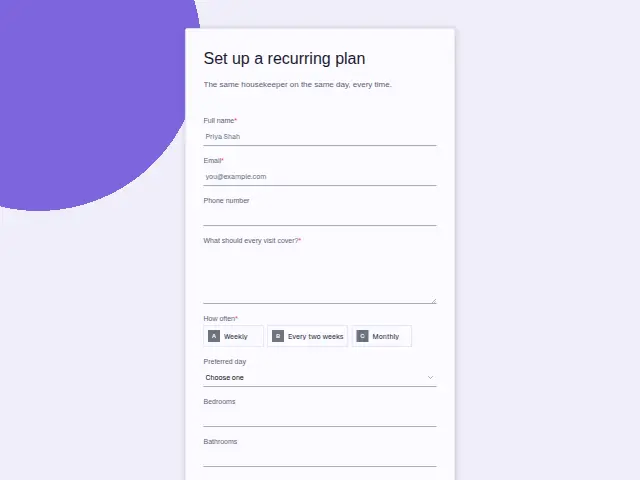 Recurring cleaning planHouse cleaning8 fields · Subscription
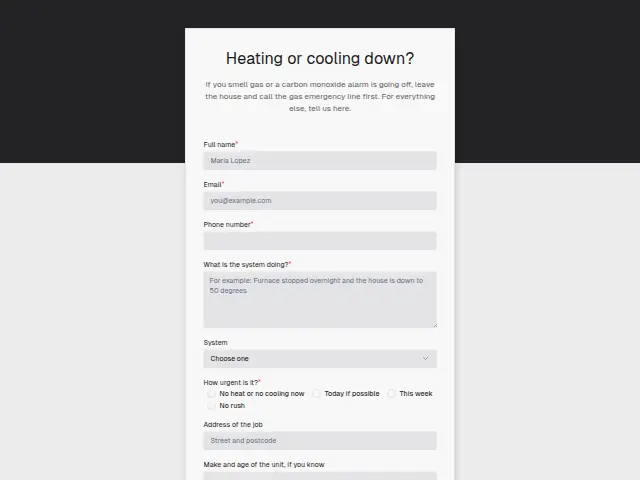 HVAC no-heat or no-cooling callHVAC8 fields · Enquiry
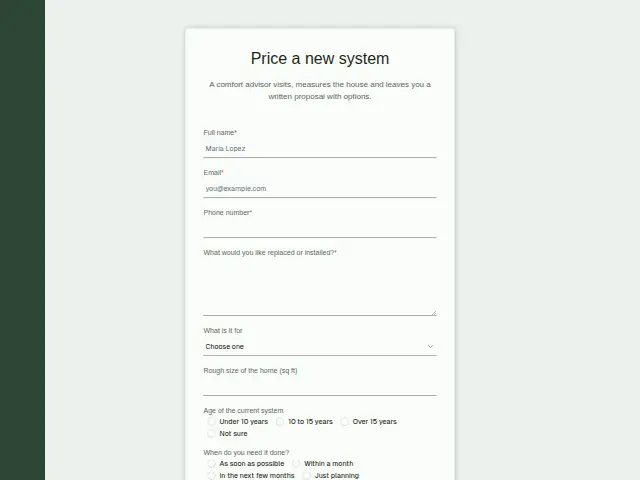 HVAC replacement proposalHVAC8 fields · Quote request
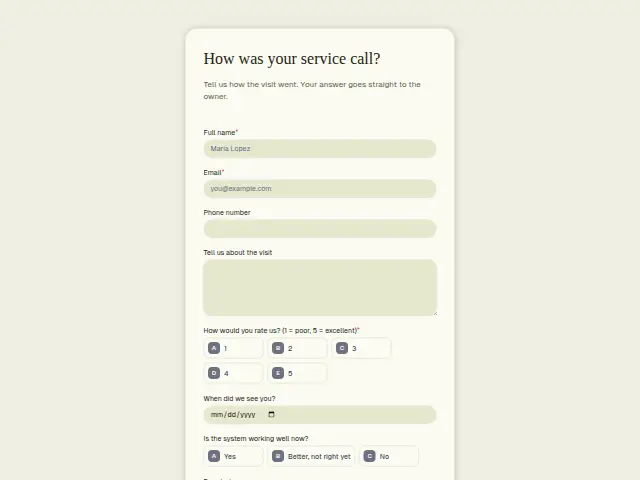 HVAC service feedbackHVAC8 fields · Feedback
Thrum is cooking.
Get early access and you’ll be among the first in. Early members get a launch perk.