HVAC tune-up booking template
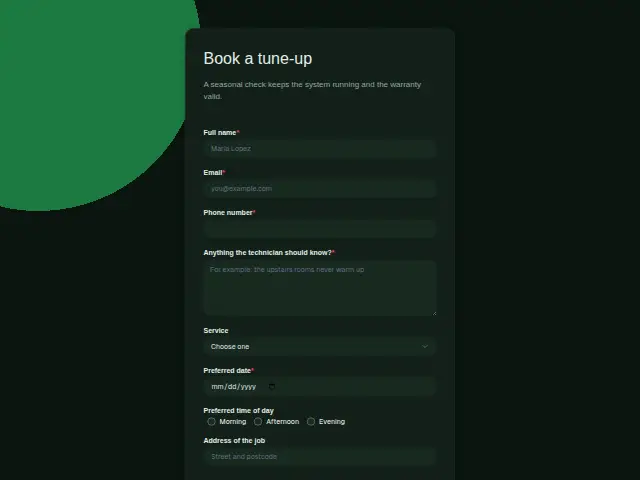
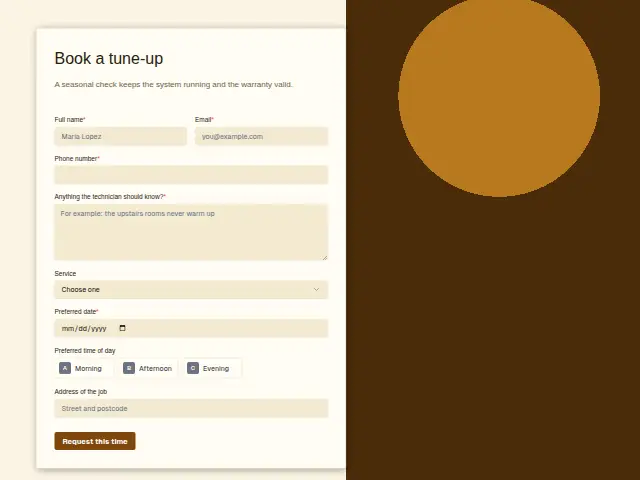
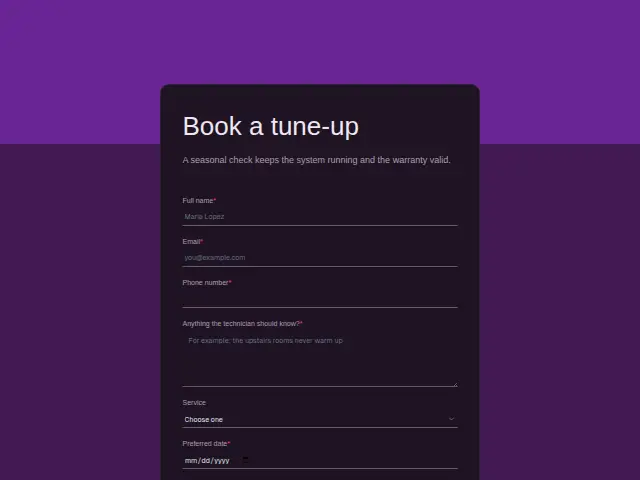
A seasonal check keeps the system running and the warranty valid.
Start the 14-day trial, then choose HVAC tune-up booking under Form templates. Each field, word and colour can be changed.
Who uses it
Tune-ups are the steady work of an HVAC company, booked in spring for the air conditioning and in autumn for the furnace. The form’s description gives the customer the reason, a seasonal check that keeps the system running and the warranty valid, and some people book for the warranty alone. “Service” asks which visit they want, a furnace tune-up, an AC tune-up, both together or a filter change on its own.
A “Preferred date” is required and the time of day is optional. The required “Anything the technician should know?” box is where a customer mentions the dog in the yard, a unit in the crawl space, a rattle that started last week or the warranty paperwork they need stamped.
The same form, in 6 layouts
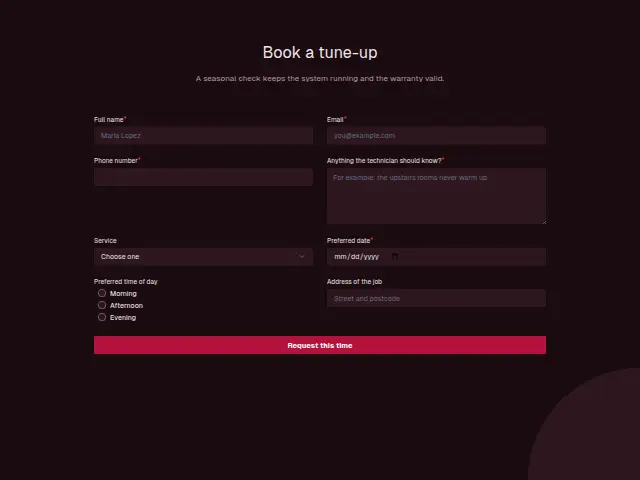
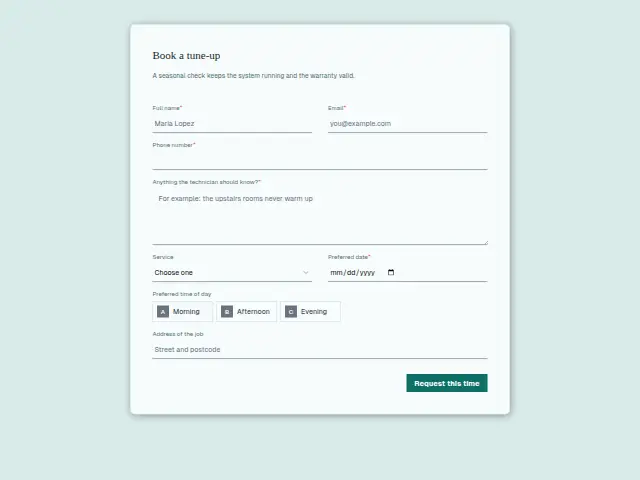
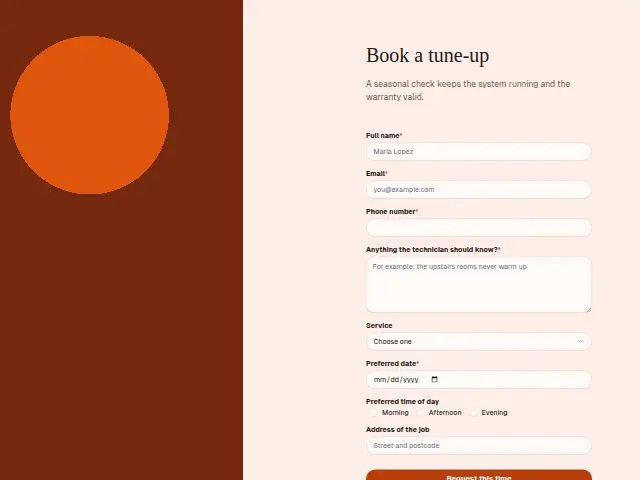
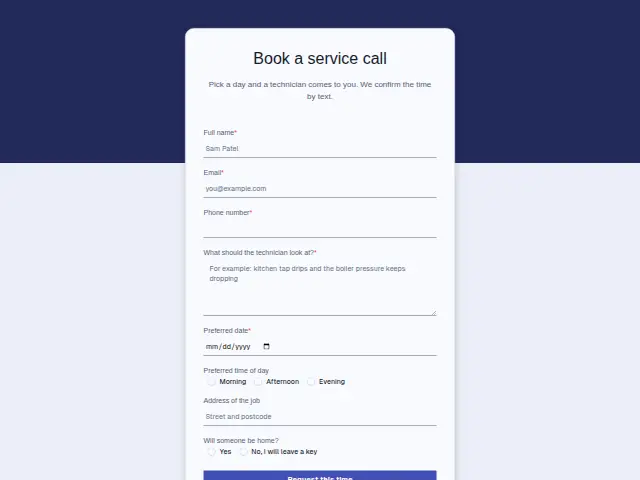
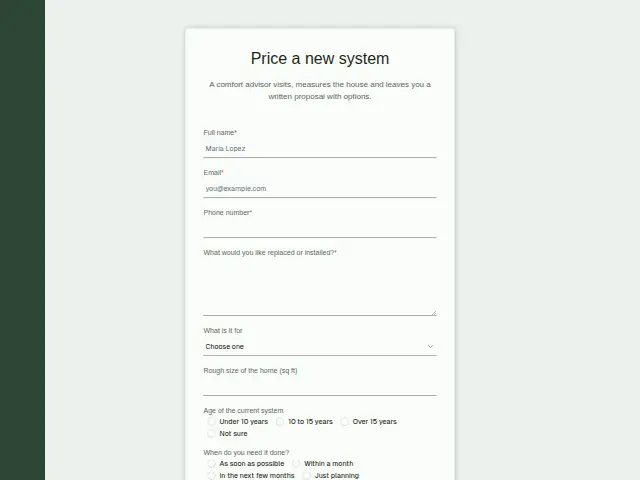
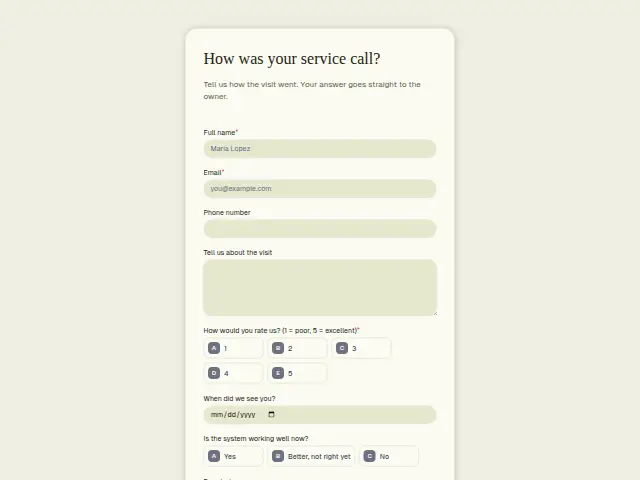
Same questions, same words. Pick the arrangement that suits the page it sits on; the layout can be changed later too.
Field guide
8 questions, each with what the business does with the answer.
| Question | Type | Required |
|---|---|---|
| Full nameEach tune-up booking files under this name in the CRM, which builds a season’s list of homes serviced. | Short text | Yes |
| EmailA workflow can email this address a few days after the visit with a link to the maintenance plan sign-up. | Yes | |
| Phone numberRequired, and it is where the time confirmation goes, plus a call if the technician is running late. | Phone | Yes |
| Anything the technician should know?A crawl-space unit or a dog in the yard noted here can be copied into the technician’s Trello card for the day. | Long text | Yes |
| ServiceFurnace tune-up · AC tune-up · Both · Filter change“Both” means a longer visit, so a branch on this answer tells the dispatcher to book a double slot. | Dropdown | No |
| Preferred dateRequired, since tune-ups cluster in spring and autumn and the office fills the diary in date order. | Date | Yes |
| Preferred time of dayMorning · Afternoon · EveningMorning, afternoon or evening goes on the booking so the dispatcher can fit the visit around other calls that day. | Multiple choice | No |
| Address of the jobAdded to a Google Sheets row with the service chosen, it shows which streets to book first next season. | Short text | No |
What happens after someone sends it
Choosing “Both” makes for a longer visit, and splitting on “Service” tells the dispatcher before the day is planned. Every booking also becomes a CRM person with the address and the date asked for, which over a season builds the company a list of the homes whose systems it has looked after.
A tune-up customer is the natural person to offer the maintenance plan. A workflow started by this form can follow up with a link to the plan sign-up a few days after the visit, in the business’s own words.
Each response adds the person to the client’s CRM, shows in their portal’s Leads and sends you a new-lead alert; if nobody has answered after 15 minutes, you hear again. Any workflow you start from the form runs the moment it arrives.
Library workflows that start from a form like this: Meeting follow-up and Quiet lead follow-up.
Its answers can also go straight to another app with a starter: ActiveCampaign, Airtable, Asana, Attio, Brevo, ClickUp, Close and Discord, among others.
Trades that use it
The trade page that lists this form, with the trade’s other forms and workflows.
Thrum is cooking.
Get early access and you’ll be among the first in. Early members get a launch perk.