Recurring cleaning plan template
The same housekeeper on the same day, every time.
- Trade
- House cleaning
- Kind of form
- Subscription
- Questions
- 8
- Required
- 4
Start the 14-day trial, then choose Recurring cleaning plan under Form templates. Each field, word and colour can be changed.
Who uses it
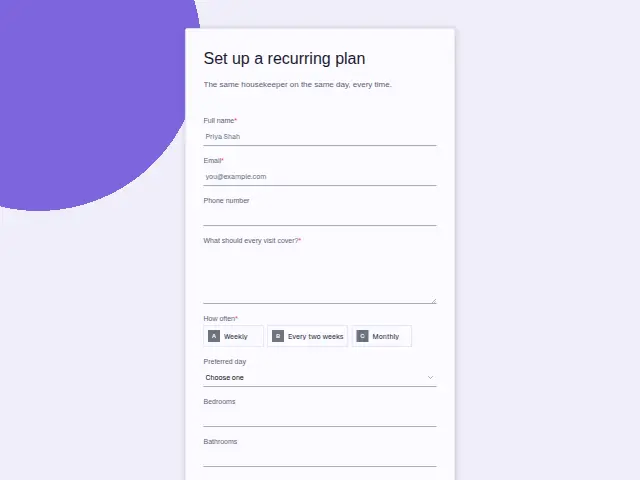
Recurring cleans are the base of a cleaning business, and this form signs a household up to them. “How often” is required (weekly, every two weeks or monthly), and “Preferred day” lists Monday to Saturday, because the promise in the description is the same housekeeper on the same day.
“What should every visit cover?” is required, so the standing list of kitchen, bathrooms, floors and beds is written down once and nobody has to remember it. The bedroom and bathroom counts set the price, which is why they come back here even for a household that already had a quote.
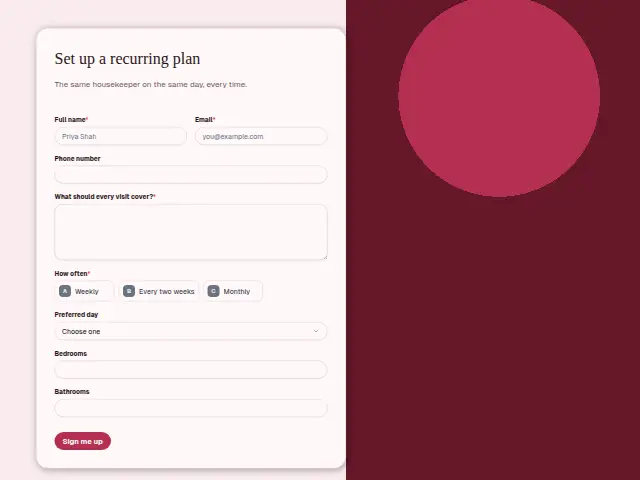
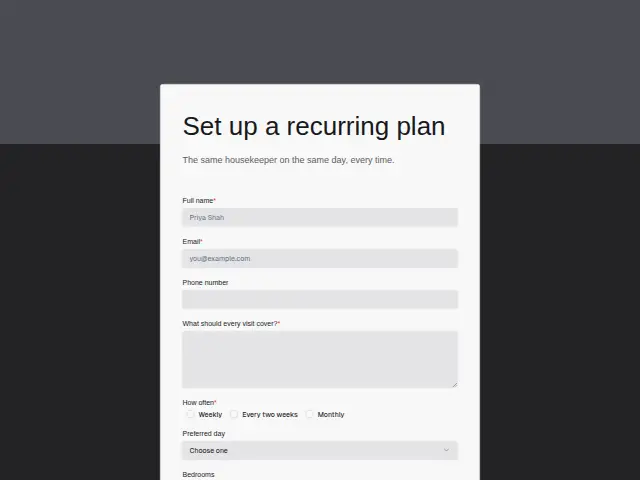
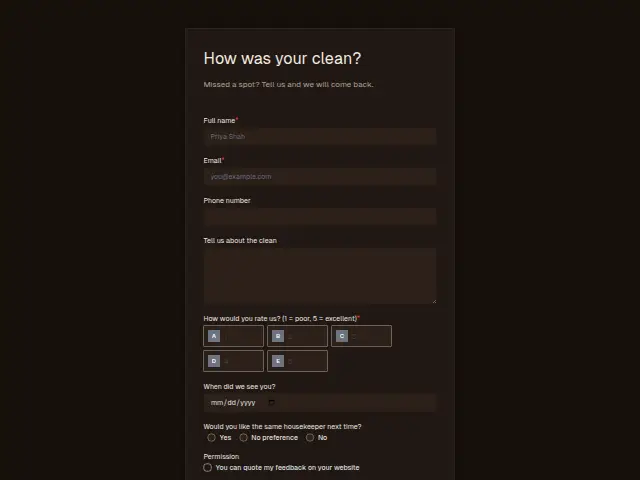
The same form, in 6 layouts
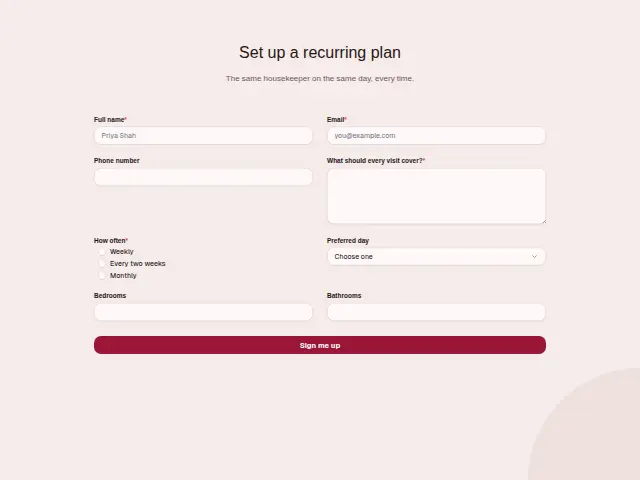
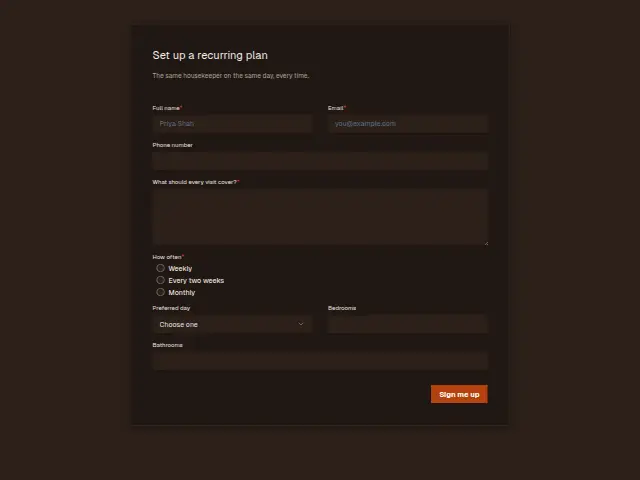
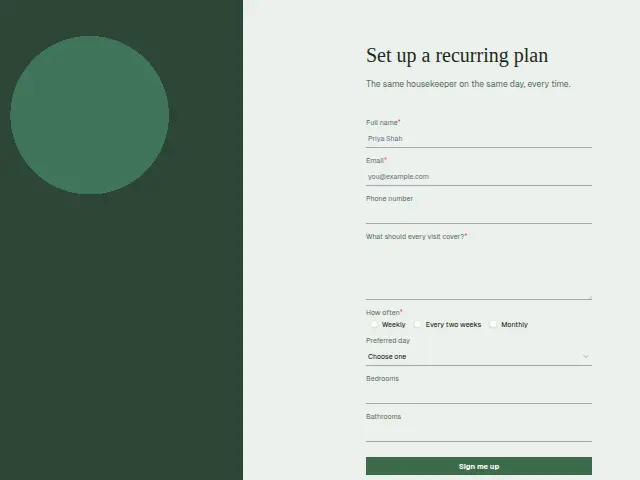
Same questions, same words. Pick the arrangement that suits the page it sits on; the layout can be changed later too.
Field guide
8 questions, each with what the business does with the answer.
| Question | Type | Required |
|---|---|---|
| Full nameThis is the household the regular housekeeper is matched to, and the CRM person the plan sits on. | Short text | Yes |
| EmailA changed day or a holiday pause is easiest to confirm by email, and this address is where it goes. | Yes | |
| Phone numberOptional, and it is where a text goes if the usual day has to move. | Phone | No |
| What should every visit cover?Written once and kept on the CRM person, the list is what a covering housekeeper reads on holiday weeks. | Long text | Yes |
| How oftenWeekly · Every two weeks · MonthlyWeekly sign-ups can branch to the scheduler first, since they take the most room on a round. | Multiple choice | Yes |
| Preferred dayMonday · Tuesday · Wednesday · Thursday · Friday · SaturdayA Saturday choice can trigger a message to the office, since weekend slots fill before weekdays. | Dropdown | No |
| BedroomsTogether with bathrooms, it sets the price per visit, so the office can quote the plan without a walkthrough. | Number | No |
| BathroomsA number field that a workflow can pass on with the frequency, so the office prices the plan in one go. | Number | No |
What happens after someone sends it
Frequency and day together decide which housekeeper’s round the home joins, and weekly sign-ups can go to the scheduler first by a branch on “How often”. Because the visit list is kept with the household in the CRM, a housekeeper covering a holiday reads the same instructions as the regular one.
A Saturday choice is the one to watch, since weekend slots fill first and the office may need to offer another day.
Each response adds the person to the client’s CRM, shows in their portal’s Leads and sends you a new-lead alert; if nobody has answered after 15 minutes, you hear again. Any workflow you start from the form runs the moment it arrives.
Library workflows that start from a form like this: Quiet lead follow-up.
Its answers can also go straight to another app with a starter: ActiveCampaign, Airtable, Asana, Attio, Brevo, ClickUp, Close and Discord, among others.
Trades that use it
The trade page that lists this form, with the trade’s other forms and workflows.
Related forms
See them all
Thrum is cooking.
Get early access and you’ll be among the first in. Early members get a launch perk.