HVAC service feedback template
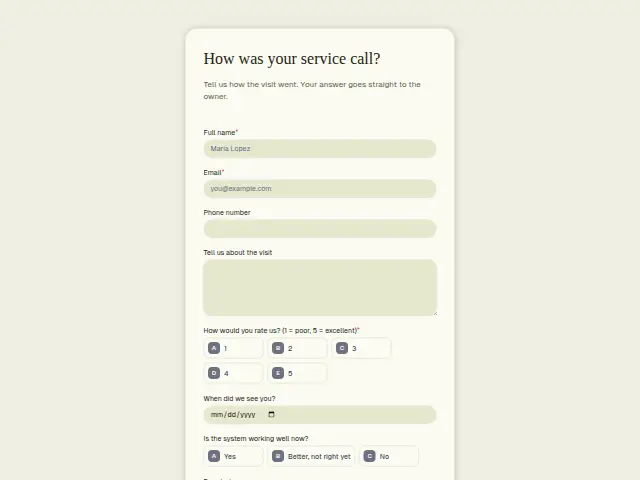
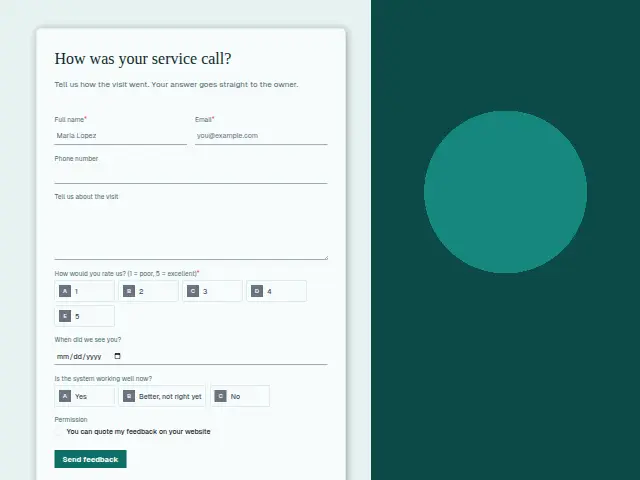
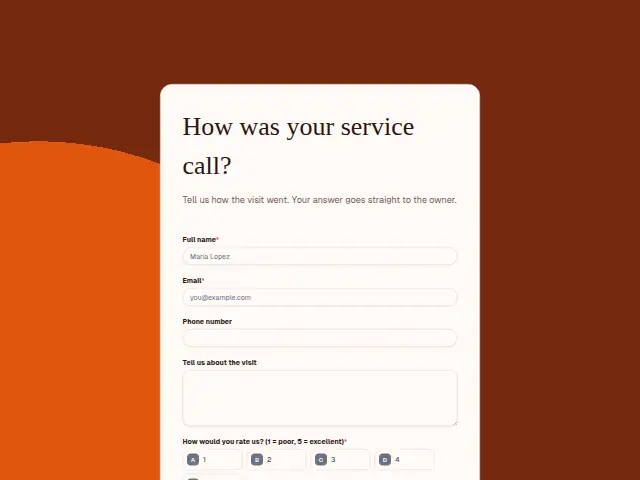
Tell us how the visit went. Your answer goes straight to the owner.
Start the 14-day trial, then choose HVAC service feedback under Form templates. Each field, word and colour can be changed.
Who uses it
An HVAC repair gets judged twice, on the day and again the next time the weather turns. This form asks for a rating and an optional note, and its description tells the customer the answer goes straight to the owner. The visit date lets the owner find the technician who was on that call.
“Is the system working well now?” is the question that counts here. “Better, not right yet” sits between yes and no, and it flags a return visit before the customer has to ask for one.
The same form, in 6 layouts
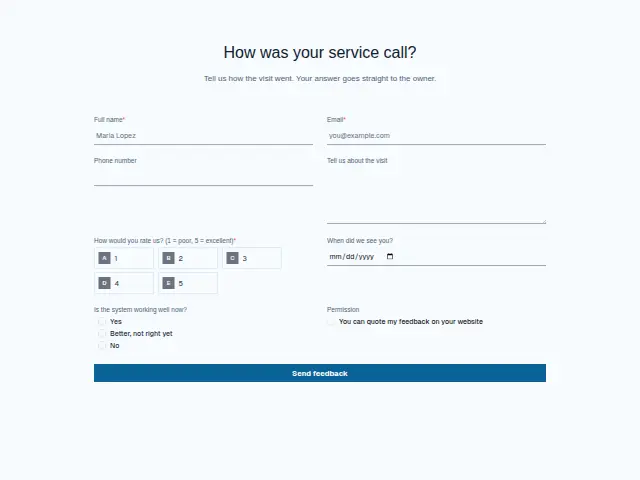
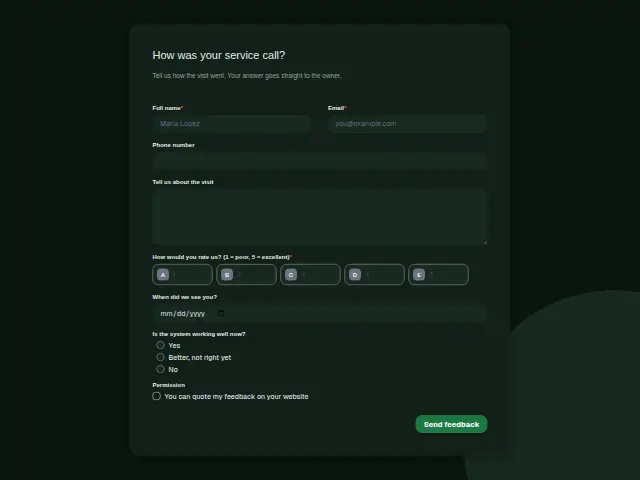
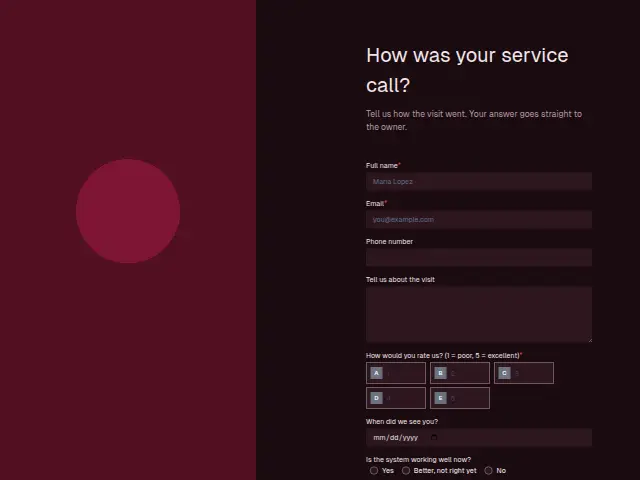
Same questions, same words. Pick the arrangement that suits the page it sits on; the layout can be changed later too.
Field guide
8 questions, each with what the business does with the answer.
| Question | Type | Required |
|---|---|---|
| Full nameFeedback forms start with the leads switch off, so this name stays in Results beside the visit date. | Short text | Yes |
| EmailThe description says answers go straight to the owner, and the email back to the customer comes from Feedback routing here. | Yes | |
| Phone numberOptional, yet it is how the owner reaches a household whose system is still not right after the visit. | Phone | No |
| Tell us about the visitA note such as “still blowing cold” is what tells the owner whether to send the same technician back. | Long text | No |
| How would you rate us? (1 = poor, 5 = excellent)1 · 2 · 3 · 4 · 5Scores at or below the low mark text the owner the same day, as the description promises. | Multiple choice | Yes |
| When did we see you?Matched against the day’s schedule, the date names the technician whose call the score belongs to. | Date | No |
| Is the system working well now?Yes · Better, not right yet · No“Better, not right yet” or “No” can start a branch that asks the office to book a return visit. | Multiple choice | No |
| PermissionYou can quote my feedback on your websiteA tick can add a row to a Notion database of comments the company may quote on its heating pages. | Checkboxes | No |
What happens after someone sends it
Feedback routing keeps the description’s promise for low scores, texting the owner the same day and telling the customer who will call back. A “No” or “Better, not right yet” deserves its own path, because a customer can rate the technician’s manners highly and still have a house that won’t warm up. Every score goes into a sheet, so a run of half-fixed systems shows up in a month’s rows, and a customer who ticks “Permission” can be quoted on the website.
Made from this template, the form keeps its answers in Results: no person is added to the client’s CRM and no lead alert goes out, unless you switch “Add responses to leads” on. Any workflow you start from it still runs.
Library workflows that start from a form like this: Feedback routing and Review request.
Its answers can also go straight to another app with a starter: ActiveCampaign, Airtable, Asana, Attio, Brevo, ClickUp, Close and Discord, among others.
Trades that use it
The trade page that lists this form, with the trade’s other forms and workflows.
Related forms
See them all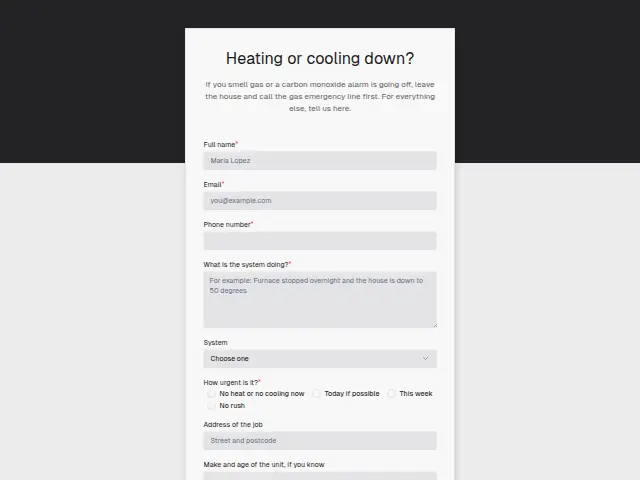 HVAC no-heat or no-cooling callHVAC8 fields · Enquiry
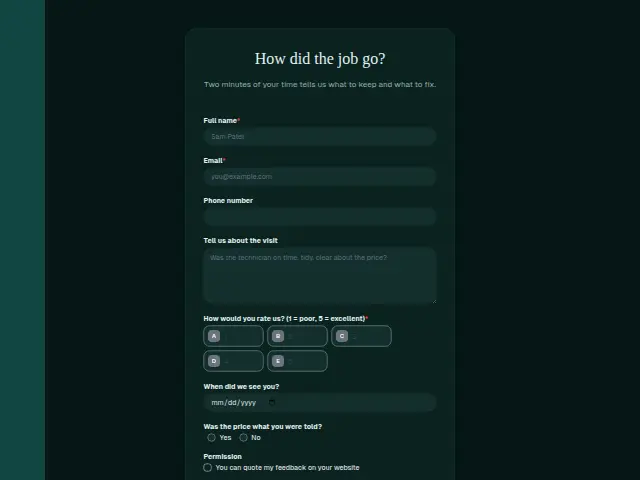 Plumbing job feedbackPlumbing8 fields · Feedback
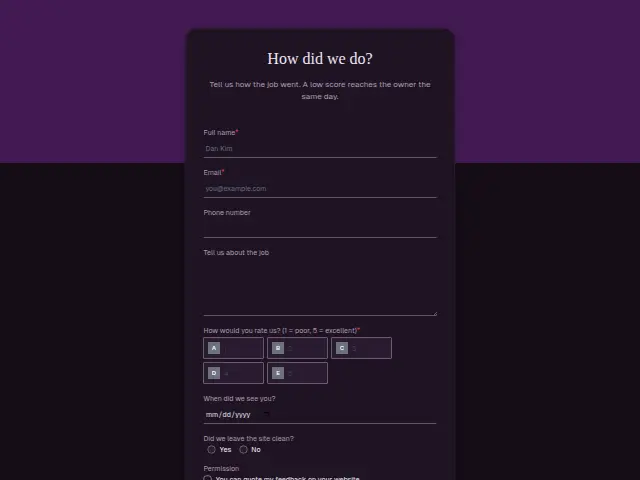 Electrical job feedbackElectrical8 fields · Feedback
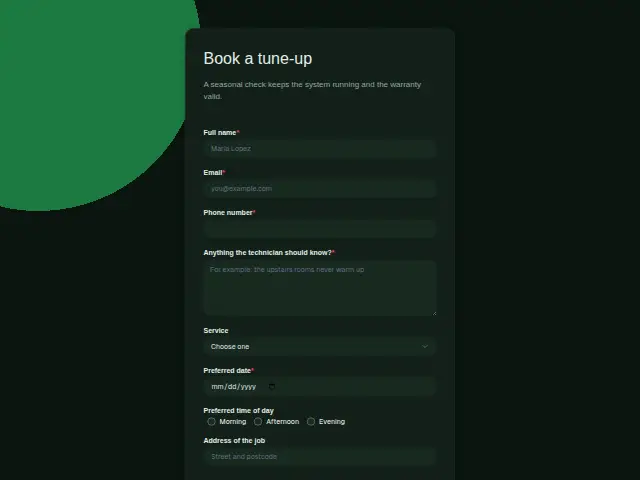 HVAC tune-up bookingHVAC8 fields · Booking
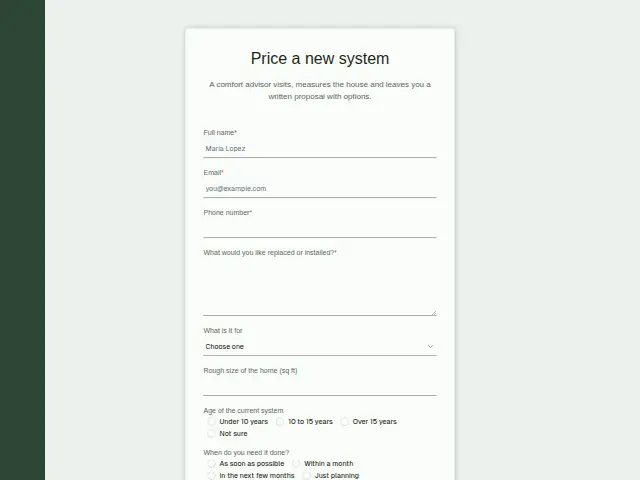 HVAC replacement proposalHVAC8 fields · Quote request
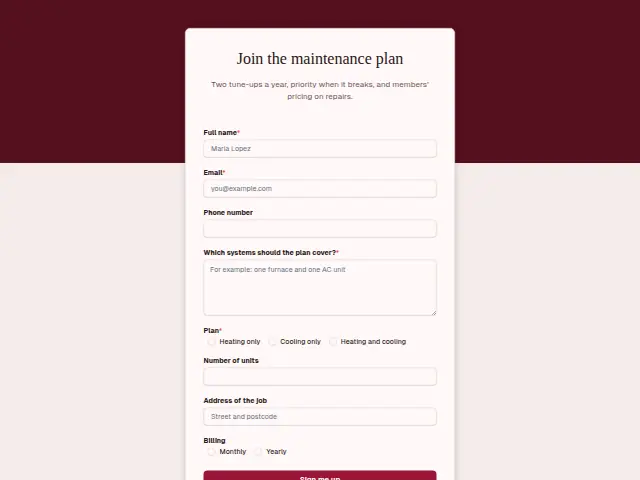 HVAC maintenance plan sign-upHVAC8 fields · Subscription
Thrum is cooking.
Get early access and you’ll be among the first in. Early members get a launch perk.