Pest service agreement template
A quarterly treatment and free callbacks between visits.
- Trade
- Pest control
- Kind of form
- Subscription
- Questions
- 7
- Required
- 4
Start the 14-day trial, then choose Pest service agreement under Form templates. Each field, word and colour can be changed.
Who uses it
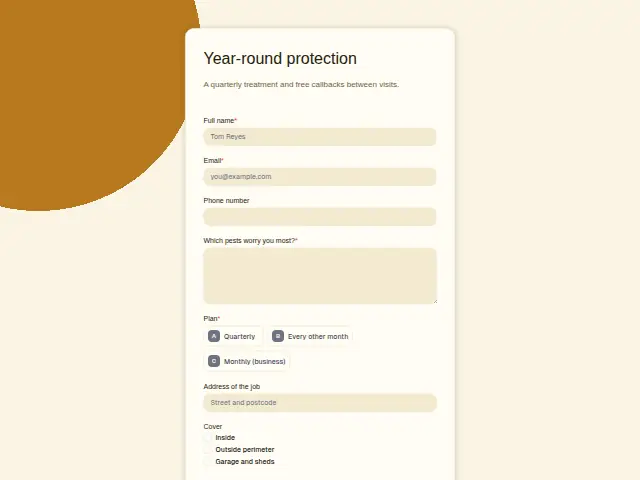
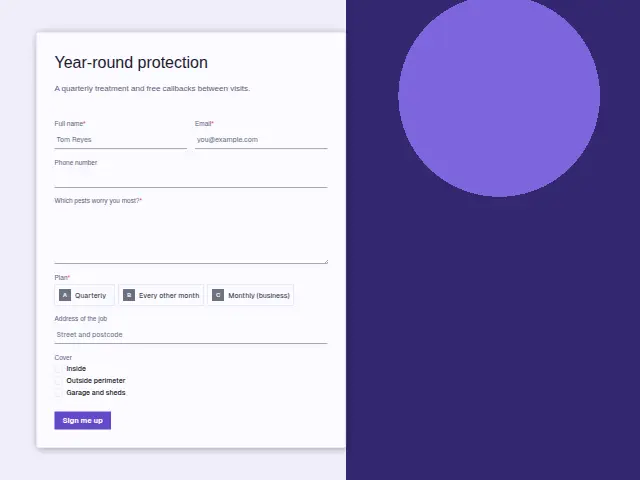
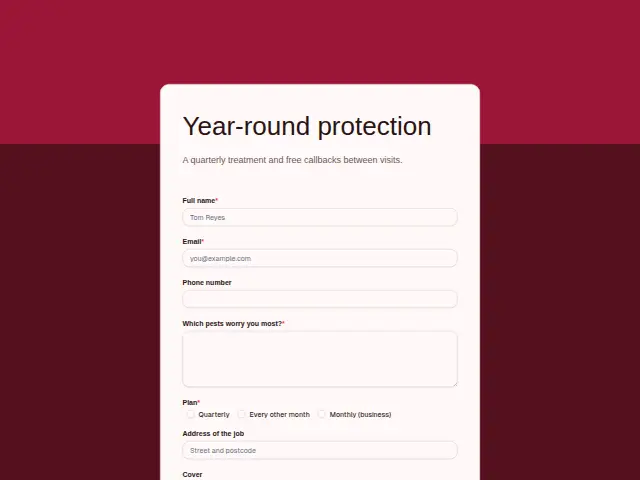
A service agreement puts a pest company’s technicians on a regular route and keeps its customers covered between problems. This form signs them up to a “Plan” (quarterly, every other month, or monthly for businesses) and asks which areas to cover from a checkbox list of inside, the outside perimeter, and the garage and sheds.
“Which pests worry you most?” is required, which gives the technician a starting point for the first visit. The description promises free callbacks between visits, so a customer who sees mice in February knows they can ask.
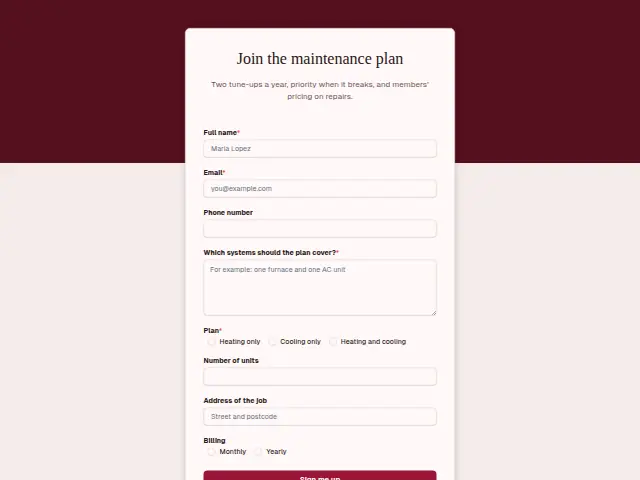
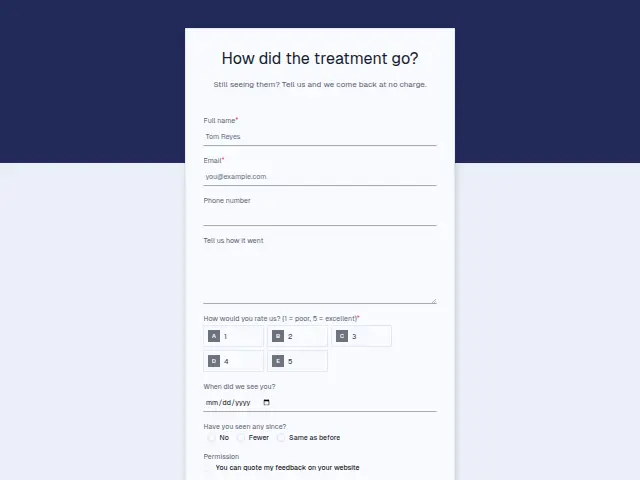
The same form, in 6 layouts
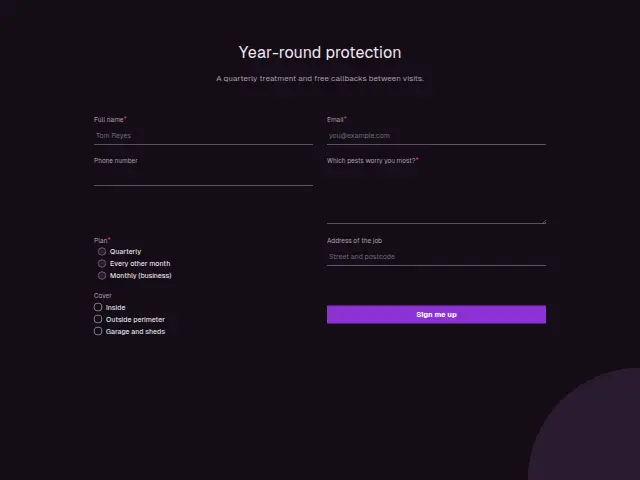
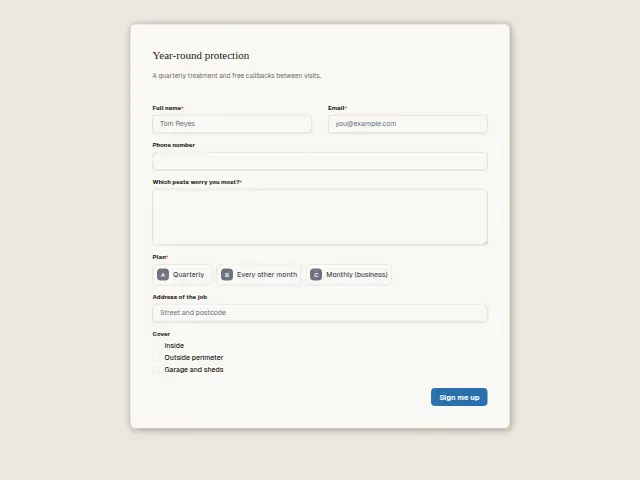
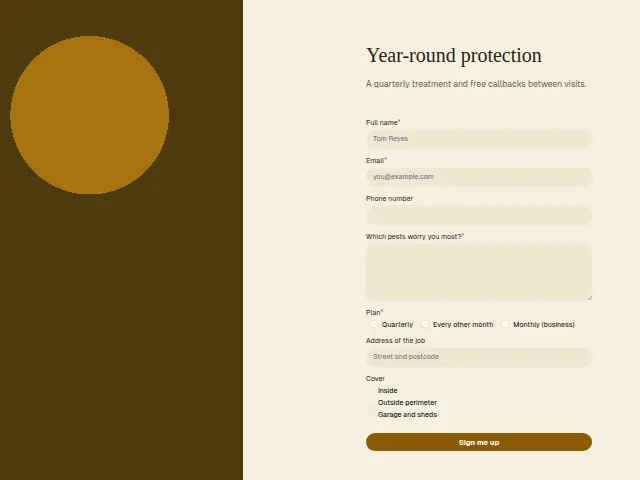
Same questions, same words. Pick the arrangement that suits the page it sits on; the layout can be changed later too.
Field guide
7 questions, each with what the business does with the answer.
| Question | Type | Required |
|---|---|---|
| Full nameRoute sheets list each customer by this name, and the CRM person the sign-up creates carries the plan. | Short text | Yes |
| EmailThe agreement and the dates of each quarterly visit can be emailed here. | Yes | |
| Phone numberFree callbacks between visits start with a call to this number, so customers who leave it are easier to reach. | Phone | No |
| Which pests worry you most?Required, and the technician starts the first visit from it, such as mice in the garage or ants in the kitchen. | Long text | Yes |
| PlanQuarterly · Every other month · Monthly (business)“Monthly (business)” can branch to whoever runs commercial accounts, quarterly homes to the regular route. | Multiple choice | Yes |
| Address of the jobThe address puts the home on the right technician’s route from the first visit. | Short text | No |
| CoverInside · Outside perimeter · Garage and shedsEach ticked area adds to the visit, and a customer with only “Inside” ticked can be offered the perimeter. | Checkboxes | No |
What happens after someone sends it
The plan and the cover areas set the route and the price, and both sit on the CRM person the sign-up adds. A monthly business plan is a commercial account, and splitting on it sends the sign-up to whoever runs those.
Outside-perimeter cover is weather work, and a customer who ticked only “Inside” may be offered the perimeter at the first visit. The address field puts the home on the right route from the start.
Each response adds the person to the client’s CRM, shows in their portal’s Leads and sends you a new-lead alert; if nobody has answered after 15 minutes, you hear again. Any workflow you start from the form runs the moment it arrives.
Library workflows that start from a form like this: Quiet lead follow-up.
Its answers can also go straight to another app with a starter: ActiveCampaign, Airtable, Asana, Attio, Brevo, ClickUp, Close and Discord, among others.
Trades that use it
The trade page that lists this form, with the trade’s other forms and workflows.
Thrum is cooking.
Get early access and you’ll be among the first in. Early members get a launch perk.