House cleaning booking template
Pick a day. We confirm by text and send your housekeeper’s name the day before.
- Trade
- House cleaning
- Kind of form
- Booking
- Questions
- 8
- Required
- 5
Start the 14-day trial, then choose House cleaning booking under Form templates. Each field, word and colour can be changed.
Who uses it
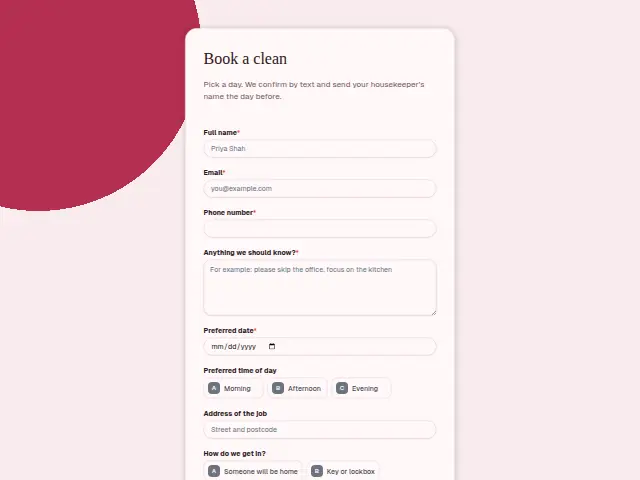
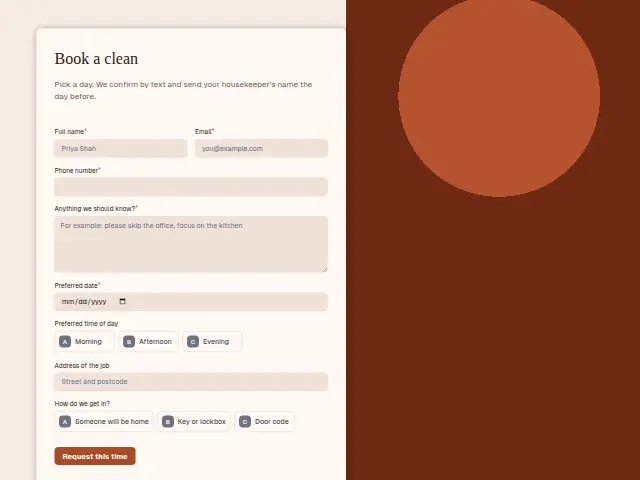
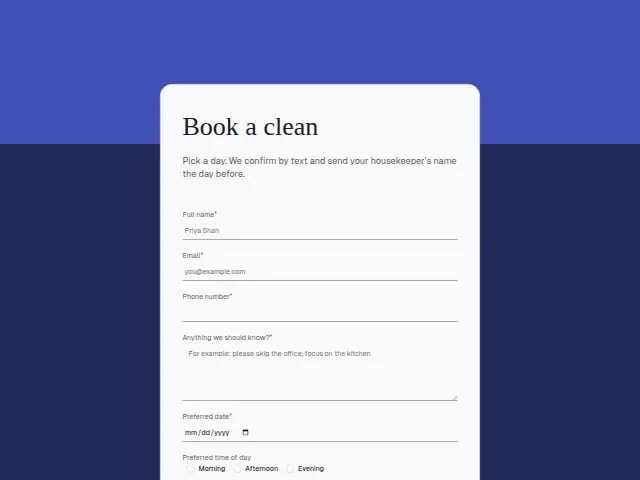
A cleaning company books homes, and every home comes with an access question. This form asks for a preferred date (required), morning, afternoon or evening, the address and a required “Anything we should know?”, and its description promises the housekeeper’s name the day before, so the customer knows who will be letting themselves in.
“How do we get in?” is the question a cleaning business can’t skip. “Someone will be home”, “Key or lockbox” and “Door code” each mean a different note on the job sheet, and a door code is the one thing the housekeeper must have before setting off.
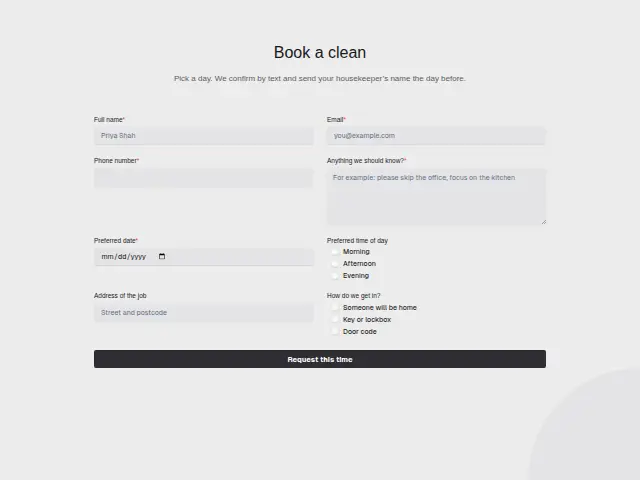
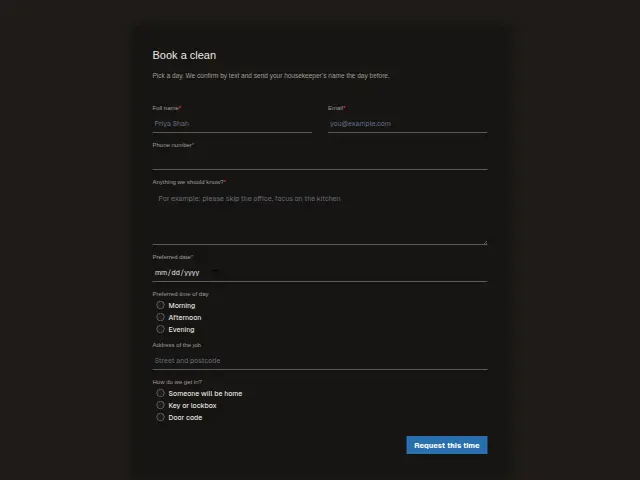
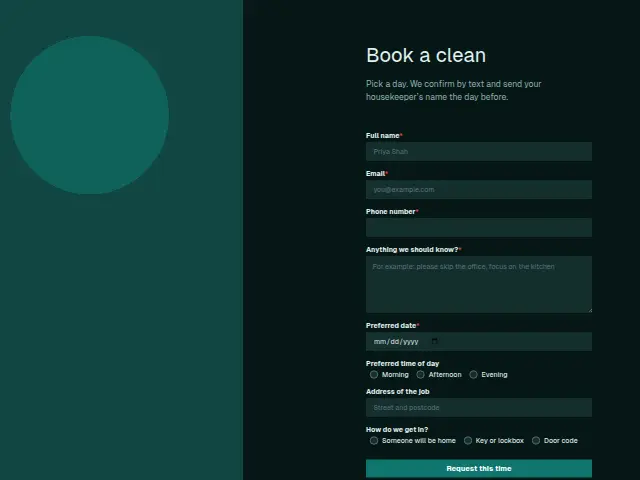
The same form, in 6 layouts
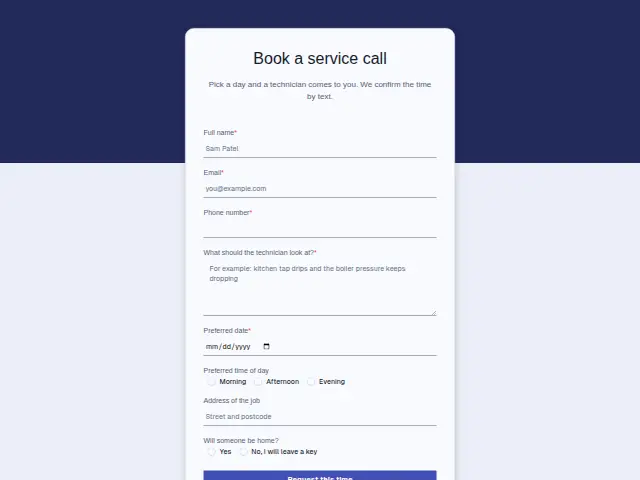
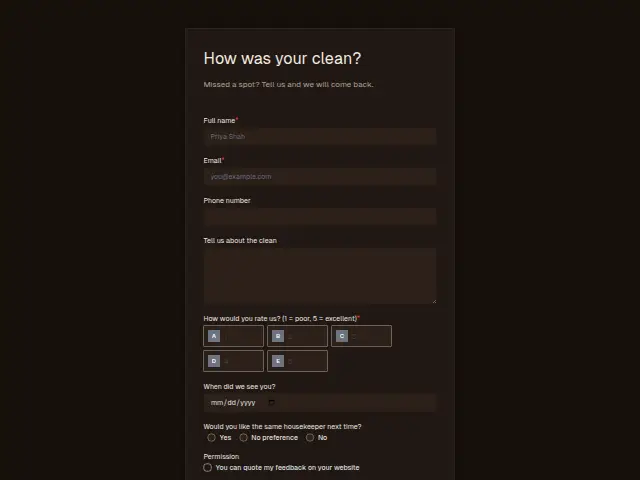
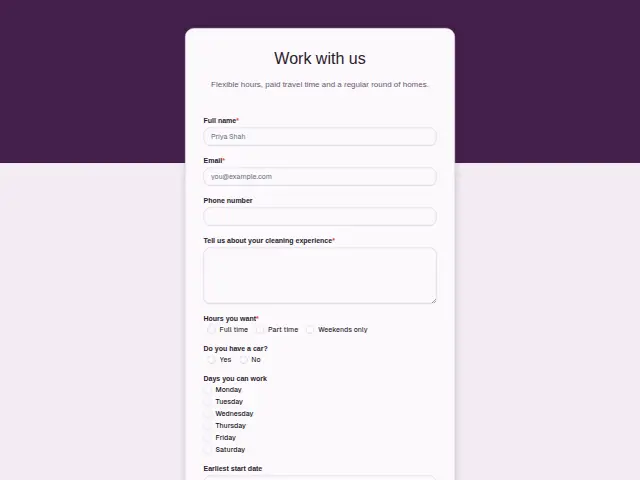
Same questions, same words. Pick the arrangement that suits the page it sits on; the layout can be changed later too.
Field guide
8 questions, each with what the business does with the answer.
| Question | Type | Required |
|---|---|---|
| Full nameThe housekeeper’s name arrives by text the day before, and this is the name it is addressed to. | Short text | Yes |
| EmailThe booking confirmation can also be emailed here, so the household has the date in writing as well as by text. | Yes | |
| Phone numberRequired, because both the confirmation and the housekeeper’s name the day before come by text. | Phone | Yes |
| Anything we should know?The cat that slips out or the room to skip goes from here into the housekeeper’s notes for the visit. | Long text | Yes |
| Preferred dateRequired, and the office matches it to a housekeeper’s round before the confirmation text goes out. | Date | Yes |
| Preferred time of dayMorning · Afternoon · EveningEvening cleans suit fewer housekeepers, so a branch on this answer can pass those to whoever plans the late rounds. | Multiple choice | No |
| Address of the jobThe address and the access answer travel together to the housekeeper, who needs both before setting off. | Short text | No |
| How do we get in?Someone will be home · Key or lockbox · Door code“Door code” or “Key or lockbox” can start a text asking for the code or where the key is kept. | Multiple choice | No |
What happens after someone sends it
The access answer is the one to branch on. A “Key or lockbox” booking can trigger a message asking where the key will be, and a door-code booking can make sure the code reaches the housekeeper along with the address. The “Anything we should know?” box carries the rest, such as the cat that slips out or the room to leave alone.
Each booking becomes a CRM person, the start of the cleaning company’s list of homes it looks after, and you hear about it through a “New lead” notification.
Each response adds the person to the client’s CRM, shows in their portal’s Leads and sends you a new-lead alert; if nobody has answered after 15 minutes, you hear again. Any workflow you start from the form runs the moment it arrives.
Library workflows that start from a form like this: Meeting follow-up and Quiet lead follow-up.
Its answers can also go straight to another app with a starter: ActiveCampaign, Airtable, Asana, Attio, Brevo, ClickUp, Close and Discord, among others.
Trades that use it
The trade page that lists this form, with the trade’s other forms and workflows.
Related forms
See them all
Thrum is cooking.
Get early access and you’ll be among the first in. Early members get a launch perk.