House cleaning quote template
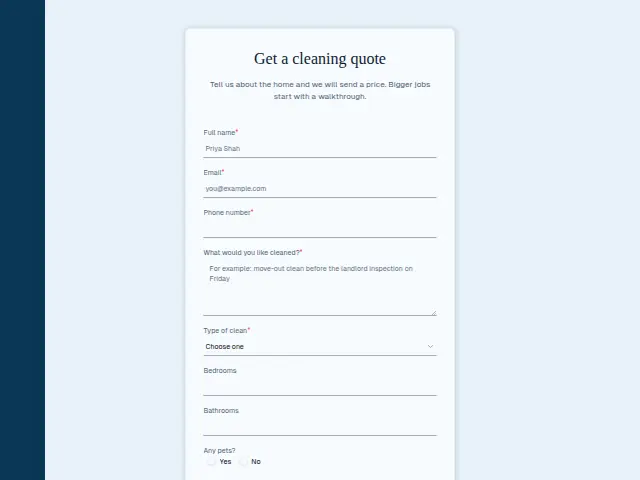
Tell us about the home and we will send a price. Bigger jobs start with a walkthrough.
- Trade
- House cleaning
- Kind of form
- Quote request
- Questions
- 8
- Required
- 5
Start the 14-day trial, then choose House cleaning quote under Form templates. Each field, word and colour can be changed.
Who uses it
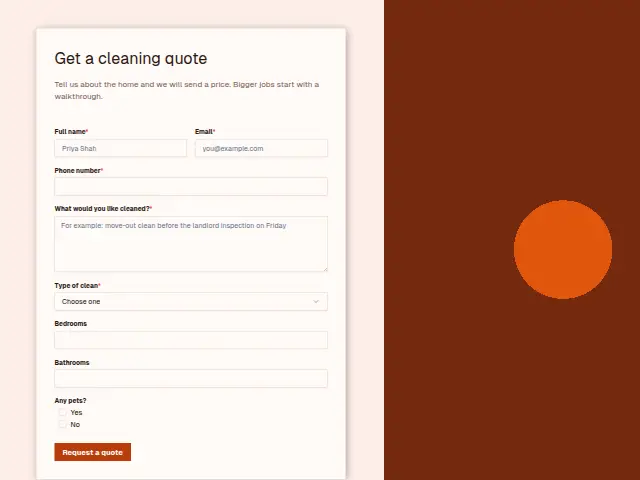
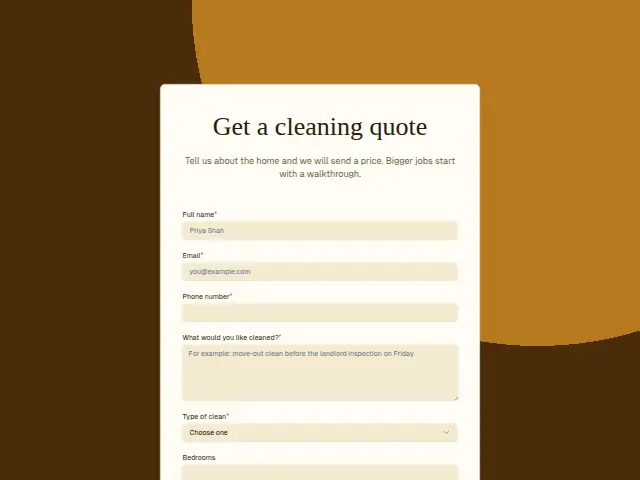
Cleaning prices depend on the home, and this form gathers the numbers that move them. “Bedrooms” and “Bathrooms” are number fields, and “Any pets?” is there for the hair that adds time to every room. The required “What would you like cleaned?” box picks up the oven, the inside of the windows or the garage that the counts leave out.
The required “Type of clean” separates a regular clean from a deep clean, a move-in or move-out, a clean after building work and a one-off. The description warns that bigger jobs start with a walkthrough, and building dust or a large move-out is usually that kind of job.
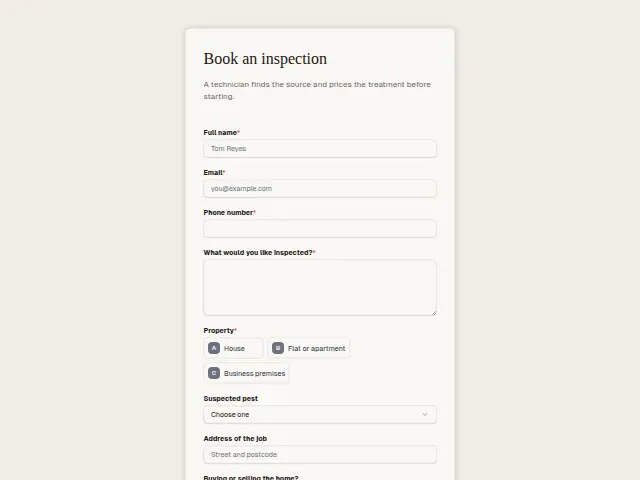
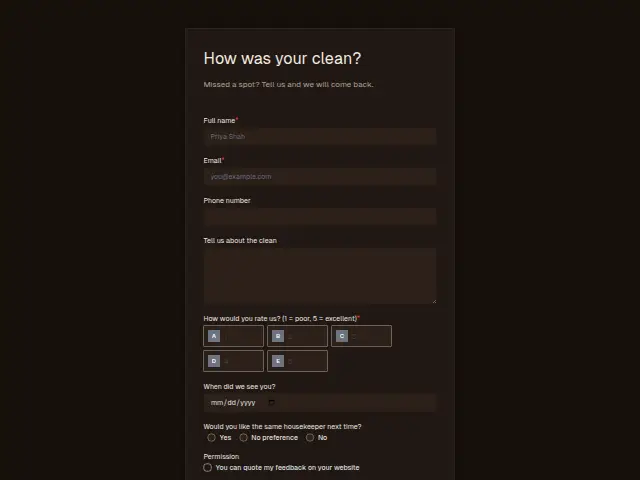
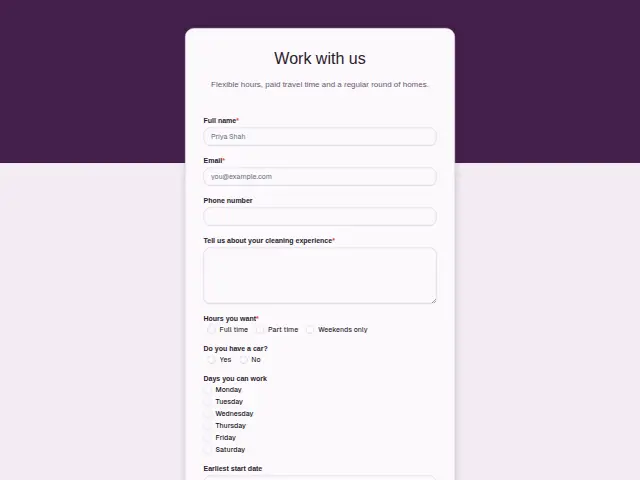
The same form, in 6 layouts
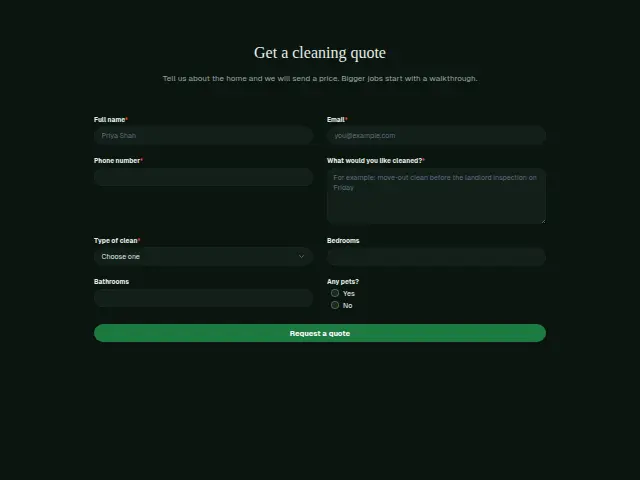
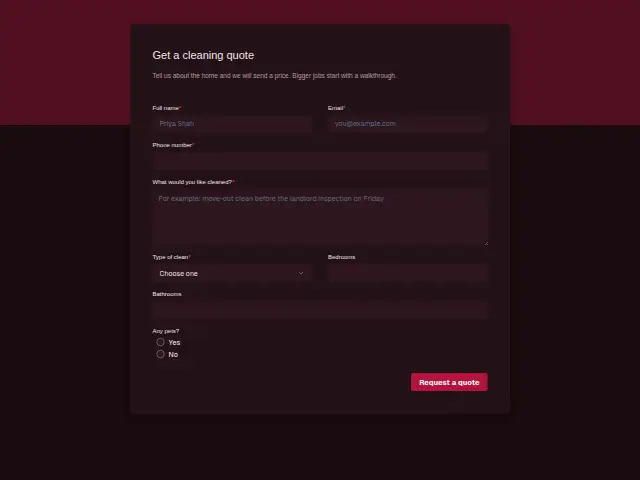
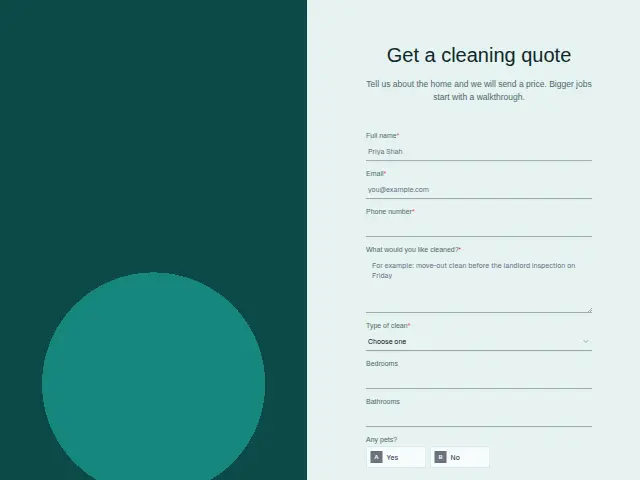
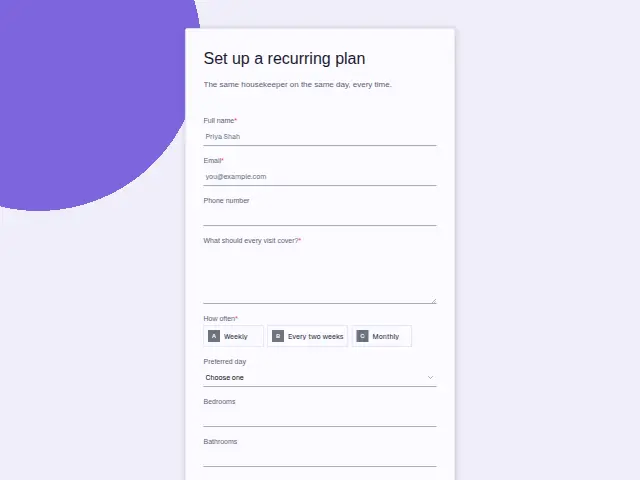
Same questions, same words. Pick the arrangement that suits the page it sits on; the layout can be changed later too.
Field guide
8 questions, each with what the business does with the answer.
| Question | Type | Required |
|---|---|---|
| Full nameThe price goes back in this name, and the walkthrough for a bigger job is booked under it. | Short text | Yes |
| EmailA price built from the room counts often goes back by email, so this address is where the customer reads it. | Yes | |
| Phone numberRequired, so the office can call to arrange a walkthrough when the job is a deep clean or after building work. | Phone | Yes |
| What would you like cleaned?Extras such as the oven or the inside of the windows come through here and are added to the price. | Long text | Yes |
| Type of cleanRegular clean · Deep clean · Move-in or move-out · After building work · One-offRegular cleans can be priced from the counts, and a branch sends move-outs and building dust to a walkthrough. | Dropdown | Yes |
| BedroomsA number field, which lets a workflow pass the count to whoever prices regular cleans by the room. | Number | No |
| BathroomsKept as its own number, so the person pricing can add the bathroom rate to the bedroom count. | Number | No |
| Any pets?Yes · NoA “Yes” warns the person pricing about hair on the furniture, and the housekeeper about a dog at the door. | Multiple choice | No |
What happens after someone sends it
Regular cleans can go to whoever prices from the room counts and the rest to a walkthrough, split on “Type of clean”. Move-out cleans tend to have a fixed date, the day the keys go back, and the free-text answer is where it appears.
Lead rescue’s instant reply holds the customer while the price is worked out. Quiet lead follow-up chases the households who asked and then went quiet, on day one, three and seven.
Each response adds the person to the client’s CRM, shows in their portal’s Leads and sends you a new-lead alert; if nobody has answered after 15 minutes, you hear again. Any workflow you start from the form runs the moment it arrives.
Library workflows that start from a form like this: Lead rescue and Quiet lead follow-up.
Its answers can also go straight to another app with a starter: ActiveCampaign, Airtable, Asana, Attio, Brevo, ClickUp, Close and Discord, among others.
Trades that use it
The trade page that lists this form, with the trade’s other forms and workflows.
Related forms
See them all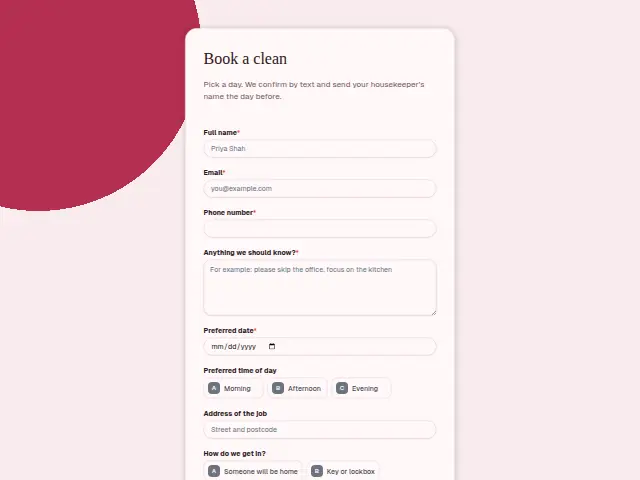
Thrum is cooking.
Get early access and you’ll be among the first in. Early members get a launch perk.