Housekeeper job application template
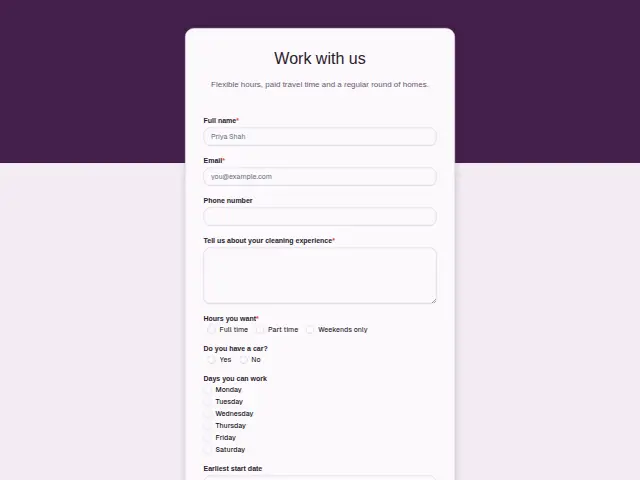
Flexible hours, paid travel time and a regular round of homes.
- Trade
- House cleaning
- Kind of form
- Application
- Questions
- 8
- Required
- 4
Start the 14-day trial, then choose Housekeeper job application under Form templates. Each field, word and colour can be changed.
Who uses it
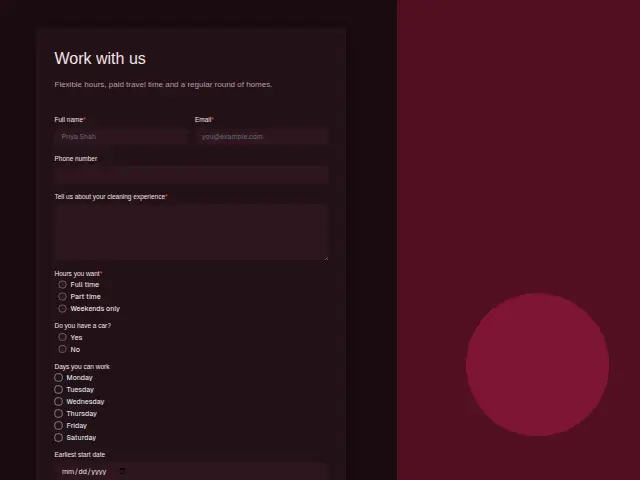
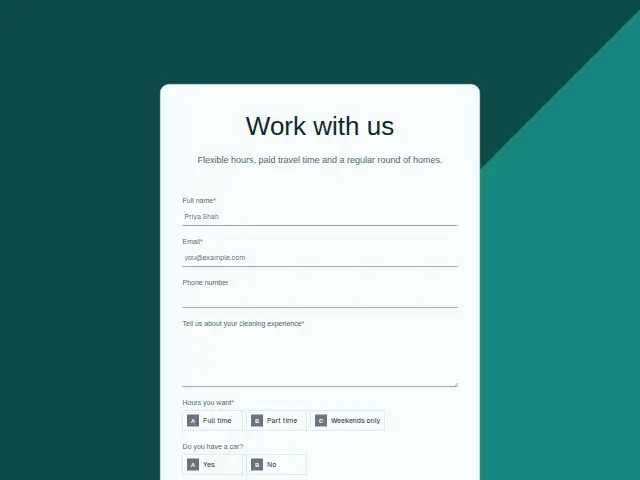
Cleaning companies hire often, and this form asks what decides whether a housekeeper fits the round. “Hours you want” (full time, part time or weekends only) is required, “Do you have a car?” matters when homes are spread across a town, and “Days you can work” is a checkbox list from Monday to Saturday.
The required experience box lets applicants describe the homes or offices they have cleaned. The description makes the case for the job, with flexible hours, paid travel time and a regular round of homes, and an earliest start date shows who can fill a gap next week.
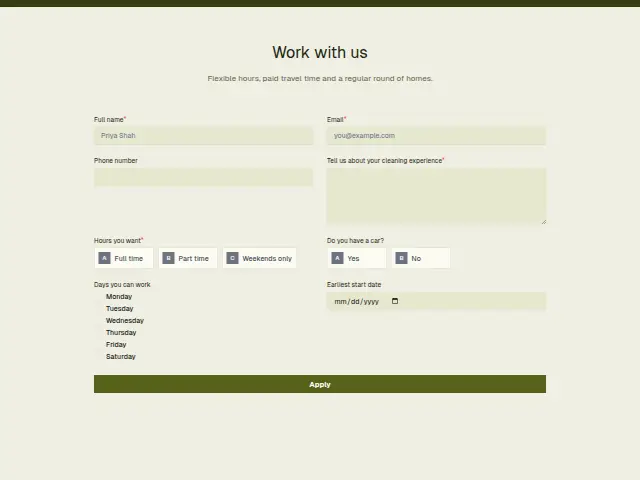
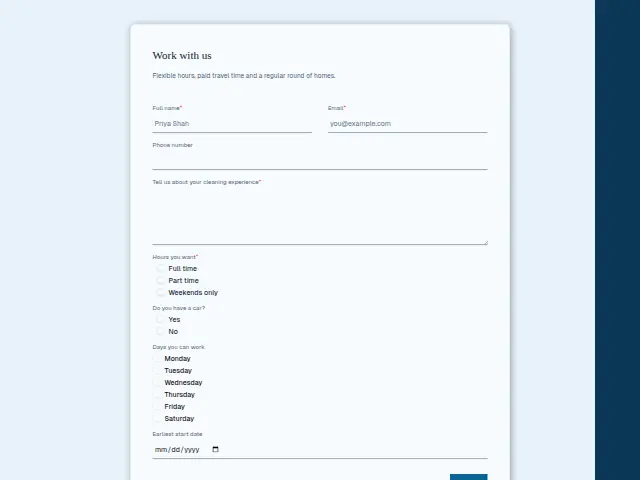
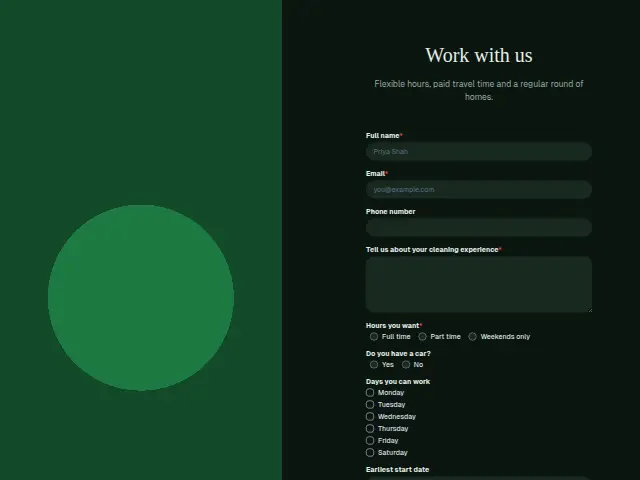
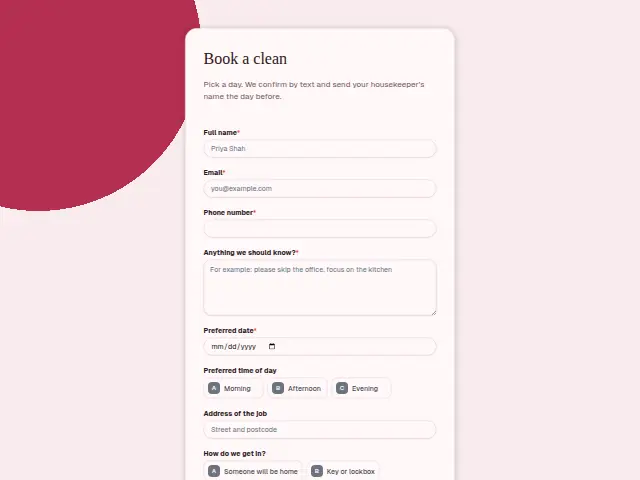
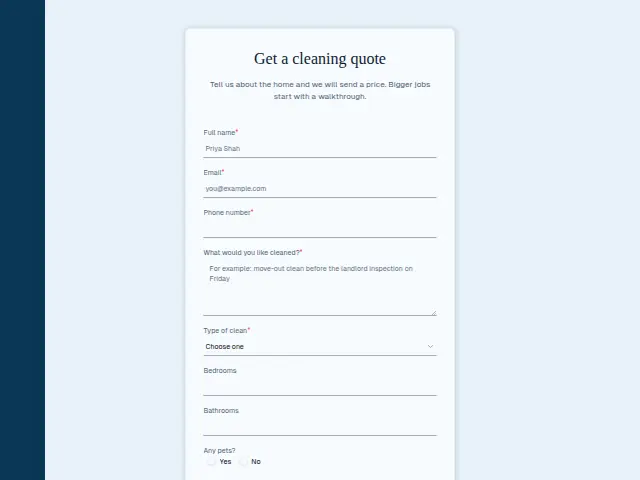
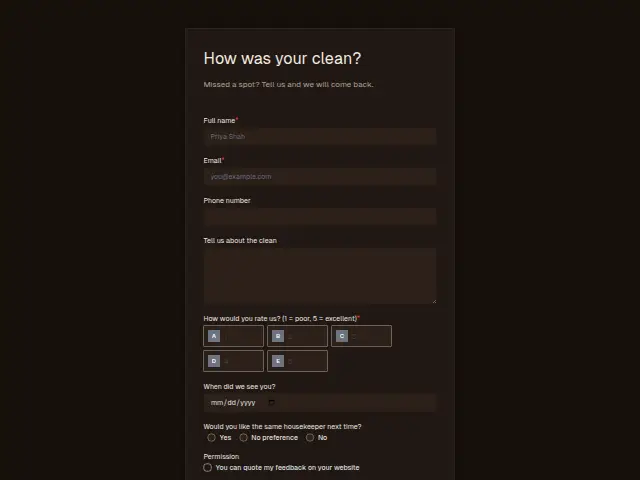
The same form, in 6 layouts
Same questions, same words. Pick the arrangement that suits the page it sits on; the layout can be changed later too.
Field guide
8 questions, each with what the business does with the answer.
| Question | Type | Required |
|---|---|---|
| Full nameWhoever hires uses this name when they ring to arrange a first shift. | Short text | Yes |
| EmailApplicant intake acknowledges the application here straight away, so nobody waits to hear it arrived. | Yes | |
| Phone numberHousekeepers often reply faster by text, so whoever hires reaches for this number first when it is given. | Phone | No |
| Tell us about your cleaning experienceRead with the must-haves you list, it tells whoever hires whether the applicant has cleaned homes, offices or both. | Long text | Yes |
| Hours you wantFull time · Part time · Weekends onlyA branch on this can send weekend-only applicants to whoever fills the Saturday rounds. | Multiple choice | Yes |
| Do you have a car?Yes · NoIf own transport is one of your must-haves, this is the answer the check reads first. | Multiple choice | No |
| Days you can workMonday · Tuesday · Wednesday · Thursday · Friday · SaturdayIn an export, each day is its own yes-or-no column, so finding Thursday cover takes one filter. | Checkboxes | No |
| Earliest start dateSorted by this date, the applicants sheet shows who can start a round next week. | Date | No |
What happens after someone sends it
Applicant intake fits here with must-haves such as a car or weekend availability. It thanks each applicant at once, checks the hard requirements, logs the application to a sheet and sends the summary to whoever hires.
The ticked days stay with the response, so matching a new housekeeper to a gap in the Thursday round takes a glance. A business that wants applicants kept apart from its customers turns off the form’s leads switch.
Each response adds the person to the client’s CRM, shows in their portal’s Leads and sends you a new-lead alert; if nobody has answered after 15 minutes, you hear again. Any workflow you start from the form runs the moment it arrives.
Library workflows that start from a form like this: Applicant intake.
Its answers can also go straight to another app with a starter: ActiveCampaign, Airtable, Asana, Attio, Brevo, ClickUp, Close and Discord, among others.
Trades that use it
The trade page that lists this form, with the trade’s other forms and workflows.
Related forms
See them all
Thrum is cooking.
Get early access and you’ll be among the first in. Early members get a launch perk.