Plumbing service call template
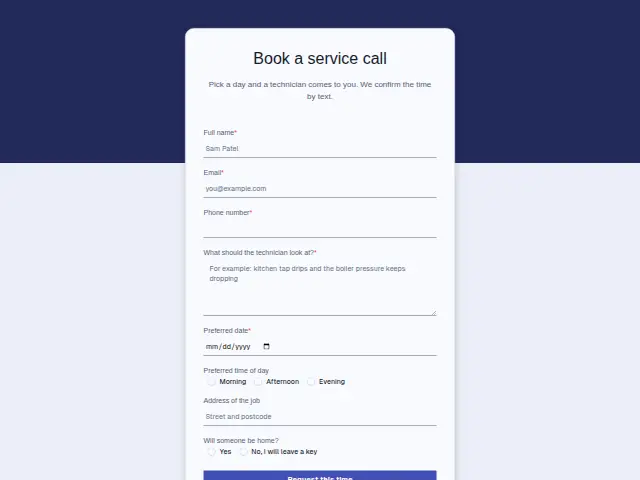
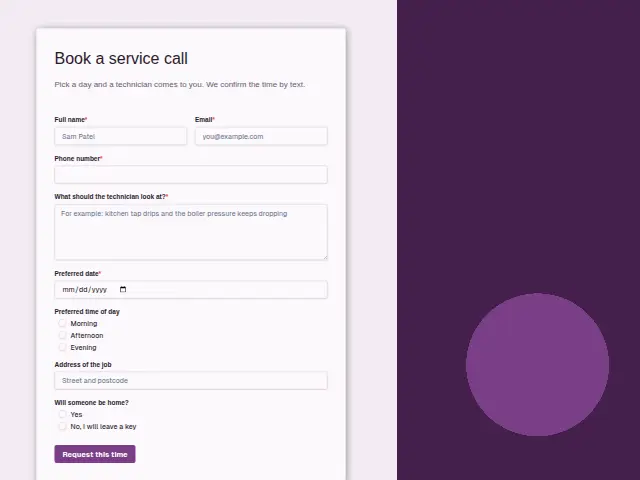
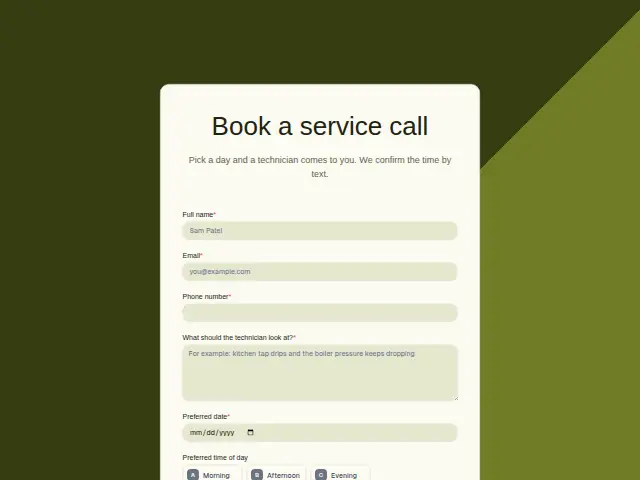
Pick a day and a technician comes to you. We confirm the time by text.
Start the 14-day trial, then choose Plumbing service call under Form templates. Each field, word and colour can be changed.
Who uses it
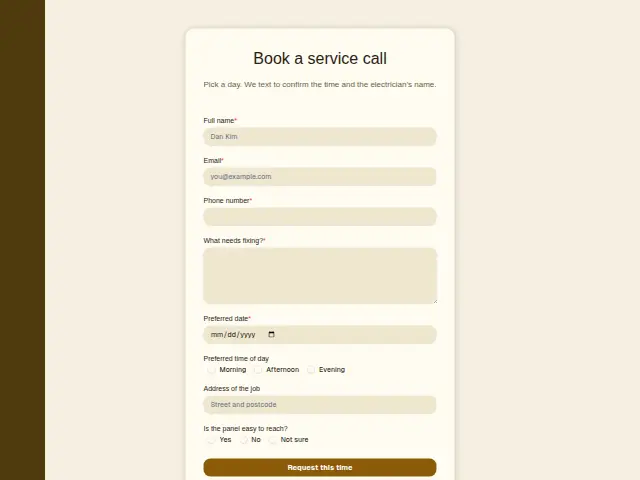
Plenty of plumbing work can wait for a day that suits, such as a shower valve that drips, a basin that drains slowly or a radiator to bleed before winter. This booking form is for those visits. The customer picks a “Preferred date”, which is required, and a “Preferred time of day” of morning, afternoon or evening, and the description promises the time is confirmed by text.
The required “What should the technician look at?” box gives the plumber something to read on the way over, and often a clue to which fittings to bring. “Will someone be home?” has two answers, “Yes” and “No, I will leave a key”, and the second changes the visit. The technician needs to know where the key is, and the customer will want a call once the job is finished.
The same form, in 6 layouts
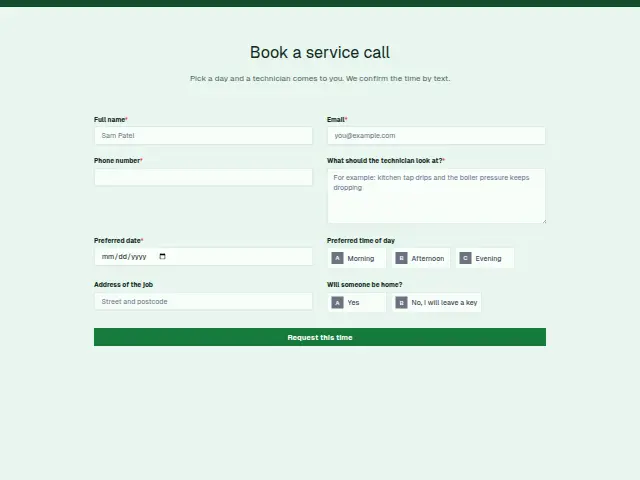
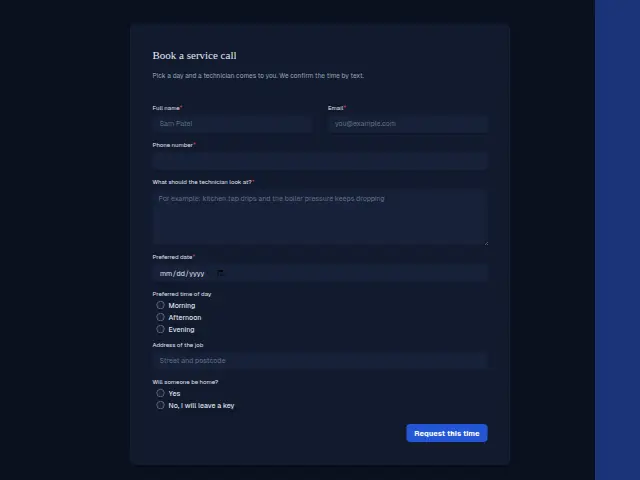
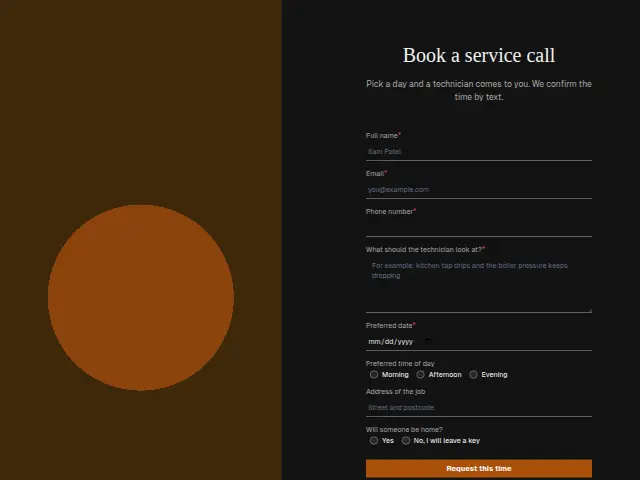
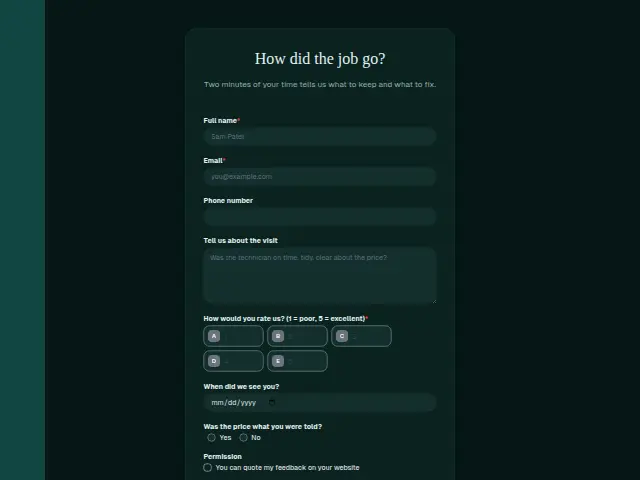
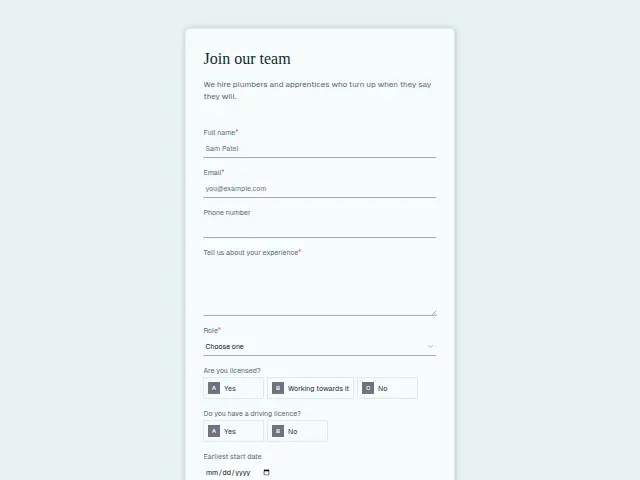
Same questions, same words. Pick the arrangement that suits the page it sits on; the layout can be changed later too.
Field guide
8 questions, each with what the business does with the answer.
| Question | Type | Required |
|---|---|---|
| Full nameThe confirmation text greets the customer by this name, and the dispatcher’s list of visits shows each one under it. | Short text | Yes |
| EmailA customer who booked before is matched on this address, and any details missing from their CRM entry are filled in. | Yes | |
| Phone numberThe time confirmation the description promises goes to this number as a text from a workflow the booking starts. | Phone | Yes |
| What should the technician look at?A workflow can copy it into a ClickUp task with the date and address, which is the technician’s brief for the visit. | Long text | Yes |
| Preferred dateRequired, and it is the date the office checks against the diary before the confirmation text goes out. | Date | Yes |
| Preferred time of dayMorning · Afternoon · EveningMorning, afternoon or evening lets the dispatcher group visits by area, and a workflow can add it to the confirmation text. | Multiple choice | No |
| Address of the jobOptional here, so a workflow can check whether it is filled in and text the customer for it when it is blank. | Short text | No |
| Will someone be home?Yes · No, I will leave a key“No, I will leave a key” can start a text asking where the key will be left for the technician. | Multiple choice | No |
What happens after someone sends it
Each booking lands in the client’s CRM as a person with the date, the time of day and the address together, which is what a dispatcher plans a day’s route from. The key answer deserves a branch of its own. A workflow can text the customers who chose “No, I will leave a key” to ask where it will be, so nobody stands on a doorstep with a van full of tools and no way in.
Each response adds the person to the client’s CRM, shows in their portal’s Leads and sends you a new-lead alert; if nobody has answered after 15 minutes, you hear again. Any workflow you start from the form runs the moment it arrives.
Library workflows that start from a form like this: Meeting follow-up and Quiet lead follow-up.
Its answers can also go straight to another app with a starter: ActiveCampaign, Airtable, Asana, Attio, Brevo, ClickUp, Close and Discord, among others.
Trades that use it
The trade page that lists this form, with the trade’s other forms and workflows.
Thrum is cooking.
Get early access and you’ll be among the first in. Early members get a launch perk.