Store customer service request template
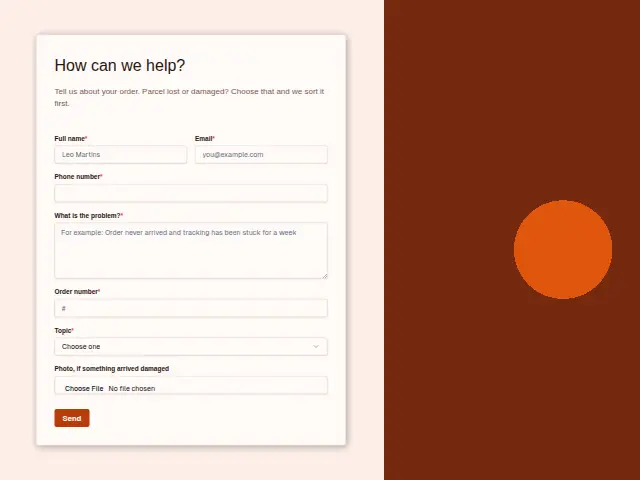
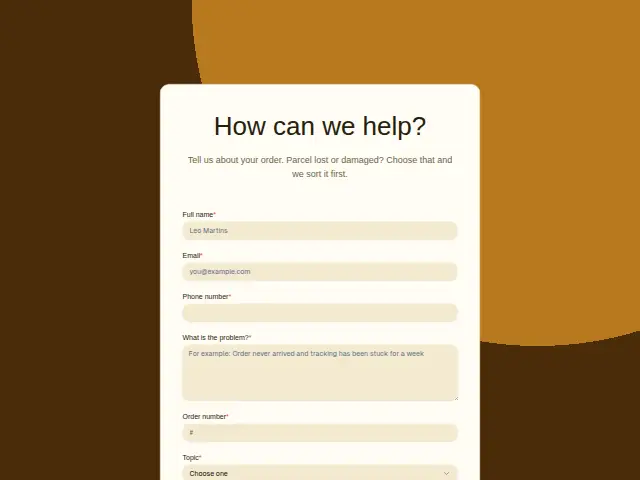
Tell us about your order. Parcel lost or damaged? Choose that and we sort it first.
- Trade
- E-commerce
- Kind of form
- Enquiry
- Questions
- 7
- Required
- 6
Start the 14-day trial, then choose Store customer service request under Form templates. Each field, word and colour can be changed.
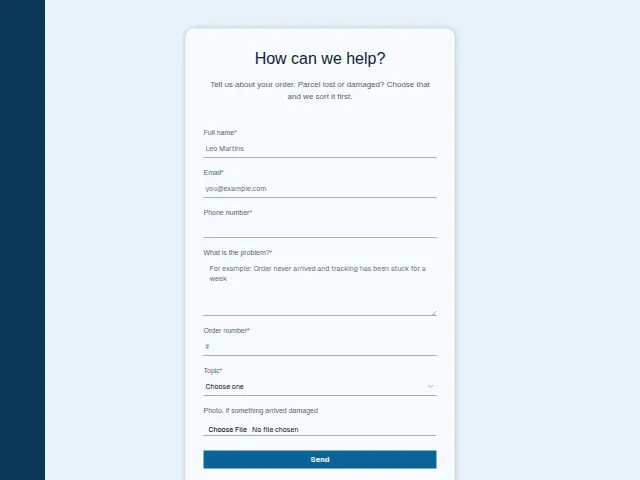
Who uses it
Store customers write in about one order, so Order number is required, and Topic sorts the problem into Where is my order?, Damaged or wrong item, Return or exchange, Product question or Something else. The description says a lost or damaged parcel is handled first.
The photo upload is for damage, which saves a round of emails asking for proof. “What is the problem?” is required and open, for whatever the topic does not cover. Phone number is required, which lets the store ring a customer about a missing parcel when an email thread would take days.
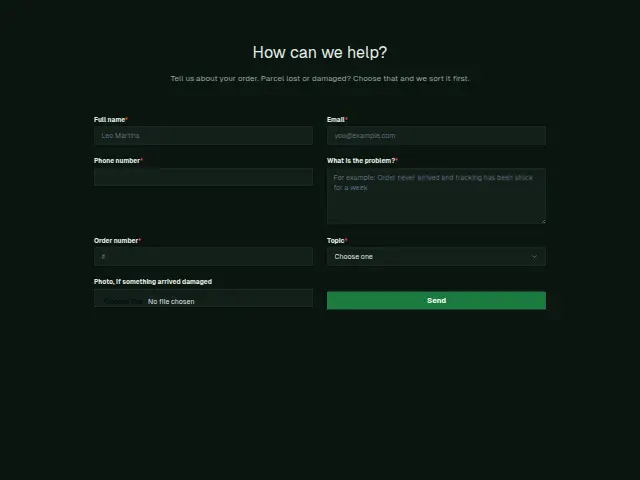
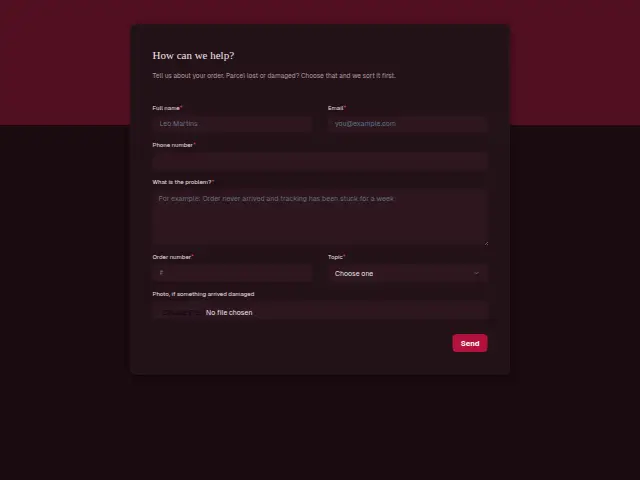
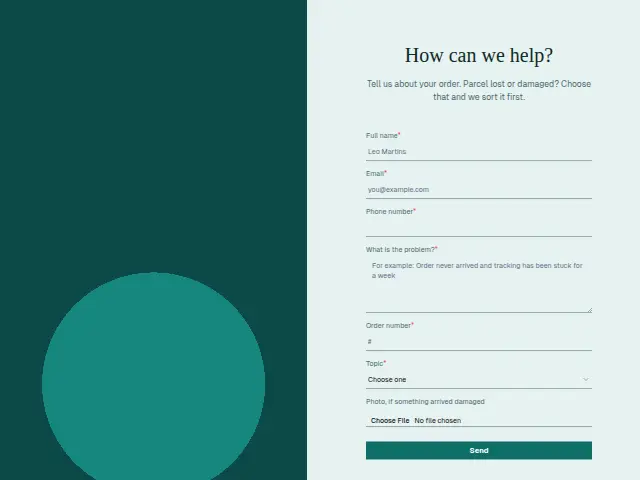
The same form, in 6 layouts
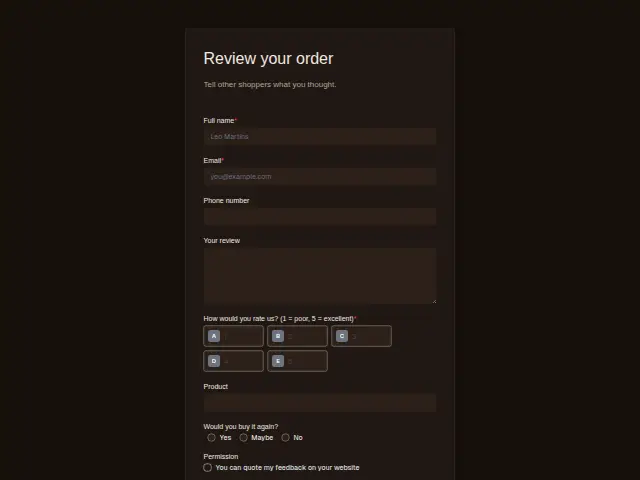
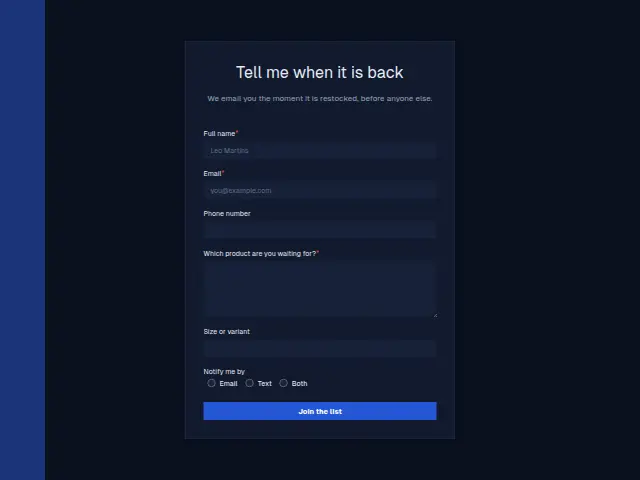
Same questions, same words. Pick the arrangement that suits the page it sits on; the layout can be changed later too.
Field guide
7 questions, each with what the business does with the answer.
| Question | Type | Required |
|---|---|---|
| Full nameMatched with the shopper’s record, so support sees their earlier messages to the store under one person. | Short text | Yes |
| EmailSupport answers here, and a workflow can send Where is my order? requests the tracking page link at once. | Yes | |
| Phone numberRequired so the store can ring about a missing parcel when an email thread would take days. | Phone | Yes |
| What is the problem?Open text for whatever the topic misses, and a workflow can copy it into a Zendesk or Freshdesk ticket. | Long text | Yes |
| Order numberRequired, so every request reaches the team with the order attached, and it can head the ticket. | Short text | Yes |
| TopicWhere is my order? · Damaged or wrong item · Return or exchange · Product question · Something elseDamaged or wrong item goes first, and Return or exchange can get the returns steps by email. | Dropdown | Yes |
| Photo, if something arrived damagedAn optional upload that saves an email asking for proof, ready for a replacement decision. | File upload | No |
What happens after someone sends it
Damaged or wrong item with a photo attached is ready for a decision the moment it arrives, and a workflow can send it with the order number to whoever handles replacements. A where-is-my-order request can get a reply with the store’s tracking page, and Return or exchange the returns steps. Since Order number is required, every request reaching the team already carries it, and nobody has to write back asking which order.
These come from existing customers, and some stores switch “Add responses to leads” off on this form so a support request does not count as a new sale in the making.
Each response adds the person to the client’s CRM, shows in their portal’s Leads and sends you a new-lead alert; if nobody has answered after 15 minutes, you hear again. Any workflow you start from the form runs the moment it arrives.
Library workflows that start from a form like this: Enquiry triage, Lead rescue and Quiet lead follow-up.
Its answers can also go straight to another app with a starter: ActiveCampaign, Airtable, Asana, Attio, Brevo, ClickUp, Close and Discord, among others.
Trades that use it
The trade page that lists this form, with the trade’s other forms and workflows.
Workflows for e-commerce
What runs when this form is sent: playbooks and packs written for the same trade.
- PackE-commerceDropshipping store packHands each order on to fulfilment and sorts support tickets and conversations.



 Google Sheets



 3 workflows · 12 steps · 8 apps
- PackE-commerceOwn-brand store packHands orders on, routes customer feedback, and turns requests into tasks.
 Google Sheets3 workflows · 11 steps · 7 apps
- PackE-commerceSubscription store packSorts support tickets and conversations, and routes customer feedback to the right person.Google Sheets3 workflows · 14 steps · 7 apps
Thrum is cooking.
Get early access and you’ll be among the first in. Early members get a launch perk.