SaaS demo request template
See the product with someone who knows it. We reply the same working day.
- Trade
- B2B software (SaaS)
- Kind of form
- Enquiry
- Questions
- 8
- Required
- 6
Start the 14-day trial, then choose SaaS demo request under Form templates. Each field, word and colour can be changed.
Who uses it
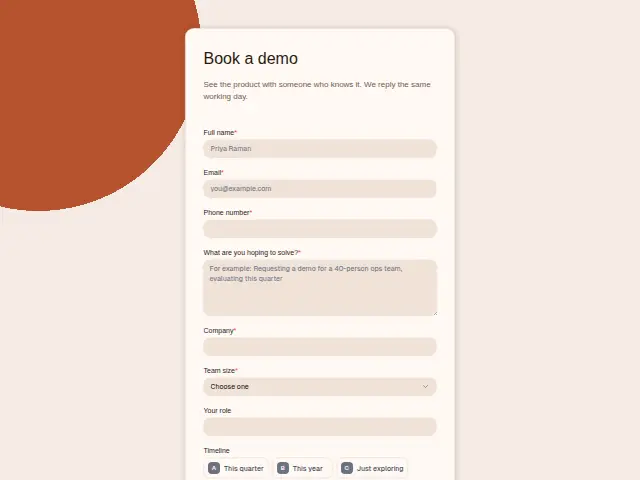
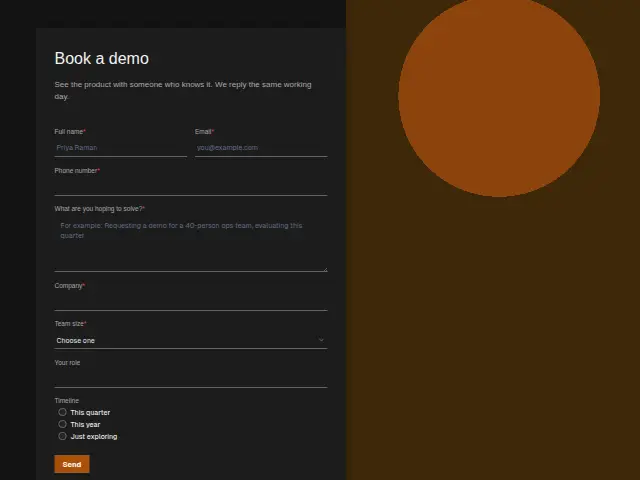
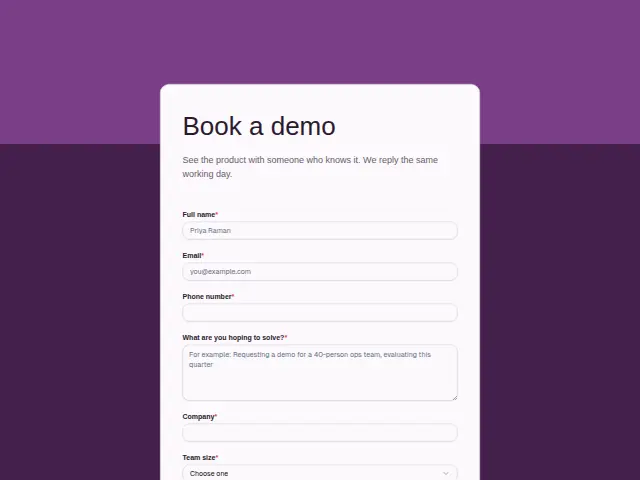
A demo request is a buying signal, and this form asks what a sales team qualifies on. Company and Team size are required, with sizes from 1 to 10 up to Over 1,000. Your role is optional text, and Timeline (This quarter, This year, and one option for people still exploring) says how soon they might buy.
“What are you hoping to solve?” is required, which gives whoever runs the demo something specific to show. The description promises a reply the same working day. Your role is free text, because titles in software buying vary too much for a list, and the person filling it in is not always the one who signs.
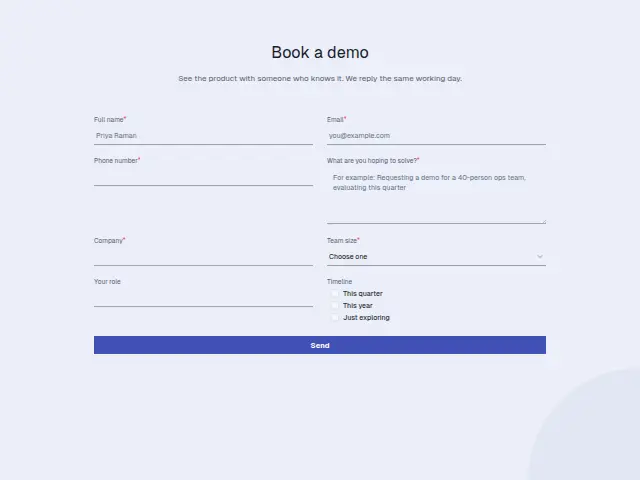
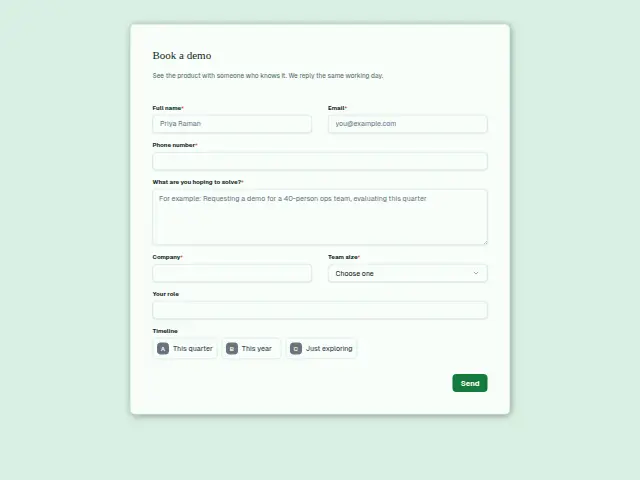
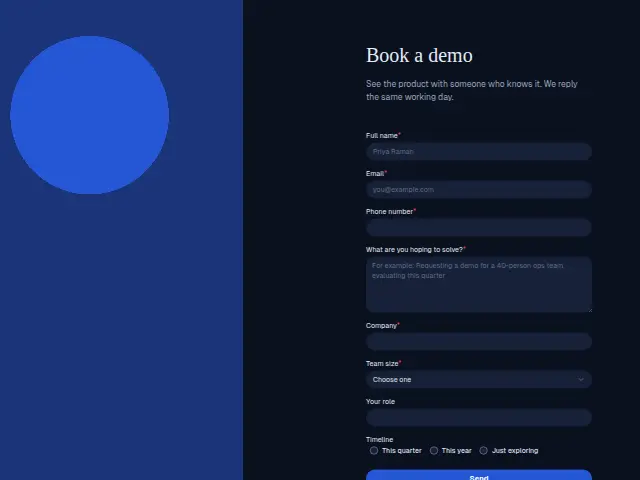
The same form, in 6 layouts
Same questions, same words. Pick the arrangement that suits the page it sits on; the layout can be changed later too.
Field guide
8 questions, each with what the business does with the answer.
| Question | Type | Required |
|---|---|---|
| Full nameThe person the demo is booked with, often someone other than the buyer, kept on the CRM record. | Short text | Yes |
| EmailThe same-day reply arrives here, and smaller teams can be sent a Calendly link to book a slot themselves. | Yes | |
| Phone numberRequired so an account executive can call larger teams buying this quarter, and a workflow can text them the lead. | Phone | Yes |
| What are you hoping to solve?Goes into the demo brief, so the person running it shows the part that answers this problem. | Long text | Yes |
| CompanyRequired, and a workflow can add a Pipedrive deal named after it for the sales team. | Short text | Yes |
| Team size1 to 10 · 11 to 50 · 51 to 200 · 201 to 1,000 · Over 1,000201 to 1,000 and Over 1,000 can go to an account executive, and smaller teams to booking a slot themselves. | Dropdown | Yes |
| Your roleFree text, since software titles vary, telling the seller whether this person signs or advises. | Short text | No |
| TimelineThis quarter · This year · Just exploringThis quarter with a large team size is the branch that texts an account executive straight away. | Multiple choice | No |
What happens after someone sends it
Team size and Timeline together decide the route. A workflow can send a 201 to 1,000 or Over 1,000 team buying This quarter to an account executive’s phone, and give smaller teams a one-time Calendly link to book a time themselves. The problem answer goes into the demo brief.
Lead rescue replies to every new request within a minute and chases any that nobody has called back within the hour, so a same-day promise holds on a busy day. On the CRM record, company, team size and timeline give the account executive the qualifying notes before the first call.
Each response adds the person to the client’s CRM, shows in their portal’s Leads and sends you a new-lead alert; if nobody has answered after 15 minutes, you hear again. Any workflow you start from the form runs the moment it arrives.
Library workflows that start from a form like this: Enquiry triage, Lead rescue and Quiet lead follow-up.
Its answers can also go straight to another app with a starter: ActiveCampaign, Airtable, Asana, Attio, Brevo, ClickUp, Close and Discord, among others.
Trades that use it
The trade page that lists this form, with the trade’s other forms and workflows.
Workflows for b2B software (SaaS)
What runs when this form is sent: playbooks and packs written for the same trade.
- PackB2B software (SaaS)Product-led software company packRecovers failed payments, thanks paying customers, and sorts support conversations and tickets.







 4 workflows · 16 steps · 8 apps
- PackB2B software (SaaS)Sales-led software company packAnswers leads fast, briefs and follows up each demo, and kicks off won deals.
 Calendly

 4 workflows · 20 steps · 7 apps
- PlaybookB2B software (SaaS)After-hours answeringAnswer customer messages at any hour from the business’s own facts, and hand anything else to a person with a holding reply.
 Telegram5 steps · 3 apps
Related forms
See them all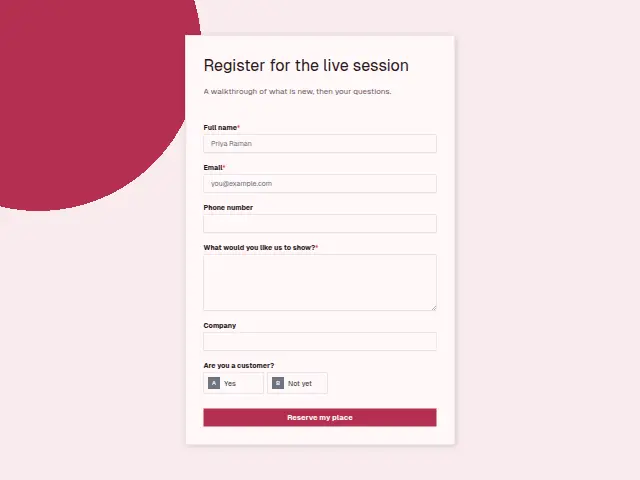 SaaS webinar registrationB2B software (SaaS)6 fields · Event RSVP
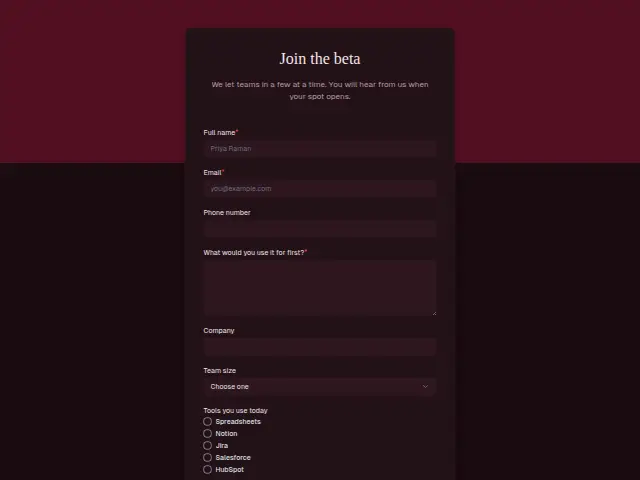 SaaS beta waitlistB2B software (SaaS)7 fields · Waitlist
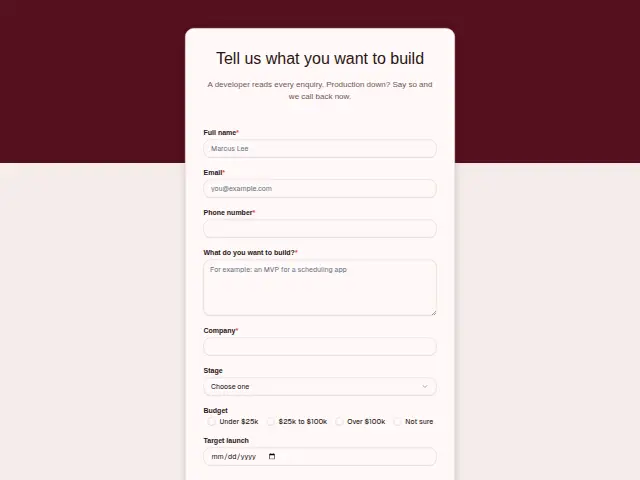 Software project enquirySoftware development agency8 fields · Enquiry
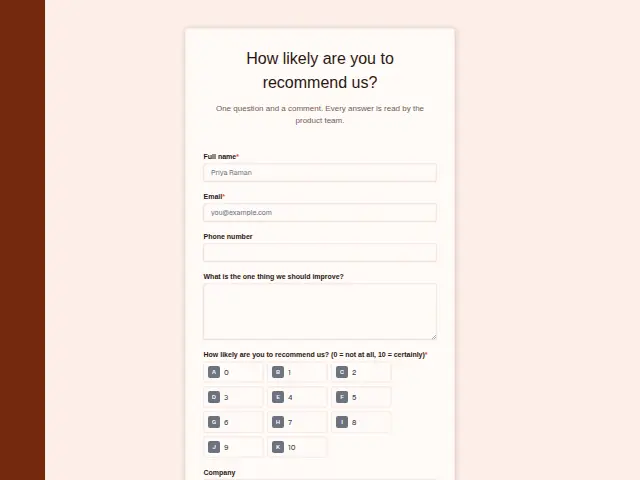 SaaS customer feedback (NPS)B2B software (SaaS)6 fields · Feedback
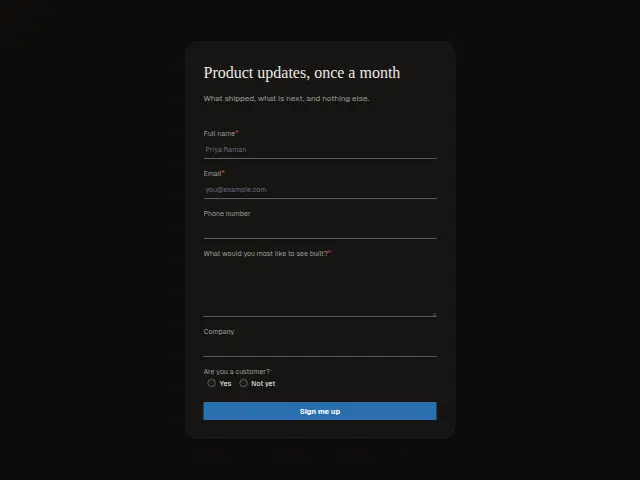 SaaS product updatesB2B software (SaaS)6 fields · Subscription
Thrum is cooking.
Get early access and you’ll be among the first in. Early members get a launch perk.