Product review template
Tell other shoppers what you thought.
- Trade
- E-commerce
- Kind of form
- Feedback
- Questions
- 8
- Required
- 3
Start the 14-day trial, then choose Product review under Form templates. Each field, word and colour can be changed.
Who uses it
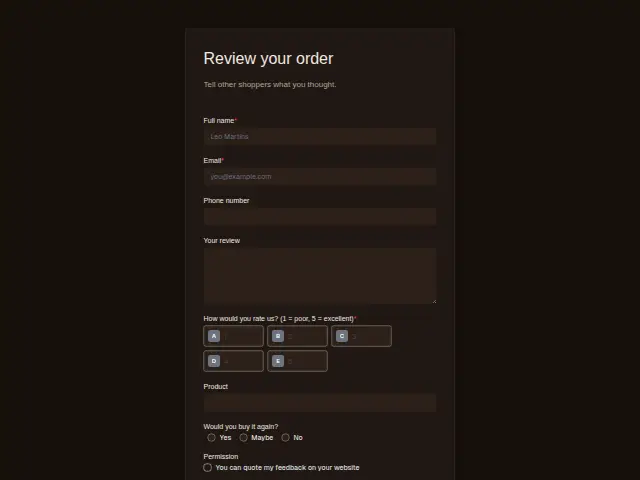
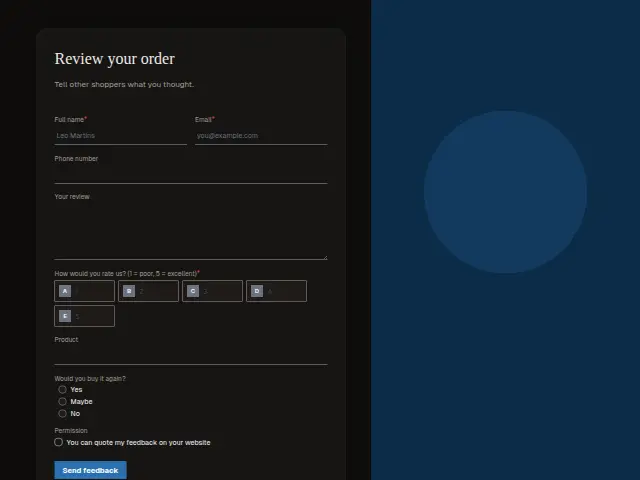
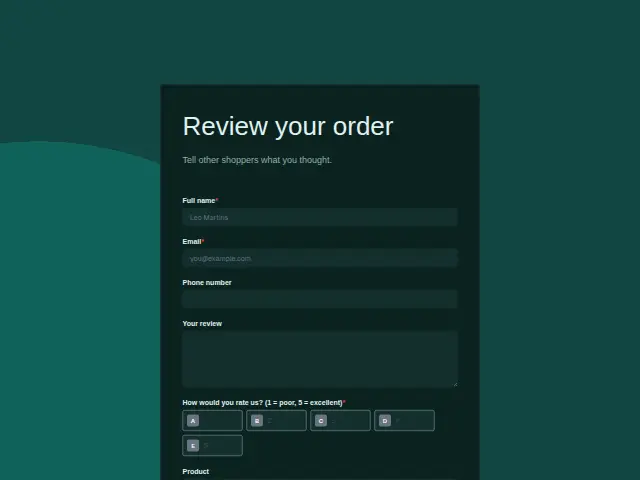
After an order arrives, this asks the buyer to review it for other shoppers. The rating is required on a 1 to 5 scale, the review text is optional, Product names what they bought, and “Would you buy it again?” (Yes, Maybe, No) asks about the next order.
Permission asks whether the review can be quoted on the store’s website, where it will do the most good.
The same form, in 6 layouts
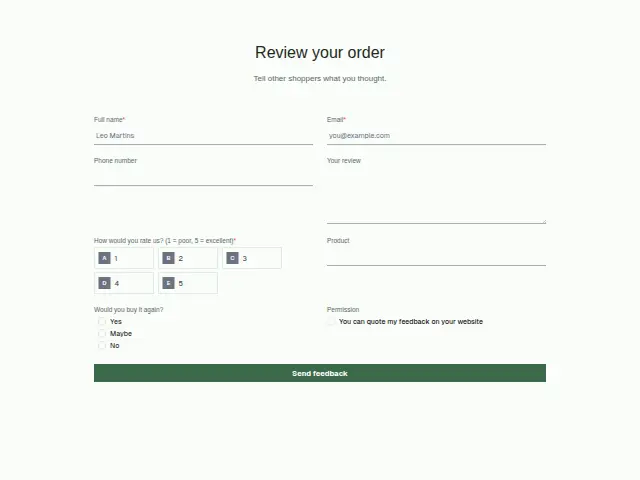
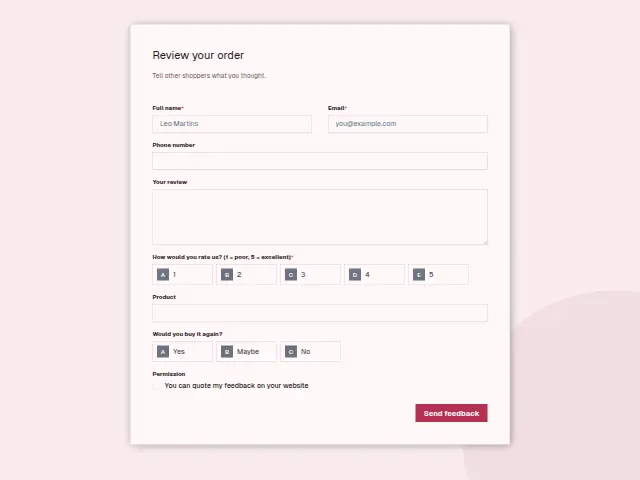
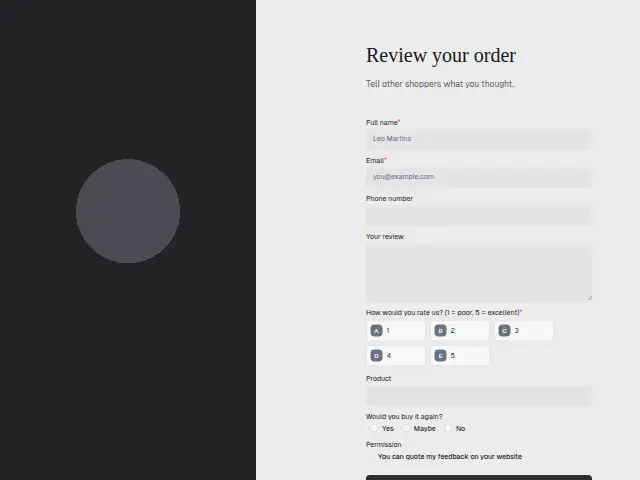
Same questions, same words. Pick the arrangement that suits the page it sits on; the layout can be changed later too.
Field guide
8 questions, each with what the business does with the answer.
| Question | Type | Required |
|---|---|---|
| Full nameThe reviewer’s name, shown beside the review if the Permission box allows it on the store’s site. | Short text | Yes |
| EmailGets the thank-you for every review, and a workflow can send a repeat-order offer to Yes answers. | Yes | |
| Phone numberOptional, and the number the owner rings when a low rating comes through. | Phone | No |
| Your reviewOptional text other shoppers may read later, once the Permission box is ticked. | Long text | No |
| How would you rate us? (1 = poor, 5 = excellent)1 · 2 · 3 · 4 · 5A low rating reaches the owner’s phone through Feedback routing, and a workflow can add the product to each logged row. | Multiple choice | Yes |
| ProductFree text naming what they bought, so a pattern of low ratings points at one item. | Short text | No |
| Would you buy it again?Yes · Maybe · NoNo beside a decent rating can go to whoever manages the range, with the product attached. | Multiple choice | No |
| PermissionYou can quote my feedback on your websiteTicked reviews can be copied to the store’s website, and a workflow can skip any without the tick. | Checkboxes | No |
What happens after someone sends it
Feedback routing sends a low rating to the owner’s phone the same day, tells the buyer a person will call, and thanks and logs every review. A No on buying again beside a decent rating is worth a branch to whoever looks after the product range, with the Product answer attached.
Made from this template, the form keeps its answers in Results: no person is added to the client’s CRM and no lead alert goes out, unless you switch “Add responses to leads” on. Any workflow you start from it still runs.
Library workflows that start from a form like this: Feedback routing and Review request.
Its answers can also go straight to another app with a starter: ActiveCampaign, Airtable, Asana, Attio, Brevo, ClickUp, Close and Discord, among others.
Trades that use it
The trade page that lists this form, with the trade’s other forms and workflows.
Workflows for e-commerce
What runs when this form is sent: playbooks and packs written for the same trade.
- PackE-commerceDropshipping store packHands each order on to fulfilment and sorts support tickets and conversations.



 Google Sheets



 3 workflows · 12 steps · 8 apps
- PackE-commerceOwn-brand store packHands orders on, routes customer feedback, and turns requests into tasks.
 Google Sheets3 workflows · 11 steps · 7 apps
- PackE-commerceSubscription store packSorts support tickets and conversations, and routes customer feedback to the right person.Google Sheets3 workflows · 14 steps · 7 apps
Related forms
See them all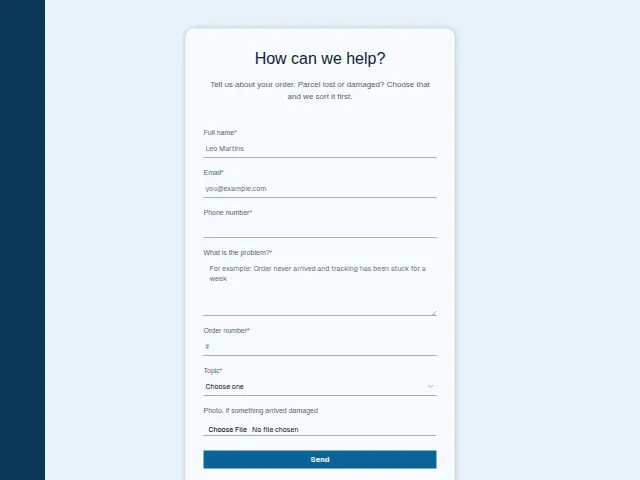 Store customer service requestE-commerce7 fields · Enquiry
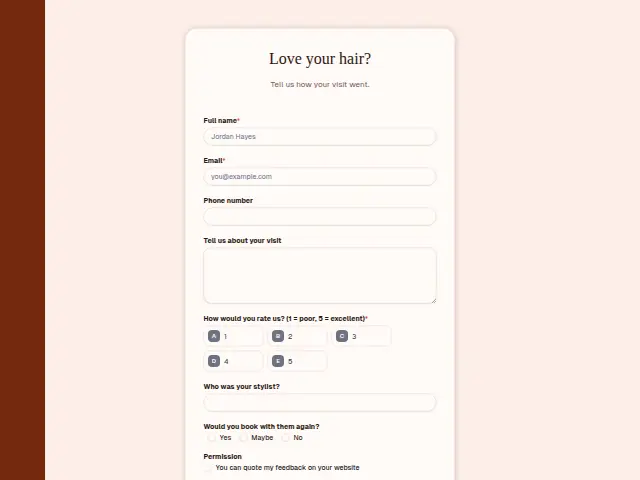 Salon visit feedbackHair salons and barbershops8 fields · Feedback
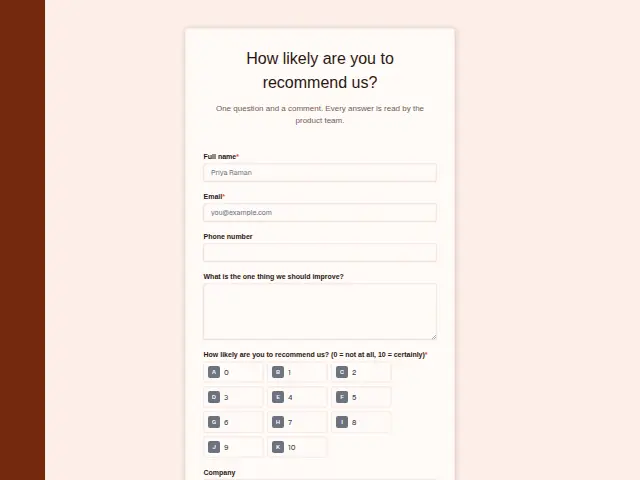 SaaS customer feedback (NPS)B2B software (SaaS)6 fields · Feedback
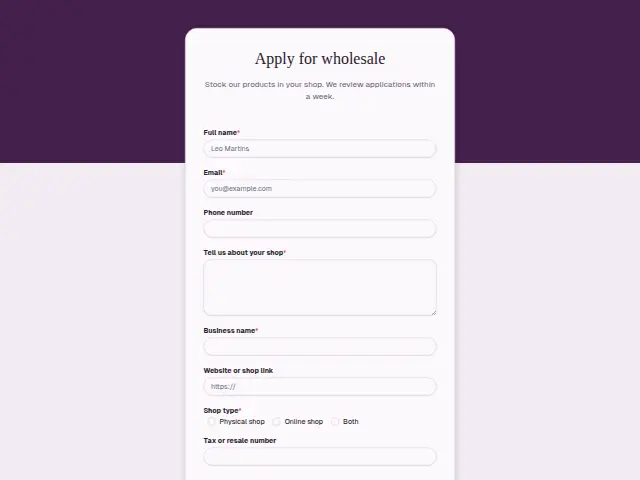 Wholesale account applicationE-commerce8 fields · Application
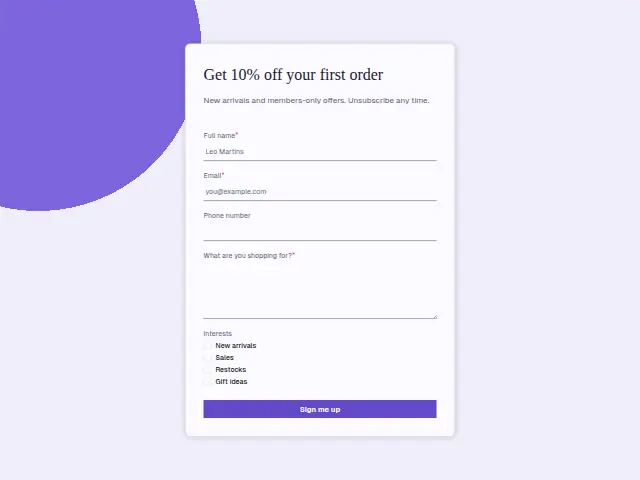 Store newsletter sign-upE-commerce5 fields · Subscription
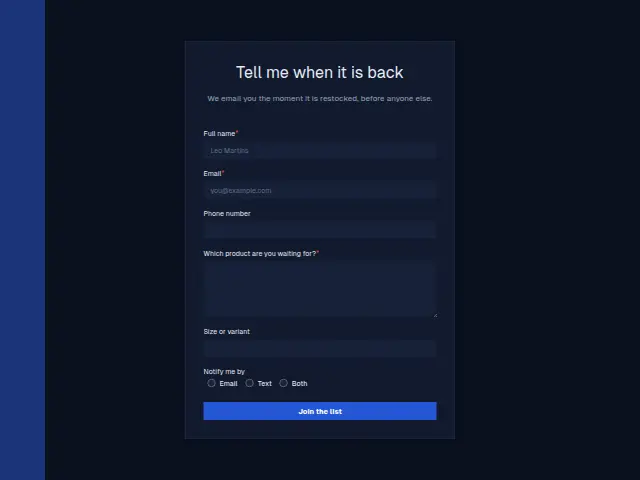 Back in stock alertE-commerce6 fields · Waitlist
Thrum is cooking.
Get early access and you’ll be among the first in. Early members get a launch perk.