Store newsletter sign-up template
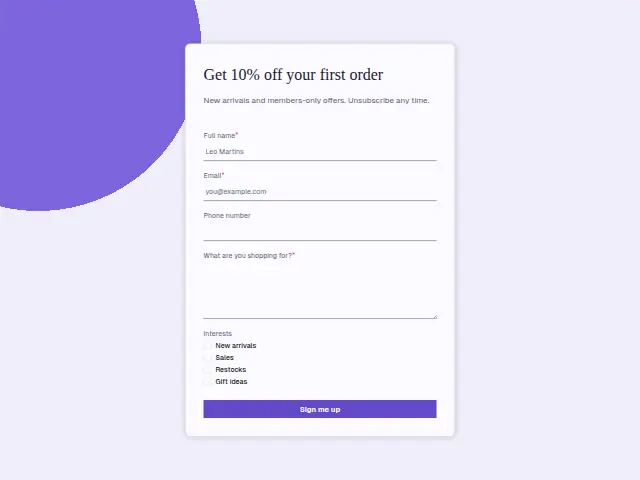
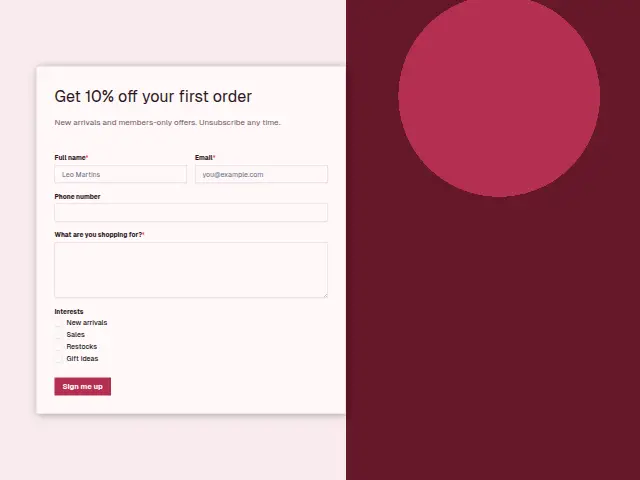
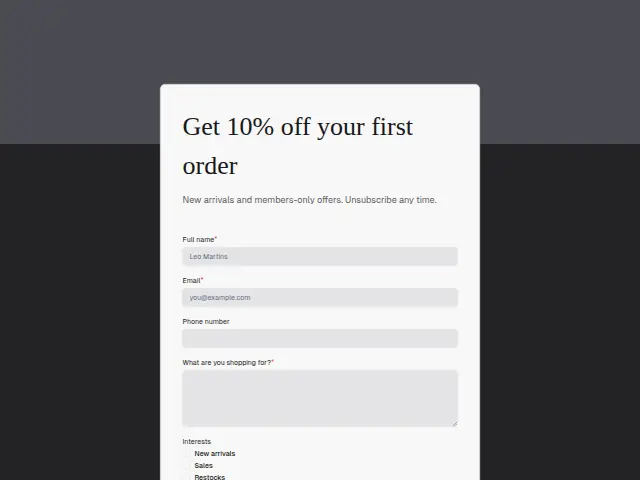
New arrivals and members-only offers. Unsubscribe any time.
- Trade
- E-commerce
- Kind of form
- Subscription
- Questions
- 5
- Required
- 3
Start the 14-day trial, then choose Store newsletter sign-up under Form templates. Each field, word and colour can be changed.
Who uses it
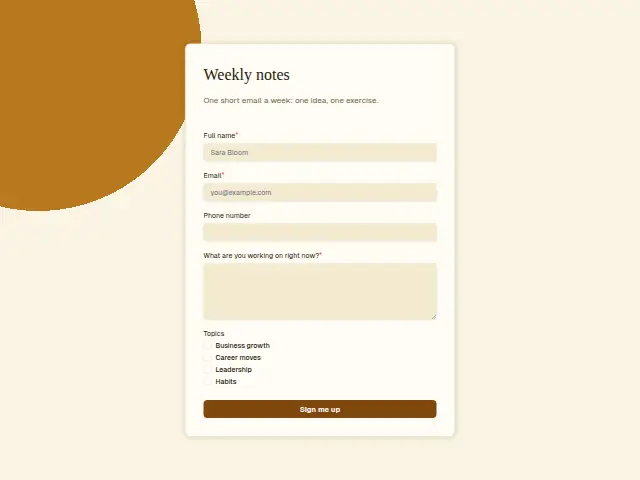
The description offers 10% off a first order in exchange for an email, and the form keeps to that trade. “What are you shopping for?” is required, and Interests is a checkbox list of New arrivals, Sales, Restocks and Gift ideas.
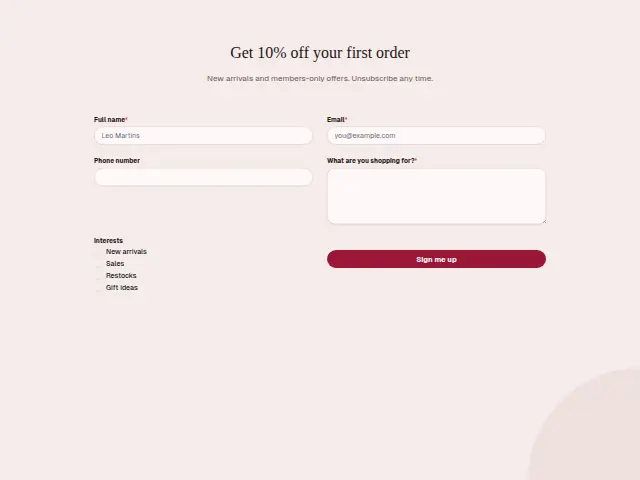
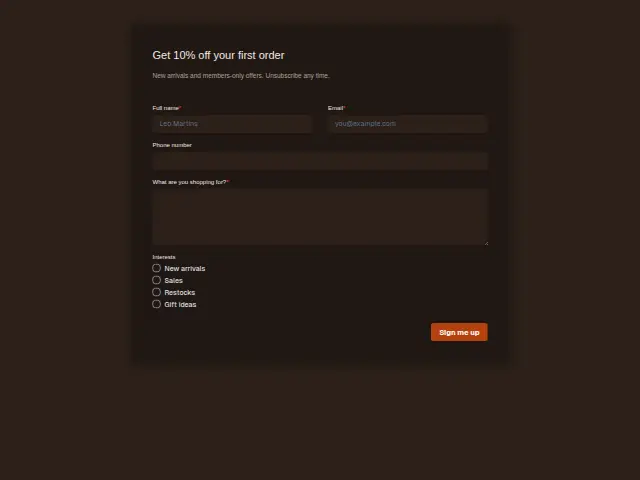
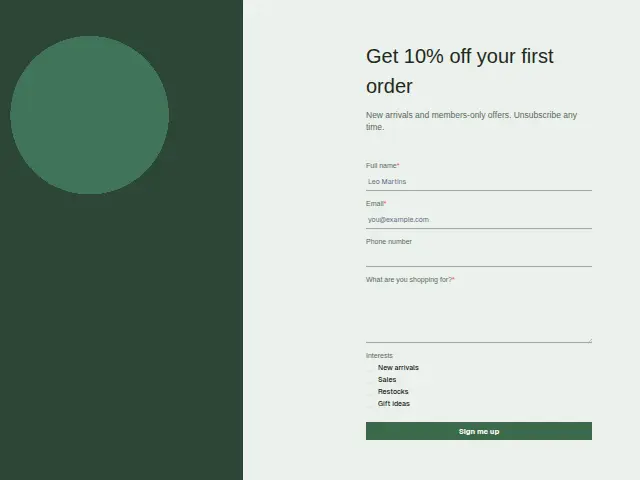
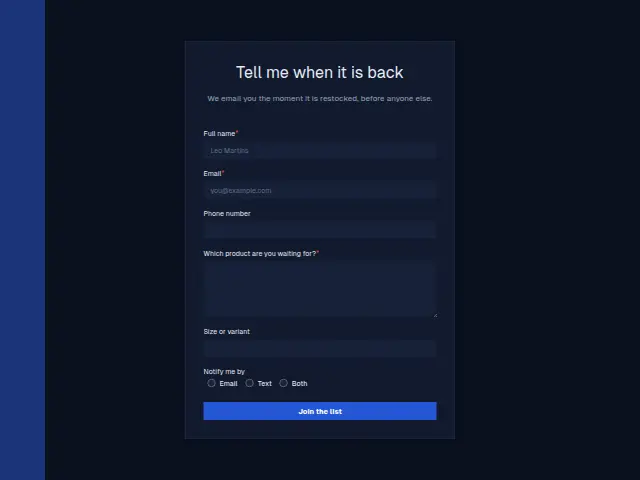
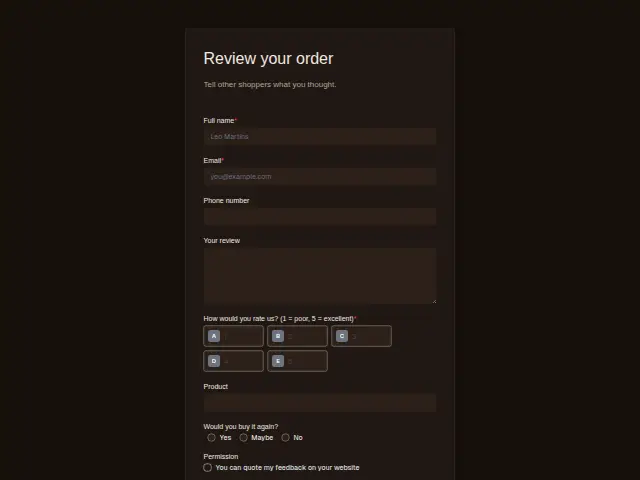
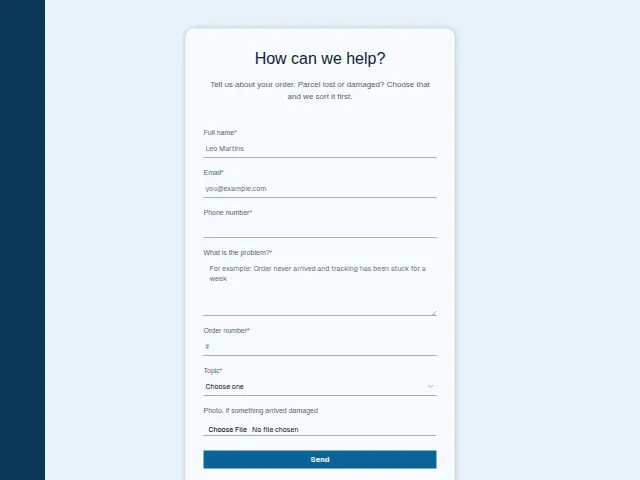
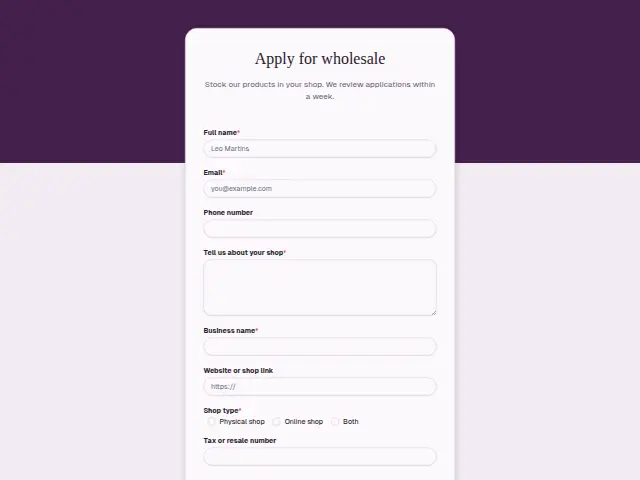
The same form, in 6 layouts
Same questions, same words. Pick the arrangement that suits the page it sits on; the layout can be changed later too.
Field guide
5 questions, each with what the business does with the answer.
| Question | Type | Required |
|---|---|---|
| Full nameLets the discount email greet the shopper by name, and fills in the CRM person for later orders. | Short text | Yes |
| EmailWhere the 10% code is sent the moment the form arrives, and the address added to the store’s Mailchimp audience. | Yes | |
| Phone numberOptional, as the code and the offers go by email, and kept on the record when given. | Phone | No |
| What are you shopping for?Required, giving whoever buys stock a running list of what visitors came looking for. | Long text | Yes |
| InterestsNew arrivals · Sales · Restocks · Gift ideasRestocks and Sales ticks can go to the mailing list as fields, so each email matches what was chosen. | Checkboxes | No |
What happens after someone sends it
The discount is the reply people expect at once, and a workflow can send it the moment the form arrives and add the person to a Mailchimp audience or a Brevo list with their interests. The shopping answers can go to whoever buys stock, as a running record of what visitors came looking for.
A store with many sign-ups a day may prefer “Add responses to leads” off here, because lead alerts are meant for people waiting on a reply and a discount code needs none.
Each response adds the person to the client’s CRM, shows in their portal’s Leads and sends you a new-lead alert; if nobody has answered after 15 minutes, you hear again. Any workflow you start from the form runs the moment it arrives.
Library workflows that start from a form like this: Quiet lead follow-up.
Its answers can also go straight to another app with a starter: ActiveCampaign, Airtable, Asana, Attio, Brevo, ClickUp, Close and Discord, among others.
Trades that use it
The trade page that lists this form, with the trade’s other forms and workflows.
Workflows for e-commerce
What runs when this form is sent: playbooks and packs written for the same trade.
- PackE-commerceDropshipping store packHands each order on to fulfilment and sorts support tickets and conversations.



 Google Sheets



 3 workflows · 12 steps · 8 apps
- PackE-commerceOwn-brand store packHands orders on, routes customer feedback, and turns requests into tasks.
 Google Sheets3 workflows · 11 steps · 7 apps
- PackE-commerceSubscription store packSorts support tickets and conversations, and routes customer feedback to the right person.Google Sheets3 workflows · 14 steps · 7 apps
Thrum is cooking.
Get early access and you’ll be among the first in. Early members get a launch perk.