SaaS product updates template
What shipped, what is next, and nothing else.
- Trade
- B2B software (SaaS)
- Kind of form
- Subscription
- Questions
- 6
- Required
- 3
Start the 14-day trial, then choose SaaS product updates under Form templates. Each field, word and colour can be changed.
Who uses it
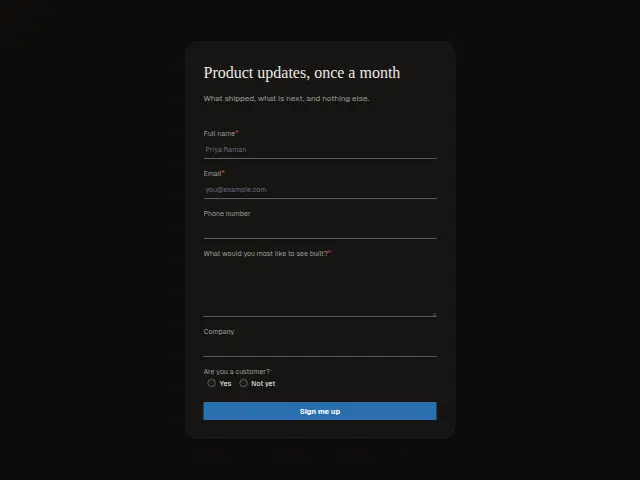
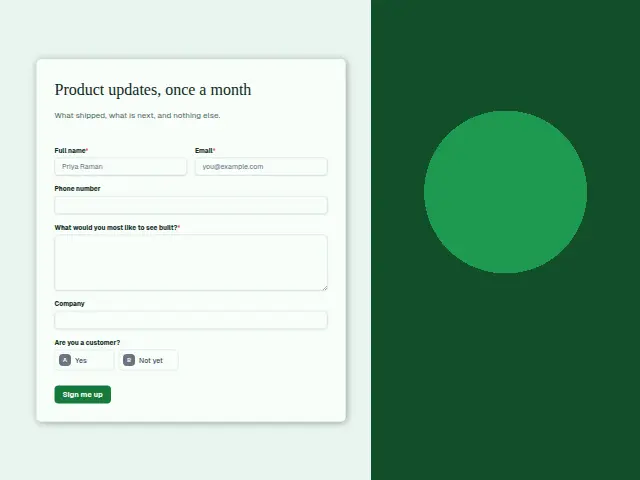
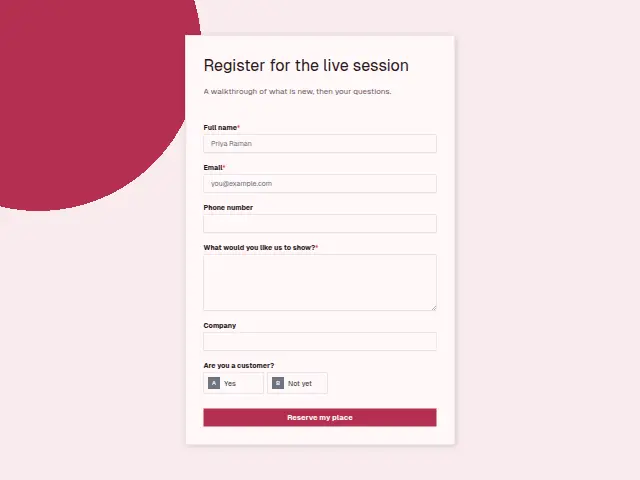
Once a month, what shipped and what is next, and nothing else. That is the promise in the description, and the form keeps to it. “What would you most like to see built?” is required, so every sign-up arrives with a feature request attached, and “Are you a customer?” (Yes, Not yet) splits users from prospects.
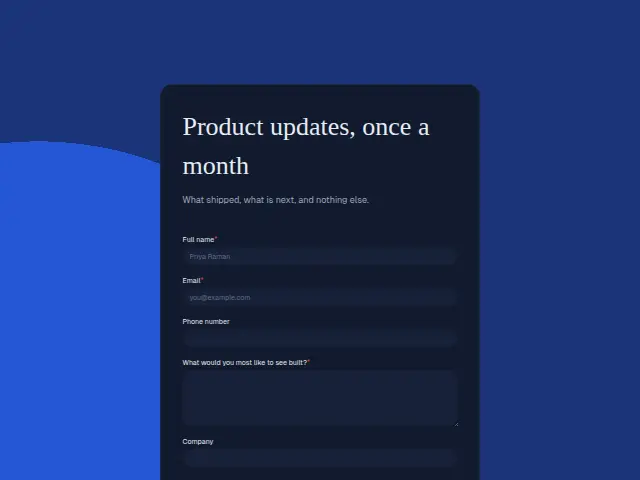
The same form, in 6 layouts
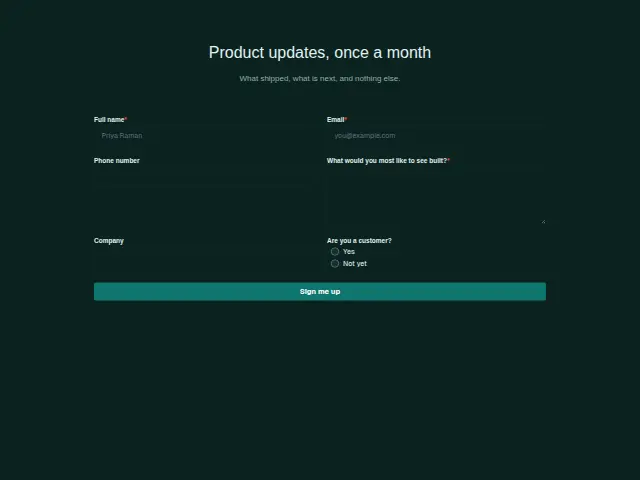
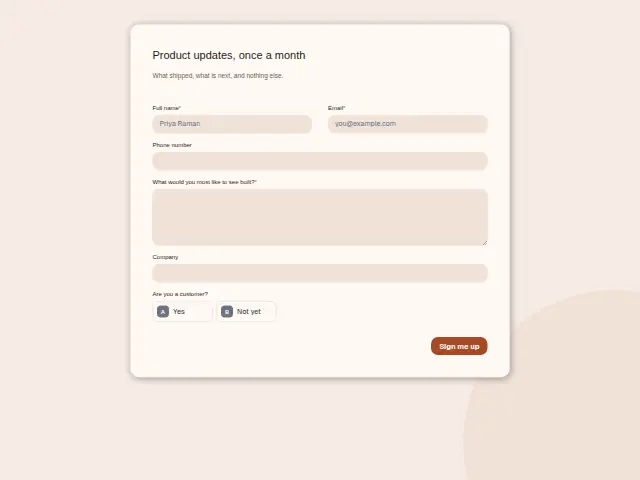
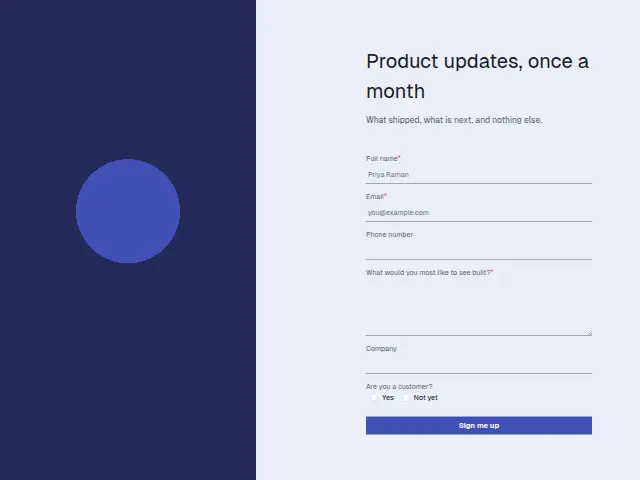
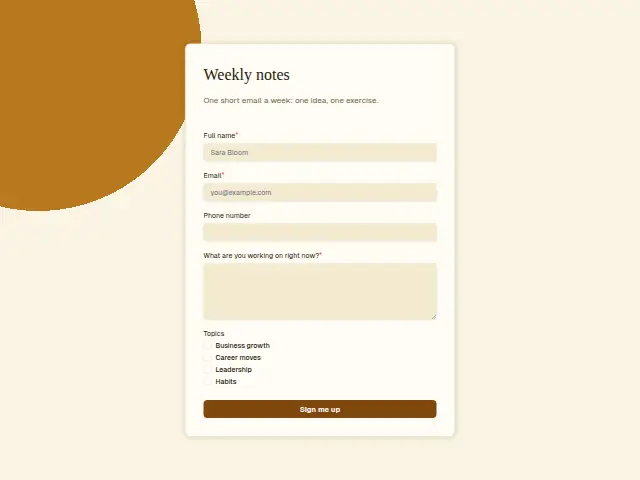
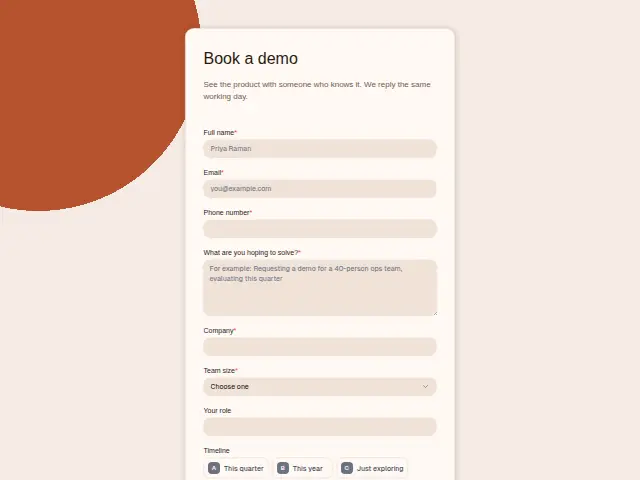
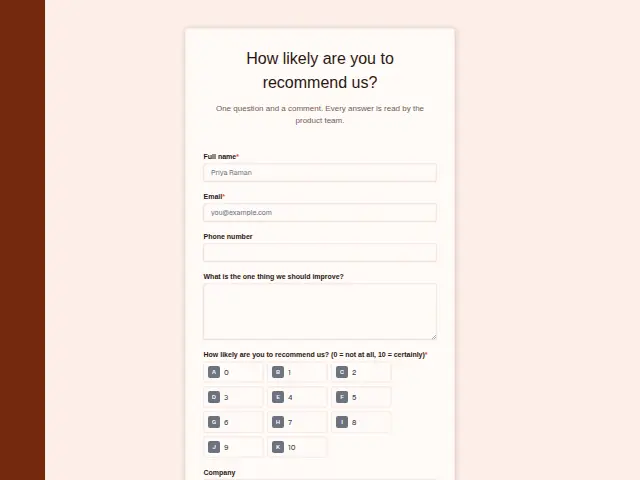
Same questions, same words. Pick the arrangement that suits the page it sits on; the layout can be changed later too.
Field guide
6 questions, each with what the business does with the answer.
| Question | Type | Required |
|---|---|---|
| Full nameGreets the reader in each monthly update, and matches customers who later ask for a demo. | Short text | Yes |
| EmailThe monthly update goes here, added by a workflow to a Mailchimp audience or an ActiveCampaign list. | Yes | |
| Phone numberOptional, and a prospect who leaves one alongside Not yet is worth a call from sales. | Phone | No |
| What would you most like to see built?Required, so every sign-up adds a feature request that can collect as rows in a Notion database. | Long text | Yes |
| CompanyOptional, letting the team see which accounts follow the product updates. | Short text | No |
| Are you a customer?Yes · Not yetNot yet sign-ups can go on a separate list whose update ends with a trial offer. | Multiple choice | No |
What happens after someone sends it
Not yet sign-ups are prospects who chose to hear more, and a workflow can put them on a separate Mailchimp audience or ActiveCampaign list so their update can end with a trial offer. The build answers add up to a standing feature survey, and they can collect as rows in a Notion database for the product team.
Each response adds the person to the client’s CRM, shows in their portal’s Leads and sends you a new-lead alert; if nobody has answered after 15 minutes, you hear again. Any workflow you start from the form runs the moment it arrives.
Library workflows that start from a form like this: Quiet lead follow-up.
Its answers can also go straight to another app with a starter: ActiveCampaign, Airtable, Asana, Attio, Brevo, ClickUp, Close and Discord, among others.
Trades that use it
The trade page that lists this form, with the trade’s other forms and workflows.
Workflows for b2B software (SaaS)
What runs when this form is sent: playbooks and packs written for the same trade.
- PackB2B software (SaaS)Product-led software company packRecovers failed payments, thanks paying customers, and sorts support conversations and tickets.






 4 workflows · 16 steps · 8 apps
- PackB2B software (SaaS)Sales-led software company packAnswers leads fast, briefs and follows up each demo, and kicks off won deals.
 Calendly

 4 workflows · 20 steps · 7 apps
- PlaybookB2B software (SaaS)After-hours answeringAnswer customer messages at any hour from the business’s own facts, and hand anything else to a person with a holding reply.
 Telegram5 steps · 3 apps
Related forms
See them all
Thrum is cooking.
Get early access and you’ll be among the first in. Early members get a launch perk.