Roof leak or storm damage template
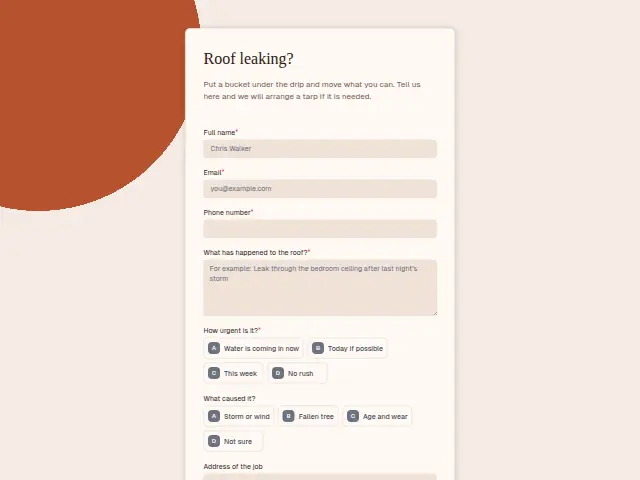
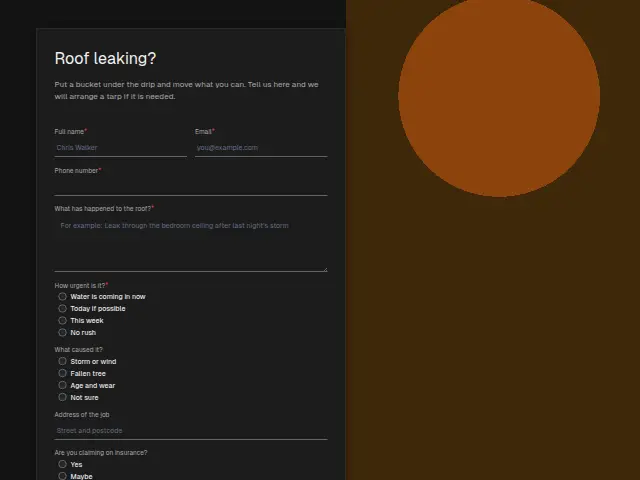
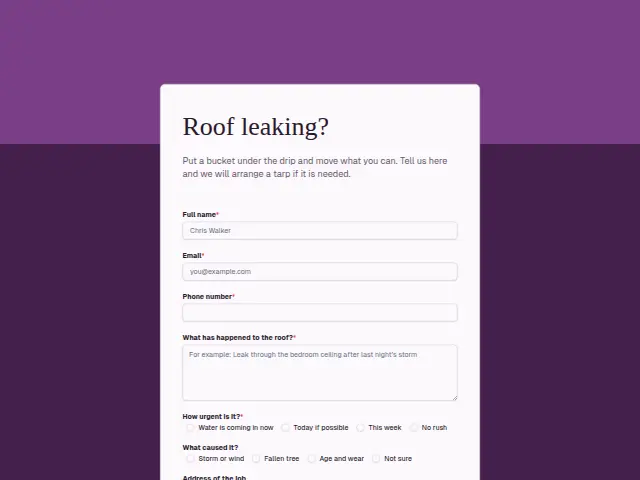
Put a bucket under the drip and move what you can. Tell us here and we will arrange a tarp if it is needed.
Start the 14-day trial, then choose Roof leak or storm damage under Form templates. Each field, word and colour can be changed.
Who uses it
Roof leaks arrive with the weather. This form’s description asks the homeowner to put a bucket under the drip and move what they can, and promises a tarp if one is needed. The required “What has happened to the roof?” lets them say whether it is a brown stain on the ceiling or daylight through the boards.
“What caused it?” offers storm or wind, a fallen tree, age and wear, or not sure. That answer, together with “Are you claiming on insurance?”, shapes the visit, since an insurance job needs photographs and a written report for the adjuster. Urgency is required and starts with “Water is coming in now”.
The same form, in 6 layouts
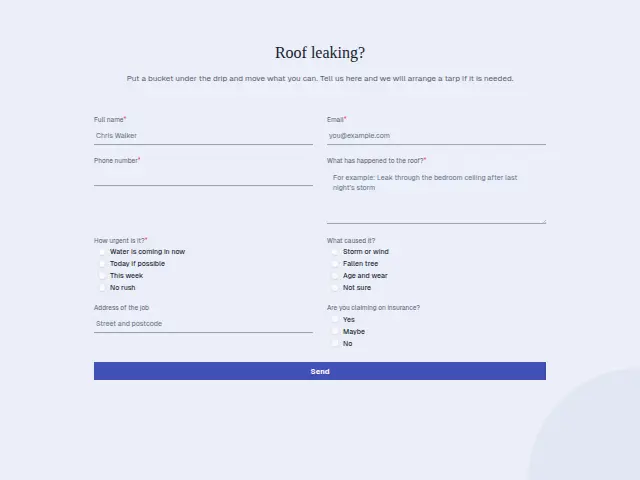
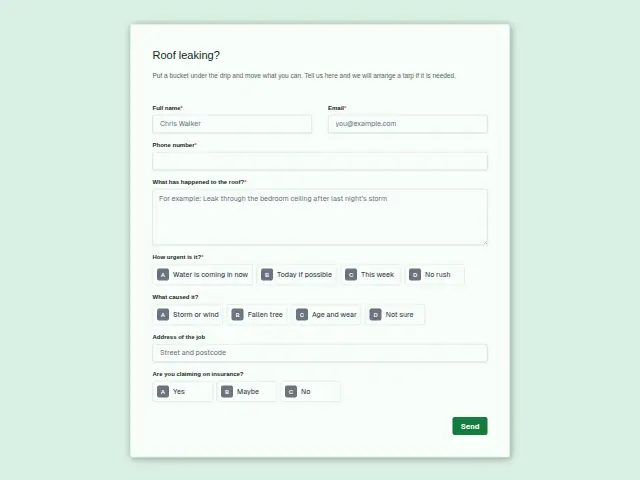
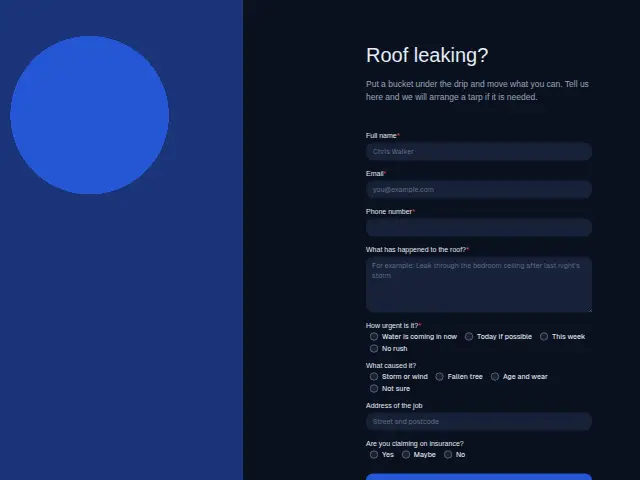
Same questions, same words. Pick the arrangement that suits the page it sits on; the layout can be changed later too.
Field guide
8 questions, each with what the business does with the answer.
| Question | Type | Required |
|---|---|---|
| Full nameThe roofer arranging a tarp calls the homeowner by this name, and their CRM entry opens with it. | Short text | Yes |
| EmailInsurance jobs need a paper trail, and the emailed acknowledgement sent here is the first piece of it. | Yes | |
| Phone numberRequired, since the tarp crew rings ahead, and Lead rescue’s instant text reaches the homeowner here. | Phone | Yes |
| What has happened to the roof?Read by whoever rings back, it separates a ceiling stain from daylight through the boards before anyone climbs. | Long text | Yes |
| How urgent is it?Water is coming in now · Today if possible · This week · No rush“Water is coming in now” puts the job on the owner’s phone first, ahead of the tarp list after a storm. | Multiple choice | Yes |
| What caused it?Storm or wind · Fallen tree · Age and wear · Not sureStorm and fallen-tree answers can branch to the owner, age and wear to the inspection list. | Multiple choice | No |
| Address of the jobAfter a storm the office sorts tarp runs by street, and a workflow can add each address to a Google Sheets row. | Short text | No |
| Are you claiming on insurance?Yes · Maybe · NoA “Yes” or “Maybe” on the CRM record tells the roofer to photograph the damage for the adjuster. | Multiple choice | No |
What happens after someone sends it
After a storm these forms come in together, and the ones marked “Water is coming in now” need a tarp crew first. Urgency and cause are the two answers to sort on, putting storm and fallen-tree jobs on the owner’s phone and sending age-and-wear enquiries to the inspection list.
Lead rescue gives every homeowner an instant reply in the meantime, which counts for a lot when the person is standing under a leak. The insurance answer goes on the CRM record, so whoever visits arrives ready to photograph the damage.
Each response adds the person to the client’s CRM, shows in their portal’s Leads and sends you a new-lead alert; if nobody has answered after 15 minutes, you hear again. Any workflow you start from the form runs the moment it arrives.
Library workflows that start from a form like this: Enquiry triage, Lead rescue and Quiet lead follow-up.
Its answers can also go straight to another app with a starter: ActiveCampaign, Airtable, Asana, Attio, Brevo, ClickUp, Close and Discord, among others.
Trades that use it
The trade page that lists this form, with the trade’s other forms and workflows.
Thrum is cooking.
Get early access and you’ll be among the first in. Early members get a launch perk.