Roofing job feedback template
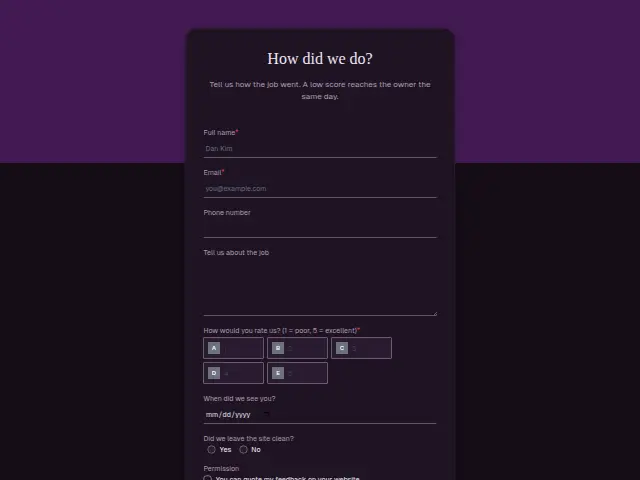
Tell us how the crew did. Every answer is read by the owner.
Start the 14-day trial, then choose Roofing job feedback under Form templates. Each field, word and colour can be changed.
Who uses it
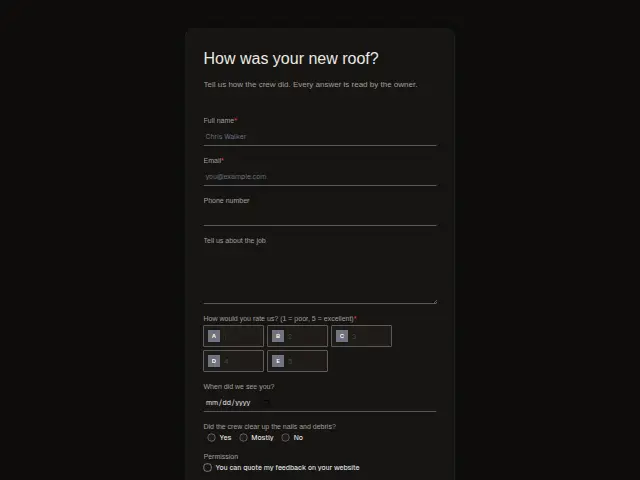
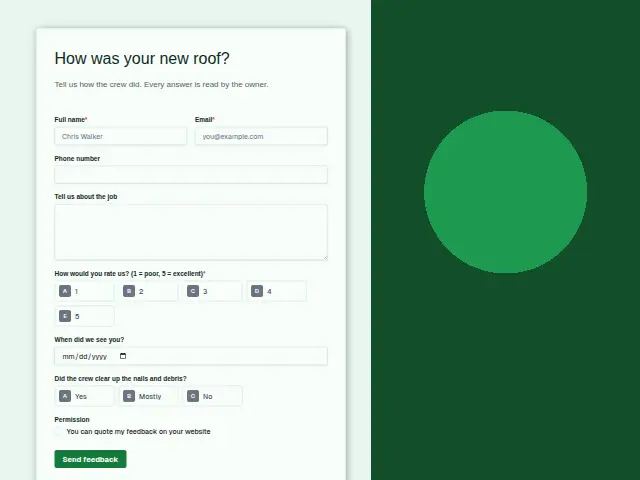
The first thing a homeowner checks after a new roof is the lawn and the driveway. That is why this feedback form asks “Did the crew clear up the nails and debris?”, with “Mostly” for the yard where a few nails turned up later. A rating, the job date and an optional note complete it, and the description says the owner reads every answer.
Roofers sell on finished work, and the “Permission” checkbox means a customer’s words can go beside the before-and-after photos on the website.
The same form, in 6 layouts
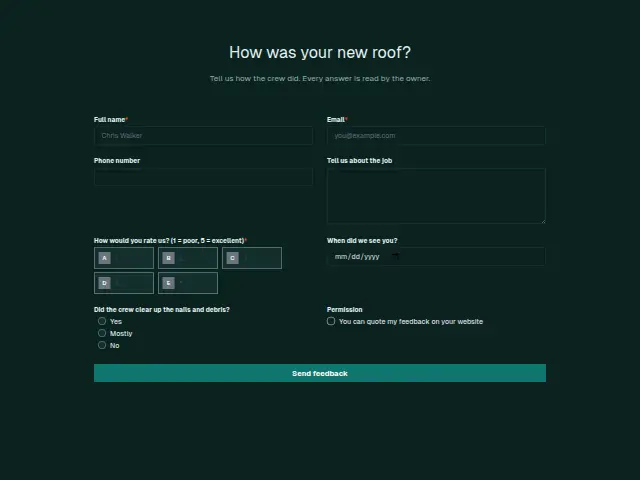
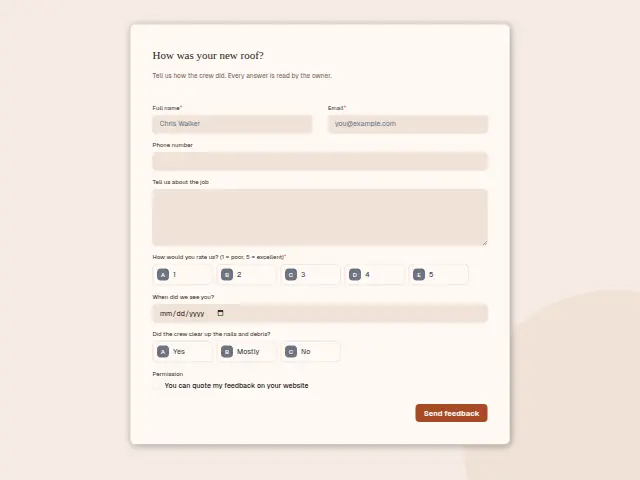
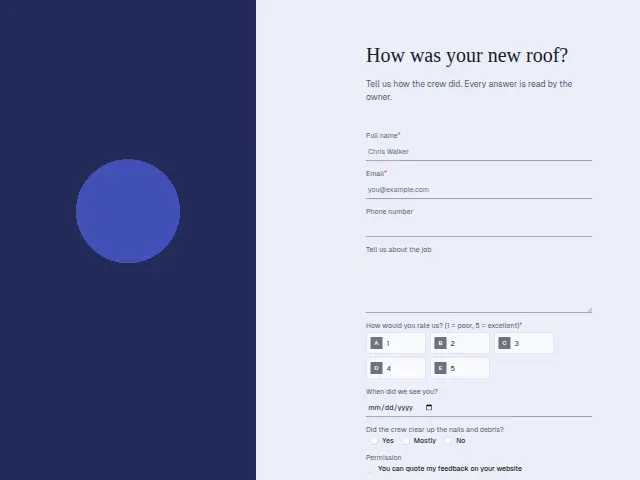
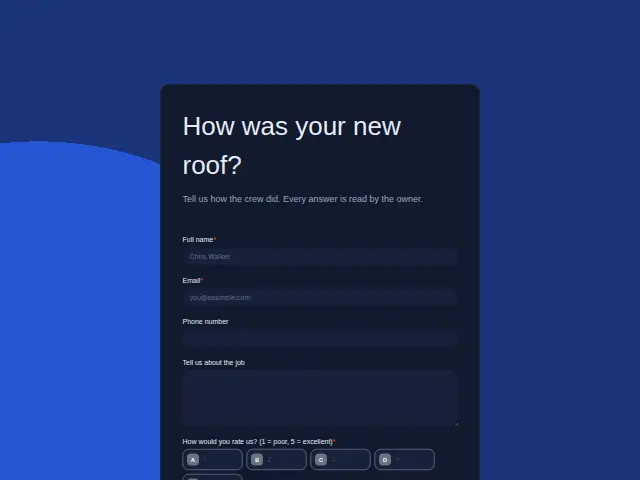
Same questions, same words. Pick the arrangement that suits the page it sits on; the layout can be changed later too.
Field guide
8 questions, each with what the business does with the answer.
| Question | Type | Required |
|---|---|---|
| Full nameEvery answer is read by the owner, who uses this name to find the job and the crew who did it. | Short text | Yes |
| EmailA workflow can email this address when the crew is sent back with a sweeper, so the homeowner knows when. | Yes | |
| Phone numberOptional, and it is how the crew lead arranges a return to clear nails from the lawn. | Phone | No |
| Tell us about the jobNotes about a damaged gutter or a crushed plant come through here, and the owner reads every one. | Long text | No |
| How would you rate us? (1 = poor, 5 = excellent)1 · 2 · 3 · 4 · 5Scores in the sheet, sorted by crew, show which roofing crews keep their sites and customers happy. | Multiple choice | Yes |
| When did we see you?A new roof can take more than a day, so the date picks out which crew was on site. | Date | No |
| Did the crew clear up the nails and debris?Yes · Mostly · No“Mostly” or “No” can text the crew lead to go back with a magnetic sweeper, whatever the score. | Multiple choice | No |
| PermissionYou can quote my feedback on your websiteWith consent ticked, the comment can sit beside the before-and-after photos on the roofer’s website. | Checkboxes | No |
What happens after someone sends it
A stray roofing nail can puncture a tyre or a dog’s paw, so a “Mostly” or “No” is a reason to send someone back even beside a good score. Feedback routing puts the low scores on the owner’s phone the same day, and a separate path for the clean-up answer can tell the crew lead to return with a magnetic sweeper. Every score is logged, so the owner sees which crews leave a clean site.
Made from this template, the form keeps its answers in Results: no person is added to the client’s CRM and no lead alert goes out, unless you switch “Add responses to leads” on. Any workflow you start from it still runs.
Library workflows that start from a form like this: Feedback routing and Review request.
Its answers can also go straight to another app with a starter: ActiveCampaign, Airtable, Asana, Attio, Brevo, ClickUp, Close and Discord, among others.
Trades that use it
The trade page that lists this form, with the trade’s other forms and workflows.
Related forms
See them all
Thrum is cooking.
Get early access and you’ll be among the first in. Early members get a launch perk.