Roofing estimate acceptance and deposit template
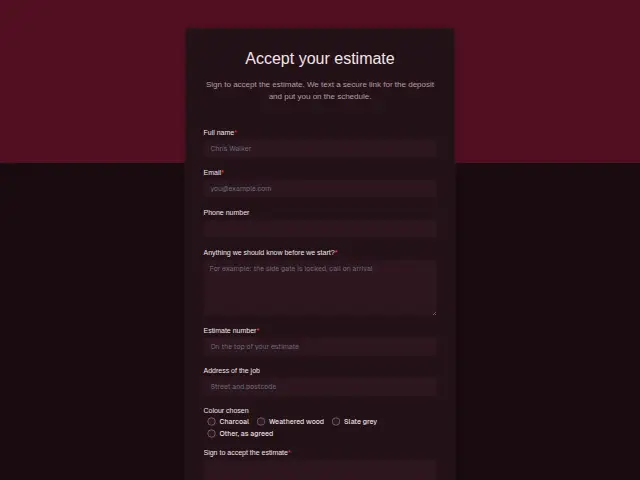
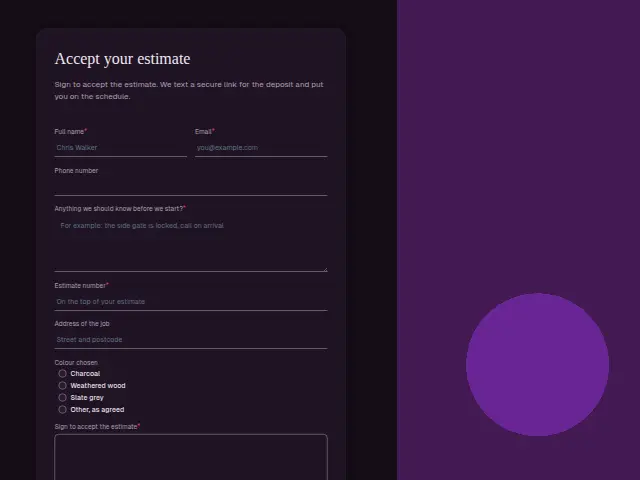
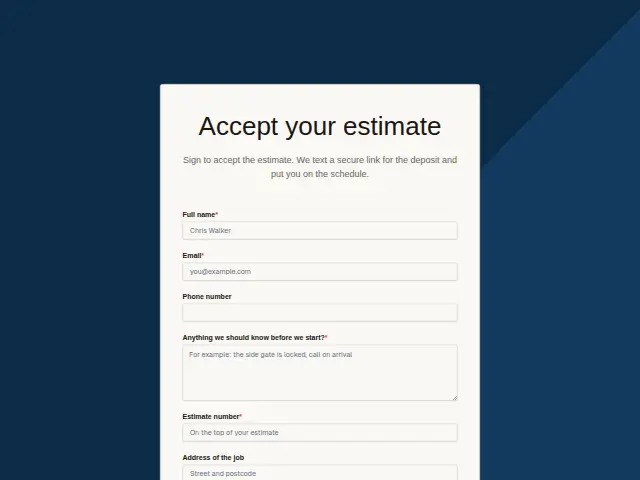
Sign to accept the estimate. We text a secure link for the deposit and put you on the schedule.
Start the 14-day trial, then choose Roofing estimate acceptance and deposit under Form templates. Each field, word and colour can be changed.
Who uses it
Between a written estimate and a crew on the roof sits the deposit. This is the form where the homeowner accepts, entering the “Estimate number” (required) and signing the “Sign to accept the estimate” e-signature field. The description says a secure deposit link follows by text and the job goes on the schedule.
“Colour chosen” records the shingle colour, charcoal, weathered wood, slate grey or “Other, as agreed”, so the materials order matches what the homeowner picked. The required “Anything we should know before we start?” box catches the gate code, the car on the drive and the satellite dish.
The same form, in 6 layouts
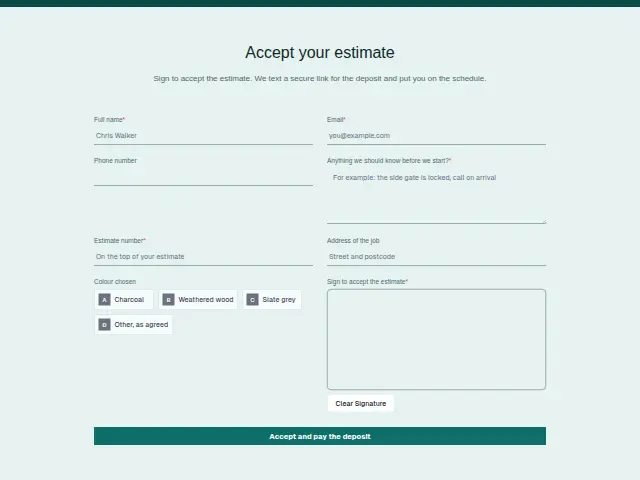
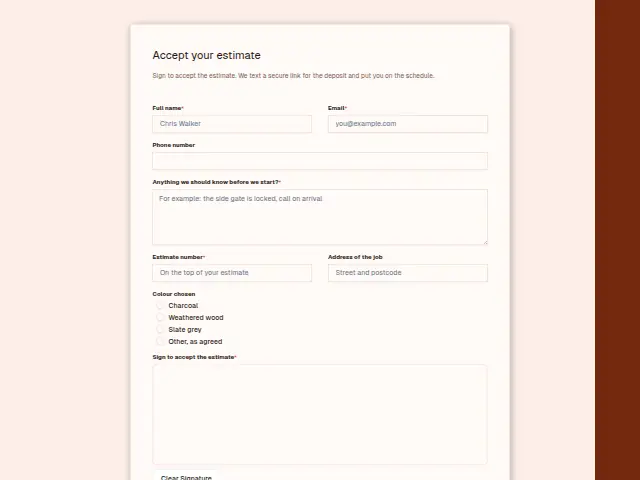
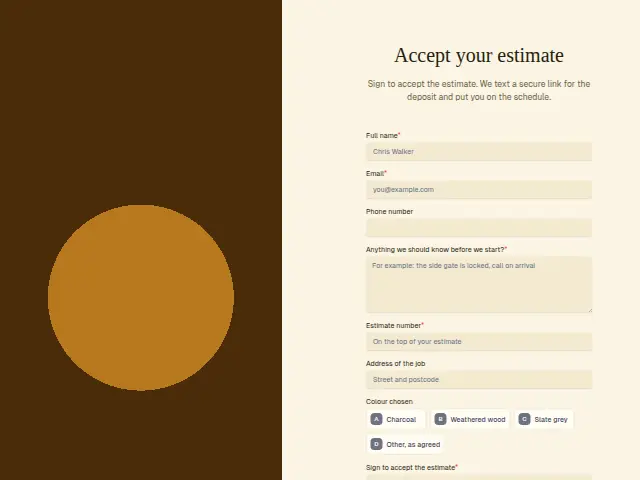
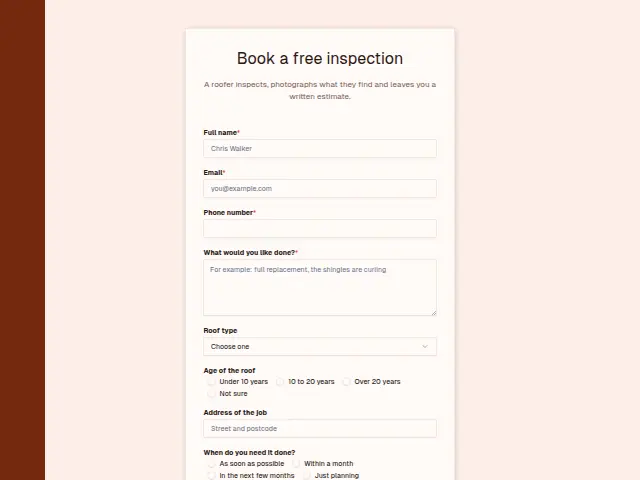
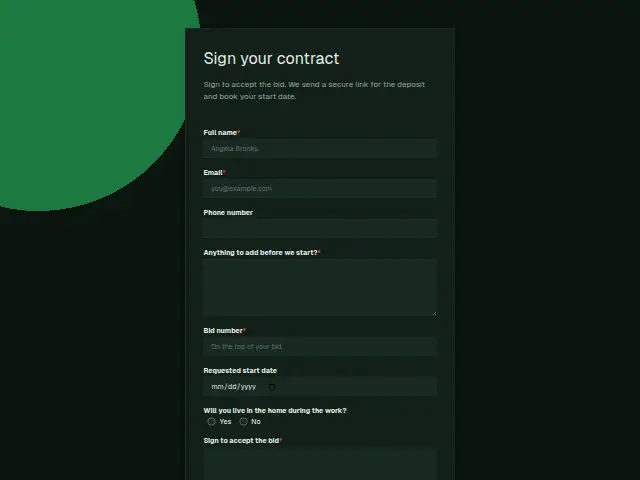
Same questions, same words. Pick the arrangement that suits the page it sits on; the layout can be changed later too.
Field guide
8 questions, each with what the business does with the answer.
| Question | Type | Required |
|---|---|---|
| Full nameThe signature is checked against this name, and the CRM person now holds the accepted estimate. | Short text | Yes |
| EmailA copy of what was signed can be emailed here, with the deposit link if the office sends it that way. | Yes | |
| Phone numberThe description promises the deposit link by text, and a workflow can make a Stripe payment link and text it here. | Phone | No |
| Anything we should know before we start?Gate codes and the satellite dish noted here can go into the crew’s job card for the first morning. | Long text | Yes |
| Estimate numberRequired, and it ties this signature to the right price when the office matches it to the estimate sent. | Short text | Yes |
| Address of the jobThe crew drives here on day one, so the office checks it matches the address that was inspected. | Short text | No |
| Colour chosenCharcoal · Weathered wood · Slate grey · Other, as agreed“Other, as agreed” can flag the order for the office to confirm before any shingles are bought. | Multiple choice | No |
| Sign to accept the estimateThe e-signature arrives with the response, shows as “Signed” in Results and exports, and is the office’s cue to schedule. | Signature | Yes |
What happens after someone sends it
The estimate number ties the signature to the right price, and the CRM record now holds both. The signed response in Results is the office’s cue to send the deposit link the description promises, while the homeowner’s decision is fresh.
Ordering materials is the next job, and a workflow that reads “Colour chosen” can flag “Other, as agreed” for the office to confirm before anything is ordered.
Each response adds the person to the client’s CRM, shows in their portal’s Leads and sends you a new-lead alert; if nobody has answered after 15 minutes, you hear again. Any workflow you start from the form runs the moment it arrives.
Library workflows that start from a form like this: Lead rescue.
Its answers can also go straight to another app with a starter: ActiveCampaign, Airtable, Asana, Attio, Brevo, ClickUp, Close and Discord, among others.
Trades that use it
The trade page that lists this form, with the trade’s other forms and workflows.
Thrum is cooking.
Get early access and you’ll be among the first in. Early members get a launch perk.