Remodeling project enquiry template
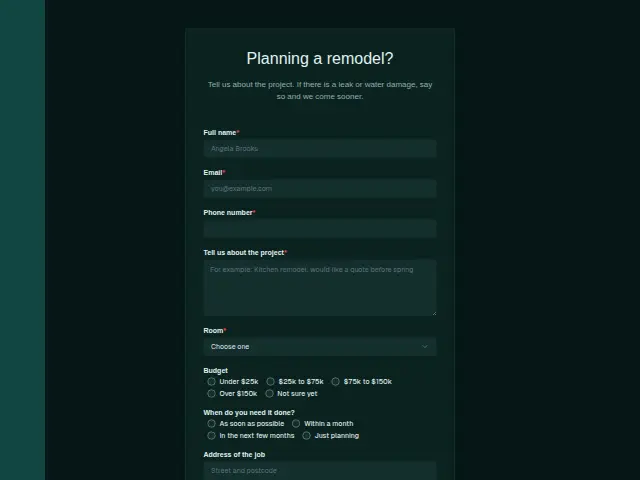
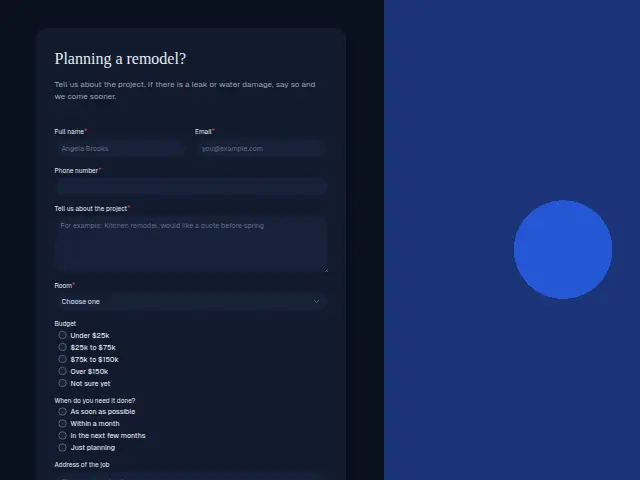
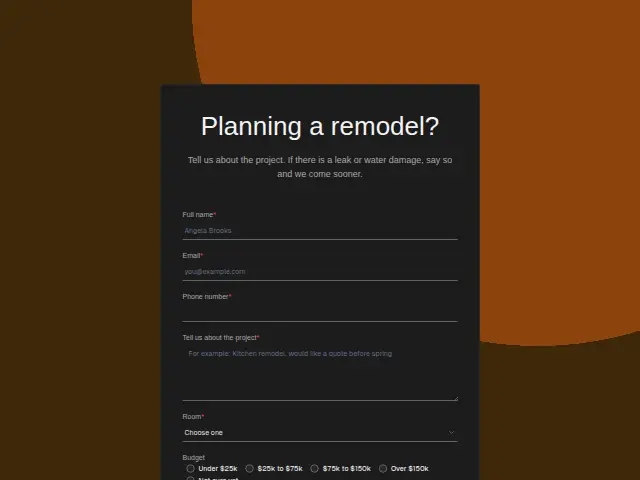
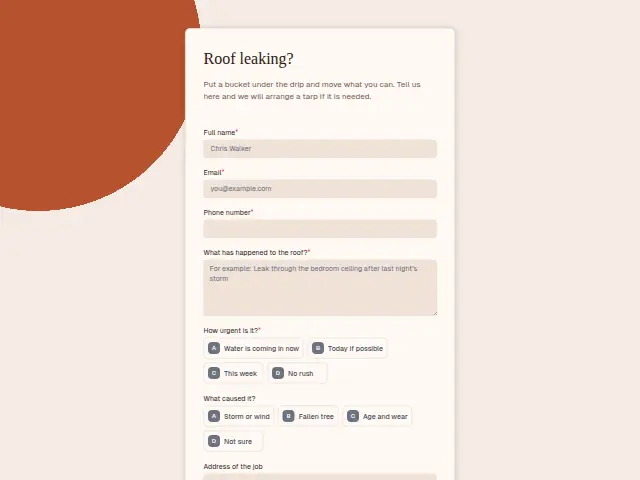
Tell us about the project. If there is a leak or water damage, say so and we come sooner.
- Trade
- Remodeling
- Kind of form
- Enquiry
- Questions
- 8
- Required
- 5
Start the 14-day trial, then choose Remodeling project enquiry under Form templates. Each field, word and colour can be changed.
Who uses it
Remodeling enquiries come early, often months before work starts, and this form reads like the first conversation with a contractor. “Room” is required (kitchen, bathroom, basement, addition, whole home or water damage repair), and “Budget” offers bands from under $25k to over $150k, with “Not sure yet” for homeowners who haven’t priced anything.
The description makes one exception to the usual pace. A leak or water damage is seen sooner, which is why “Water damage repair” sits in the room list beside kitchens and additions.
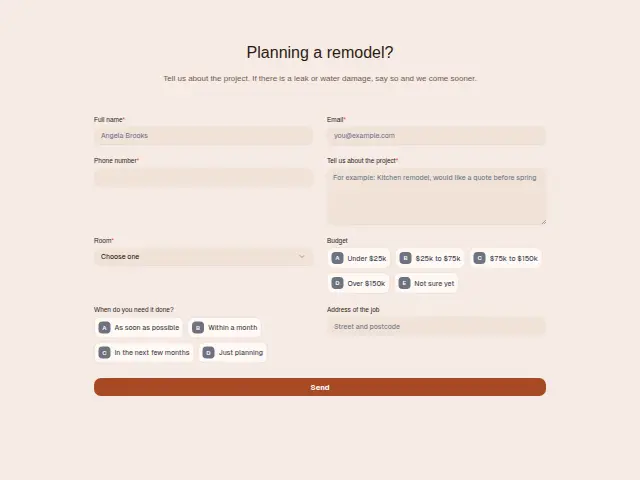
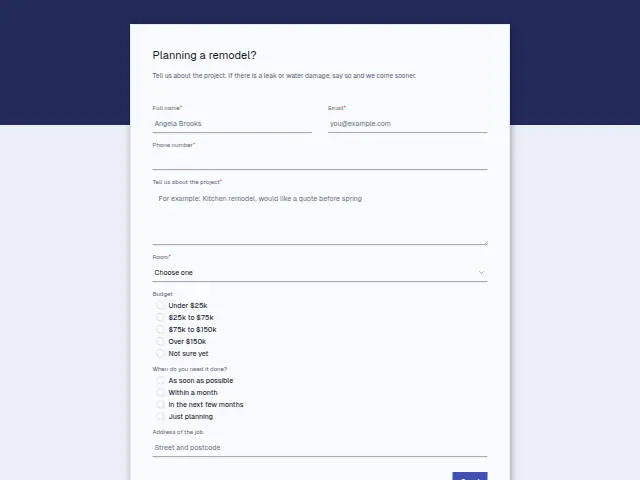
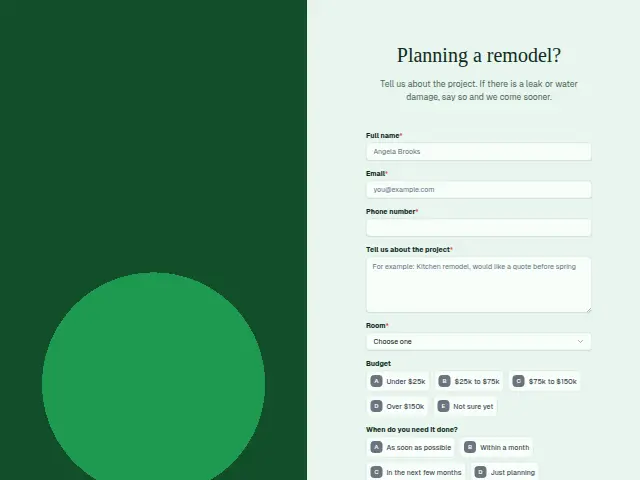
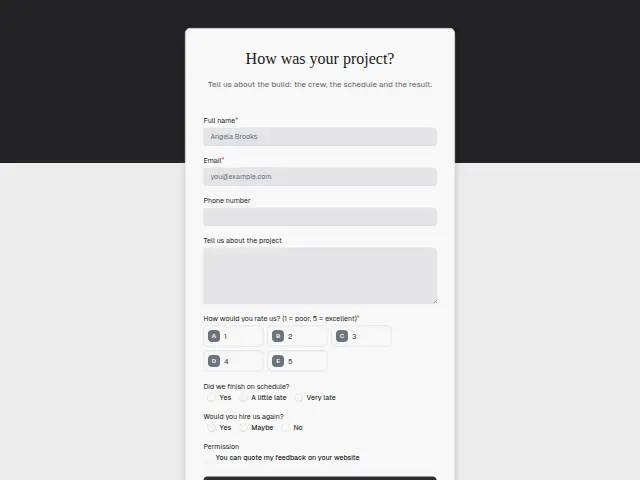
The same form, in 6 layouts
Same questions, same words. Pick the arrangement that suits the page it sits on; the layout can be changed later too.
Field guide
8 questions, each with what the business does with the answer.
| Question | Type | Required |
|---|---|---|
| Full nameThe contractor’s first call opens with this name, and it starts a CRM person that lasts through the project. | Short text | Yes |
| EmailHomeowners planning months ahead read email at their own pace, and the follow-up messages for later projects come here. | Yes | |
| Phone numberRequired, because water damage is seen sooner and the contractor rings to arrange it. | Phone | Yes |
| Tell us about the projectA workflow can add this to a Notion database row with the room and budget, the start of the project file. | Long text | Yes |
| RoomKitchen · Bathroom · Basement · Addition · Whole home · Water damage repair“Water damage repair” can branch to the owner’s phone, since that homeowner can’t wait for next month. | Dropdown | Yes |
| BudgetUnder $25k · $25k to $75k · $75k to $150k · Over $150k · Not sure yetA branch on “Over $150k” can text the owner, so the largest projects get a call from them first. | Multiple choice | No |
| When do you need it done?As soon as possible · Within a month · In the next few months · Just planningFurther-out answers suit three messages over a week, which stop as soon as someone reaches the homeowner. | Multiple choice | No |
| Address of the jobThe contractor checks the address for the age and type of house before the first visit. | Short text | No |
What happens after someone sends it
Budget and timing together tell a contractor where to spend the week. A whole-home project over $150k wanted within a month is a call for the owner, and a branch on budget makes it one. A bathroom being planned for next year suits Quiet lead follow-up, which writes on day one, three and seven and then hands the lead back.
A “Water damage repair” answer can go to the owner’s phone through Lead rescue’s emergency arm, since that homeowner can’t wait for a site visit next month. Whoever calls back can open the homeowner’s CRM entry and see the room and budget, so they already know the size of the conversation.
Each response adds the person to the client’s CRM, shows in their portal’s Leads and sends you a new-lead alert; if nobody has answered after 15 minutes, you hear again. Any workflow you start from the form runs the moment it arrives.
Library workflows that start from a form like this: Enquiry triage, Lead rescue and Quiet lead follow-up.
Its answers can also go straight to another app with a starter: ActiveCampaign, Airtable, Asana, Attio, Brevo, ClickUp, Close and Discord, among others.
Trades that use it
The trade page that lists this form, with the trade’s other forms and workflows.
Thrum is cooking.
Get early access and you’ll be among the first in. Early members get a launch perk.