Remodeling contract and deposit template
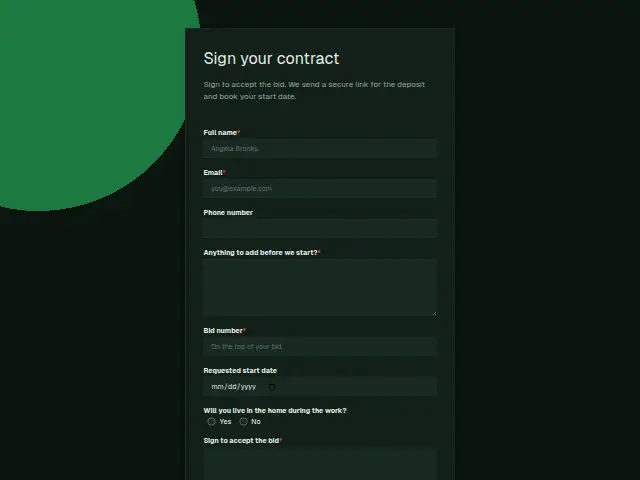
Sign to accept the bid. We send a secure link for the deposit and book your start date.
- Trade
- Remodeling
- Kind of form
- Deposit
- Questions
- 8
- Required
- 5
Start the 14-day trial, then choose Remodeling contract and deposit under Form templates. Each field, word and colour can be changed.
Who uses it
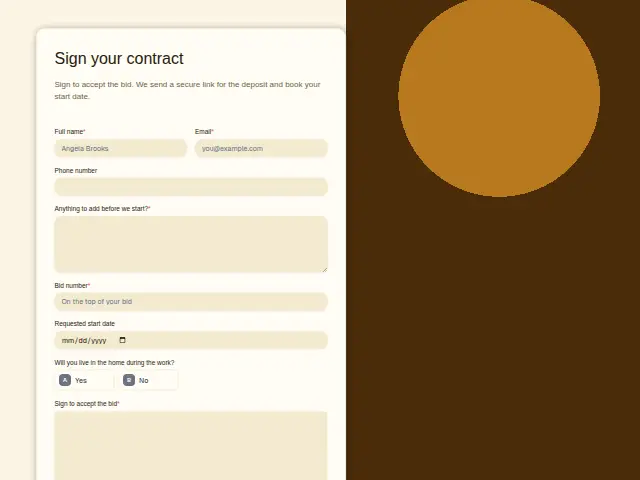
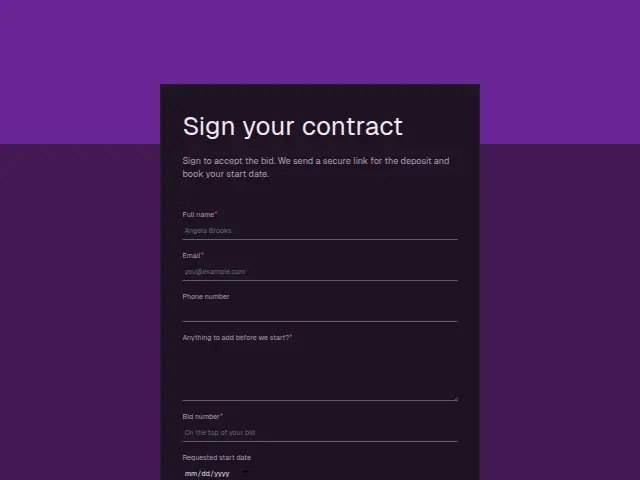
Once a bid is accepted, the homeowner signs this form. It asks for the “Bid number” (required), a requested start date and the signature in “Sign to accept the bid”, and the description says a secure deposit link and a start date follow.
“Will you live in the home during the work?” changes how a crew works, with dust sheets and walls, a bathroom kept usable and hours that suit a family. The required “Anything to add before we start?” box catches what the bid missed, from a change of tap to a holiday in the middle of the schedule.
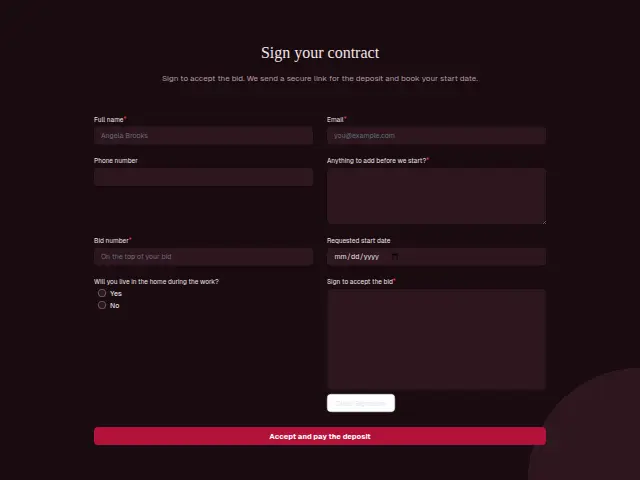
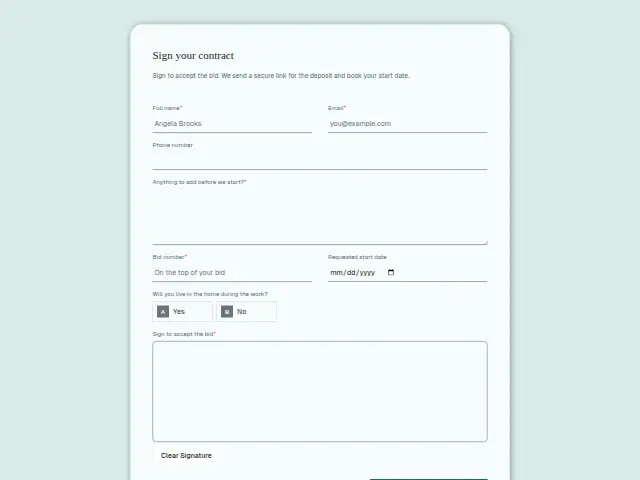
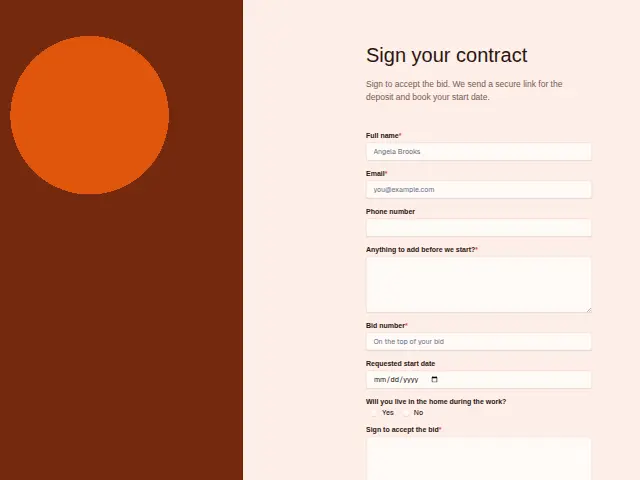
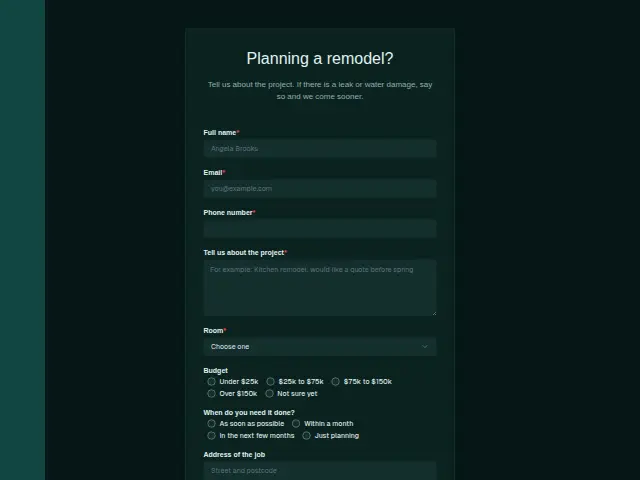
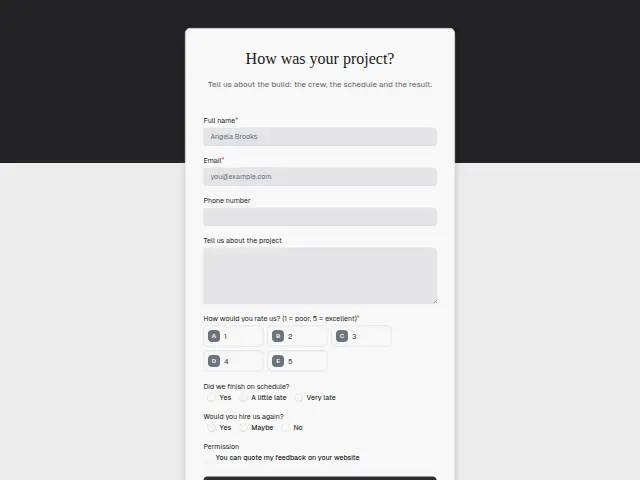
The same form, in 6 layouts
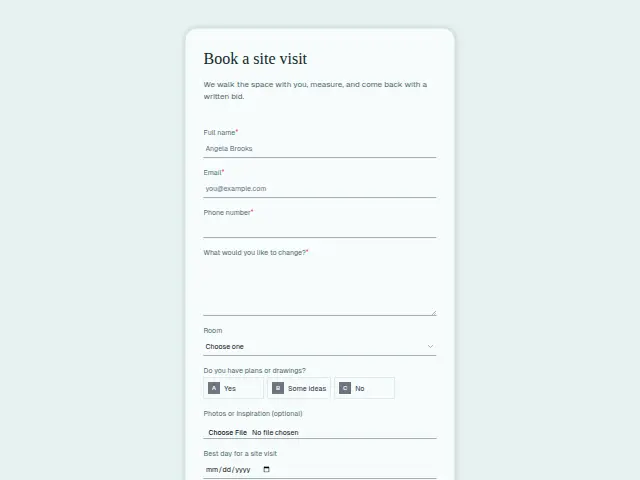
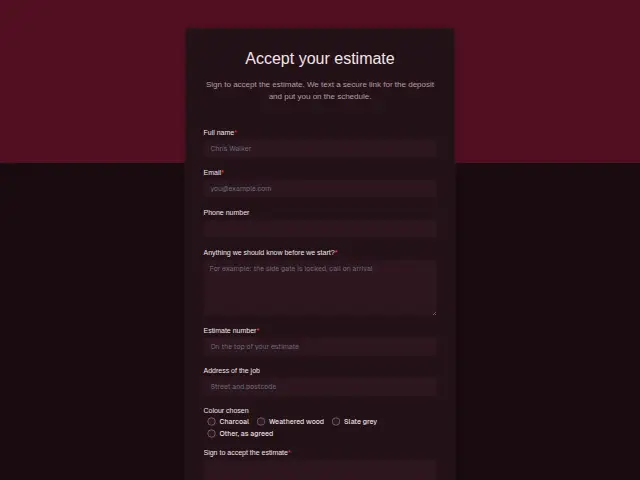
Same questions, same words. Pick the arrangement that suits the page it sits on; the layout can be changed later too.
Field guide
8 questions, each with what the business does with the answer.
| Question | Type | Required |
|---|---|---|
| Full nameThe signature and the bid number are recorded against this name on the CRM person. | Short text | Yes |
| EmailThe secure deposit link can arrive here by email, along with the start date once the office books it. | Yes | |
| Phone numberOptional, so the deposit link may go by email, and a workflow can check whether this is filled before texting. | Phone | No |
| Anything to add before we start?A change of tap or a mid-project holiday noted here reaches the project manager before the schedule is fixed. | Long text | Yes |
| Bid numberRequired, and it ties the signature to the price, which is what the office points to if scope is questioned. | Short text | Yes |
| Requested start dateApproval chase can send this date to whoever schedules, ask a deputy after a day, and tell the homeowner the result. | Date | No |
| Will you live in the home during the work?Yes · NoA “Yes” tells the crew to plan dust sheets and keep a bathroom working, and it goes in their brief. | Multiple choice | No |
| Sign to accept the bidThe e-signature shows as “Signed” on the response, which the office keeps as the record of acceptance. | Signature | Yes |
What happens after someone sends it
The requested start date is a request, and someone has to agree it against the crew calendar. Approval chase fits that step, sending it to whoever schedules, going to a deputy if there is no answer within a day, and telling the homeowner the outcome.
The bid number ties the signature to the price on the CRM record, and the signed response in Results is what the office points to if the scope is questioned later.
Each response adds the person to the client’s CRM, shows in their portal’s Leads and sends you a new-lead alert; if nobody has answered after 15 minutes, you hear again. Any workflow you start from the form runs the moment it arrives.
Library workflows that start from a form like this: Lead rescue.
Its answers can also go straight to another app with a starter: ActiveCampaign, Airtable, Asana, Attio, Brevo, ClickUp, Close and Discord, among others.
Trades that use it
The trade page that lists this form, with the trade’s other forms and workflows.
Thrum is cooking.
Get early access and you’ll be among the first in. Early members get a launch perk.