Remodeling site visit and bid template
We walk the space with you, measure, and come back with a written bid.
- Trade
- Remodeling
- Kind of form
- Quote request
- Questions
- 8
- Required
- 4
Start the 14-day trial, then choose Remodeling site visit and bid under Form templates. Each field, word and colour can be changed.
Who uses it
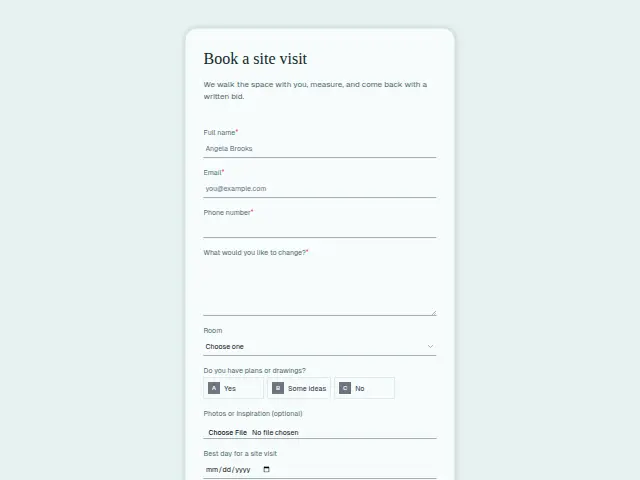
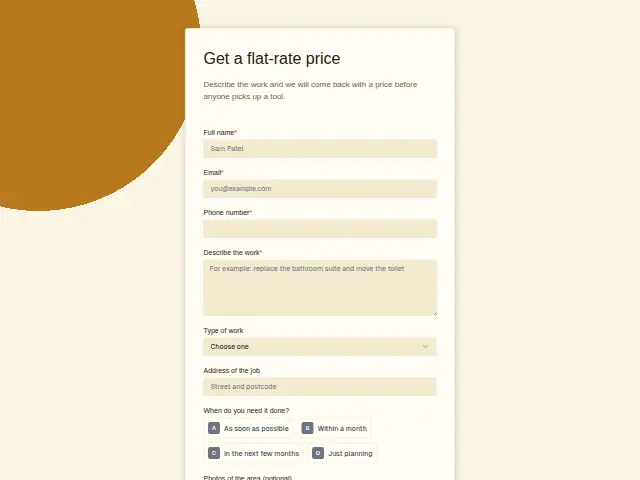
After the first call, a remodeler walks the space with the homeowner, measures, and comes back with a written bid. This form books that walk with “Best day for a site visit” and asks, in a required box, what the homeowner would like to change.
“Do you have plans or drawings?” (yes, some ideas, or no) tells the contractor whether the bid can be priced from drawings or needs a design conversation first. The optional “Photos or inspiration” upload lets a homeowner share the kitchen they saved from a magazine, or the cracked tiles they live with now.
The same form, in 6 layouts
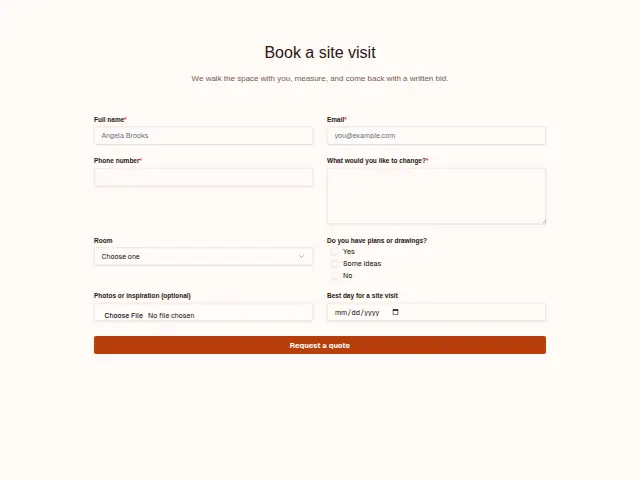
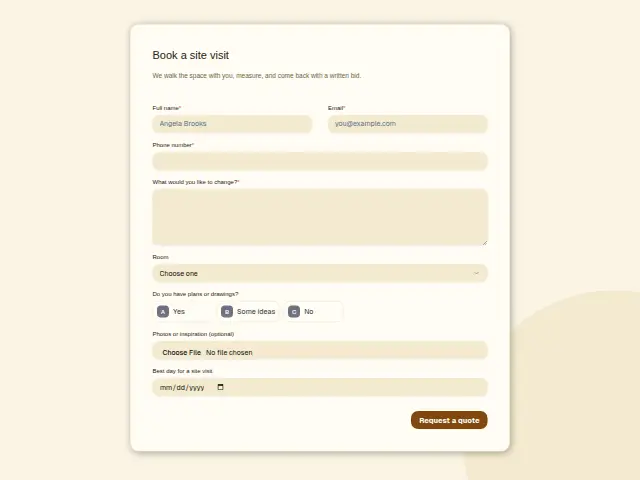
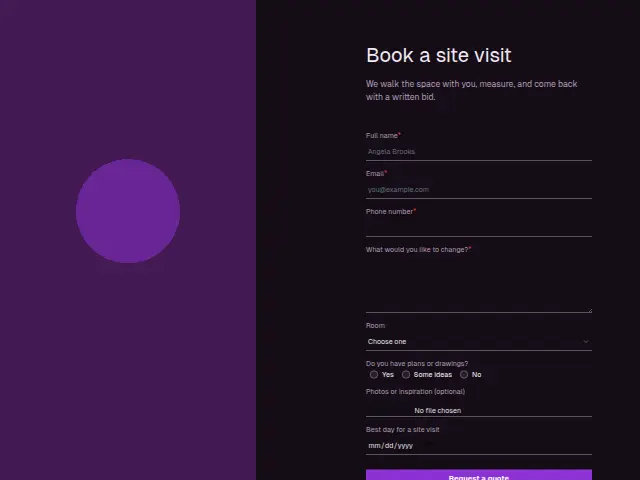
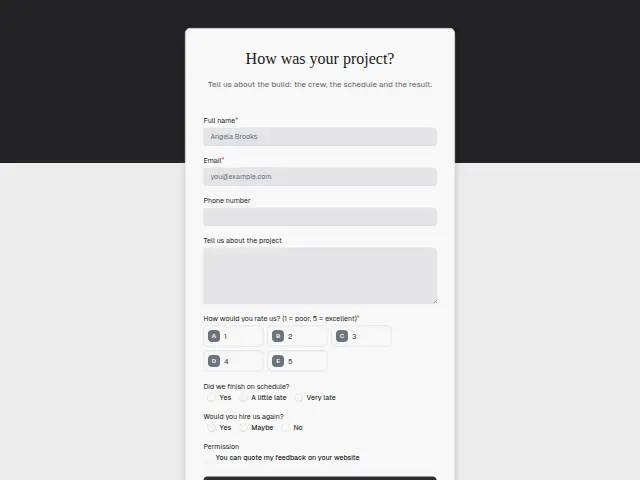
Same questions, same words. Pick the arrangement that suits the page it sits on; the layout can be changed later too.
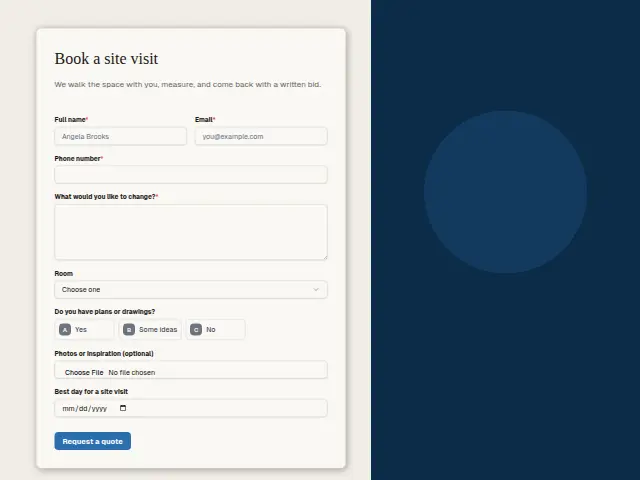
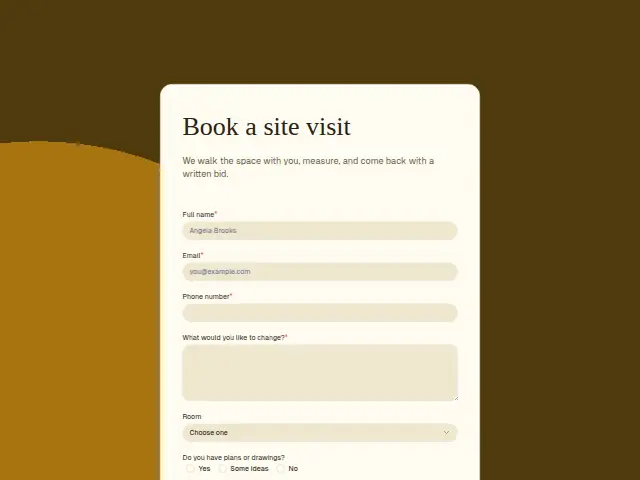
Field guide
8 questions, each with what the business does with the answer.
| Question | Type | Required |
|---|---|---|
| Full nameThe estimator who walks the space asks for this person at the door. | Short text | Yes |
| EmailThe written bid goes here after the visit, and homeowners often forward it to whoever shares the decision. | Yes | |
| Phone numberRequired, so the estimator can confirm the site visit the day before. | Phone | Yes |
| What would you like to change?The estimator reads this before the walk, so the measuring starts with the homeowner’s priorities. | Long text | Yes |
| RoomKitchen · Bathroom · Basement · Addition · Whole homeKitchens and additions can branch to the estimator who prices them, bathrooms and basements to another. | Dropdown | No |
| Do you have plans or drawings?Yes · Some ideas · NoA “No” can book a longer visit or send a note about design, since the bid needs a conversation first. | Multiple choice | No |
| Photos or inspiration (optional)Magazine pages and pictures of the current room open from the response, ready for the estimator to bring to the walk. | File upload | No |
| Best day for a site visitA workflow can add this date to the estimator’s Asana task, so the visit is planned around it. | Date | No |
What happens after someone sends it
A “No” on plans makes for a longer visit, and a workflow can book more time or send the homeowner a note about design when it sees that answer. Lead rescue confirms the request within a minute and, if nobody has rung within the hour, sends the booking link so the homeowner can fix the visit themselves.
The site-visit date and the room sit on the CRM record for whoever goes, and the uploaded photos arrive with the response, so the estimator has seen the space before standing in it.
Each response adds the person to the client’s CRM, shows in their portal’s Leads and sends you a new-lead alert; if nobody has answered after 15 minutes, you hear again. Any workflow you start from the form runs the moment it arrives.
Library workflows that start from a form like this: Lead rescue and Quiet lead follow-up.
Its answers can also go straight to another app with a starter: ActiveCampaign, Airtable, Asana, Attio, Brevo, ClickUp, Close and Discord, among others.
Trades that use it
The trade page that lists this form, with the trade’s other forms and workflows.
Thrum is cooking.
Get early access and you’ll be among the first in. Early members get a launch perk.