Plumbing job feedback template
Two minutes of your time tells us what to keep and what to fix.
Start the 14-day trial, then choose Plumbing job feedback under Form templates. Each field, word and colour can be changed.
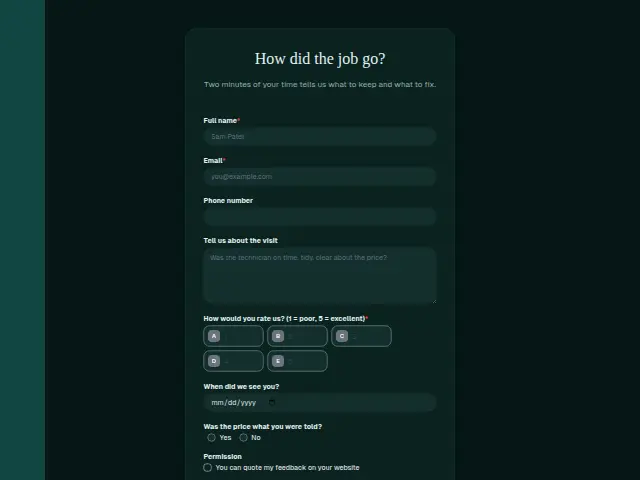
Who uses it
After the van has gone, a plumber learns most from the customer who watched the work. This short form asks for a score under “How would you rate us?” and leaves the “Tell us about the visit” box optional, so a satisfied customer can tap a number and be done. “When did we see you?” lets the owner match the answer to the day’s job sheet and the plumber who went.
“Was the price what you were told?” is the plumbing question. A “No” tells the owner the trouble started at the quote, before anyone touched a pipe, and that is something a pricing habit can fix. The “Permission” checkbox records whether the website may quote the customer’s words.
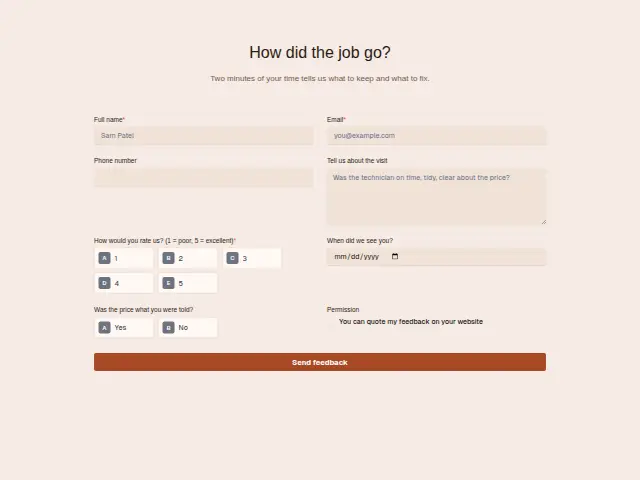
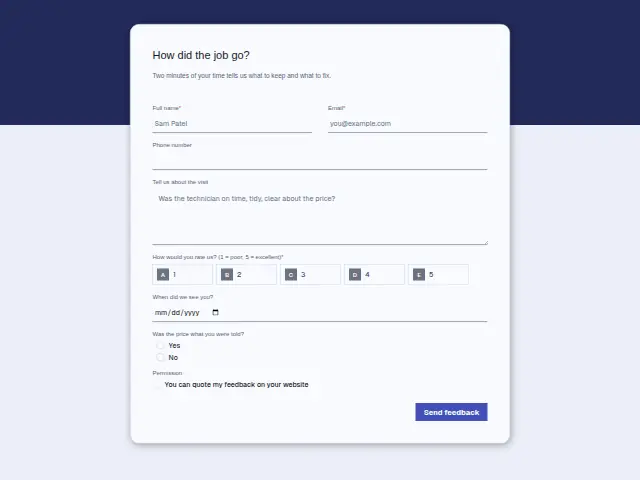
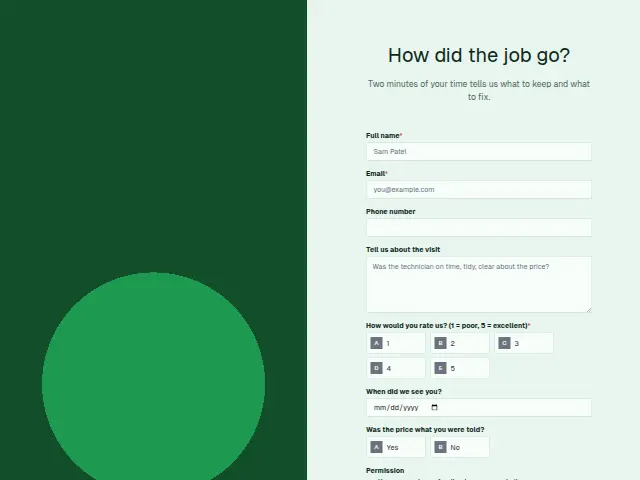
The same form, in 6 layouts
Same questions, same words. Pick the arrangement that suits the page it sits on; the layout can be changed later too.
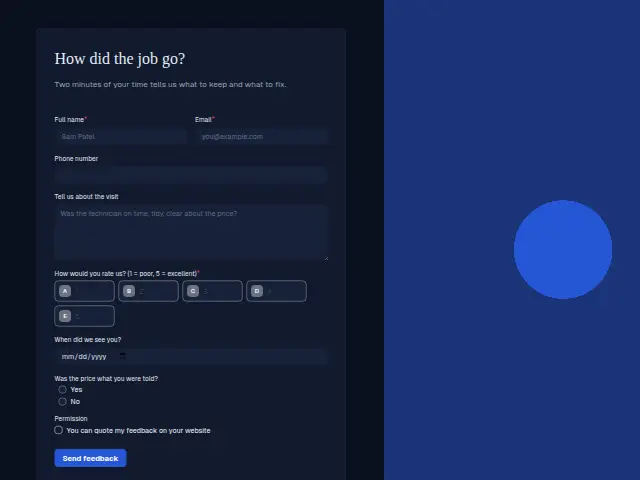
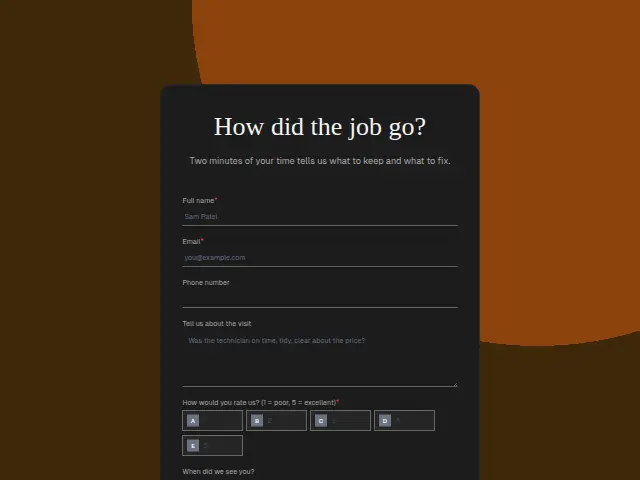
Field guide
8 questions, each with what the business does with the answer.
| Question | Type | Required |
|---|---|---|
| Full nameFeedback forms keep responses in Results by default, so this name is how the owner matches the answer to the job. | Short text | Yes |
| EmailFeedback routing emails here, either a thank-you or the message that names who will call about a low score. | Yes | |
| Phone numberOptional, and it is the number the named person rings when the score falls at or below the low mark. | Phone | No |
| Tell us about the visitWhatever the customer writes here can be copied into the text the owner gets about a low score. | Long text | No |
| How would you rate us? (1 = poor, 5 = excellent)1 · 2 · 3 · 4 · 5At or below the low mark you set (3 is the suggestion on this scale), Feedback routing texts the owner. | Multiple choice | Yes |
| When did we see you?The date lets the office find the job sheet and the plumber who went, before anyone rings the customer back. | Date | No |
| Was the price what you were told?Yes · NoA “No” can start its own branch to the person who wrote the quote, whatever the score says. | Multiple choice | No |
| PermissionYou can quote my feedback on your websiteA ticked box can add the comment to an Airtable table of words the plumber may put on the website. | Checkboxes | No |
What happens after someone sends it
Feedback routing reads the score and texts the owner when it is at or below the low mark you set (3 on a 1 to 5 scale is the example it gives), then tells the customer a person will call. Every other score is thanked and logged to a Google Sheet. A “No” on the price is worth a branch of its own even beside a 5, because a customer can like the plumber and still feel the bill moved.
Made from this template, the form keeps its answers in Results: no person is added to the client’s CRM and no lead alert goes out, unless you switch “Add responses to leads” on. Any workflow you start from it still runs.
Library workflows that start from a form like this: Feedback routing and Review request.
Its answers can also go straight to another app with a starter: ActiveCampaign, Airtable, Asana, Attio, Brevo, ClickUp, Close and Discord, among others.
Trades that use it
The trade page that lists this form, with the trade’s other forms and workflows.
Related forms
See them all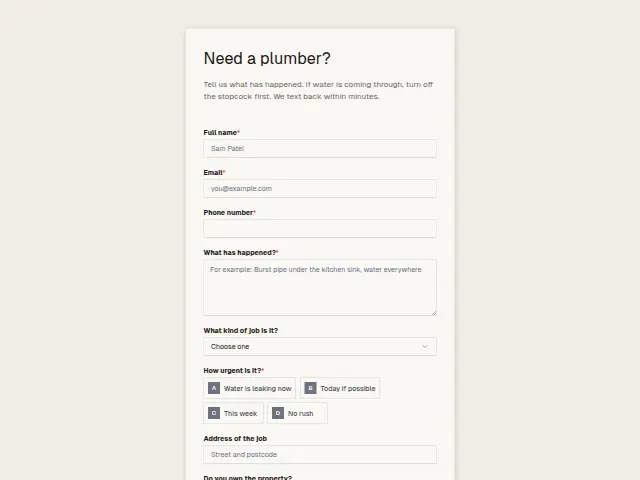 Plumbing emergency enquiryPlumbing8 fields · Enquiry
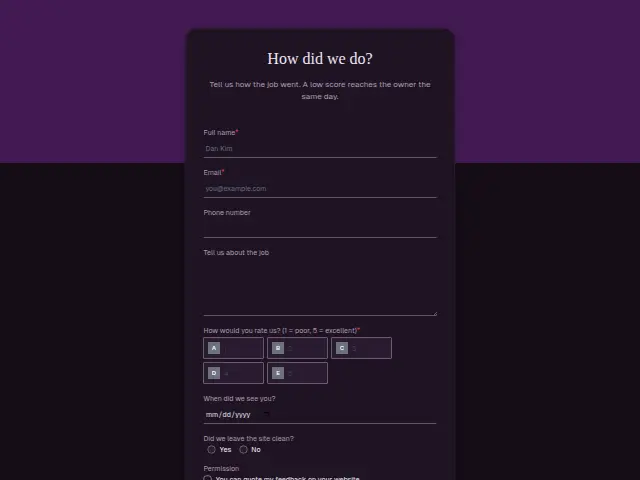 Electrical job feedbackElectrical8 fields · Feedback
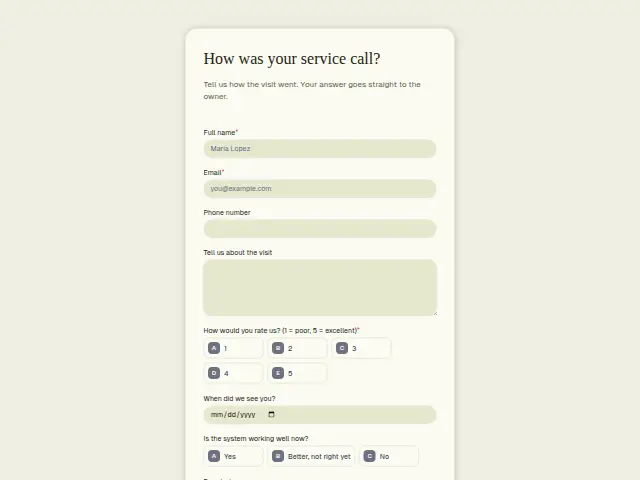 HVAC service feedbackHVAC8 fields · Feedback
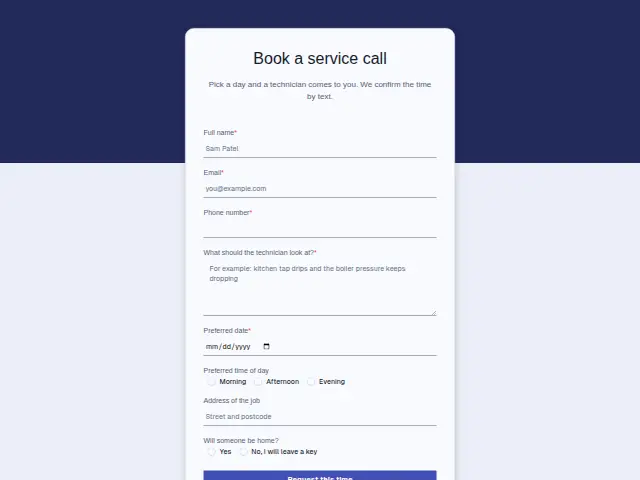 Plumbing service callPlumbing8 fields · Booking
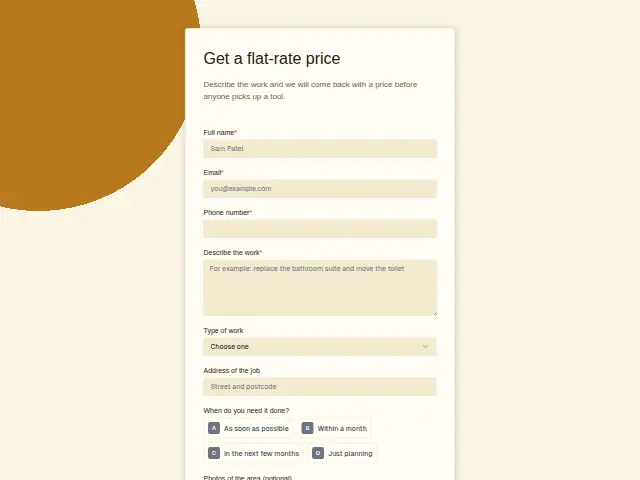 Plumbing quote requestPlumbing8 fields · Quote request
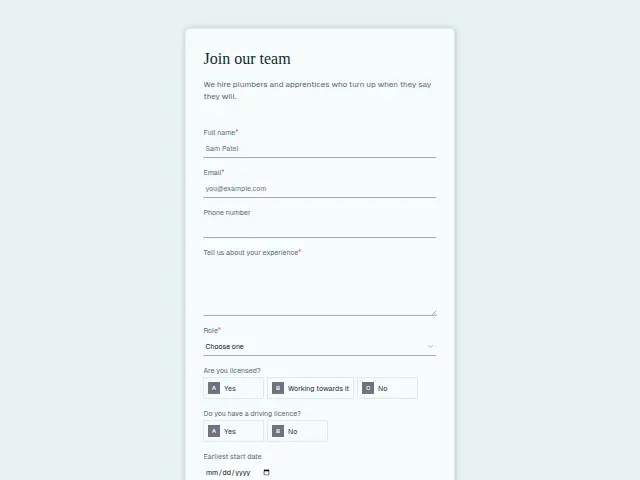 Plumber job applicationPlumbing9 fields · Application
Thrum is cooking.
Get early access and you’ll be among the first in. Early members get a launch perk.