Salon booking deposit template
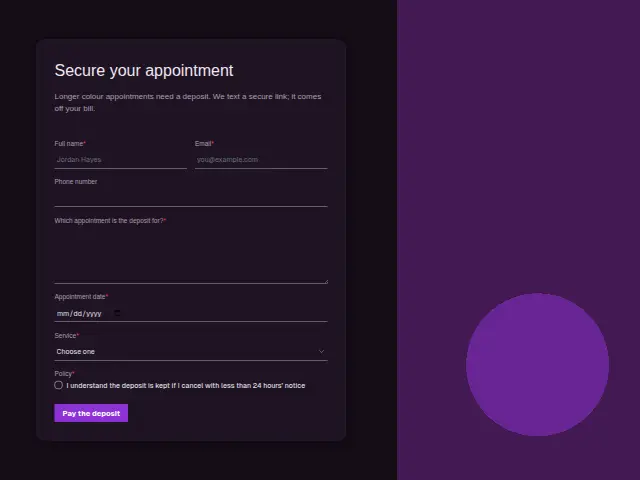
Longer colour appointments need a deposit. We text a secure link; it comes off your bill.
- Kind of form
- Deposit
- Questions
- 7
- Required
- 6
Start the 14-day trial, then choose Salon booking deposit under Form templates. Each field, word and colour can be changed.
Who uses it
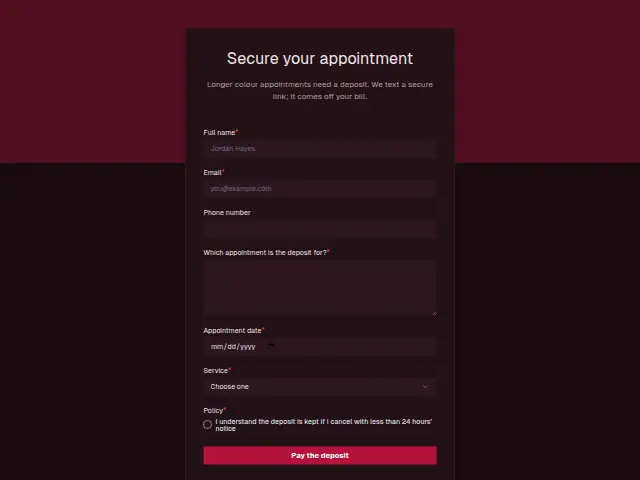
Long colour work ties up a chair for hours, and a no-show costs the salon the whole slot. This form secures those bookings. Service is narrowed to Colour, Balayage or highlights, Bridal and Extensions, the appointments long enough to justify a deposit, and Appointment date is required.
“Which appointment is the deposit for?” is required text, so the payment matches the right booking. The Policy checkbox is required and records that the client understands the deposit is kept on a cancellation with less than 24 hours’ notice. The description says the payment link arrives by text and the amount comes off the bill, yet Phone number is optional, so a salon that sends the link only by text may want to make it required.
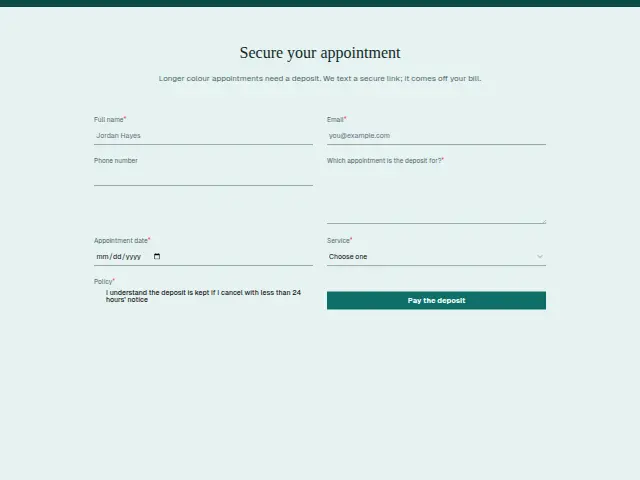
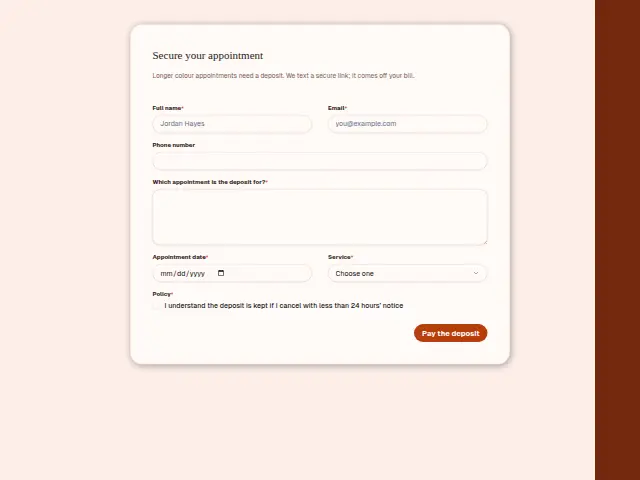
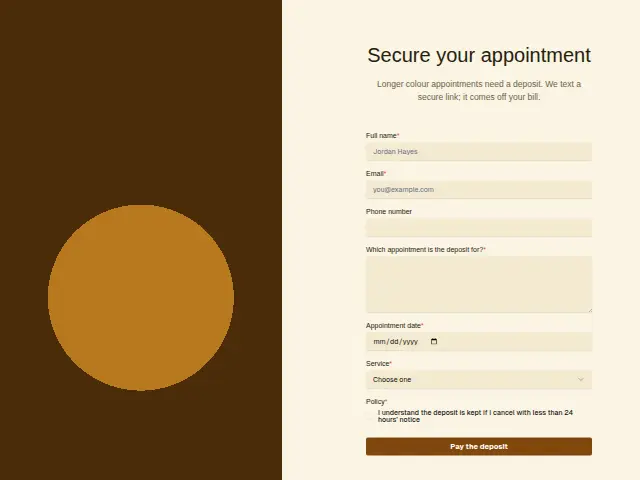
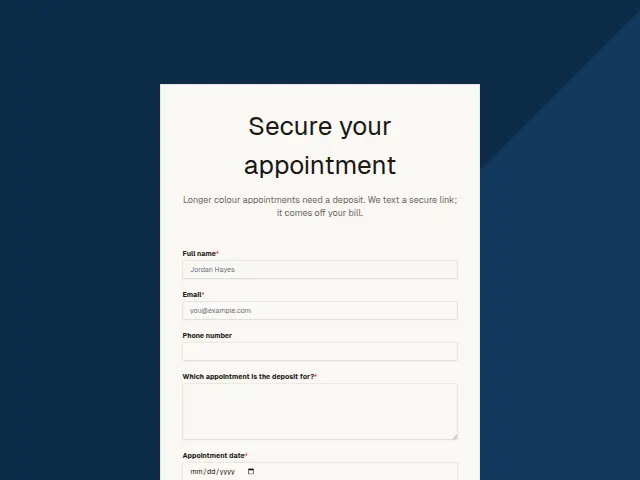
The same form, in 6 layouts
Same questions, same words. Pick the arrangement that suits the page it sits on; the layout can be changed later too.
Field guide
7 questions, each with what the business does with the answer.
| Question | Type | Required |
|---|---|---|
| Full nameMatched with the existing client’s record, so the deposit sits against the person who booked the colour. | Short text | Yes |
| EmailA receipt address, and the fallback for the payment link when no phone number was given. | Yes | |
| Phone numberOptional, though the payment link is sent by text, so a salon that relies on texting may make it required. | Phone | No |
| Which appointment is the deposit for?Required, so the payment and the booking match when the deposit comes off the bill. | Long text | Yes |
| Appointment dateRequired, giving the salon the date its 24-hour cancellation window counts back from. | Date | Yes |
| ServiceColour · Balayage or highlights · Bridal · ExtensionsSets the deposit amount, since a workflow can make a Stripe payment link at a different price for Bridal or Extensions. | Dropdown | Yes |
| PolicyI understand the deposit is kept if I cancel with less than 24 hours’ noticeA required tick kept with the response as the client’s agreement to lose the deposit on a late cancellation. | Checkboxes | Yes |
What happens after someone sends it
The deposit itself is taken after the form. A workflow can make a Stripe payment link for the right price and send it in a message, with the Service answer choosing the price, so Bridal and Extensions carry a different deposit from a colour.
The ticked Policy box stays with the response, which gives the salon a record of the client agreeing to the 24-hour rule if a late cancellation is ever disputed.
Each response adds the person to the client’s CRM, shows in their portal’s Leads and sends you a new-lead alert; if nobody has answered after 15 minutes, you hear again. Any workflow you start from the form runs the moment it arrives.
Library workflows that start from a form like this: Lead rescue.
Its answers can also go straight to another app with a starter: ActiveCampaign, Airtable, Asana, Attio, Brevo, ClickUp, Close and Discord, among others.
Trades that use it
The trade page that lists this form, with the trade’s other forms and workflows.
Workflows for hair salons and barbershops
What runs when this form is sent: playbooks and packs written for the same trade.
- PackHair salons and barbershopsBarbershop stylist packAnswers enquiries fast, even after hours, asks for reviews, and takes job applications.


 Google Sheets
 Telegram
 4 workflows · 33 steps · 5 apps
- PackHair salons and barbershopsBooth-rental stylist packAnswers enquiries fast, follows up quiet ones, asks for reviews and routes feedback.Google Sheets4 workflows · 39 steps · 3 apps
- PlaybookHair salons and barbershopsAfter-hours answeringAnswer customer messages at any hour from the business’s own facts, and hand anything else to a person with a holding reply.Telegram9 steps · 3 apps
Related forms
See them all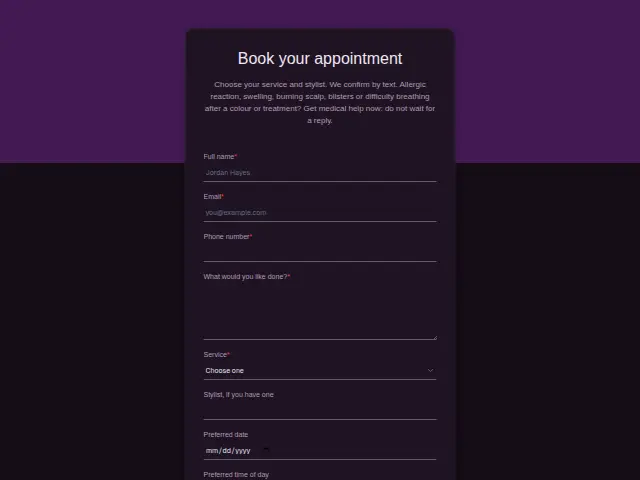 Salon appointment bookingHair salons and barbershops8 fields · Booking
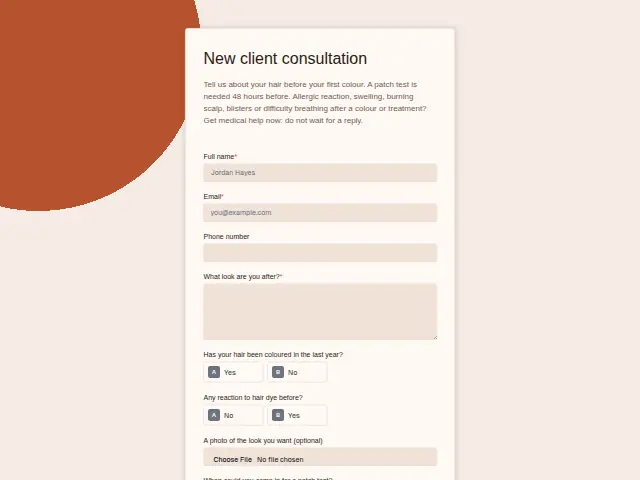 Salon new client consultationHair salons and barbershops8 fields · Registration
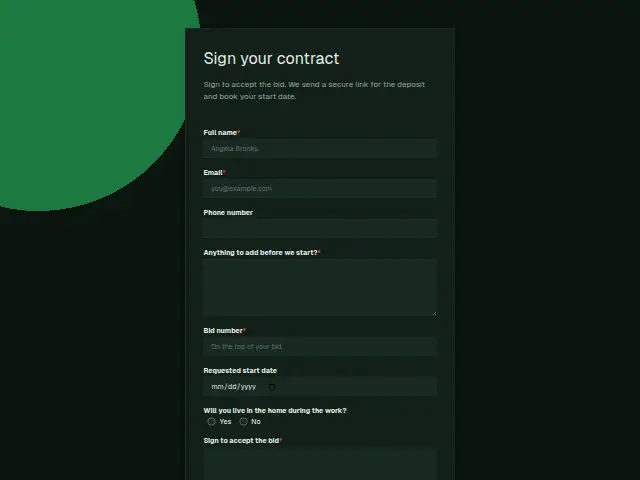 Remodeling contract and depositRemodeling8 fields · Deposit
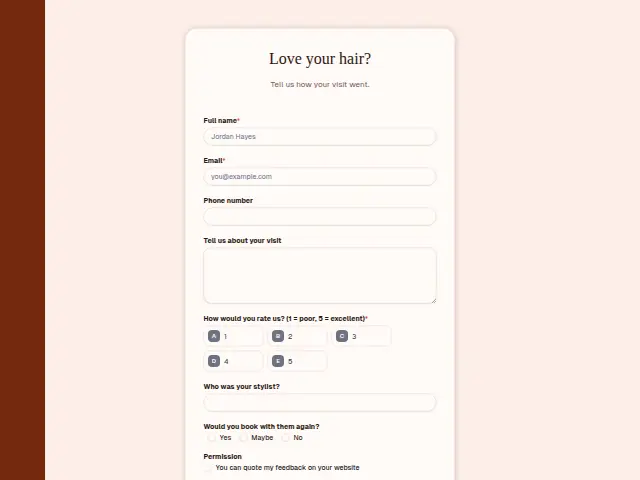 Salon visit feedbackHair salons and barbershops8 fields · Feedback
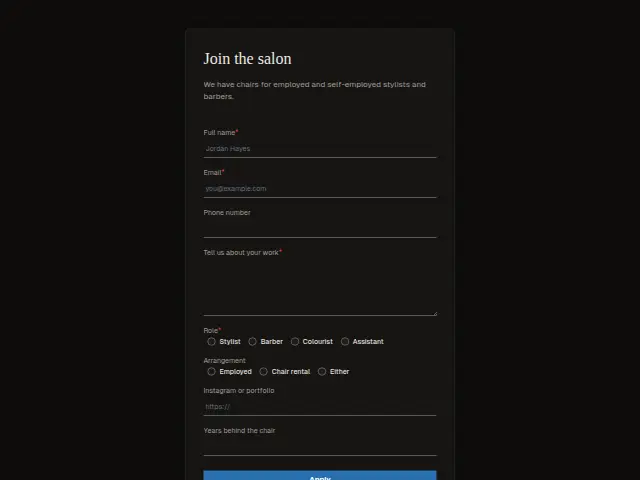 Stylist chair applicationHair salons and barbershops8 fields · Application
Thrum is cooking.
Get early access and you’ll be among the first in. Early members get a launch perk.