Stylist chair application template
We have chairs for employed and self-employed stylists and barbers.
- Kind of form
- Application
- Questions
- 8
- Required
- 4
Start the 14-day trial, then choose Stylist chair application under Form templates. Each field, word and colour can be changed.
Who uses it
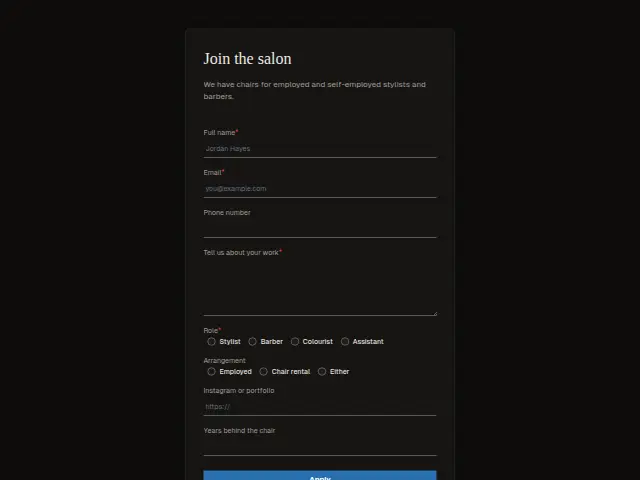
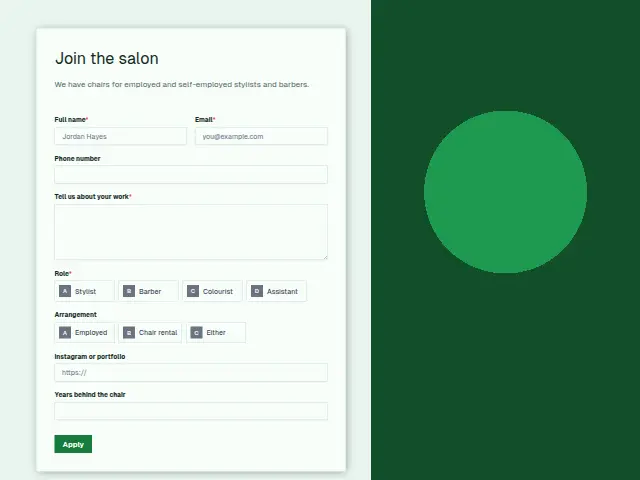
Salons take on staff in two ways, and this form asks which one the applicant wants. Role is required (Stylist, Barber, Colourist, Assistant), and Arrangement offers Employed, Chair rental or Either, which separates job seekers from self-employed stylists looking for a chair to rent.
“Tell us about your work” is the required open answer. The portfolio link is a URL field, because in hair the work is judged by pictures, and “Years behind the chair” is a number, so the owner sees experience at a glance.
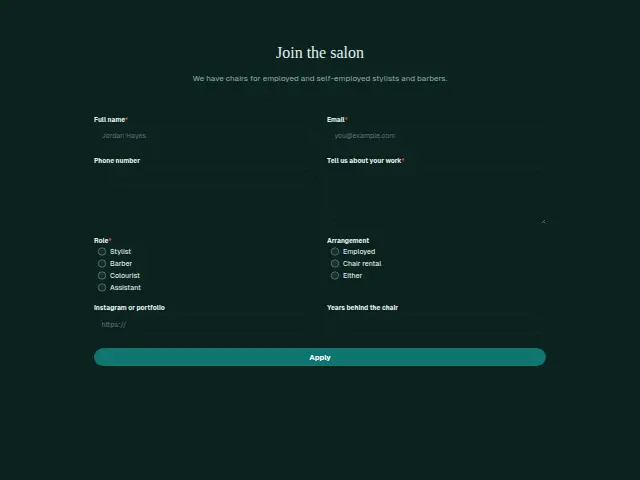
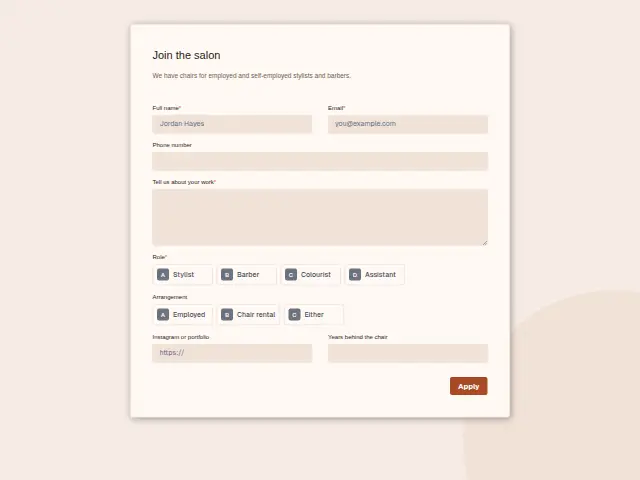
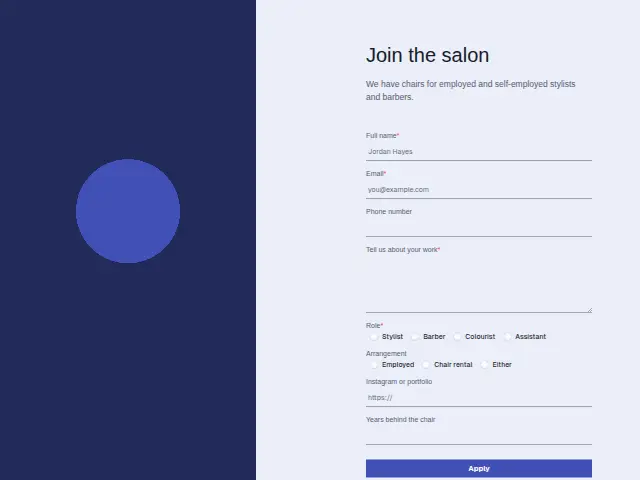
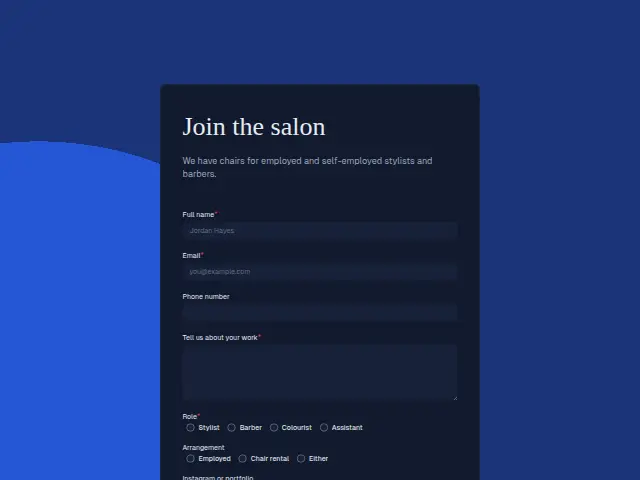
The same form, in 6 layouts
Same questions, same words. Pick the arrangement that suits the page it sits on; the layout can be changed later too.
Field guide
8 questions, each with what the business does with the answer.
| Question | Type | Required |
|---|---|---|
| Full nameHeads the application Applicant intake acknowledges at once and logs for whoever hires at the salon. | Short text | Yes |
| EmailWhere the instant acknowledgement goes, and how the owner replies to arrange a trial day. | Yes | |
| Phone numberOptional for applicants, and with it the owner can text a trial time once Applicant intake has passed them on. | Phone | No |
| Tell us about your workRequired, the stylist’s own account of their clients and techniques, read beside the portfolio link. | Long text | Yes |
| RoleStylist · Barber · Colourist · AssistantApplicant intake can treat a gap, say Colourist, as a must-have and send matching applications forward first. | Multiple choice | Yes |
| ArrangementEmployed · Chair rental · EitherA workflow branch on this answer can send Chair rental to the owner and Employed to the salon manager. | Multiple choice | No |
| Instagram or portfolioA link field, so the owner taps straight through to the pictures that say more about a stylist than a CV. | Website | No |
| Years behind the chairA number a workflow can compare with the salon’s minimum, as one of Applicant intake’s must-haves. | Number | No |
What happens after someone sends it
Applicant intake fits this form. It acknowledges every application at once, checks it against the must-haves, logs it and sends it to whoever hires. The must-haves can be the salon’s own, such as a minimum number of years, or the Colourist role when that is the gap on the team.
Chair rental applicants are a conversation about rent and days, and a workflow can send them to the owner while employed applicants go to the salon manager. Some salons switch “Add responses to leads” off on this form so applicants stay out of the client list.
Each response adds the person to the client’s CRM, shows in their portal’s Leads and sends you a new-lead alert; if nobody has answered after 15 minutes, you hear again. Any workflow you start from the form runs the moment it arrives.
Library workflows that start from a form like this: Applicant intake.
Its answers can also go straight to another app with a starter: ActiveCampaign, Airtable, Asana, Attio, Brevo, ClickUp, Close and Discord, among others.
Trades that use it
The trade page that lists this form, with the trade’s other forms and workflows.
Workflows for hair salons and barbershops
What runs when this form is sent: playbooks and packs written for the same trade.
- PackHair salons and barbershopsBarbershop stylist packAnswers enquiries fast, even after hours, asks for reviews, and takes job applications.


 Google Sheets
 Telegram
 4 workflows · 33 steps · 5 apps
- PackHair salons and barbershopsBooth-rental stylist packAnswers enquiries fast, follows up quiet ones, asks for reviews and routes feedback.Google Sheets4 workflows · 39 steps · 3 apps
- PlaybookHair salons and barbershopsAfter-hours answeringAnswer customer messages at any hour from the business’s own facts, and hand anything else to a person with a holding reply.Telegram9 steps · 3 apps
Related forms
See them all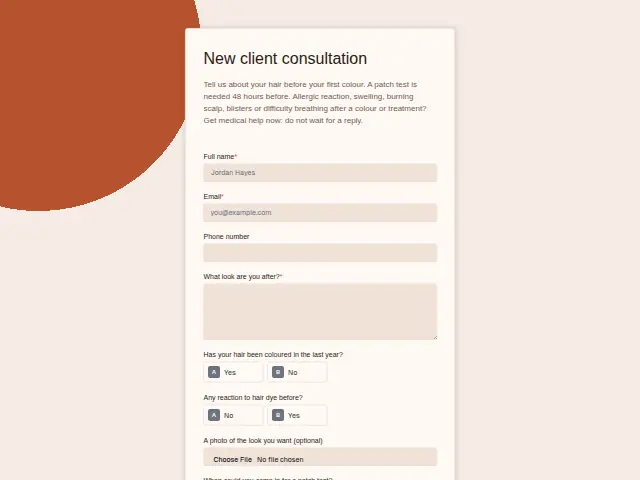 Salon new client consultationHair salons and barbershops8 fields · Registration
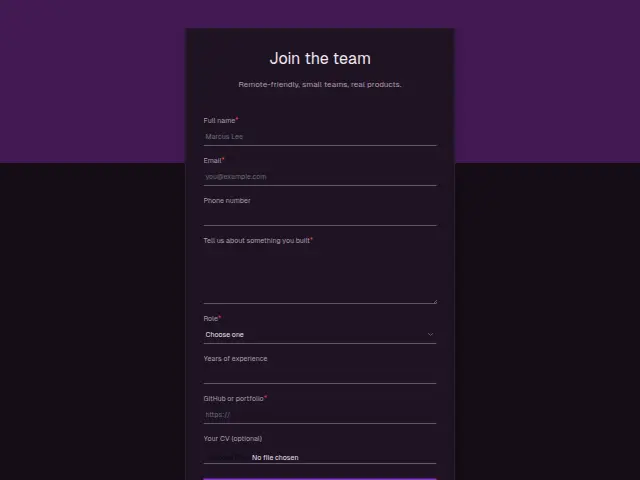 Developer job applicationSoftware development agency8 fields · Application
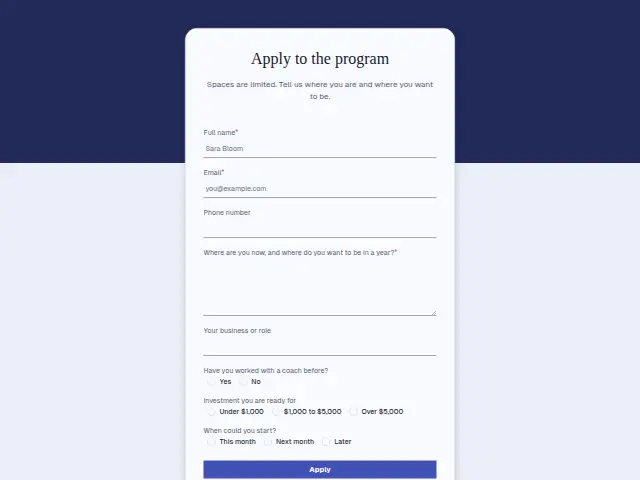 Coaching program applicationCoaching8 fields · Application
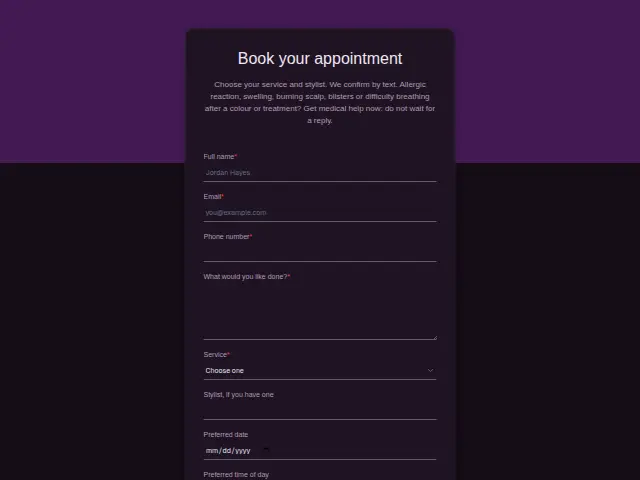 Salon appointment bookingHair salons and barbershops8 fields · Booking
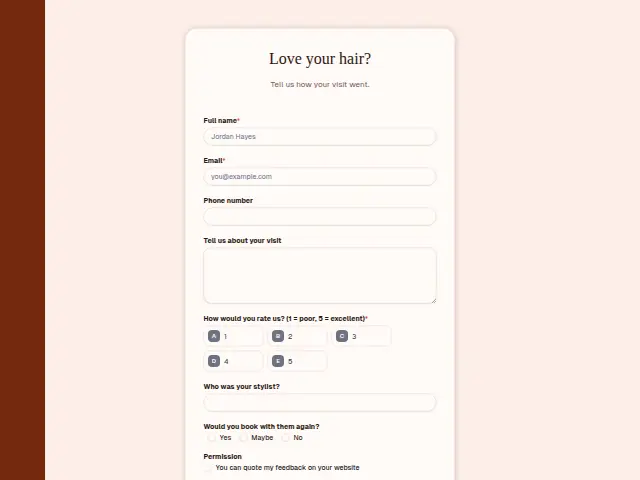 Salon visit feedbackHair salons and barbershops8 fields · Feedback
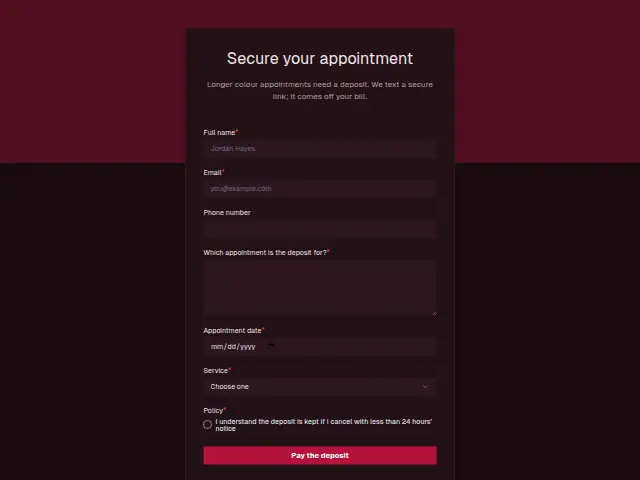 Salon booking depositHair salons and barbershops7 fields · Deposit
Thrum is cooking.
Get early access and you’ll be among the first in. Early members get a launch perk.