Salon appointment booking template
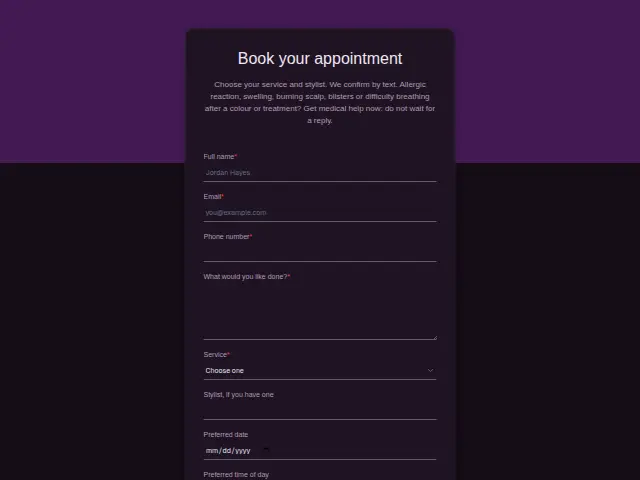
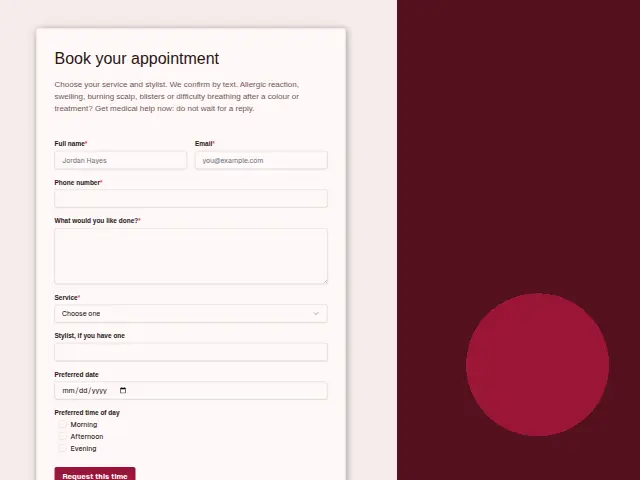
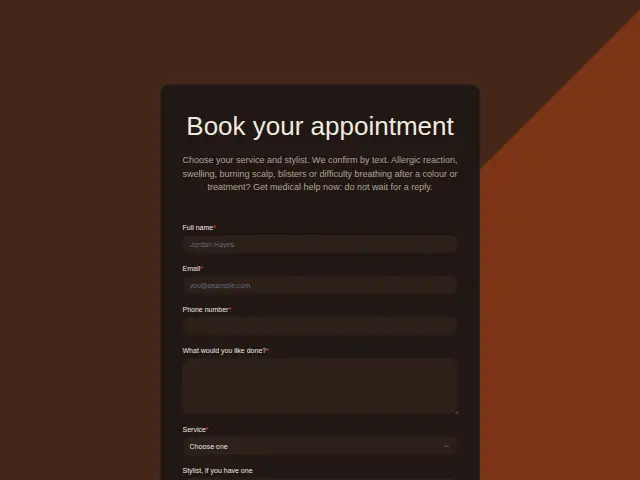
Choose your service and stylist. We confirm by text. Allergic reaction, swelling, burning scalp, blisters or difficulty breathing after a colour or treatment? Get medical help now: do not wait for a reply.
- Kind of form
- Booking
- Questions
- 8
- Required
- 5
Start the 14-day trial, then choose Salon appointment booking under Form templates. Each field, word and colour can be changed.
Who uses it
Salon clients book from their phones, often late in the evening, so this form asks only what the front desk needs to pencil someone in. Service is required, with Cut and style, Colour, Balayage or highlights, Beard trim, Kids’ cut and Treatment, because each takes a different length of chair time. “What would you like done?” is open and required for the details a service name misses.
“Stylist, if you have one” is free text so regulars can name the person they always see. Preferred date and Preferred time of day are optional hints. The description promises a confirming text, which is why the phone number is required, and it carries a medical warning about reactions after colour, since a booking form is where a worried client might write first.
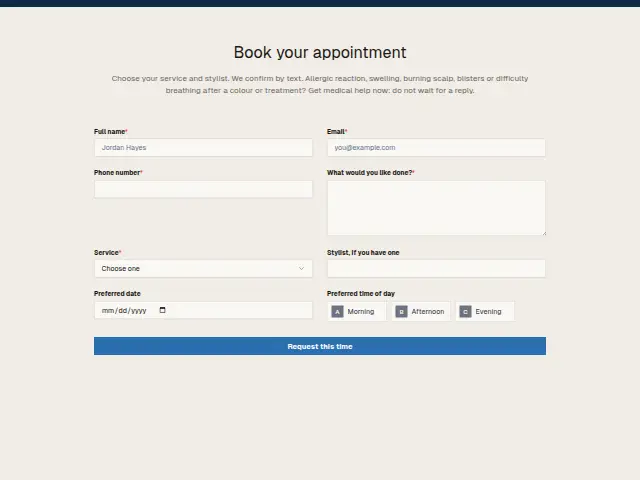
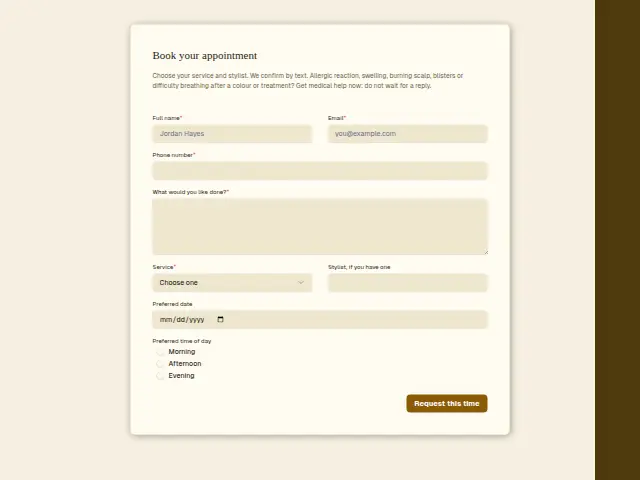
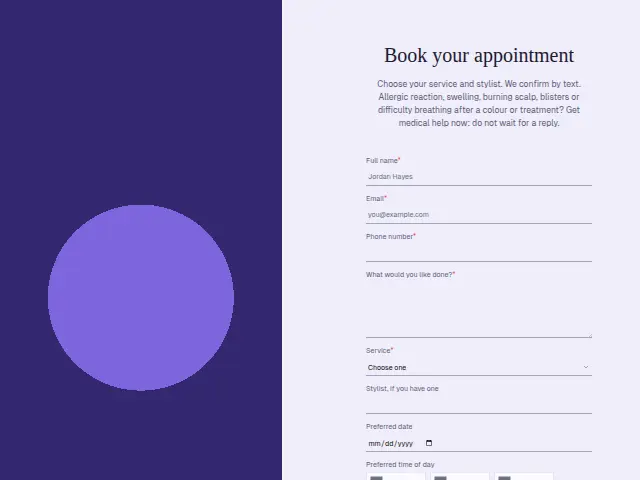
The same form, in 6 layouts
Same questions, same words. Pick the arrangement that suits the page it sits on; the layout can be changed later too.
Field guide
8 questions, each with what the business does with the answer.
| Question | Type | Required |
|---|---|---|
| Full nameShown to the front desk with the service, and matched to an existing client so regulars keep one CRM record. | Short text | Yes |
| EmailGets a copy of the confirmation for clients who check email more than texts, and fills in their record. | Yes | |
| Phone numberRequired because the salon confirms by text, which a workflow sends through Twilio as soon as the booking arrives. | Phone | Yes |
| What would you like done?The detail the service name misses, such as a length or a shade, read by the stylist before the appointment. | Long text | Yes |
| ServiceCut and style · Colour · Balayage or highlights · Beard trim · Kids’ cut · TreatmentSix services with different chair times, and a workflow can send Colour and Balayage bookings the patch test consultation link. | Dropdown | Yes |
| Stylist, if you have oneFree text a workflow can check, so a named stylist’s bookings reach them directly in Slack or Telegram. | Short text | No |
| Preferred dateOptional, so the front desk proposes the nearest free chair and the confirmation text carries the agreed day. | Date | No |
| Preferred time of dayMorning · Afternoon · EveningLets the desk offer a slot in the right part of the day before the confirming text goes out. | Multiple choice | No |
What happens after someone sends it
Colour and Balayage or highlights change what happens next, because a first colour needs a patch test 48 hours before, as the salon’s consultation form explains. A workflow can branch on Service and send colour bookings a link to that consultation along with the confirmation, and pass a named stylist’s bookings straight to that stylist.
In a busy salon, Enquiry triage sorts each request by kind, so the owner’s phone rings only for the ones that need the owner and the rest land with the front desk.
Each response adds the person to the client’s CRM, shows in their portal’s Leads and sends you a new-lead alert; if nobody has answered after 15 minutes, you hear again. Any workflow you start from the form runs the moment it arrives.
Library workflows that start from a form like this: Meeting follow-up and Quiet lead follow-up.
Its answers can also go straight to another app with a starter: ActiveCampaign, Airtable, Asana, Attio, Brevo, ClickUp, Close and Discord, among others.
Trades that use it
The trade page that lists this form, with the trade’s other forms and workflows.
Workflows for hair salons and barbershops
What runs when this form is sent: playbooks and packs written for the same trade.
- PackHair salons and barbershopsBarbershop stylist packAnswers enquiries fast, even after hours, asks for reviews, and takes job applications.


 Google Sheets
 Telegram
 4 workflows · 33 steps · 5 apps
- PackHair salons and barbershopsBooth-rental stylist packAnswers enquiries fast, follows up quiet ones, asks for reviews and routes feedback.Google Sheets4 workflows · 39 steps · 3 apps
- PlaybookHair salons and barbershopsAfter-hours answeringAnswer customer messages at any hour from the business’s own facts, and hand anything else to a person with a holding reply.Telegram9 steps · 3 apps
Related forms
See them all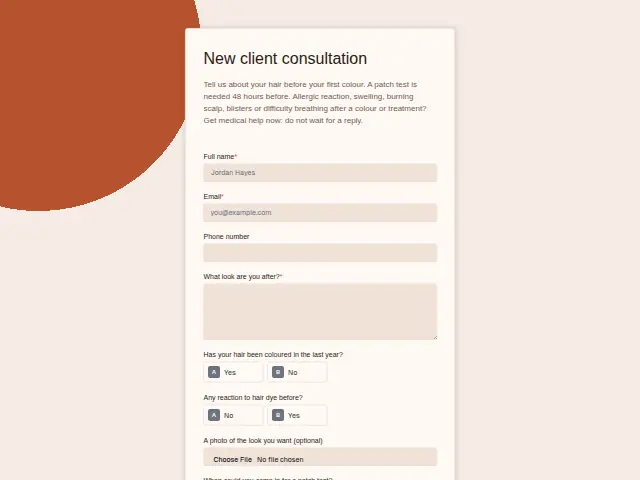 Salon new client consultationHair salons and barbershops8 fields · Registration
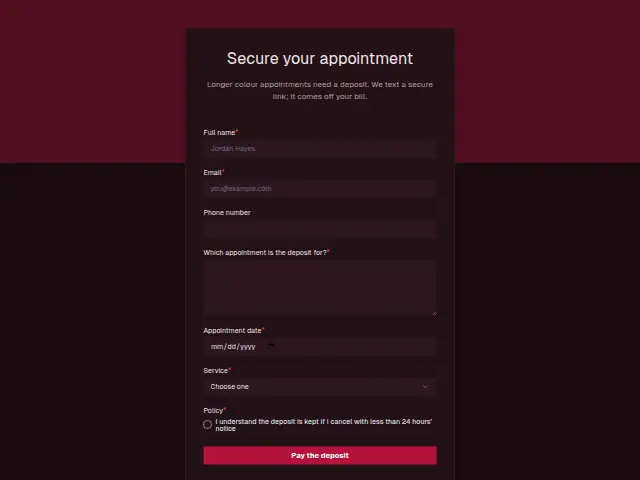 Salon booking depositHair salons and barbershops7 fields · Deposit
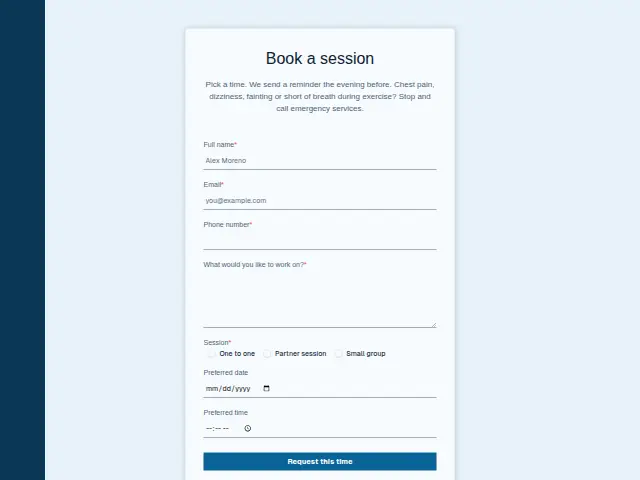 Personal training session bookingPersonal training7 fields · Booking
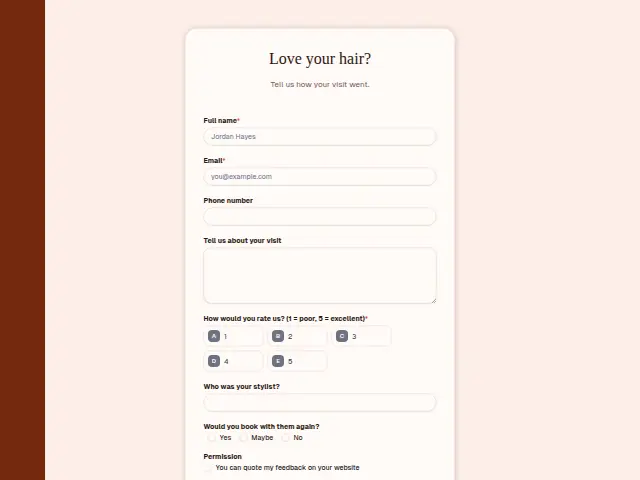 Salon visit feedbackHair salons and barbershops8 fields · Feedback
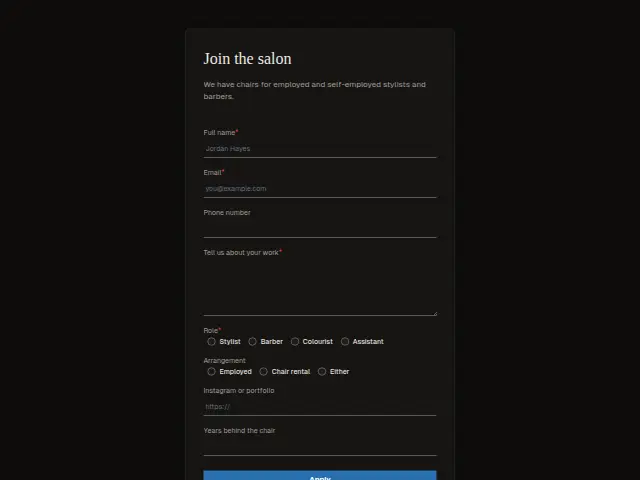 Stylist chair applicationHair salons and barbershops8 fields · Application
Thrum is cooking.
Get early access and you’ll be among the first in. Early members get a launch perk.