Personal training session booking template
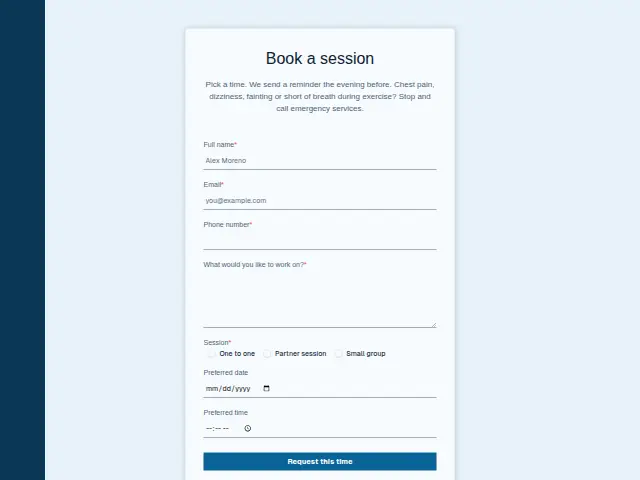
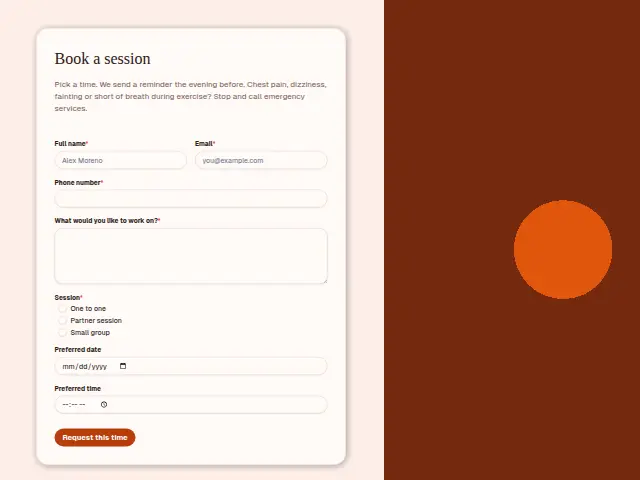
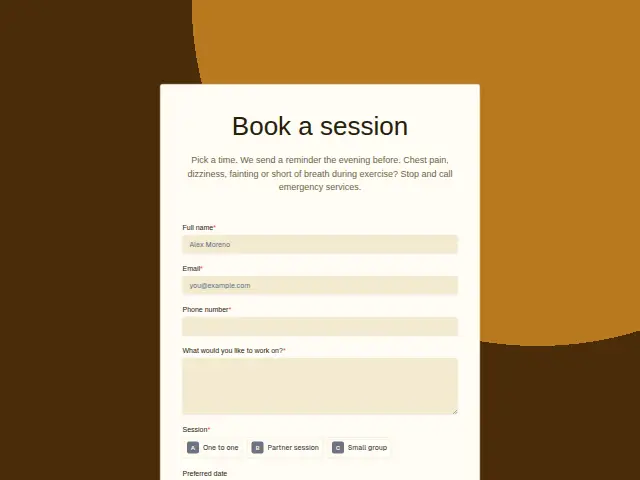
Pick a time. We send a reminder the evening before. Chest pain, dizziness, fainting or short of breath during exercise? Stop and call emergency services.
- Trade
- Personal training
- Kind of form
- Booking
- Questions
- 7
- Required
- 5
Start the 14-day trial, then choose Personal training session booking under Form templates. Each field, word and colour can be changed.
Who uses it
Existing clients use this to book their next slot. Session is required and has three kinds, One to one, a shared session for two people, and Small group, since each uses the trainer’s time and the gym floor differently. “What would you like to work on?” is the required note for the session itself.
Preferred date is a date picker and Preferred time a time picker, more exact than the morning-or-evening choice on many booking forms, because sessions start at a set time. The description promises a reminder the evening before, and the safety warning about chest pain and dizziness sits on this form too.
The same form, in 6 layouts
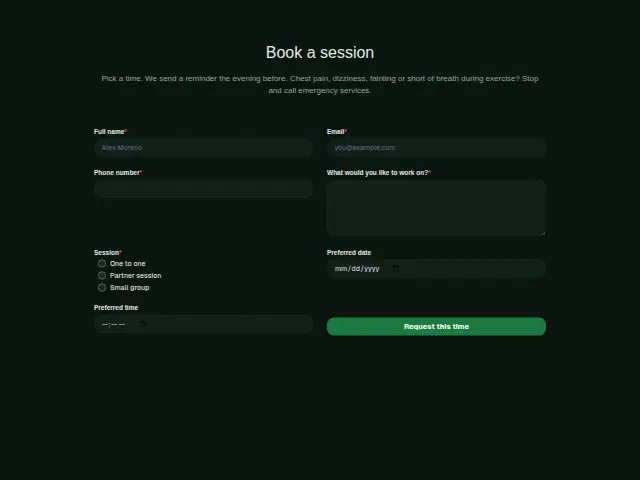
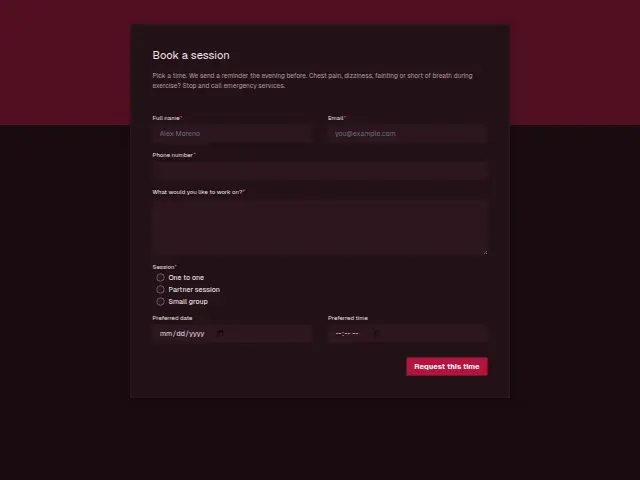
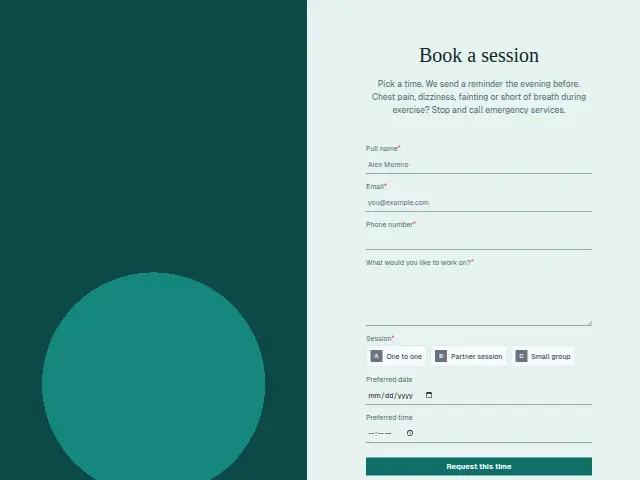
Same questions, same words. Pick the arrangement that suits the page it sits on; the layout can be changed later too.
Field guide
7 questions, each with what the business does with the answer.
| Question | Type | Required |
|---|---|---|
| Full nameMatches the booking to the existing client, so the session joins their history in the CRM. | Short text | Yes |
| EmailWhere the booking confirmation goes, separate from the reminder the evening before the session. | Yes | |
| Phone numberRequired because the reminder the evening before can go by text through Twilio. | Phone | Yes |
| What would you like to work on?The session plan starts from these words, and a workflow can add them to the trainer’s Telegram message. | Long text | Yes |
| SessionOne to one · Partner session · Small groupSmall group requests can collect in a Google Sheets row until the group fills, while One to one goes straight through. | Multiple choice | Yes |
| Preferred dateShown with the preferred time, so the trainer can confirm an exact slot in one reply. | Date | No |
| Preferred timeA time picker, more exact than a part of the day, because each session starts at a set time. | Time | No |
What happens after someone sends it
Small group requests are worth a branch, because the trainer may want the group filled before confirming anyone, and a workflow can collect them in a Google Sheets row per request until there are enough. One to one bookings can go straight to the trainer.
The work-on note travels with the booking, so the session plan starts from the client’s own words. A workflow can also send the trainer each booking’s session type and time as a Telegram message, so the day’s list builds up on their phone as people book.
Each response adds the person to the client’s CRM, shows in their portal’s Leads and sends you a new-lead alert; if nobody has answered after 15 minutes, you hear again. Any workflow you start from the form runs the moment it arrives.
Library workflows that start from a form like this: Meeting follow-up and Quiet lead follow-up.
Its answers can also go straight to another app with a starter: ActiveCampaign, Airtable, Asana, Attio, Brevo, ClickUp, Close and Discord, among others.
Trades that use it
The trade page that lists this form, with the trade’s other forms and workflows.
Workflows for personal training
What runs when this form is sent: playbooks and packs written for the same trade.
- PackPersonal trainingIn-person personal trainer packAnswers enquiries fast, confirms sessions, wins back cancellations and asks for reviews.
 Calendly


 4 workflows · 28 steps · 4 apps
- PackPersonal trainingOnline personal trainer packRecovers failed payments, thanks paying clients, and follows up leads that went quiet.

 3 workflows · 21 steps · 5 apps
- PlaybookPersonal trainingAfter-hours answeringAnswer customer messages at any hour from the business’s own facts, and hand anything else to a person with a holding reply.

 Telegram9 steps · 3 apps
Related forms
See them all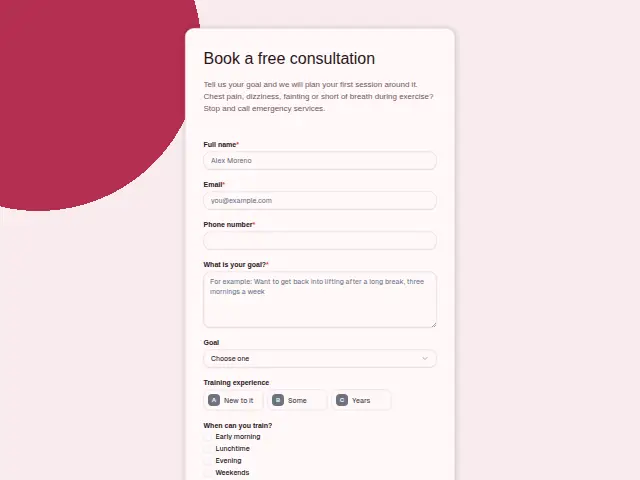 Personal training free consultationPersonal training7 fields · Enquiry
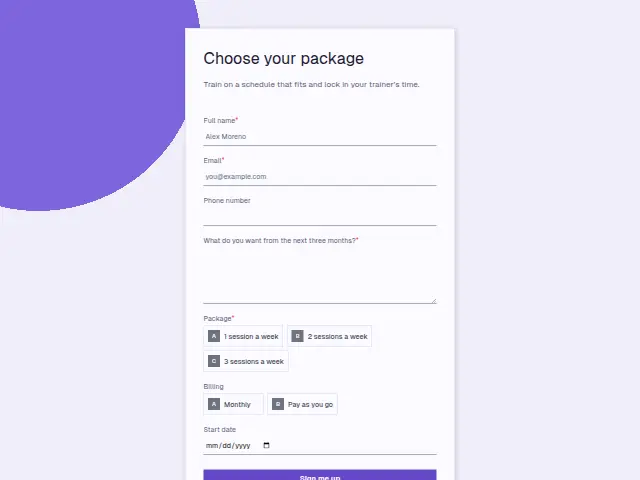 Personal training package sign-upPersonal training7 fields · Subscription
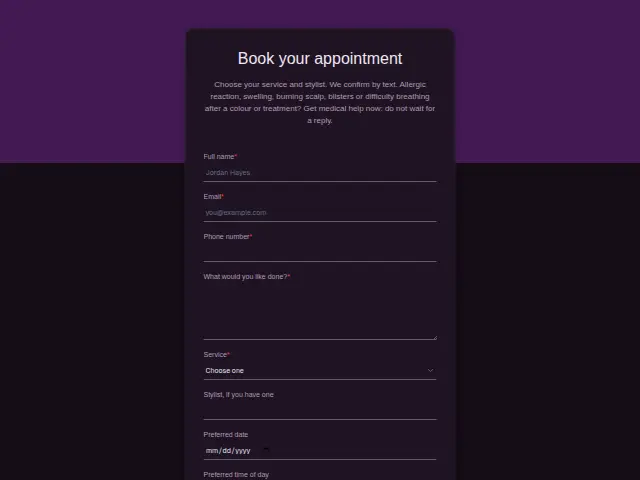 Salon appointment bookingHair salons and barbershops8 fields · Booking
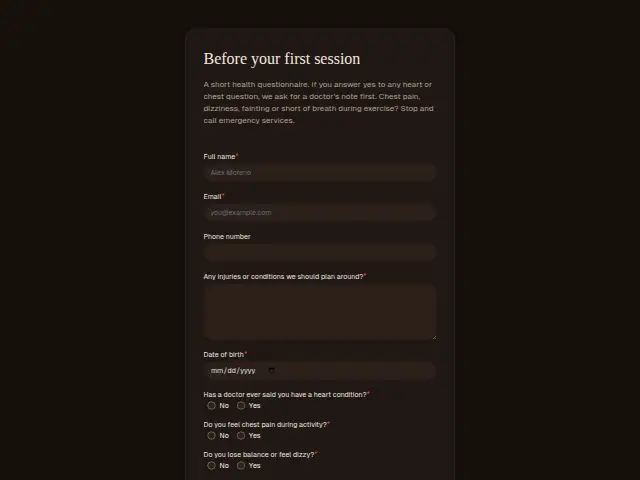 Personal training health questionnairePersonal training9 fields · Registration
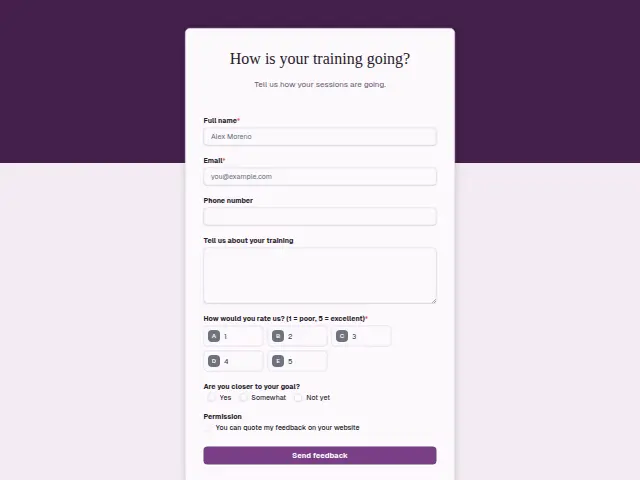 Personal training feedbackPersonal training7 fields · Feedback
Thrum is cooking.
Get early access and you’ll be among the first in. Early members get a launch perk.