Coaching newsletter sign-up template
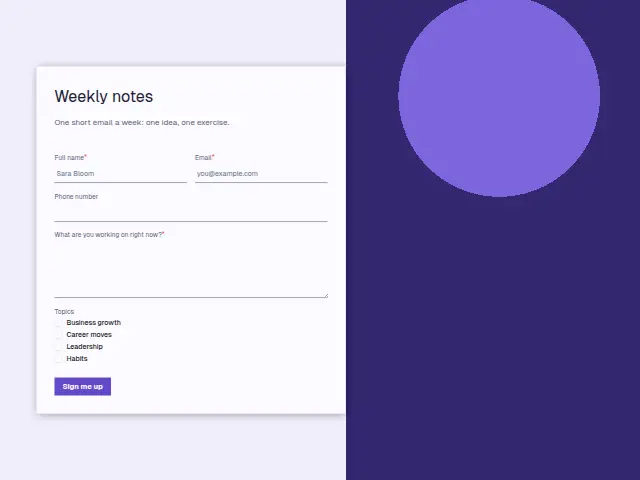
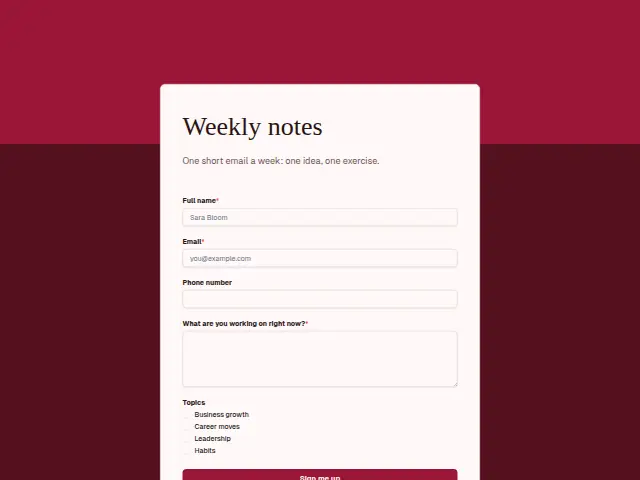
One short email a week: one idea, one exercise.
- Trade
- Coaching
- Kind of form
- Subscription
- Questions
- 5
- Required
- 3
Start the 14-day trial, then choose Coaching newsletter sign-up under Form templates. Each field, word and colour can be changed.
Who uses it
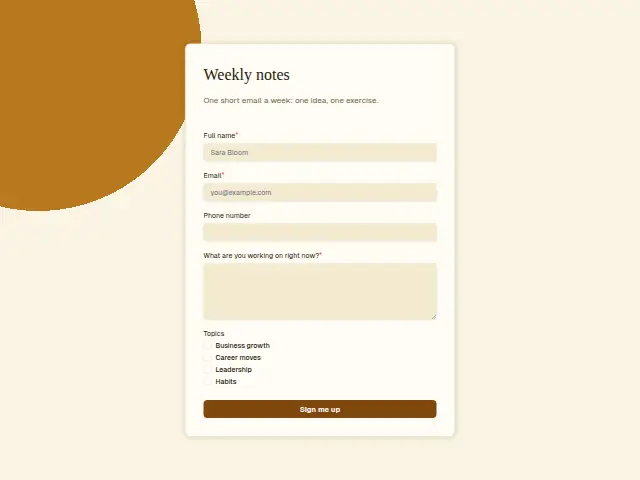
The description promises one short email a week with one idea and one exercise, and the form keeps to that weight. Beyond name and email it asks “What are you working on right now?” as required text, and Topics as a checkbox list of Business growth, Career moves, Leadership and Habits.
The open question gives the coach a running picture of what readers are dealing with, which feeds the next issue and, for some readers, a discovery call.
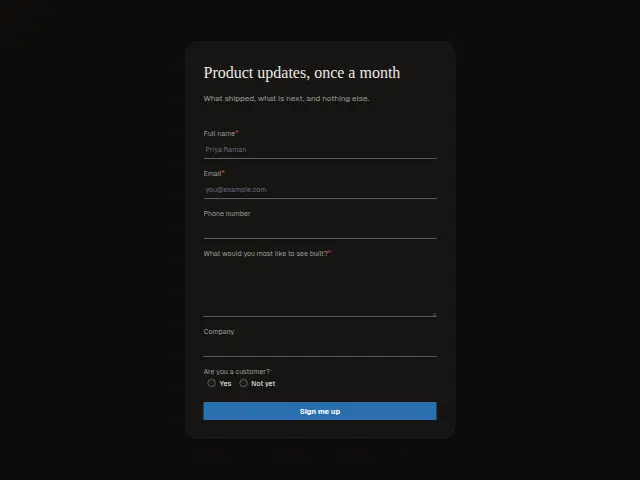
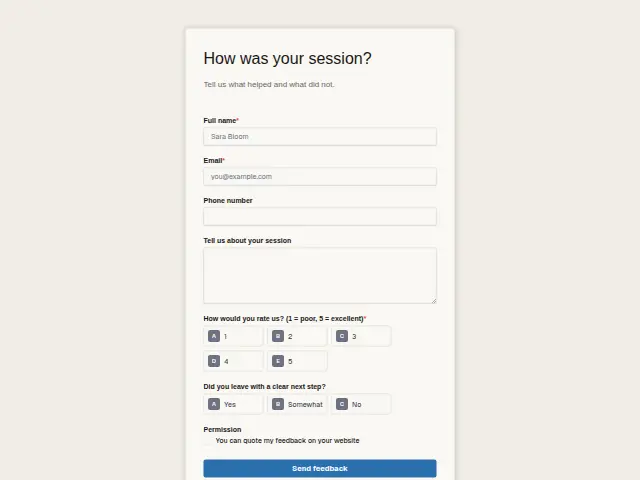
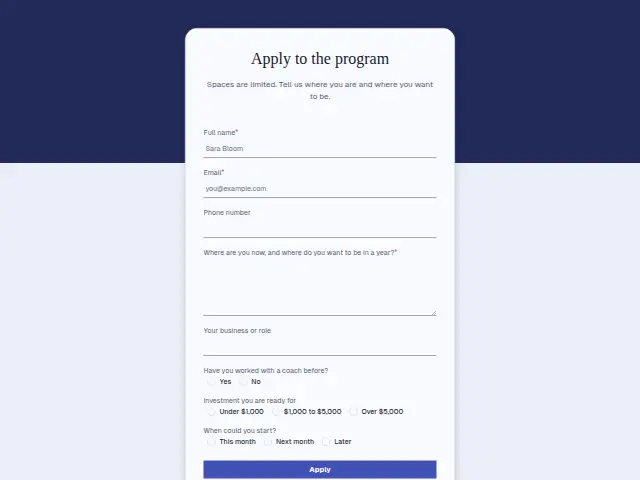
The same form, in 6 layouts
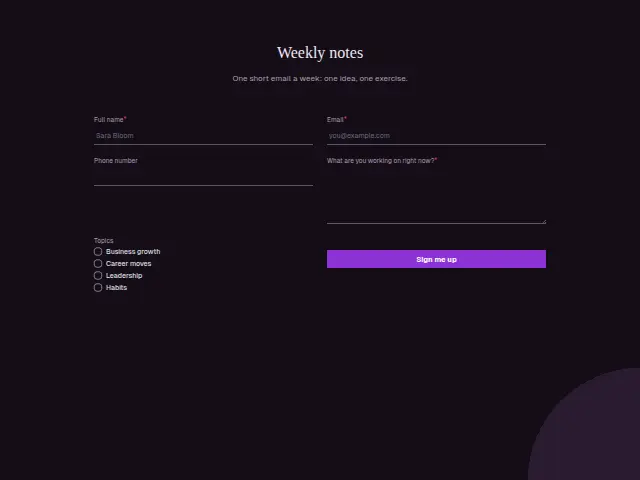
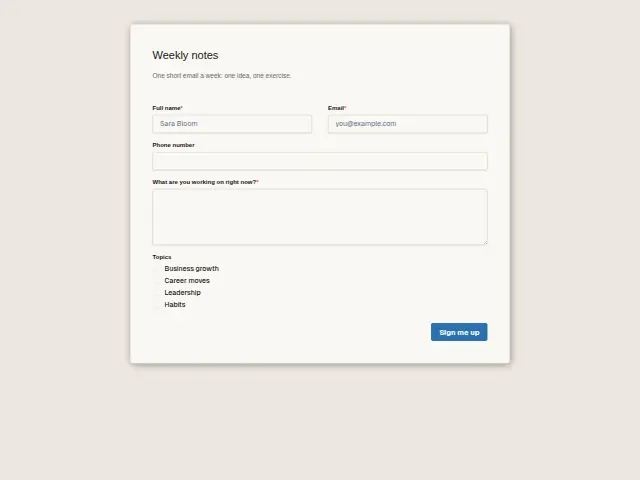
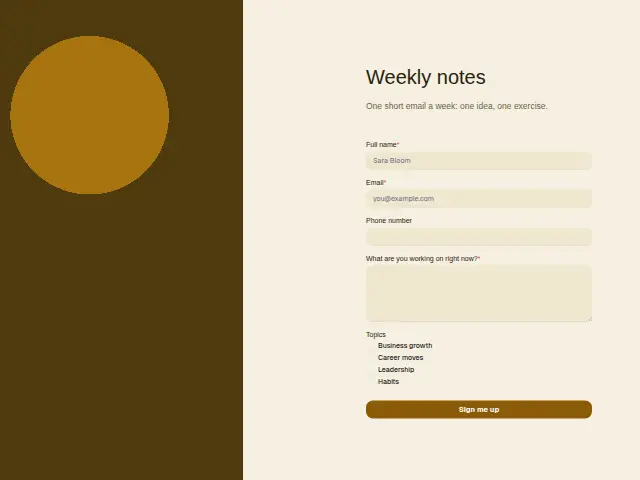
Same questions, same words. Pick the arrangement that suits the page it sits on; the layout can be changed later too.
Field guide
5 questions, each with what the business does with the answer.
| Question | Type | Required |
|---|---|---|
| Full nameLets each weekly note open with the reader’s name, and matches readers who later book a discovery call. | Short text | Yes |
| EmailRequired, the address the weekly email goes to, added to a Mailchimp audience or Brevo list by a workflow. | Yes | |
| Phone numberRarely needed for a weekly email, and any number given sits on the reader’s CRM record for a later call. | Phone | No |
| What are you working on right now?Required, and a workflow can look for words like stuck or promotion to pass a reader to the coach. | Long text | Yes |
| TopicsBusiness growth · Career moves · Leadership · HabitsThe four ticks travel with the reader into the mailing list, so a Leadership issue reaches those who chose it. | Checkboxes | No |
What happens after someone sends it
Topics can travel with each reader into a Mailchimp audience or a Brevo contact list, so a Leadership issue reaches the people who ticked it. A reader whose answer sounds like a problem coaching could help with deserves a personal reply, and a workflow can pass those to the coach by checking the answer for words such as stuck or promotion.
Sign-ups count as leads by default, which suits a coach whose newsletter is the start of most client relationships.
Each response adds the person to the client’s CRM, shows in their portal’s Leads and sends you a new-lead alert; if nobody has answered after 15 minutes, you hear again. Any workflow you start from the form runs the moment it arrives.
Library workflows that start from a form like this: Quiet lead follow-up.
Its answers can also go straight to another app with a starter: ActiveCampaign, Airtable, Asana, Attio, Brevo, ClickUp, Close and Discord, among others.
Trades that use it
The trade page that lists this form, with the trade’s other forms and workflows.
Workflows for coaching
What runs when this form is sent: playbooks and packs written for the same trade.
- PackCoachingExecutive coach packBriefs you before each session, follows up after it, and starts new engagements.

 Calendly



 3 workflows · 8 steps · 6 apps
- PackCoachingGroup-program coach packRecovers failed payments, thanks each payer, and sends you weekly enquiry numbers.


 3 workflows · 10 steps · 5 apps
- PackCoachingSmall-business coach packConfirms bookings, briefs you before each session, and thanks clients when they pay.Calendly3 workflows · 8 steps · 7 apps
Related forms
See them all
Thrum is cooking.
Get early access and you’ll be among the first in. Early members get a launch perk.