Dental short-notice list template
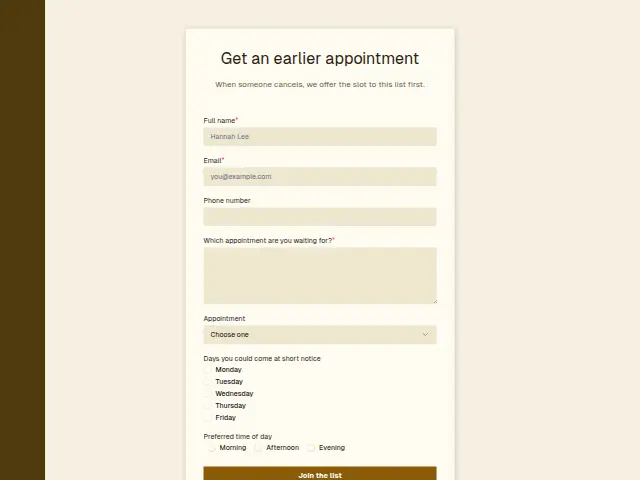
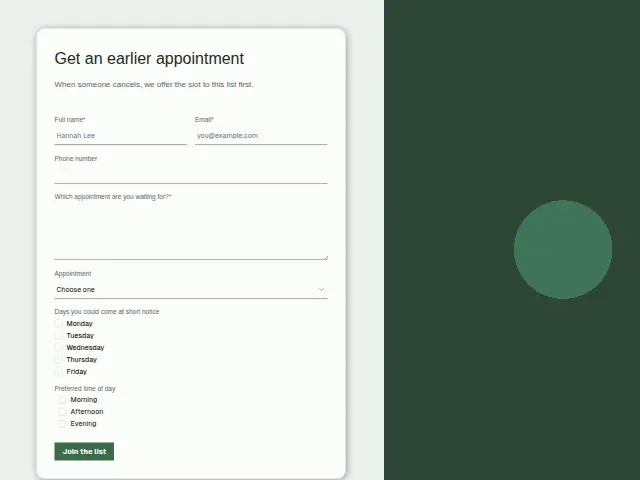
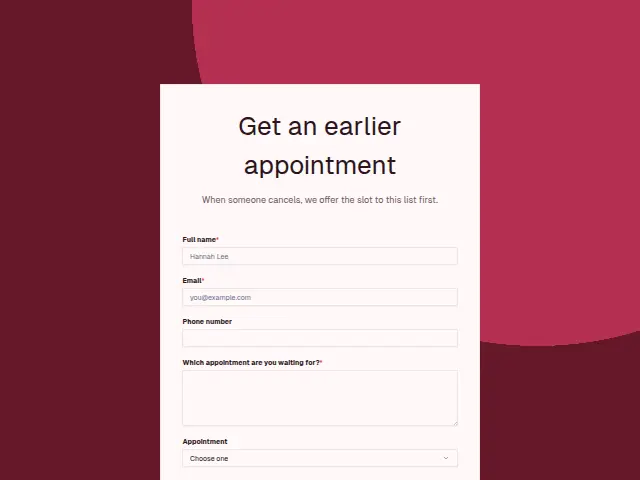
When someone cancels, we offer the slot to this list first.
Start the 14-day trial, then choose Dental short-notice list under Form templates. Each field, word and colour can be changed.
Who uses it
Cancellations leave gaps in a dental day, and this short-notice list fills them. Patients choose the appointment they are waiting for (check-up, hygiene or treatment already planned), tick the weekdays they could come at short notice and pick a time of day. The description says the list is offered a slot first when someone cancels.
The required text box names the appointment in the patient’s own words, which matters for “Treatment already planned”, where the free slot has to be long enough for the work.
The same form, in 6 layouts
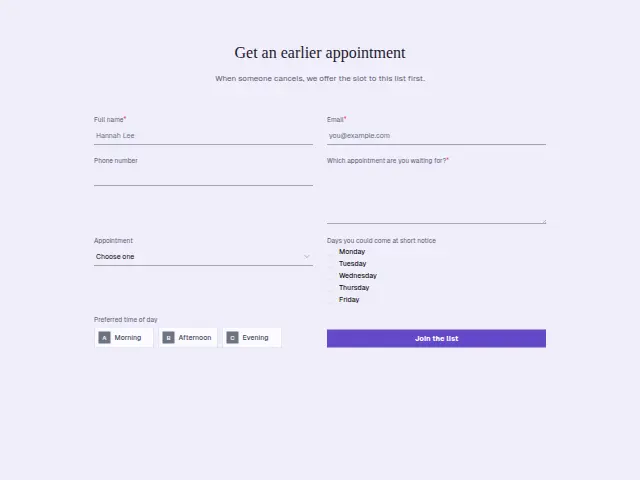
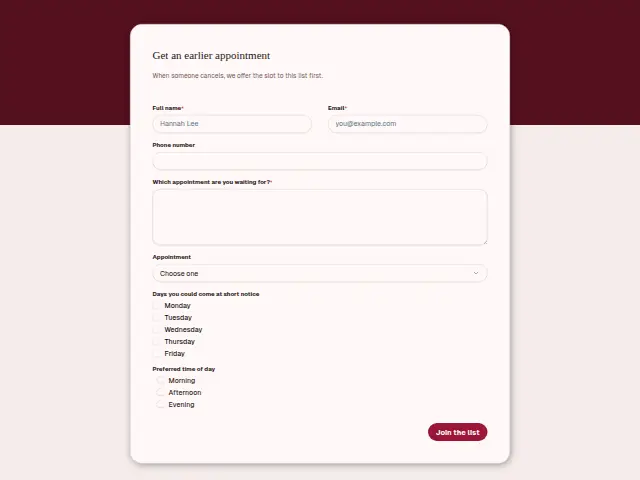
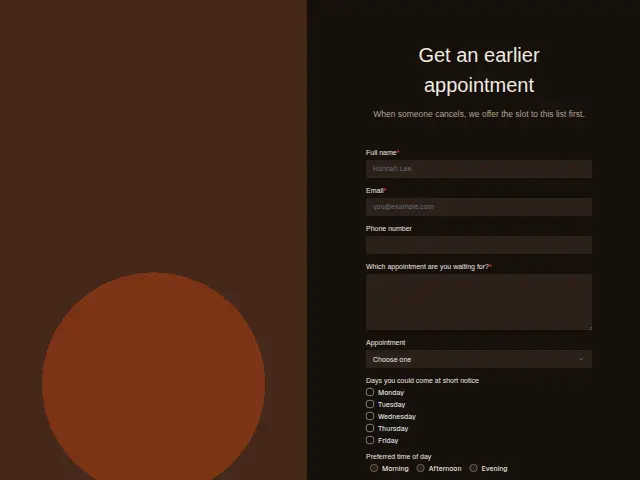
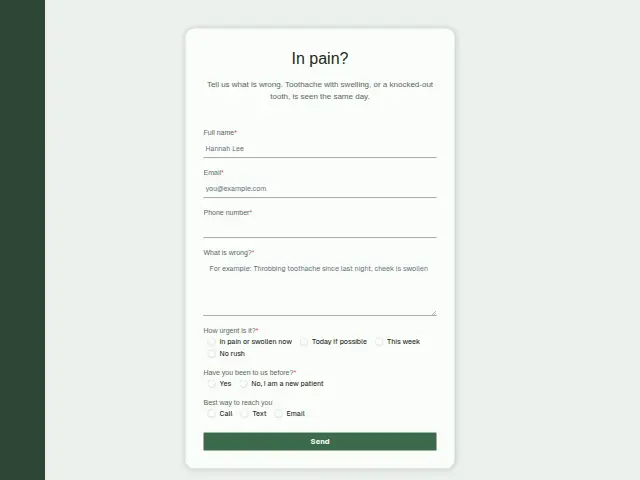
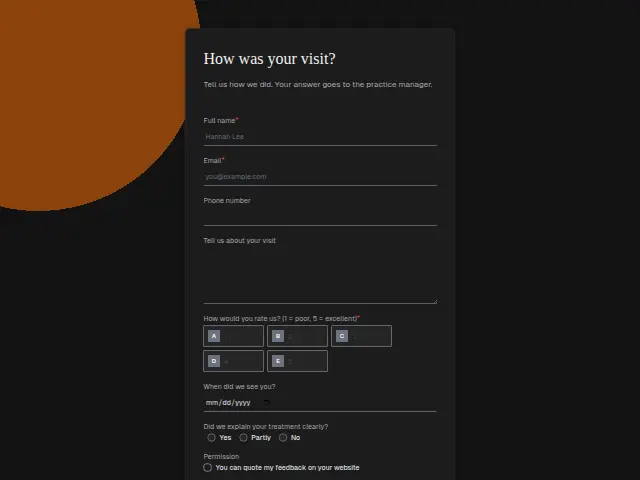
Same questions, same words. Pick the arrangement that suits the page it sits on; the layout can be changed later too.
Field guide
7 questions, each with what the business does with the answer.
| Question | Type | Required |
|---|---|---|
| Full nameThe front desk calls this person when a slot opens, so it heads the list in Results. | Short text | Yes |
| EmailPhone is optional on this list, so an email to this address may be how the slot is offered. | Yes | |
| Phone numberA short-notice slot is fastest to fill by text, and a workflow can send the offer to this number. | Phone | No |
| Which appointment are you waiting for?Planned treatment needs a long enough gap, so this answer tells the front desk whether a freed slot fits. | Long text | Yes |
| AppointmentCheck-up · Hygiene appointment · Treatment already plannedHygiene and check-up waiters can fill short gaps, and a branch can list treatment ones apart. | Dropdown | No |
| Days you could come at short noticeMonday · Tuesday · Wednesday · Thursday · FridayWhen a Tuesday slot frees up, the front desk filters Results to the patients who ticked Tuesday. | Checkboxes | No |
| Preferred time of dayMorning · Afternoon · EveningPaired with the ticked days, it narrows the list to the patients who can take a morning or afternoon gap. | Multiple choice | No |
What happens after someone sends it
When a slot opens on a Tuesday morning, the front desk needs the patients who ticked Tuesday and chose morning, and those are the answers each response holds in Results. Every patient on the list is a person in the CRM, with the appointment they are waiting for beside their name.
Phone number is optional here, so a patient who leaves only an email is reached that way.
Each response adds the person to the client’s CRM, shows in their portal’s Leads and sends you a new-lead alert; if nobody has answered after 15 minutes, you hear again. Any workflow you start from the form runs the moment it arrives.
Library workflows that start from a form like this: Quiet lead follow-up.
Its answers can also go straight to another app with a starter: ActiveCampaign, Airtable, Asana, Attio, Brevo, ClickUp, Close and Discord, among others.
Trades that use it
The trade page that lists this form, with the trade’s other forms and workflows.
Thrum is cooking.
Get early access and you’ll be among the first in. Early members get a launch perk.