Dental appointment booking template
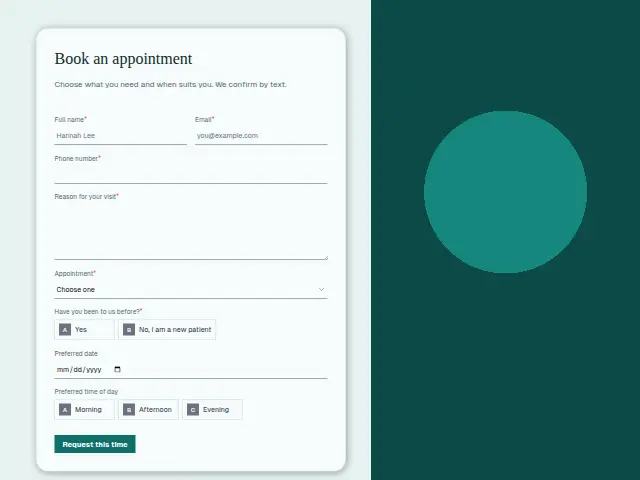
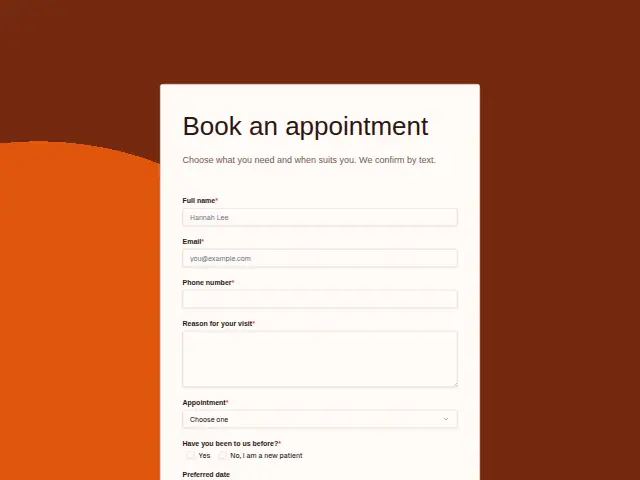
Choose what you need and when suits you. We confirm by text.
Start the 14-day trial, then choose Dental appointment booking under Form templates. Each field, word and colour can be changed.
Who uses it
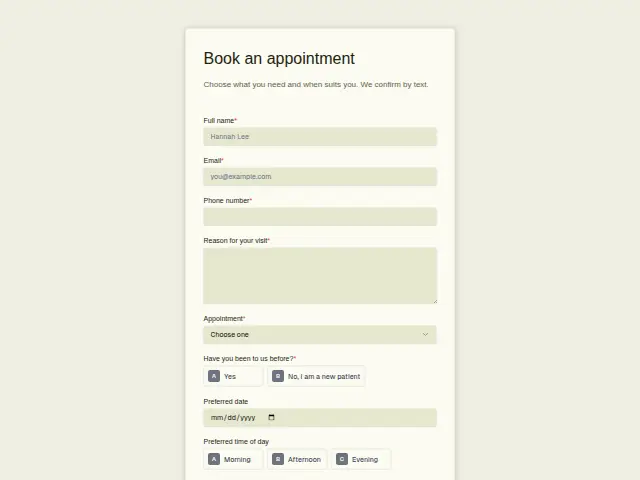
Routine dental care is booked ahead, and this form lists what patients come in for. “Appointment” is required, with check-up, hygiene appointment, whitening, cosmetic consultation and something else, and the description promises a text to confirm.
The new-patient question is required here as well, since a first visit runs longer and needs a history. A preferred date, a time of day and a required “Reason for your visit” complete the request, and that last box is where a patient mentions the crown that came loose or the filling that aches with cold drinks.
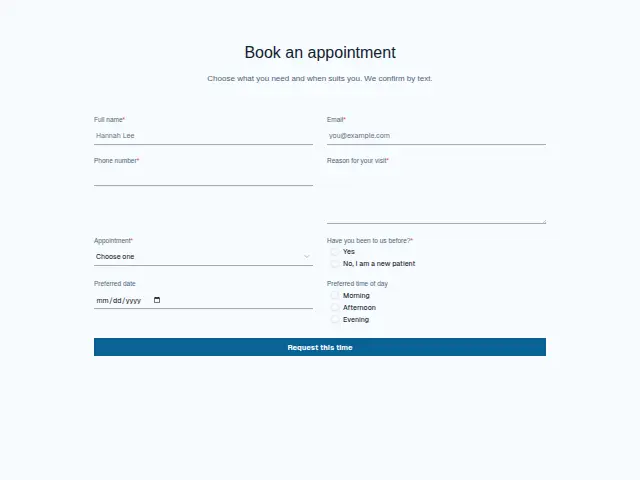
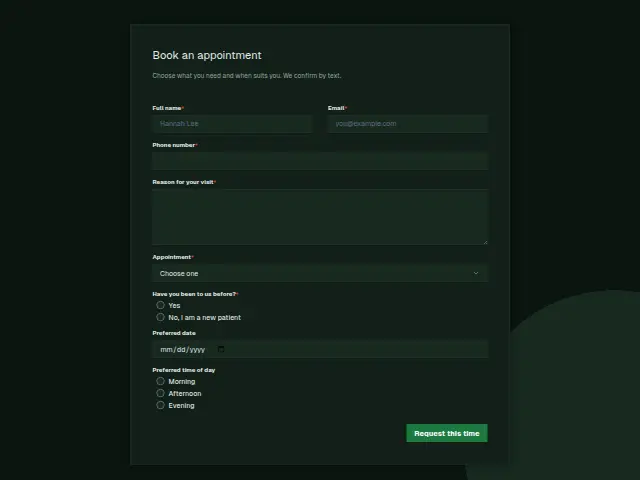
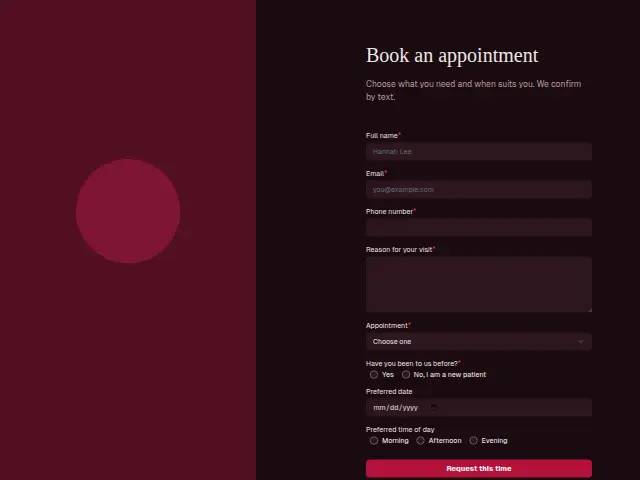
The same form, in 6 layouts
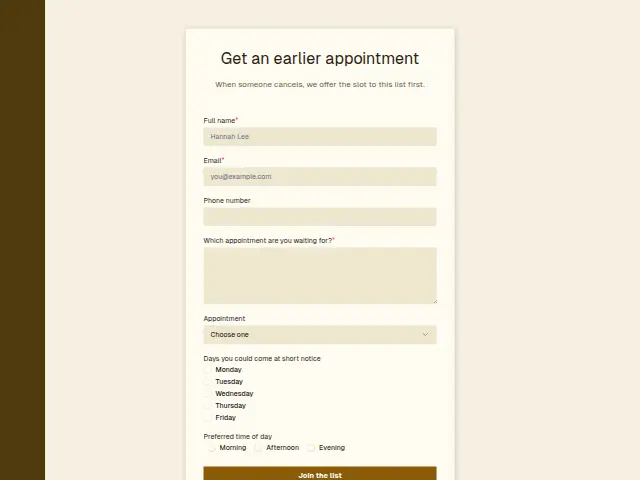
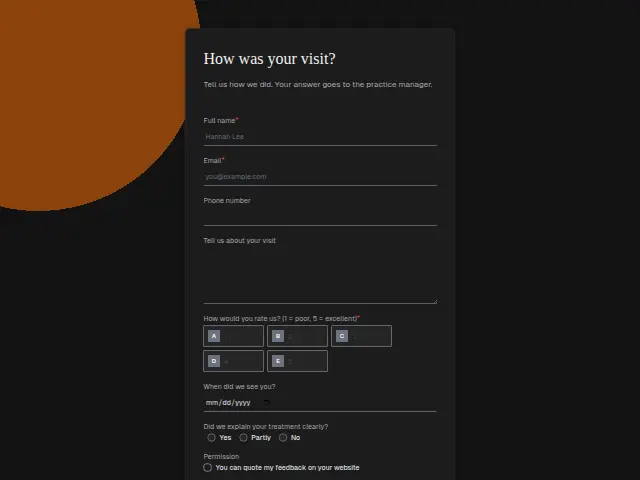
Same questions, same words. Pick the arrangement that suits the page it sits on; the layout can be changed later too.
Field guide
8 questions, each with what the business does with the answer.
| Question | Type | Required |
|---|---|---|
| Full nameThe confirmation text promised in the description greets the patient by this name. | Short text | Yes |
| EmailPatients who already have a record are recognised by this address, and their booking joins the same CRM person. | Yes | |
| Phone numberRequired, because the confirmation the description promises comes by text. | Phone | Yes |
| Reason for your visitA loose crown or a filling that aches with cold drinks, written here, tells the dentist how long to book. | Long text | Yes |
| AppointmentCheck-up · Hygiene appointment · Whitening · Cosmetic consultation · Something elseWhitening and cosmetic consultations can branch to the dentist who does them, check-ups to the hygiene diary. | Dropdown | Yes |
| Have you been to us before?Yes · No, I am a new patient“No, I am a new patient” can send the registration form next, so the history is in before the visit. | Multiple choice | Yes |
| Preferred dateOptional, and a request with no date is a patient the short-notice list can help. | Date | No |
| Preferred time of dayMorning · Afternoon · EveningMorning, afternoon or evening helps the front desk offer a slot the patient can keep, and it shows in the portal’s Leads. | Multiple choice | No |
What happens after someone sends it
Whitening and cosmetic consultations often sit with one dentist, so “Appointment” is the answer to split on. A “No, I am a new patient” answer can send the registration form next, so the history is filled in before the patient sits down.
A hygiene request with no preferred date is a patient who will take what is offered, and the short-notice list is a good second step for them. Each booking lands in the portal’s Leads, where the practice sees it beside the enquiries.
Each response adds the person to the client’s CRM, shows in their portal’s Leads and sends you a new-lead alert; if nobody has answered after 15 minutes, you hear again. Any workflow you start from the form runs the moment it arrives.
Library workflows that start from a form like this: Meeting follow-up and Quiet lead follow-up.
Its answers can also go straight to another app with a starter: ActiveCampaign, Airtable, Asana, Attio, Brevo, ClickUp, Close and Discord, among others.
Trades that use it
The trade page that lists this form, with the trade’s other forms and workflows.
Thrum is cooking.
Get early access and you’ll be among the first in. Early members get a launch perk.