Dental new patient registration template
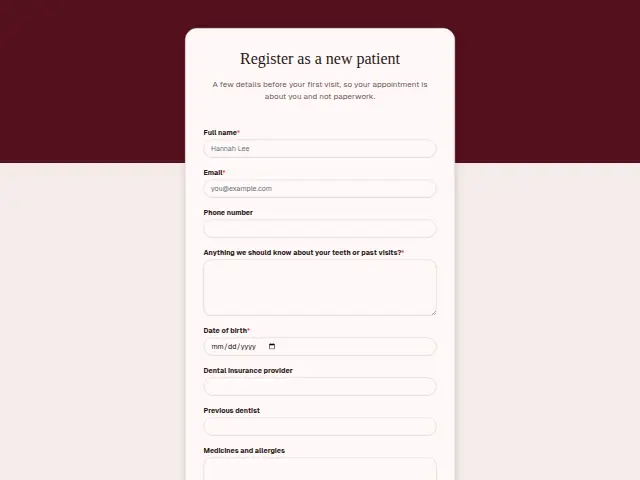
A few details before your first visit, so your appointment is about you and not paperwork.
- Trade
- Dental
- Kind of form
- Registration
- Questions
- 9
- Required
- 4
Start the 14-day trial, then choose Dental new patient registration under Form templates. Each field, word and colour can be changed.
Who uses it
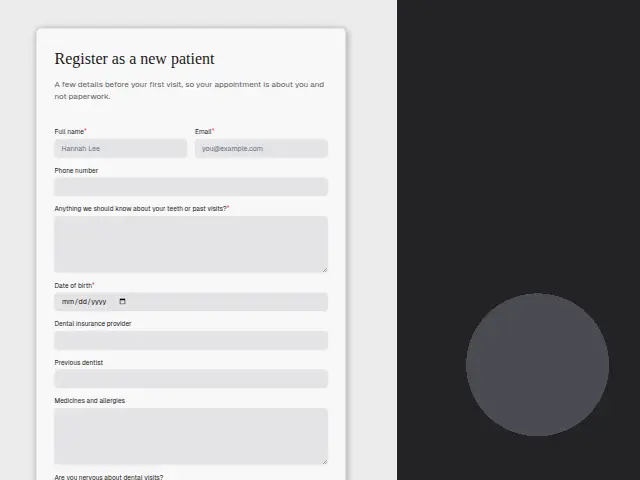
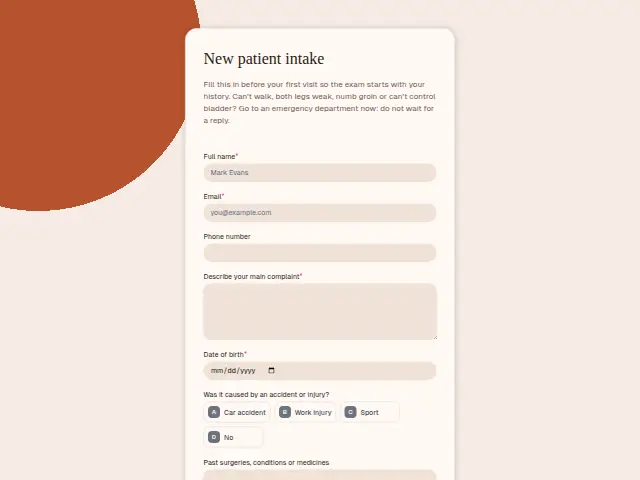
Before a first appointment, a dental practice needs a history, and this form gathers it so the time in the chair goes on the patient. Date of birth is required. Dental insurance provider and previous dentist are text answers, and “Medicines and allergies” has a box of its own, because a dentist needs to know about blood thinners or a penicillin allergy before treatment.
“Are you nervous about dental visits?” asks something many patients never get asked, with “Not at all”, “A little” or “Very”. The required box about teeth and past visits catches the rest, such as a bad extraction years ago or a bridge from another practice.
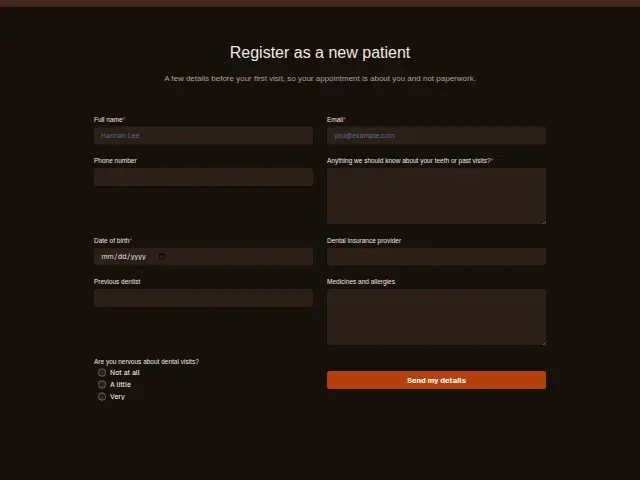
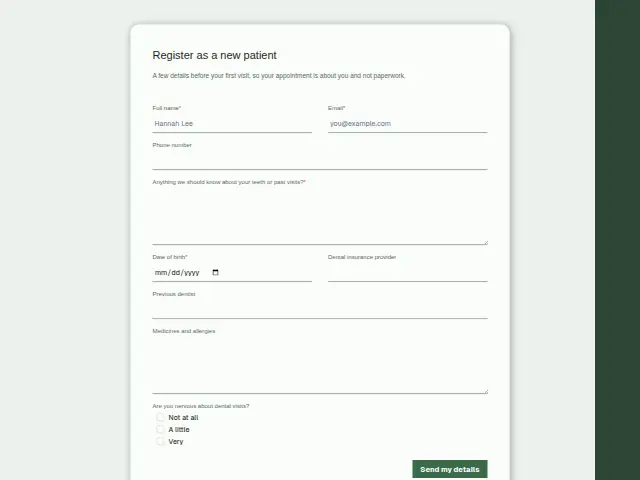
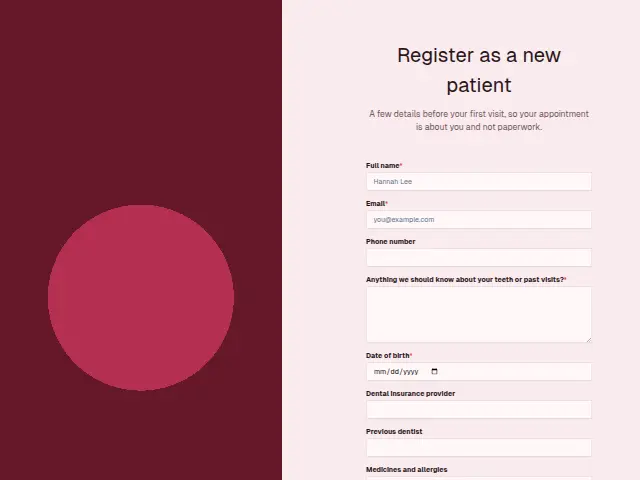
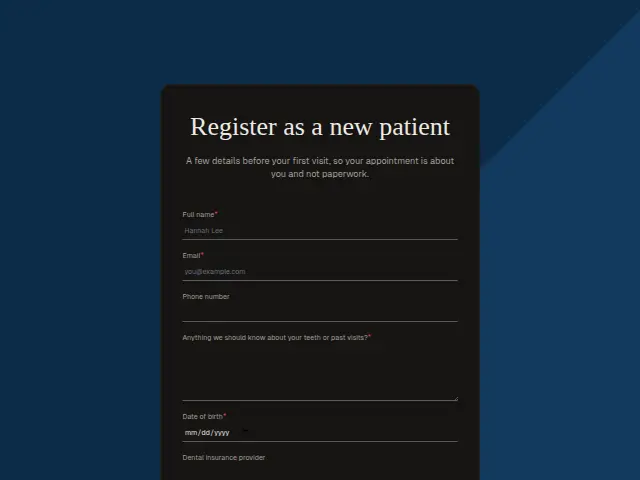
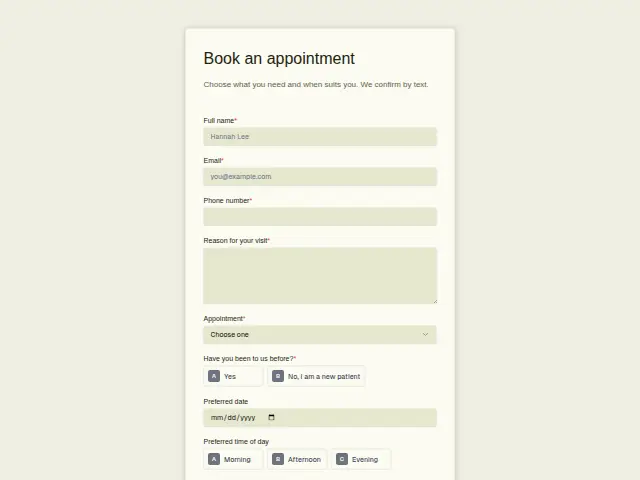
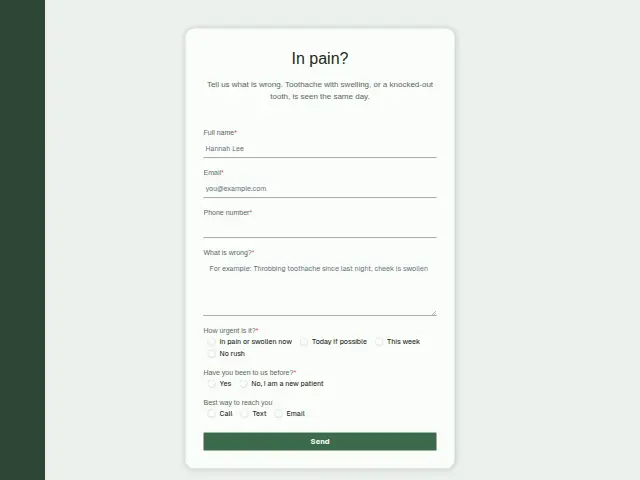
The same form, in 6 layouts
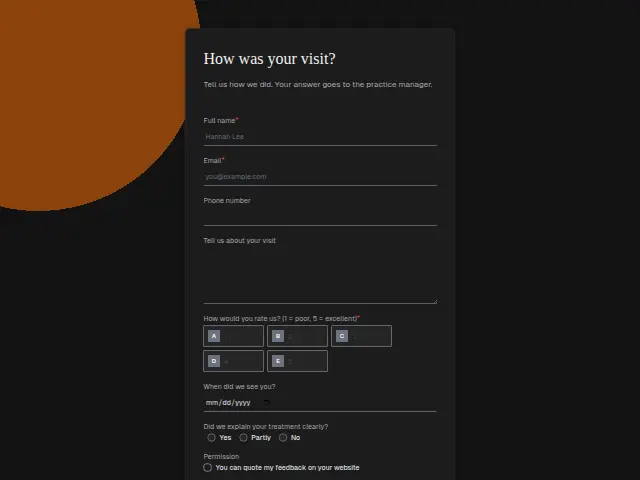
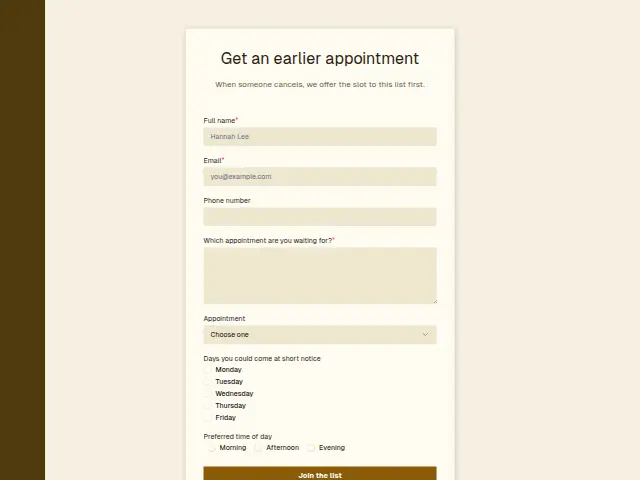
Same questions, same words. Pick the arrangement that suits the page it sits on; the layout can be changed later too.
Field guide
9 questions, each with what the business does with the answer.
| Question | Type | Required |
|---|---|---|
| Full nameThe patient record is opened under this name, which should match the insurance card. | Short text | Yes |
| EmailAppointment reminders and treatment plans are easiest to send here once the record exists. | Yes | |
| Phone numberOptional, and when given it lets the front desk call a nervous patient before the first visit. | Phone | No |
| Anything we should know about your teeth or past visits?A bad extraction years ago or a bridge from another practice is what the dentist reads before the exam. | Long text | Yes |
| Date of birthRequired, and with the name it is how the practice tells two patients with the same name apart. | Date | Yes |
| Dental insurance providerA workflow can send this to whoever checks cover, so eligibility is known before the patient sits down. | Short text | No |
| Previous dentistThis is where the request for old records and X-rays starts, and a workflow can remind the front desk. | Short text | No |
| Medicines and allergiesBlood thinners or a penicillin allergy written here must be read before any treatment, and stay on the record. | Long text | No |
| Are you nervous about dental visits?Not at all · A little · Very“Very” can pass to the front desk, so the patient gets a longer slot or a call from the dentist first. | Multiple choice | No |
What happens after someone sends it
A “Very” gives the practice a chance to prepare, with a longer slot or a call from the dentist beforehand, and a workflow can pass that answer to the front desk. The previous dentist answer is where a request for old records starts, and the insurance provider goes to whoever checks cover.
Registration forms count as leads, so each new patient becomes a person in the practice’s CRM with the date of birth and insurer attached, ready for the first booking.
Each response adds the person to the client’s CRM, shows in their portal’s Leads and sends you a new-lead alert; if nobody has answered after 15 minutes, you hear again. Any workflow you start from the form runs the moment it arrives.
Library workflows that start from a form like this: Enquiry triage.
Its answers can also go straight to another app with a starter: ActiveCampaign, Airtable, Asana, Attio, Brevo, ClickUp, Close and Discord, among others.
Trades that use it
The trade page that lists this form, with the trade’s other forms and workflows.
Thrum is cooking.
Get early access and you’ll be among the first in. Early members get a launch perk.