Dental visit feedback template
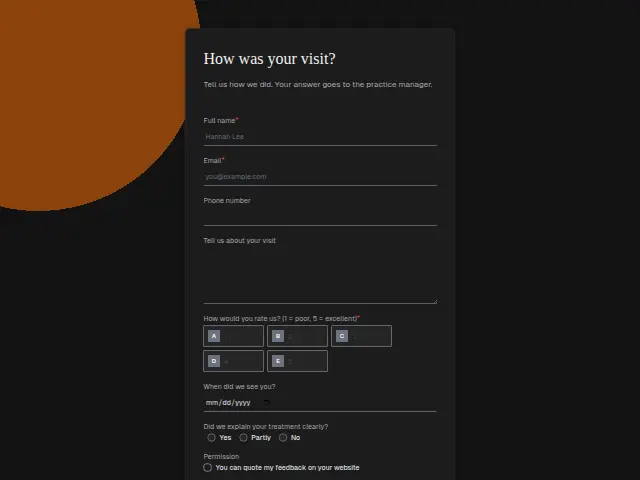
Tell us how we did. Your answer goes to the practice manager.
Start the 14-day trial, then choose Dental visit feedback under Form templates. Each field, word and colour can be changed.
Who uses it
After a visit, a practice wants to know whether patients understood what happened in the chair. “Did we explain your treatment clearly?” asks that directly, with “Partly” for the patient who went home with questions about a treatment plan or a quote. The form also takes a rating, the visit date and an optional note, and the description says it goes to the practice manager.
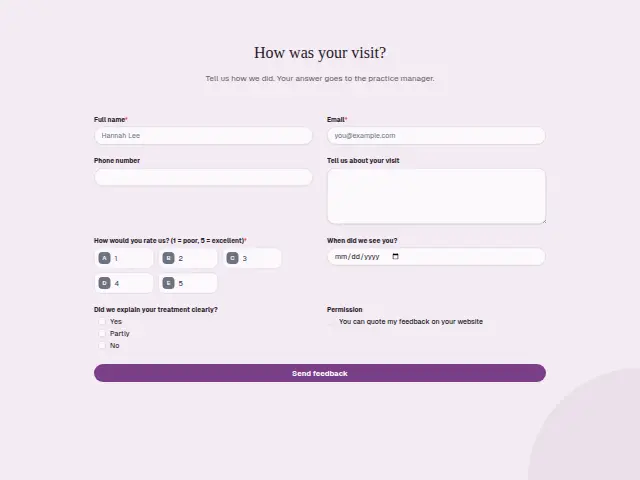
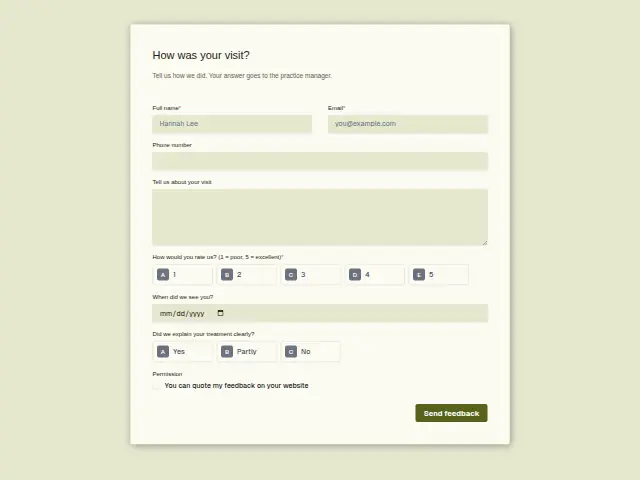
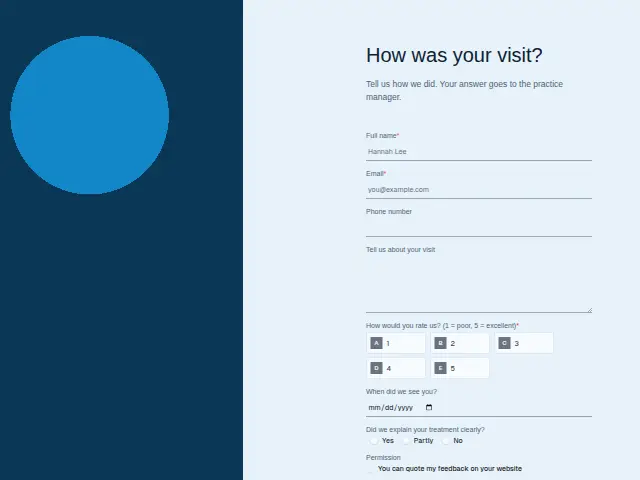
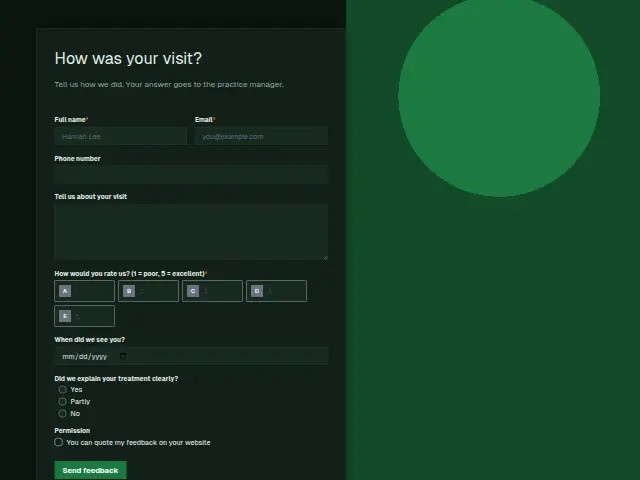
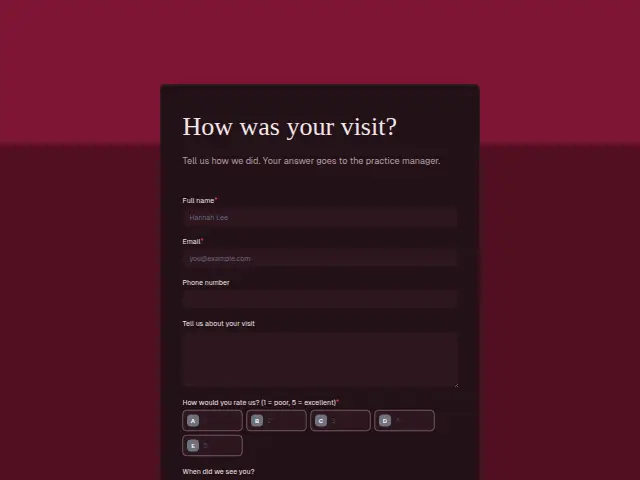
The same form, in 6 layouts
Same questions, same words. Pick the arrangement that suits the page it sits on; the layout can be changed later too.
Field guide
8 questions, each with what the business does with the answer.
| Question | Type | Required |
|---|---|---|
| Full nameThe practice manager ties this name to the visit date before reading what the patient wrote. | Short text | Yes |
| EmailFeedback routing’s email goes here, telling a patient with a low score that the practice manager will call. | Yes | |
| Phone numberThe clinician’s call about a “Partly” or “No” on the explanation goes to this number. | Phone | No |
| Tell us about your visitQuestions the patient went home with often show up here, and they are what the clinician answers on the call. | Long text | No |
| How would you rate us? (1 = poor, 5 = excellent)1 · 2 · 3 · 4 · 5At or below your low mark, the score is texted to the number you set, here the practice manager’s. | Multiple choice | Yes |
| When did we see you?A run of low scores on the same clinic day points the manager to the session that went wrong. | Date | No |
| Did we explain your treatment clearly?Yes · Partly · No“Partly” or “No” can start a branch that asks the clinician to call, whatever the score. | Multiple choice | No |
| PermissionYou can quote my feedback on your websiteA tick lets the practice quote the patient on its website, with the consent kept in Results. | Checkboxes | No |
What happens after someone sends it
A “Partly” or “No” is a reason for a call from the clinician, and its own path in the workflow can arrange it. Feedback routing texts the number you give it, such as the practice manager’s, about low scores the same day, tells the patient who will call, and logs every score.
The visit date lets the manager tie a run of “Partly” answers to a clinic day or a dentist, and the “Permission” box decides whose words can appear on the practice website.
Made from this template, the form keeps its answers in Results: no person is added to the client’s CRM and no lead alert goes out, unless you switch “Add responses to leads” on. Any workflow you start from it still runs.
Library workflows that start from a form like this: Feedback routing and Review request.
Its answers can also go straight to another app with a starter: ActiveCampaign, Airtable, Asana, Attio, Brevo, ClickUp, Close and Discord, among others.
Trades that use it
The trade page that lists this form, with the trade’s other forms and workflows.
Related forms
See them all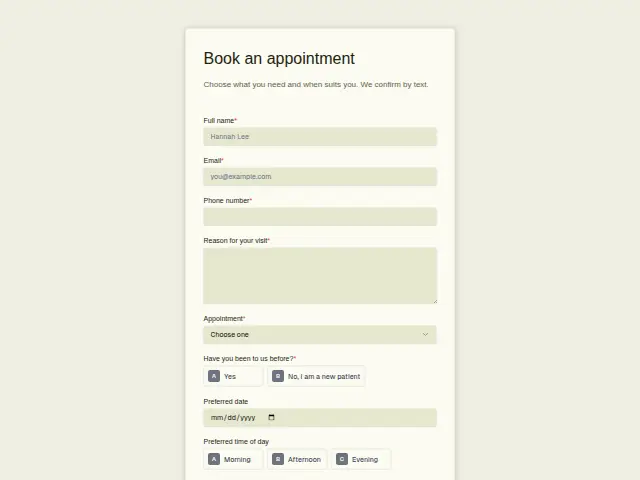 Dental appointment bookingDental8 fields · Booking
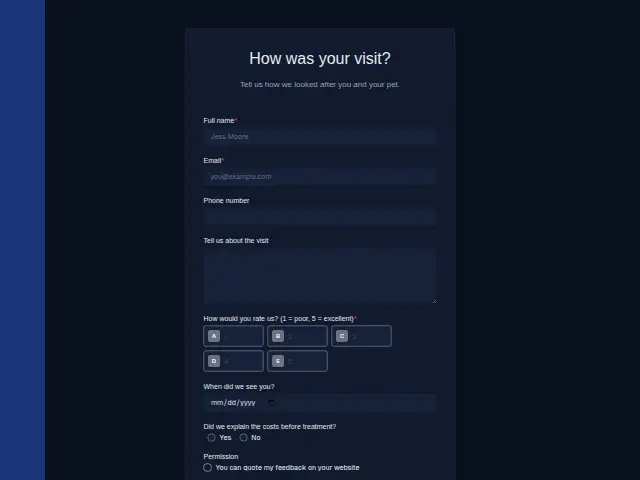 Vet visit feedbackVeterinary8 fields · Feedback
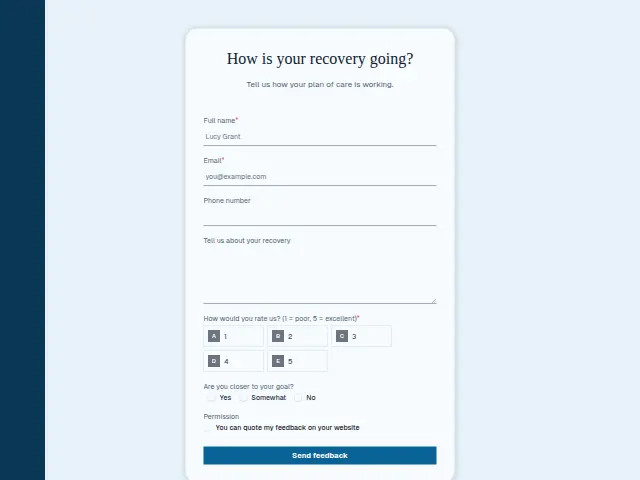 Physical therapy feedbackPhysiotherapy7 fields · Feedback
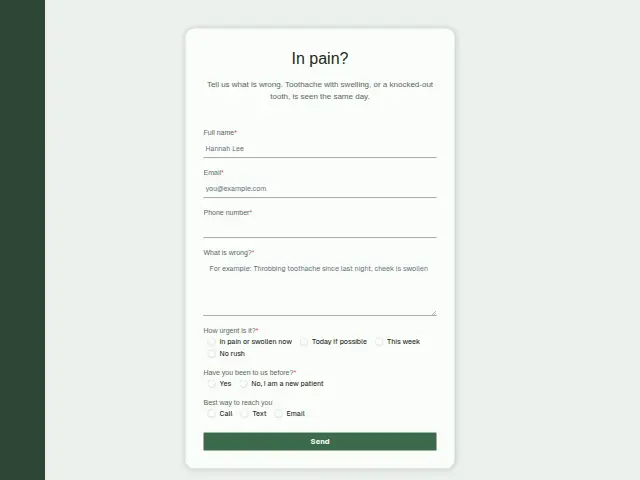 Dental emergency enquiryDental7 fields · Enquiry
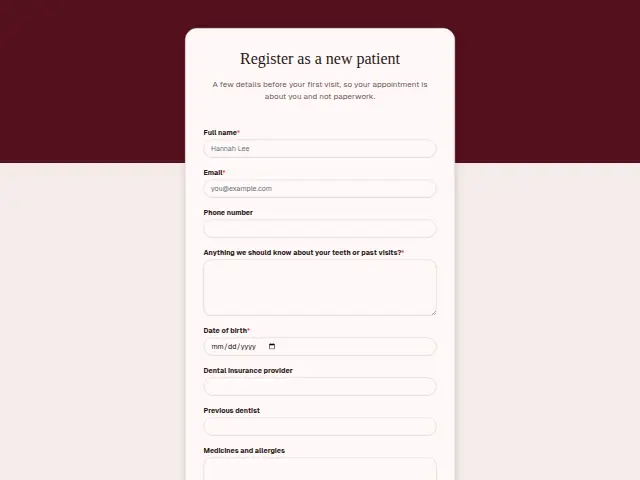 Dental new patient registrationDental9 fields · Registration
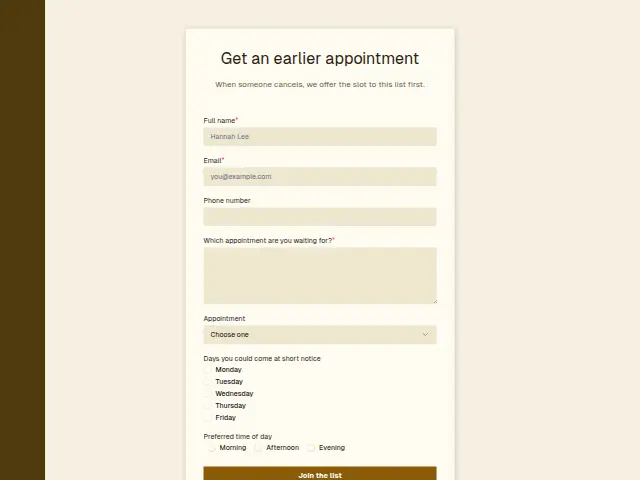 Dental short-notice listDental7 fields · Waitlist
Thrum is cooking.
Get early access and you’ll be among the first in. Early members get a launch perk.