Coaching session feedback template
Tell us what helped and what did not.
Start the 14-day trial, then choose Coaching session feedback under Form templates. Each field, word and colour can be changed.
Who uses it
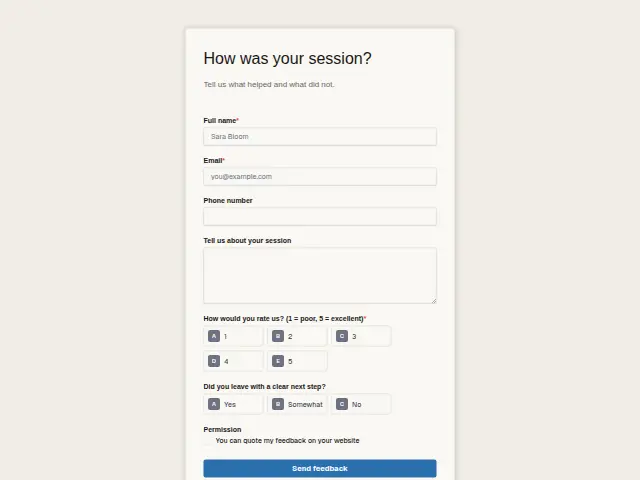
Sent after a session, this asks one question beyond the rating, “Did you leave with a clear next step?” (Yes, Somewhat, No). For a coach, a session that ends without a next step has missed its purpose, whatever the client felt in the room.
A score from 1 to 5 and an open comment complete it, plus a Permission box for quoting the comment on the coach’s site.
The same form, in 6 layouts
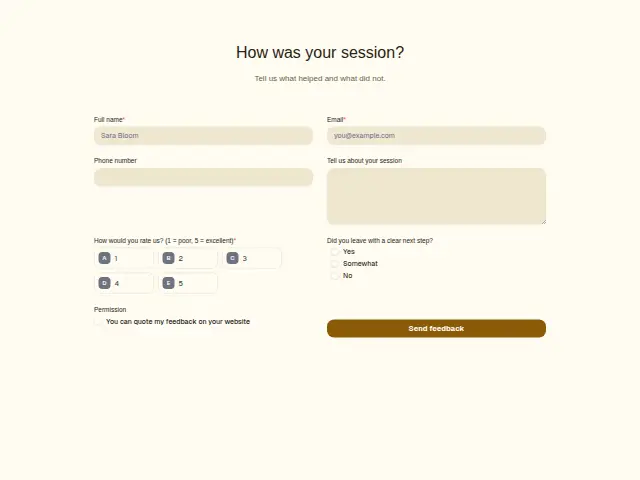
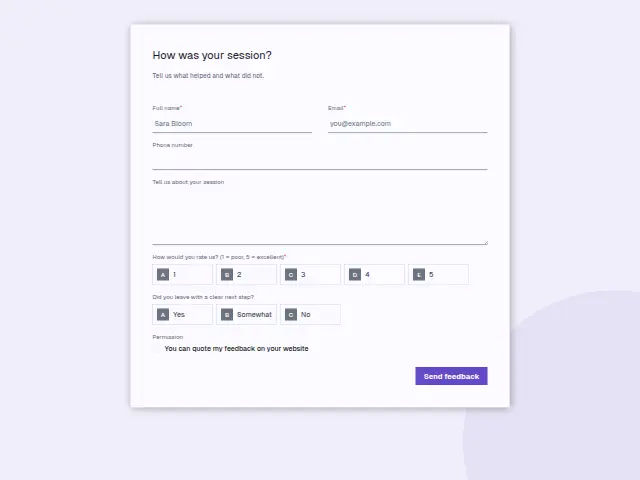
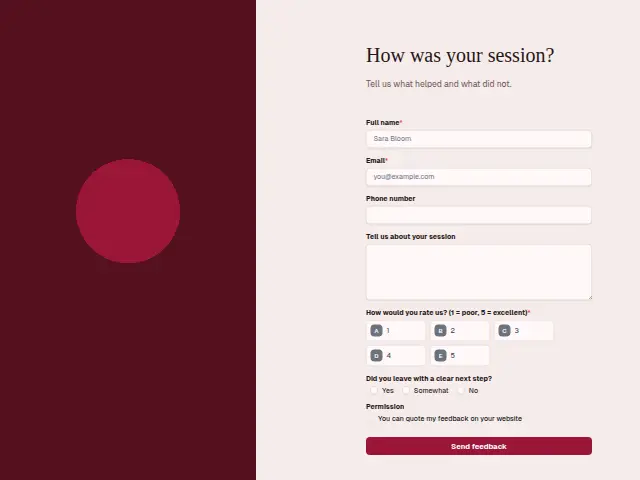
Same questions, same words. Pick the arrangement that suits the page it sits on; the layout can be changed later too.
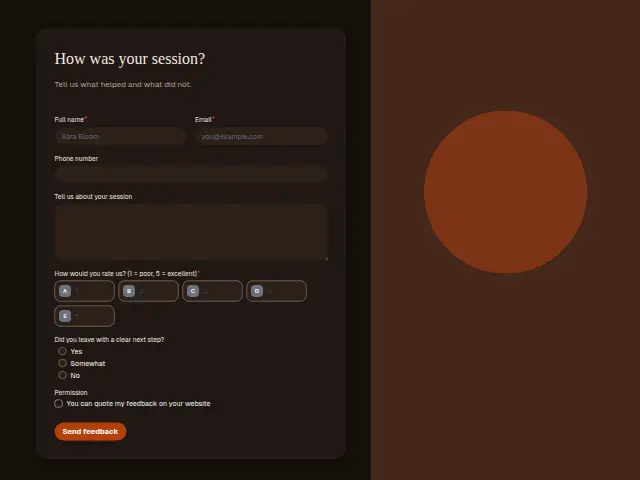
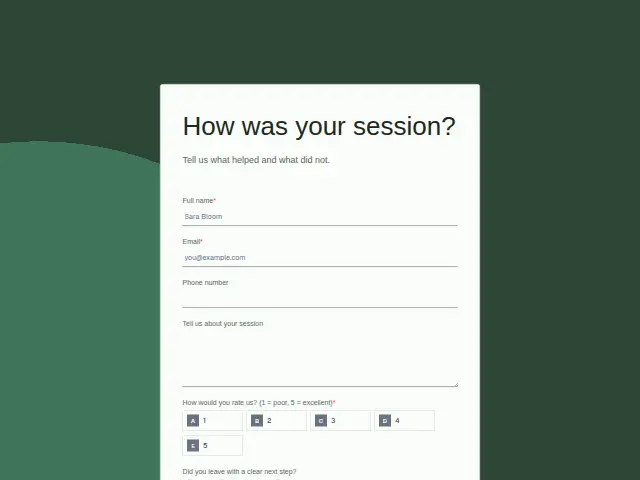
Field guide
7 questions, each with what the business does with the answer.
| Question | Type | Required |
|---|---|---|
| Full nameLets the coach connect the answer to the session it is about, with every score logged to a sheet. | Short text | Yes |
| EmailThe thank-you lands here, and a workflow can follow a No on the next step with an email naming it. | Yes | |
| Phone numberOptional for a session check-in, and the coach’s quickest way to reach a client who scored the session low. | Phone | No |
| Tell us about your sessionThe client’s account of what helped, read with the next-step answer to see where sessions tend to drift. | Long text | No |
| How would you rate us? (1 = poor, 5 = excellent)1 · 2 · 3 · 4 · 5Low ratings put the session on the owner’s phone the same day through Feedback routing, with the client told someone will call. | Multiple choice | Yes |
| Did you leave with a clear next step?Yes · Somewhat · NoNo can start an email within a day that names the step, whatever the rating says. | Multiple choice | No |
| PermissionYou can quote my feedback on your websiteClears a comment for the coach’s site, and without the tick the comment stays in Results only. | Checkboxes | No |
What happens after someone sends it
No on the next step is worth a message within a day that names the step. Feedback routing takes care of the low ratings, putting them on the owner’s phone the same day, telling the client a person will call and thanking everyone who answers. Read together over a few months, the Somewhat answers show where sessions tend to drift.
Made from this template, the form keeps its answers in Results: no person is added to the client’s CRM and no lead alert goes out, unless you switch “Add responses to leads” on. Any workflow you start from it still runs.
Library workflows that start from a form like this: Feedback routing and Review request.
Its answers can also go straight to another app with a starter: ActiveCampaign, Airtable, Asana, Attio, Brevo, ClickUp, Close and Discord, among others.
Trades that use it
The trade page that lists this form, with the trade’s other forms and workflows.
Workflows for coaching
What runs when this form is sent: playbooks and packs written for the same trade.
- PackCoachingExecutive coach packBriefs you before each session, follows up after it, and starts new engagements.

 Calendly



 3 workflows · 8 steps · 6 apps
- PackCoachingGroup-program coach packRecovers failed payments, thanks each payer, and sends you weekly enquiry numbers.


 3 workflows · 10 steps · 5 apps
- PackCoachingSmall-business coach packConfirms bookings, briefs you before each session, and thanks clients when they pay.Calendly3 workflows · 8 steps · 7 apps
Related forms
See them all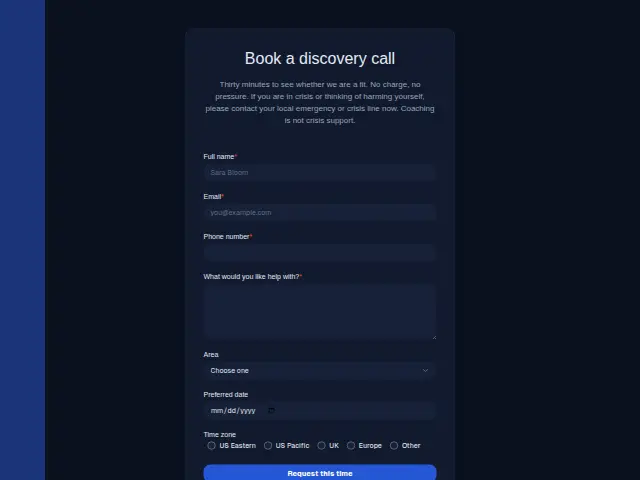 Coaching discovery callCoaching7 fields · Booking
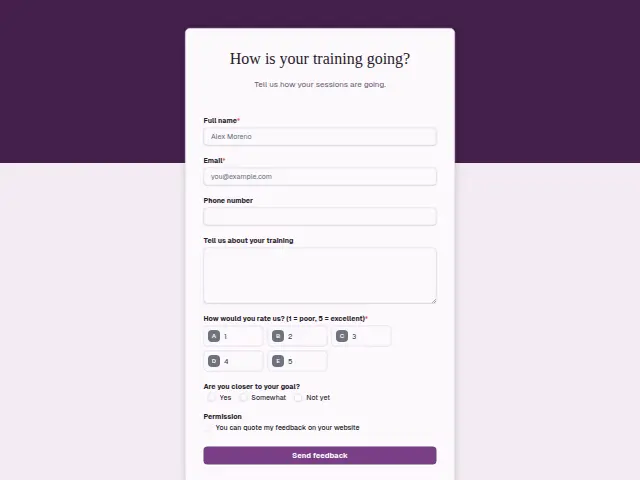 Personal training feedbackPersonal training7 fields · Feedback
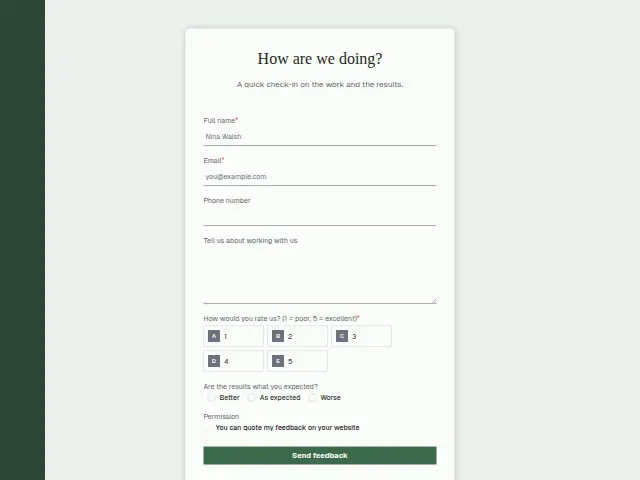 Marketing client feedbackMarketing agency7 fields · Feedback
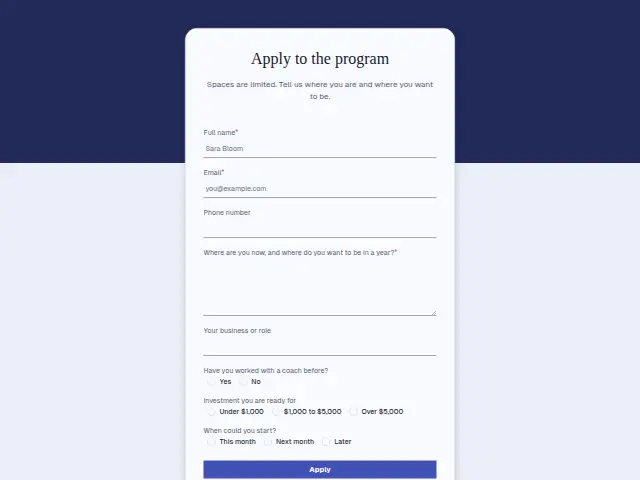 Coaching program applicationCoaching8 fields · Application
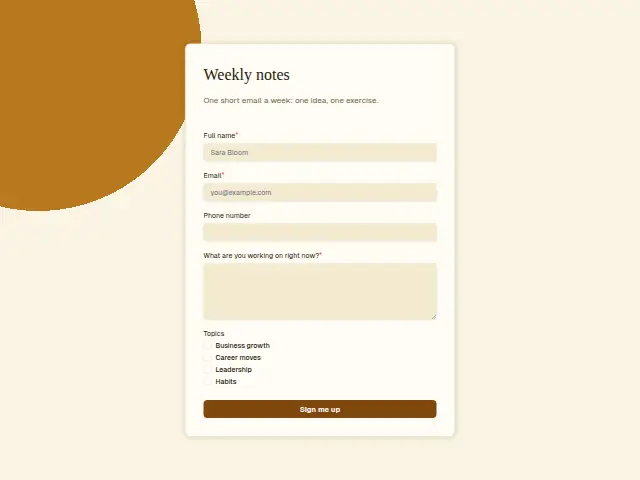 Coaching newsletter sign-upCoaching5 fields · Subscription
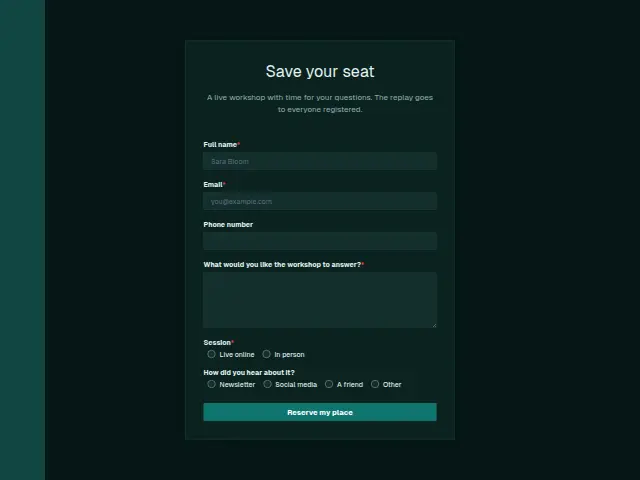 Coaching workshop registrationCoaching6 fields · Event RSVP
Thrum is cooking.
Get early access and you’ll be among the first in. Early members get a launch perk.