Electrician service call template
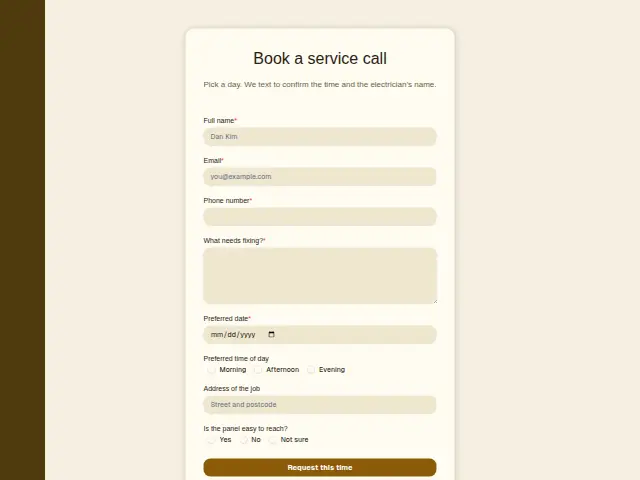
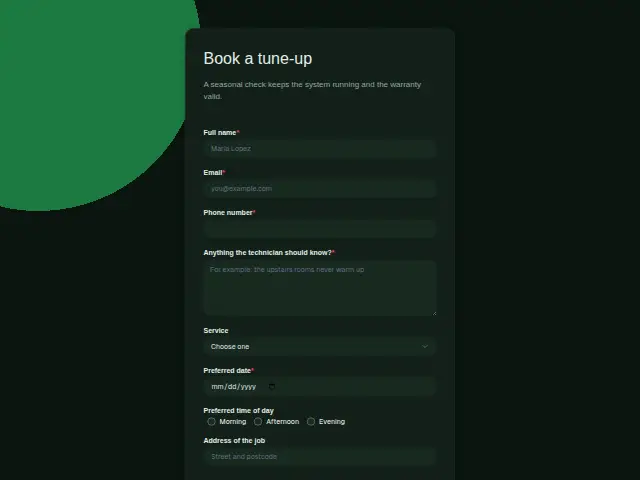
Pick a day. We text to confirm the time and the electrician’s name.
- Trade
- Electrical
- Kind of form
- Booking
- Questions
- 8
- Required
- 5
Start the 14-day trial, then choose Electrician service call under Form templates. Each field, word and colour can be changed.
Who uses it
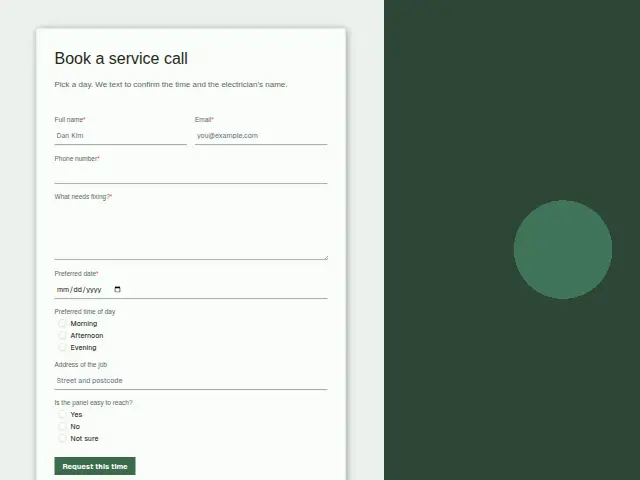
For the jobs that aren’t sparking, an electrician would sooner book a time than take a call on a roof. The form asks for a preferred date (required), a time of day, the address and a required “What needs fixing?”, and its description promises a text with the time and the electrician’s name, which helps a customer feel easy about letting a stranger in.
“Is the panel easy to reach?” is the electrician’s own question. A panel behind garage shelving or in a locked cupboard adds time to the visit, and a “No” or “Not sure” warns them before they set off.
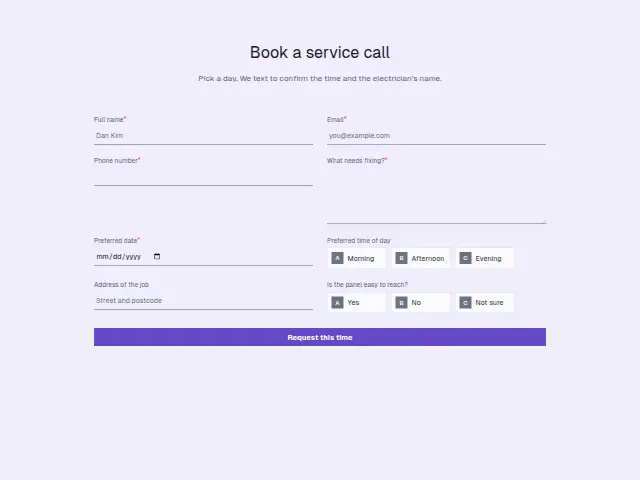
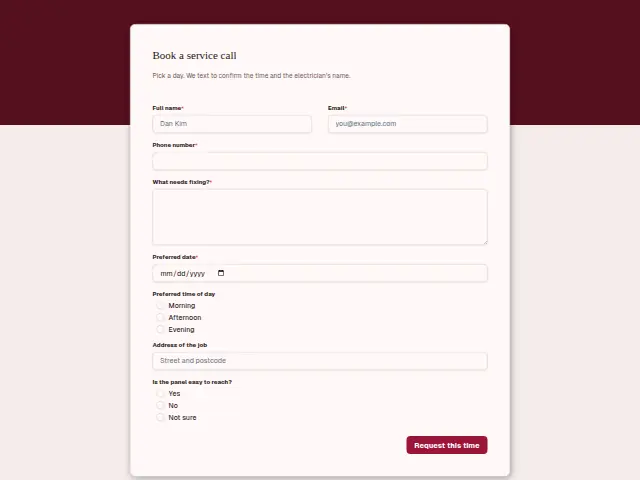
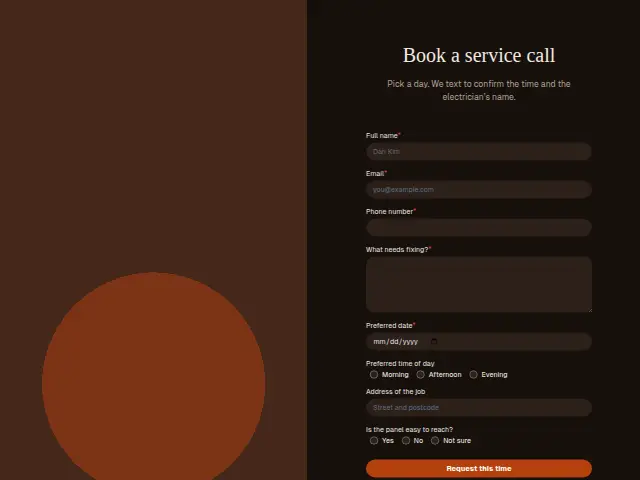
The same form, in 6 layouts
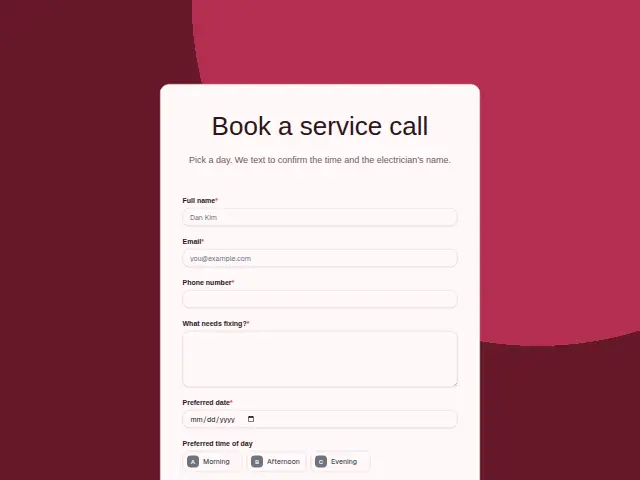
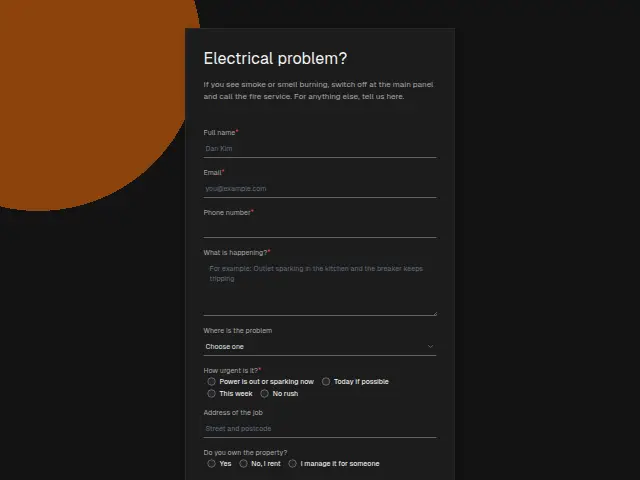
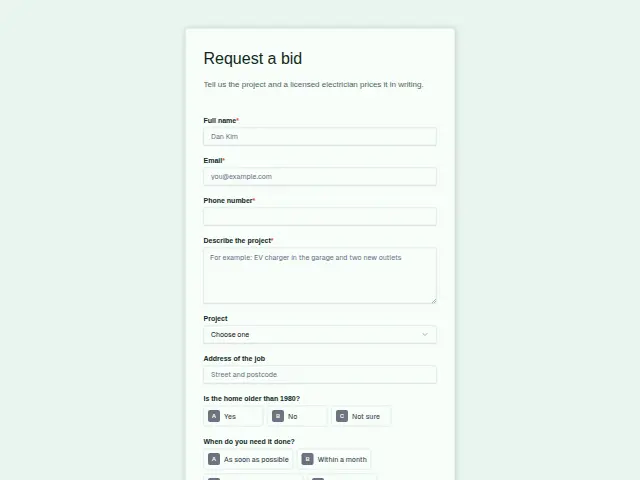
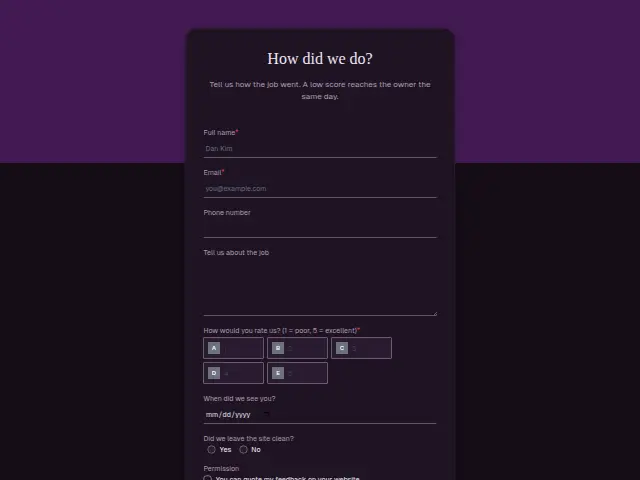
Same questions, same words. Pick the arrangement that suits the page it sits on; the layout can be changed later too.
Field guide
8 questions, each with what the business does with the answer.
| Question | Type | Required |
|---|---|---|
| Full nameThe confirmation text promises the electrician’s name, and it greets the customer by this one. | Short text | Yes |
| EmailResults lists the booking under this address, and the portal’s Leads shows it to the client’s own staff. | Yes | |
| Phone numberThe text with the time and the electrician’s name, promised in the description, goes to this number. | Phone | Yes |
| What needs fixing?A line like “two dead outlets in the kitchen” tells the electrician which parts and tester to bring. | Long text | Yes |
| Preferred dateRequired, and a workflow can add it with the address to a monday.com board the office schedules from. | Date | Yes |
| Preferred time of dayMorning · Afternoon · EveningAn evening answer may need the electrician who works late, so a branch can send those to them. | Multiple choice | No |
| Address of the jobOptional, and it sits on the CRM person, so a repeat customer’s address is already there next time. | Short text | No |
| Is the panel easy to reach?Yes · No · Not sure“No” or “Not sure” can trigger a text asking the customer to clear the space before the visit. | Multiple choice | No |
What happens after someone sends it
The panel answer is a useful branch. A workflow can add a note to the job so the electrician allows extra time, or ask the customer to clear the space before the visit. The confirmation text the description promises is an SMS step in a workflow this form starts, signed with the business’s name.
The booking itself becomes a CRM person with the date and the address, and appears among the client’s new leads in the portal.
Each response adds the person to the client’s CRM, shows in their portal’s Leads and sends you a new-lead alert; if nobody has answered after 15 minutes, you hear again. Any workflow you start from the form runs the moment it arrives.
Library workflows that start from a form like this: Meeting follow-up and Quiet lead follow-up.
Its answers can also go straight to another app with a starter: ActiveCampaign, Airtable, Asana, Attio, Brevo, ClickUp, Close and Discord, among others.
Trades that use it
The trade page that lists this form, with the trade’s other forms and workflows.
Thrum is cooking.
Get early access and you’ll be among the first in. Early members get a launch perk.