Personal training package sign-up template
Train on a schedule that fits and lock in your trainer’s time.
- Trade
- Personal training
- Kind of form
- Subscription
- Questions
- 7
- Required
- 4
Start the 14-day trial, then choose Personal training package sign-up under Form templates. Each field, word and colour can be changed.
Who uses it
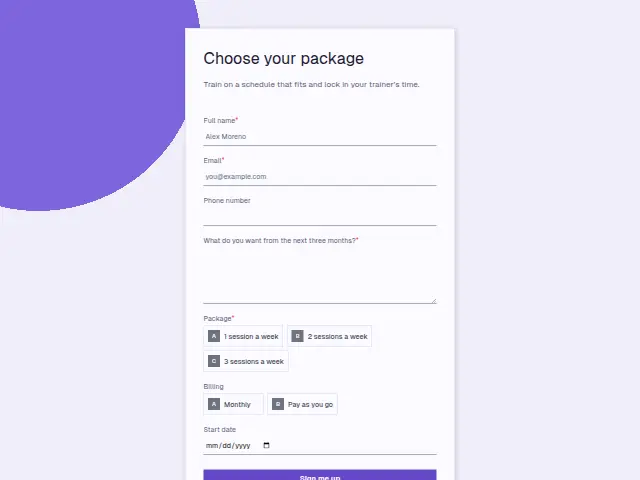
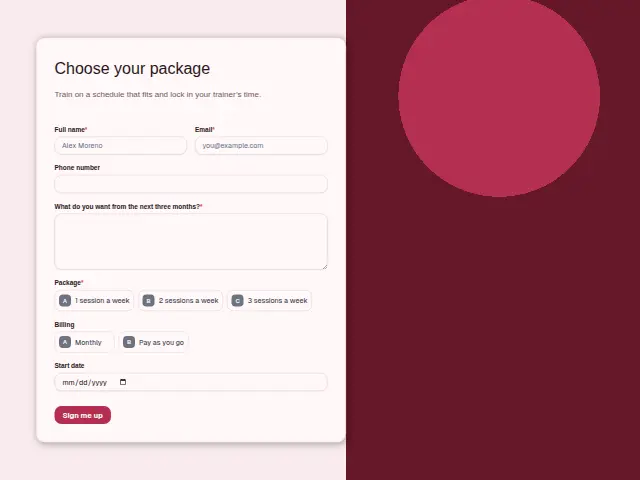
Once a client wants to commit, this form turns a conversation into a schedule. Package is required, with 1, 2 or 3 sessions a week, Billing (Monthly, Pay as you go) says how they want to pay, and Start date is optional.
“What do you want from the next three months?” is required by design, because a package is a block of time and the trainer plans it from that answer. The description talks about locking in the trainer’s time, which is what a weekly package means for a trainer with a full diary.
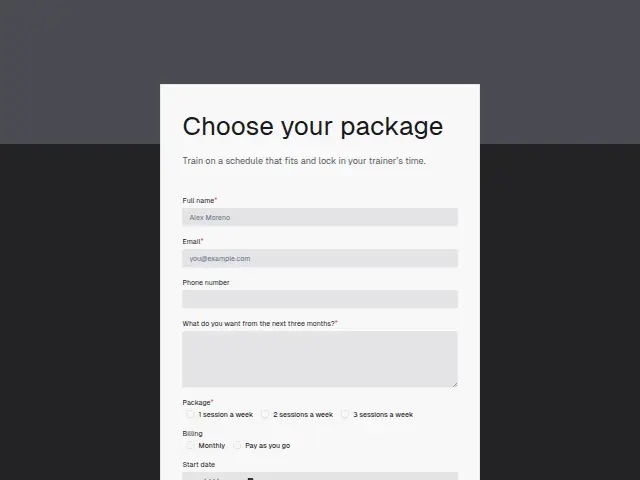
The same form, in 6 layouts
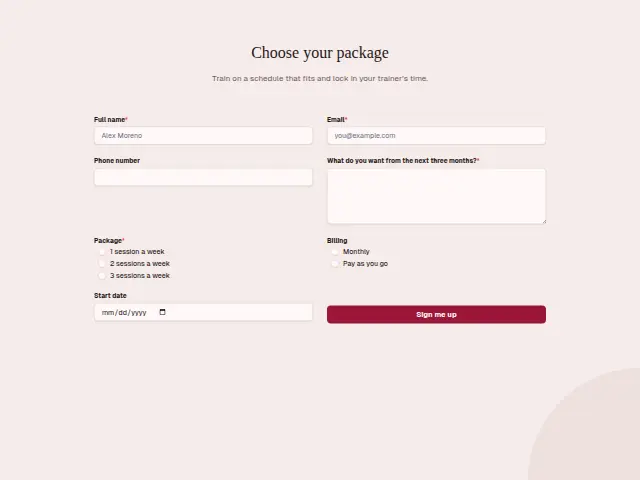
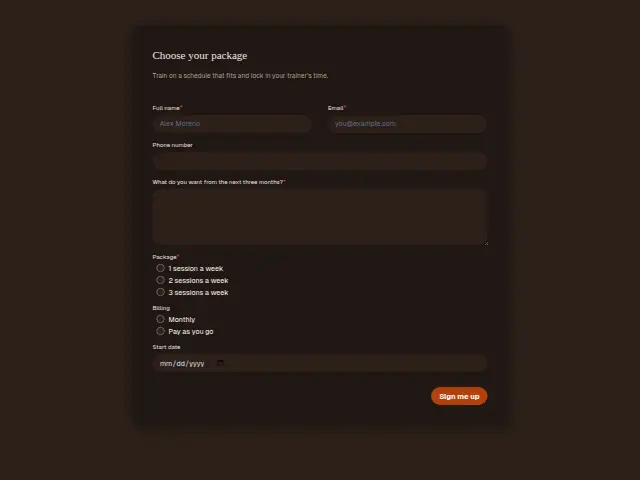
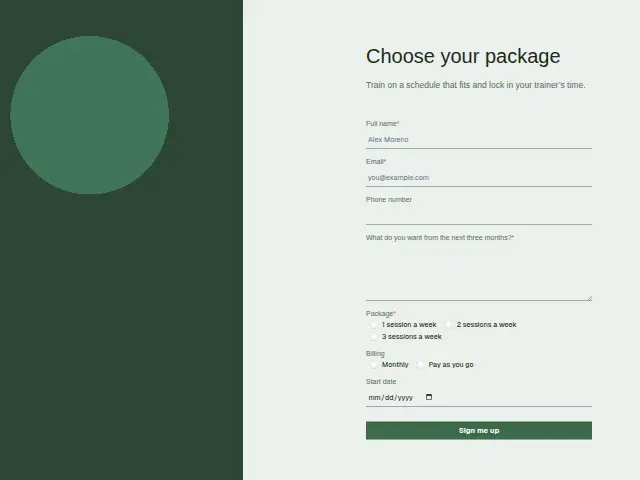
Same questions, same words. Pick the arrangement that suits the page it sits on; the layout can be changed later too.
Field guide
7 questions, each with what the business does with the answer.
| Question | Type | Required |
|---|---|---|
| Full nameNames the client on the package, and on the Stripe customer a workflow can create for monthly billing. | Short text | Yes |
| EmailWhere a workflow sends the Stripe payment link for Monthly sign-ups, or the first booking for pay as you go. | Yes | |
| Phone numberOptional, though the trainer may use it to text the first session time once the package starts. | Phone | No |
| What do you want from the next three months?Required, since the trainer plans the three-month block from this answer. | Long text | Yes |
| Package1 session a week · 2 sessions a week · 3 sessions a weekPicks the price, so a workflow can make a payment link that matches one, two or three sessions a week. | Multiple choice | Yes |
| BillingMonthly · Pay as you goMonthly leads to a payment link and Pay as you go to a first booking, as a two-way workflow branch. | Multiple choice | No |
| Start dateOptional, and when given it tells the trainer from which week to hold the weekly slots in the diary. | Date | No |
What happens after someone sends it
Package and Billing together set the next step. For Monthly sign-ups a workflow can make a Stripe payment link for the price that matches the Package answer and send it, while Pay as you go clients get their first booking instead. The three-month answer belongs in the trainer’s plan for the block.
Trainers who take on package clients only after a check can use Approval chase, which sends each sign-up to the approver, goes to a deputy if a day passes without an answer, and tells the client the outcome.
Each response adds the person to the client’s CRM, shows in their portal’s Leads and sends you a new-lead alert; if nobody has answered after 15 minutes, you hear again. Any workflow you start from the form runs the moment it arrives.
Library workflows that start from a form like this: Quiet lead follow-up.
Its answers can also go straight to another app with a starter: ActiveCampaign, Airtable, Asana, Attio, Brevo, ClickUp, Close and Discord, among others.
Trades that use it
The trade page that lists this form, with the trade’s other forms and workflows.
Workflows for personal training
What runs when this form is sent: playbooks and packs written for the same trade.
- PackPersonal trainingIn-person personal trainer packAnswers enquiries fast, confirms sessions, wins back cancellations and asks for reviews.
 Calendly


 4 workflows · 28 steps · 4 apps
- PackPersonal trainingOnline personal trainer packRecovers failed payments, thanks paying clients, and follows up leads that went quiet.

 3 workflows · 21 steps · 5 apps
- PlaybookPersonal trainingAfter-hours answeringAnswer customer messages at any hour from the business’s own facts, and hand anything else to a person with a holding reply.

 Telegram9 steps · 3 apps
Related forms
See them all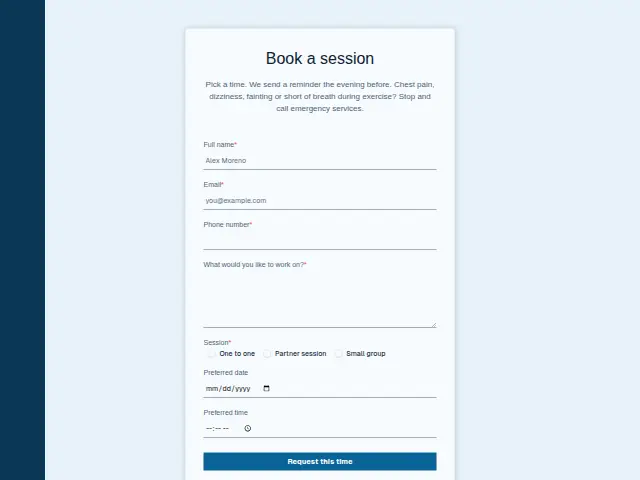 Personal training session bookingPersonal training7 fields · Booking
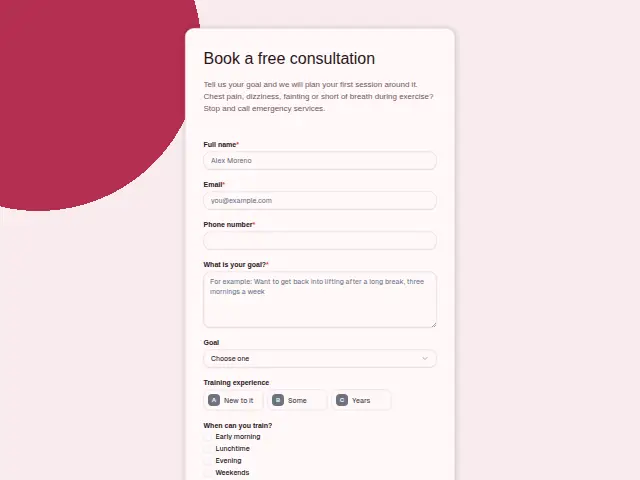 Personal training free consultationPersonal training7 fields · Enquiry
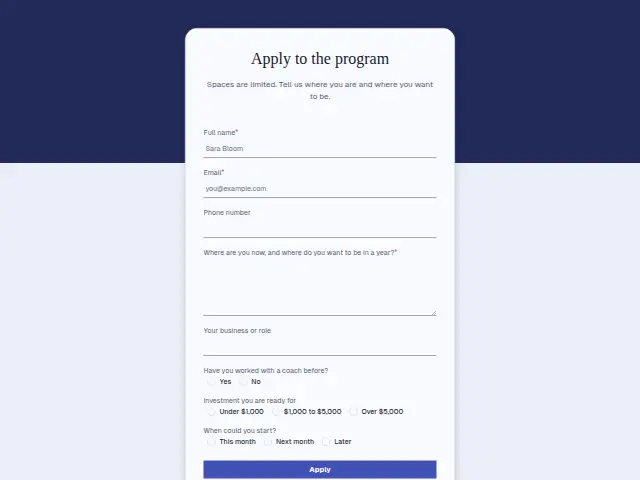 Coaching program applicationCoaching8 fields · Application
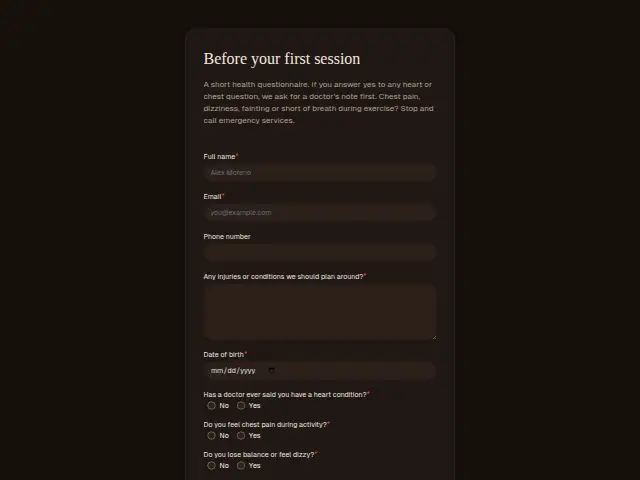 Personal training health questionnairePersonal training9 fields · Registration
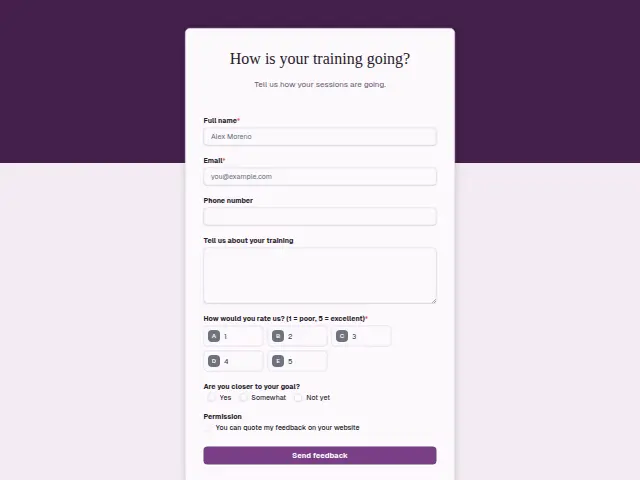 Personal training feedbackPersonal training7 fields · Feedback
Thrum is cooking.
Get early access and you’ll be among the first in. Early members get a launch perk.